


Overview
The .NET MAUI Interactive Viewer component enables seamless content viewing and navigation. It provides built-in support for zooming, panning, and rotating content and resetting the view through intuitive touch interactions, along with zoom events and theming support for a customizable viewing experience.
.NET MAUI Interactive Viewer code example
Easily get started with the .NET MAUI Interactive Viewer using a few simple lines of XAML code, as demonstrated below. Also, explore our .NET MAUI Interactive Viewer demo, which shows you how to render and configure the .NET MAUI Interactive Viewer control.
<ContentPage
  xmlns:interactiveViewer="clr-namespace:Syncfusion.Maui.InteractiveViewer;assembly=Syncfusion.Maui.InteractiveViewer">

    <interactiveViewer:SfInteractiveViewer x:Name="interactiveViewer"
                                           Background="Transparent"
                                           MinimumZoomFactor="1"
                                           MaximumZoomFactor="4">
        <Image Source="interactiveviewerimage.png" Aspect="AspectFit" />
    </interactiveViewer:SfInteractiveViewer>
</ContentPage>
using Syncfusion.Maui.InteractiveViewer;
public partial class MainPage : ContentPage
{
public MainPage()
{
InitializeComponent();
SfInteractiveViewer interactiveViewer = new SfInteractiveViewer()
{
interactiveViewer.MinimumZoomFactor = 1;
interactiveViewer.MaximumZoomFactor = 4;
interactiveViewer.Background = Colors.Transparent;
Content = new Image()
{
Source = "interactiveviewerimage.png",
Aspect = Aspect.AspectFit
}
};
this.Content = interactiveViewer;
}
}Zoom and pan content
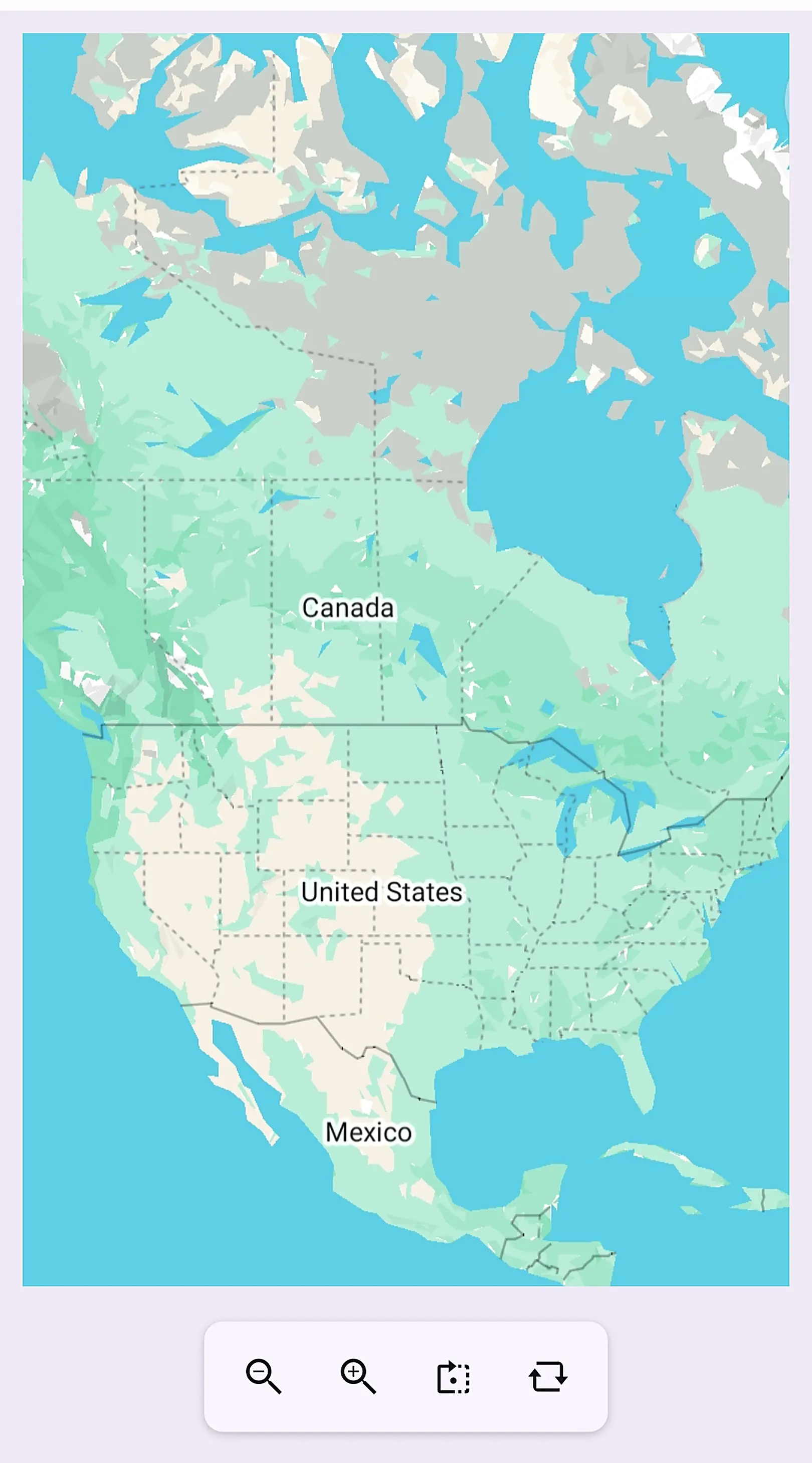
The zoom feature allows you to change the scale of the content. Zoom in for a closer view or zoom out to see more content within the viewport.
The pan feature allows you to navigate zoomed-in content that extends beyond the visible area. Move across the content smoothly to explore different regions without changing the zoom level.


Rotate content
The Interactive Viewer makes it simple to rotate content 90, 180, 270, or 360 degrees clockwise.
Reset view
Reset the content view to its original state by discarding all zoom, pan, and rotation changes. You can start fresh and navigate the content from its default view.

Content viewing utilities
The Interactive Viewer supports reset operations, zoom events, and hosting any .NET MAUI view for a flexible content viewing experience.
Theme support
Supports seamless integration with application themes, ensuring a consistent visual appearance across light and dark modes.

 95+ UI controls
200+ interactive .NET MAUI demos
3.5M+ downloads
95+ UI controls
200+ interactive .NET MAUI demos
3.5M+ downloads
.NET MAUI DataViz & UI Controls
Standalone UI SDKs
Integrate the DataGrid, Chart, Scheduler, and Rich Text Editor UI components into applications to enable rich interaction and visualization, delivering a seamless user experience.
Document Solutions
Integrate the PDF Viewer, DOCX Editor, Spreadsheet Editor, and document-processing libraries into the .NET MAUI applications to enable a smooth user experience.
Frequently Asked Questions
Why should you choose the Syncfusion .NET MAUI Interactive Viewer?
With the Syncfusion .NET MAUI Interactive Viewer control, you can:
- Explore content in detail with intuitive zooming and panning interactions.
- View content from different orientations with built-in rotation support.
- Quickly restore the original view by resetting the zoom level, position, and rotation.
- Host any .NET MAUI view as content and enable rich interactive viewing experiences.
- Seamlessly integrate with application themes for a consistent appearance across light and dark modes.
- Leverage zoom-related events to customize and enhance viewing interactions.
- Build interactive viewing experiences across Android, iOS, macOS, and Windows with a single codebase.
Our Customers Love Us




See Real Success Stories
Developers around the world trust Syncfusion’s Essential Studio to simplify complex projects and speed up delivery. With a vast library of UI controls, powerful SDKs, and reliable support, Essential Studio helps teams build enterprise-ready applications with confidence.
Read Our Customer StoriesIndustry
Software development
75% Cost reduction
50% Faster development

Industry
Utilities (oil and gas)

450+ hours saved
Streamlined processes and hours of development effort saved.

Advanced, flexible features
Empowered users through robust and versatile functionality.
Industry
Software and technology
1000+ of hours saved
Accelerated development with enterprise-ready UI components.

Efficient file management
Streamlined workflows with document libraries without building them from scratch.
Industry
Software and technology

2 Years of delay avoided
Two years of delays prevented with proactive planning.

On-time delivery
Projects delivered on schedule using trusted controls.
Industry
IT services and IT consulting

Improved performance
Large datasets handled with easy customization and quick debugging.

Highly customizable
Plug-and-play controls with quick template integration.
Industry
Professional services
Instant access
Quick availability of features and resources.
Reduced dependencies
Fewer dependencies for faster development.
Rated by users across the globe



Syncfusion .NET MAUI Resources


Awards
Greatness—it’s one thing to say you have it, but it means more when others recognize it. Syncfusion® is proud to hold the following industry awards.









