

Overview
The .NET MAUI Grid Splitter is a layout control that provides resizable split views within a grid. It allows users to adjust the size of adjacent rows or columns by dragging a splitter bar. The control is useful for creating flexible layouts such as dashboards, document editors, image viewers, and master-detail views.
.NET MAUI Grid Splitter code example
Easily get started with the .NET MAUI Grid Splitter using a few simple lines of XAML code, as demonstrated below. Also, explore our .NET MAUI Grid Splitter example, which shows how to resize Grid rows and columns at runtime using the Grid Splitter control.
<?xml version="1.0" encoding="utf-8" ?>
<ContentPage xmlns="http://schemas.microsoft.com/dotnet/2021/maui"
             xmlns:x="http://schemas.microsoft.com/winfx/2009/xaml"
             x:Class="GridSplitterGettingStarted.MainPage"
             xmlns:gridSplitter="clr-namespace:Syncfusion.Maui.GridSplitter;assembly=Syncfusion.Maui.GridSplitter">

   <gridSplitter:SfGridSplitter>

        <gridSplitter:SplitterPane>
            <VerticalStackLayout Padding="16">
                <Label Text="PARIS"
                        FontSize="20"
                        FontAttributes="Bold" />
                <Label Text="Paris, the city of lights and love." />
            </VerticalStackLayout>
        </gridSplitter:SplitterPane>

        <gridSplitter:SplitterPane>
            <VerticalStackLayout Padding="16">
                <Label Text="CAMEMBERT"
                    FontSize="20"
                    FontAttributes="Bold" />
                <Label Text="A famous French cheese from Normandy." />
            </VerticalStackLayout>
        </gridSplitter:SplitterPane>

        <gridSplitter:SplitterPane>
            <VerticalStackLayout Padding="16">
                <Label Text="GRENOBLE"
                    FontSize="20"
                    FontAttributes="Bold" />
                <Label Text="Capital city of the French Alps." />
            </VerticalStackLayout>
        </gridSplitter:SplitterPane>

    </gridSplitter:SfGridSplitter>

</ContentPage>
Resizable panes
The .NET MAUI Grid Splitter provides built-in resizing support that helps users increase or reduce the size of adjacent grid rows or columns. It supports applying minimum and maximum sizing constraints to maintain usable content areas during resizing.
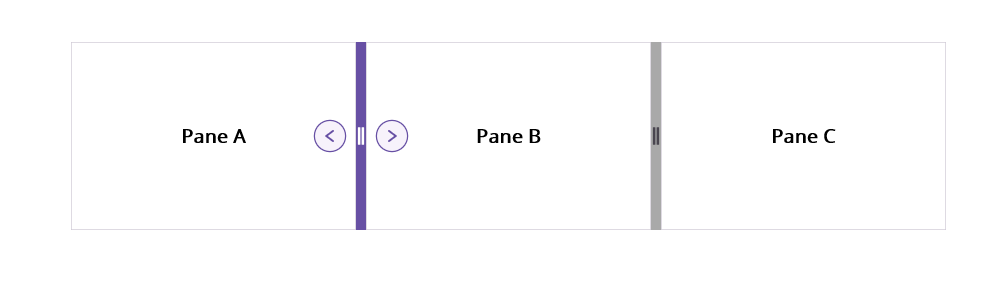
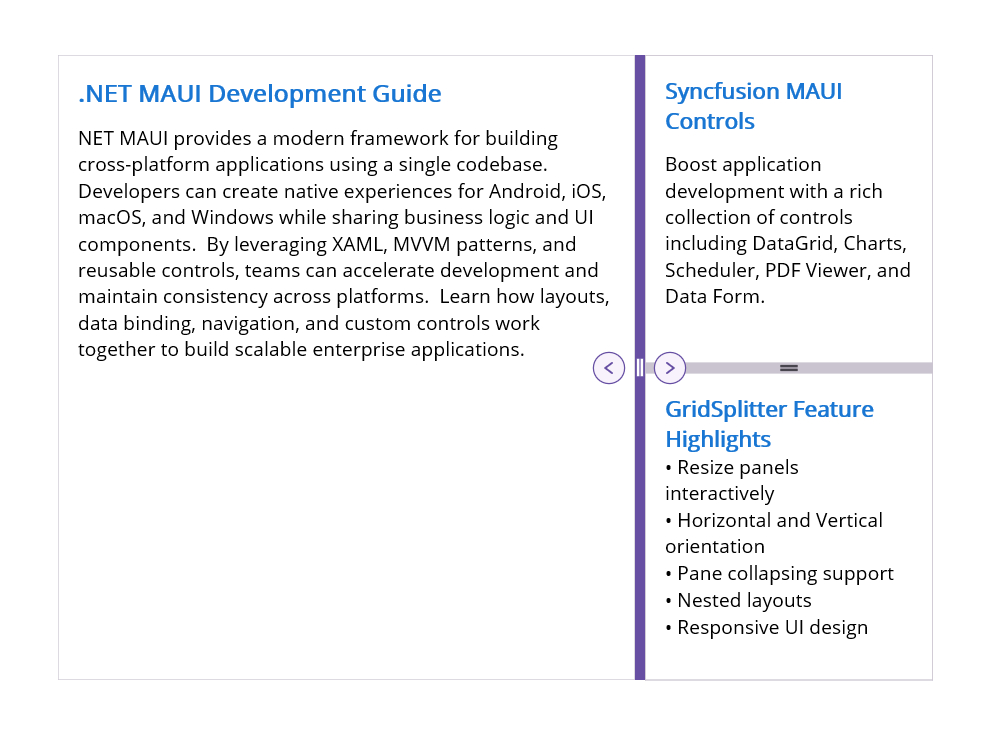
Collapsible panes
The .NET MAUI Grid Splitter supports expanding and collapsing adjacent layout areas through interactions. This helps users show or hide content when more space is needed for the primary view.
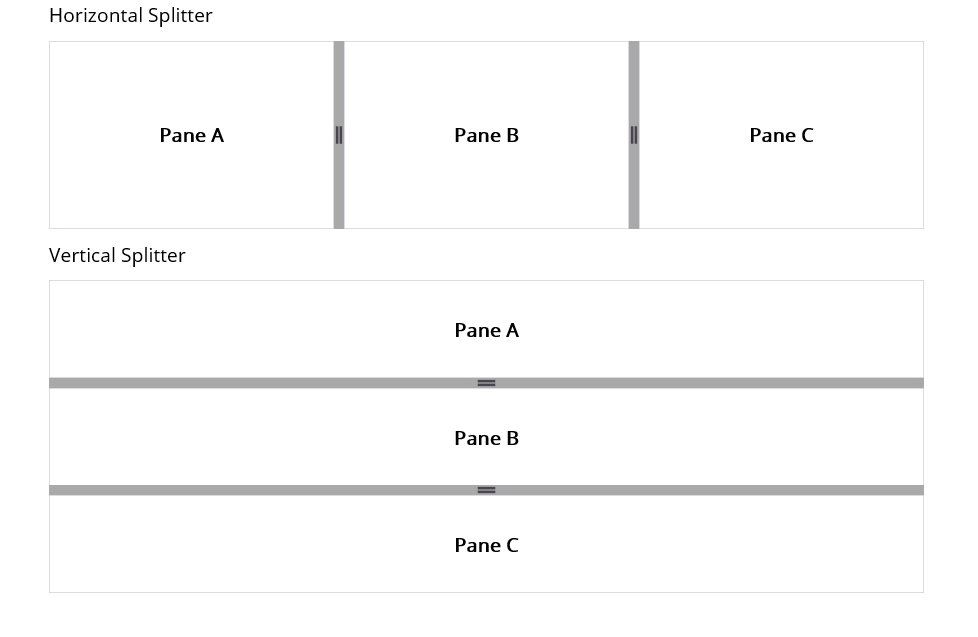
Vertical or horizontal orientation
The .NET MAUI Grid Splitter can be used for horizontal or vertical resizing. A horizontal Grid Splitter adjusts the height of adjacent rows, while a vertical Grid Splitter adjusts the width of adjacent columns.
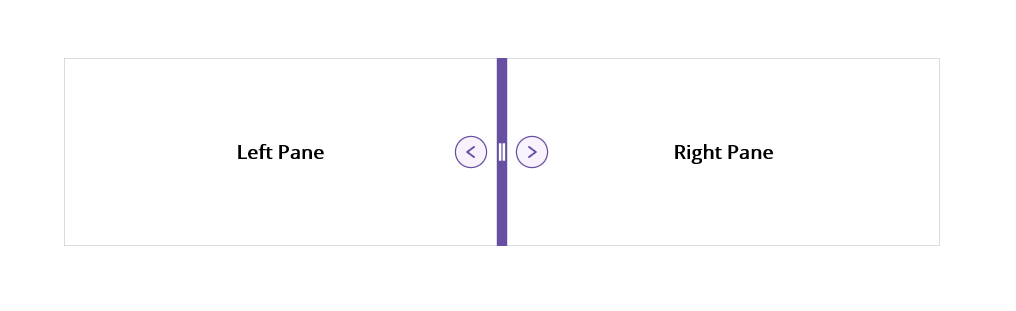
Separator (divider)
The .NET MAUI Grid Splitter provides a split bar between adjacent rows or columns. The separator identifies the resizable areas and gives users a clear target for touch interactions.
Nested grid splitter
Multiple Grid Splitters can be nested within layouts to create complex interfaces with multiple levels of adjustable content. Create advanced layouts such as code editor-style and dashboard-style views.
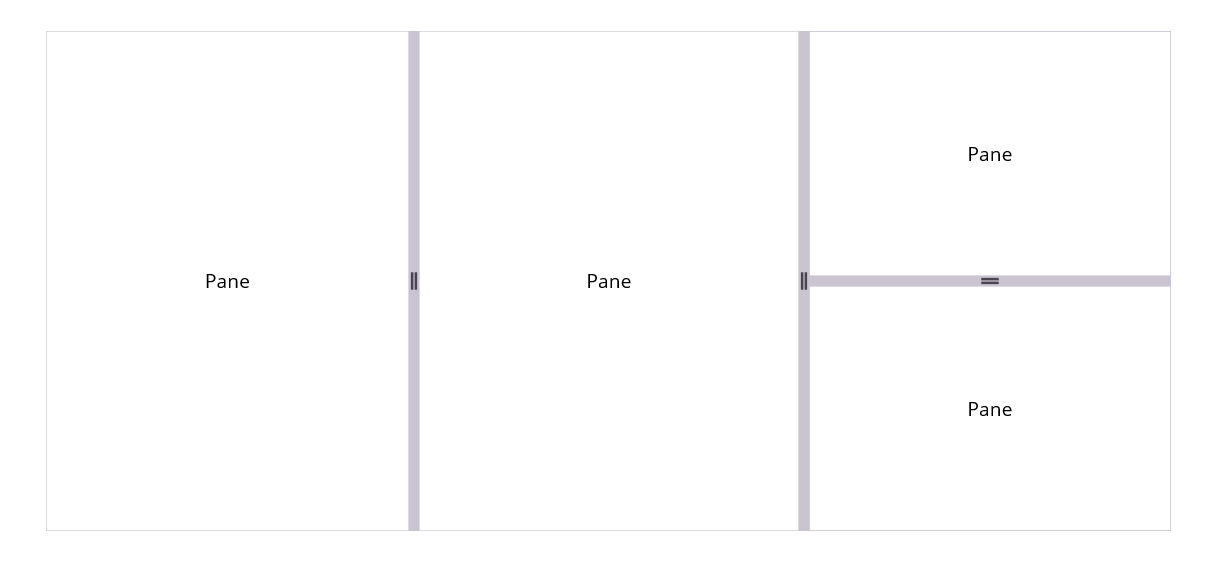
Themes
The .NET MAUI Grid Splitter supports built-in Syncfusion themes that can be customized to match the visual design of your application. Configure the splitter bar’s appearance and related layout elements to create a consistent user interface.
Sizing to content
Users can define row and column sizes with pixel, auto, and star values to accommodate content in each pane. Minimum and maximum sizing constraints help the layout respond smoothly while users resize the panes.
 95+ UI controls
200+ interactive .NET MAUI demos
3.5M+ downloads
95+ UI controls
200+ interactive .NET MAUI demos
3.5M+ downloads
.NET MAUI DataViz & UI Controls
Standalone UI SDKs
Integrate the DataGrid, Chart, Scheduler, and Rich Text Editor UI components into applications to enable rich interaction and visualization, delivering a seamless user experience.
Document Solutions
Integrate the PDF Viewer, DOCX Editor, Spreadsheet Editor, and document-processing libraries into the .NET MAUI applications to enable a smooth user experience.
Our Customers Love Us




See Real Success Stories
Developers around the world trust Syncfusion’s Essential Studio to simplify complex projects and speed up delivery. With a vast library of UI controls, powerful SDKs, and reliable support, Essential Studio helps teams build enterprise-ready applications with confidence.
Read Our Customer StoriesIndustry
Software development
75% Cost reduction
50% Faster development

Industry
Utilities (oil and gas)

450+ hours saved
Streamlined processes and hours of development effort saved.

Advanced, flexible features
Empowered users through robust and versatile functionality.
Industry
Software and technology
1000+ of hours saved
Accelerated development with enterprise-ready UI components.

Efficient file management
Streamlined workflows with document libraries without building them from scratch.
Industry
Software and technology

2 Years of delay avoided
Two years of delays prevented with proactive planning.

On-time delivery
Projects delivered on schedule using trusted controls.
Industry
IT services and IT consulting

Improved performance
Large datasets handled with easy customization and quick debugging.

Highly customizable
Plug-and-play controls with quick template integration.
Industry
Professional services
Instant access
Quick availability of features and resources.
Reduced dependencies
Fewer dependencies for faster development.
Rated by users across the globe



Syncfusion .NET MAUI Resources


Awards
Greatness—it’s one thing to say you have it, but it means more when others recognize it. Syncfusion® is proud to hold the following industry awards.









