



Why do you need our Markdown Library?
Create and automate Markdown workflows in C# without the need for external tools or manual effort. Convert Markdown to PDF, Word, HTML, PowerPoint, and Excel with the help of our Word, Excel, and PowerPoint libraries. You can also convert these formats back into clean Markdown, helping you build efficient and scalable document processing solutions.
This example demonstrates how to use the Syncfusion .NET Markdown Library in C# to create, edit, and convert Markdown documents with just a few lines of code.
Key Features of the .NET Markdown Library
Create Markdown
Create well-structured Markdown documents from scratch programmatically in C# without using any Markdown editors or third-party tools.
Edit Markdown
Open and edit existing Markdown files in C#. Modify text, restructure content, and save updates in Markdown format without external software or dependencies.
Rich Markdown Elements
Work with a wide range of Markdown elements programmatically, including headings, paragraphs, lists, tables, code blocks, block quotes, links, and images.
Clone and Merge Markdown
Quickly clone Markdown documents for reuse and merge multiple files into a single Markdown document to organize content efficiently.
Image Customization
Control how images are handled during Markdown conversion. Use event handlers to process images, load them from local files or URLs, and specify where they are saved locally.
Encoding Options
Choose the encoding type, such as UTF-8, Unicode, ASCII, or other encodings, for opening and saving Markdown documents based on your requirements.
Convert Markdown to Other Formats
Convert Markdown files to PDF, Word, HTML, Excel, PowerPoint, and image formats using C#.
Markdown to PDF
Convert Markdown content to high-quality PDF in C# along with Word and PDF Libraries. Maintain structure, formatting, links, and images for consistent, print-ready output.
Markdown to Word
Convert Markdown to DOCX, RTF, ODT, XML, or plain text in C# using a Word Library.
Markdown to HTML
Convert Markdown to HTML in C# using a Word Library while preserving headings, lists, formatting, tables, links, and images.
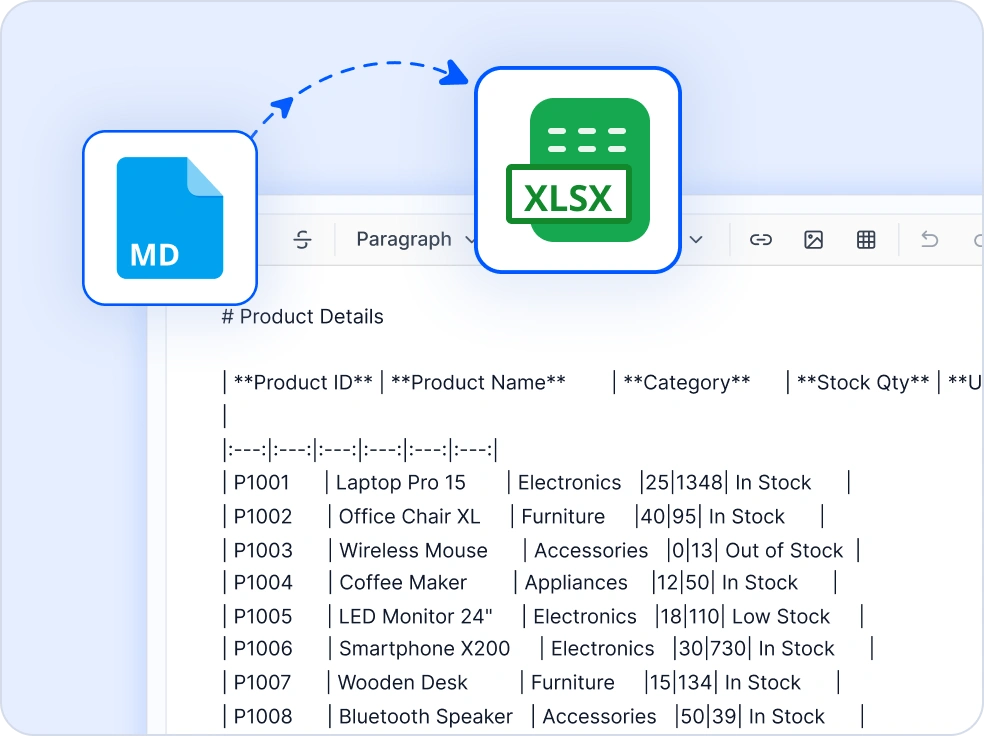
Markdown to Excel
Convert Markdown tables to Excel in C# using an Excel Library, making data ready for analysis, reporting, and further processing.
Markdown to PowerPoint
Convert Markdown content to PowerPoint in C# using a PowerPoint Library. Headings, lists, and text are imported into slides.
Markdown to Image
Convert Markdown to JPEG or PNG images in C# for thumbnails or image-based exports using a Word Library.
Convert Other Formats to Markdown
Convert PDF, Word, HTML, Excel, and PowerPoint files into clean Markdown using C#.
PDF to Markdown
Extract and convert PDF content to Markdown in C# using the Smart Data Extraction Library, making it easy to reuse content in Markdown workflows.
Word to Markdown
Convert Word to clean Markdown in C# using a Word Library, preserving styles and formatting with customizable image export options.
HTML to Markdown
Convert HTML to Markdown in C# using a Word Library, making it easy to transform web content into Markdown format.
Excel to Markdown
Convert Excel tables to Markdown in C# using an Excel Library for documentation workflows.
PowerPoint to Markdown
Convert PowerPoint presentations to Markdown in C# using a PowerPoint Library, extracting slides, text, tables, and images for use in documentation pipelines.
AI-Assisted Development
Build Markdown processing solutions faster
Accelerate Markdown workflows with Syncfusion AI tools that simplify document processing and enable faster content creation.
Agent Skills
Generate accurate Markdown processing code using Syncfusion Agent Skills for faster implementation.
Example Prompt How do I create Markdown documents in .NET?
AI Coding Assistant
Generate, configure, and troubleshoot Markdown processing code directly in your IDE.
Example Prompt Show how to convert Markdown documents to PDF.
AI Agent Tools
Automate Markdown workflows with Syncfusion AI Agent Tools to create, process, and convert documents.
Example Prompt Load ‘Report.md’, convert it to DOCX, and save the file.
Trusted by the world’s leading companies

Frequently Asked Questions
If you’re new to the Markdown Library or have questions, our FAQs will help you explore its features and capabilities.
Does the .NET Markdown Library support converting Markdown to other formats and vice versa?
Yes, it supports converting Markdown to popular formats such as PDF, Word, HTML, Excel, PowerPoint, and images, and converting these formats back to Markdown using the respective Syncfusion product libraries.
Does the .NET Markdown Library require Microsoft Office or any other third-party tools?
No. The Library is built entirely in C# and does not require any Markdown editor, Microsoft Office, or any other third-party tools to be installed on the machine.
How can I install the .NET Markdown Library in my project?
Install the Syncfusion.Markdown NuGet package in your project via the NuGet Package Manager or the .NET CLI: dotnet add package Syncfusion.Markdown.
Can I preserve visual elements when converting Office documents to Markdown?
Yes. When converting Office documents such as Word, Excel, and PowerPoint to Markdown, supported content is preserved as Markdown, while visual elements that do not have a direct Markdown equivalent-such as charts, SmartArt, shapes, and other complex objects-are rendered as fallback images to retain their appearance.
Word conversion preserves charts, text boxes, shapes, ink, MathML, SmartArt, canvas, and group shapes as fallback images. Excel conversion renders text boxes, charts, and AutoShapes as images in the Markdown output. PowerPoint conversion preserves charts, SmartArt, group shapes, and OLE objects as fallback images.
Can I customize image handling during Markdown conversion in the .NET Markdown Library?
Yes. The Library provides a built-in event handler that lets you control image processing during conversions. You can load images from local storage, download from remote URLs, or upload to a CDN or cloud bucket and inject the resulting path into the output document.
Which .NET platforms are supported by the Markdown Library?
The Library supports Windows Forms, WPF, ASP.NET MVC, ASP.NET Core, Blazor, WinUI, .NET MAUI, and UWP applications.
Does .NET Markdown Library run on Linux and Docker containers?
Yes. The Library has no platform-specific dependencies and runs on Windows, Linux, macOS, and inside Docker containers - making it suitable for cloud-native deployments on Azure, AWS, and GCP.
Resources
Syncfusion .NET Markdown Library Resources
Explore these resources for comprehensive guides, knowledge base articles, insightful blogs, and ebooks.
Explore guides, APIs, and quick-start tips
Explore guides, and APIs
Ask, share, and connect with peers
Find solutions and best practices fast
Get expert help when you need it
Feature requests and bug reports
Track issues and suggest improvements







