





Transform your applications today by downloading our free evaluation version
Overview
The Xamarin Linear Gauge is a data visualization component that helps display numerical values on a linear scale. It has highly customizable features such as scales, pointers, ranges, and annotations. Also, it offers creation of value indicator, pressure gauge, thermometer, ruler, progress bar, KPI, and more.
Gauge scales
The axis of a Xamarin.Forms Linear Gauge is a linear scale, where a set of values can be plotted based on any business logic. The appearance of a scale can be customized easily. You can change linear scale orientation to either horizontal or vertical based on the design needs.
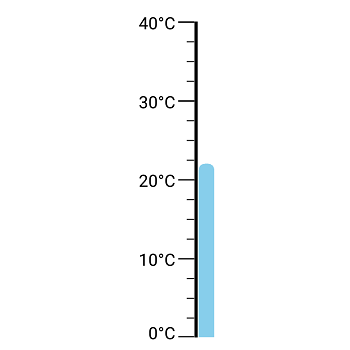
Labels customization
Customize the look and feel of the default labels using the font style, size, and color properties. Prefix or suffix text also can be added to the label.
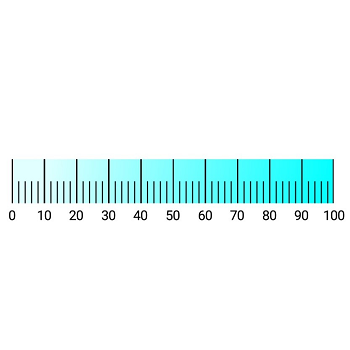
Ticks customization
Define your own style for minor and major ticks using the size, color, and thickness properties.
Offset
To enhance readability, change the default scale position by setting the offset value for labels and ticks.
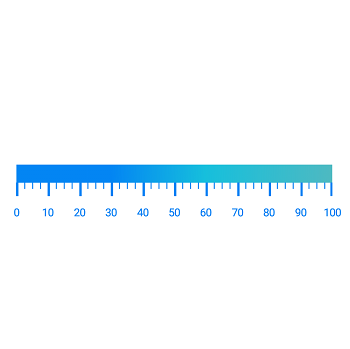
Gradient color
Colors vary gradually based on scale values, which gives a smooth color transition effect.
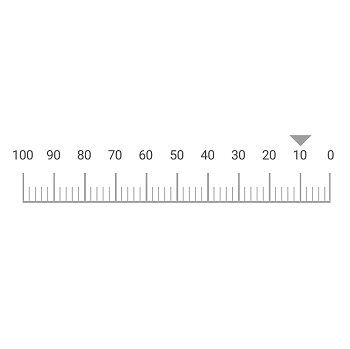
Direction
You can change the scale direction to backward (inversed) or forward.
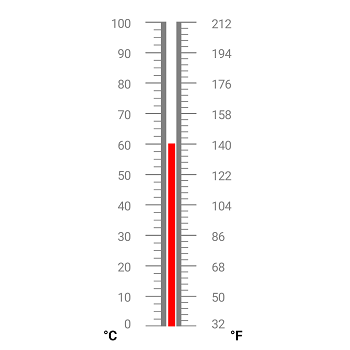
Multiple scales
Add multiple scales to the gauge to design it like a thermometer, dashboard, value indicator, etc.
Gauge range
A range of the Xamarin.Forms Linear Gauge is a visual element that helps to quickly visualize the value that falls on a linear scale.
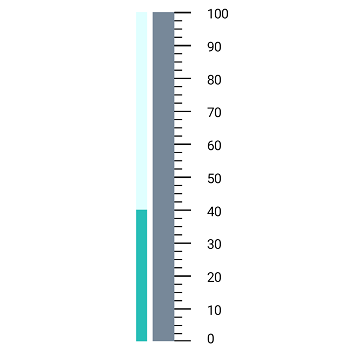
Range position
You can change or move range position to any place in the gauge.
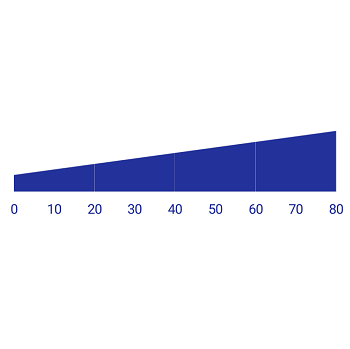
Range thickness
Range thickness varies based on values, visualizing the importance of actual usage and enhancing readability.
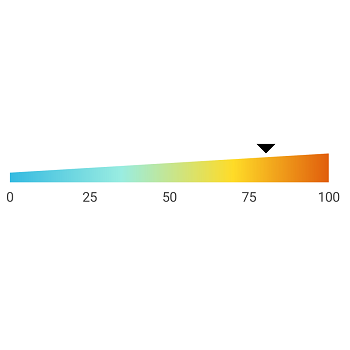
Gradient range color
Range colors vary gradually based on scale values, which gives a smooth color transition effect.
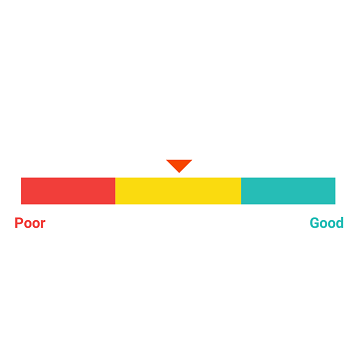
Multiple ranges
Add multiple ranges to the scale to show color variations in a gauge.
Bar pointer
The bar pointer is used to point out the current value from the start value of a linear scale.
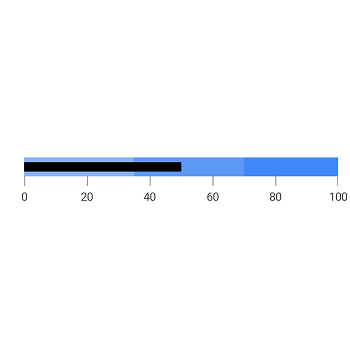
Pointer position
Change or move the position of the bar pointer to any place in the gauge.
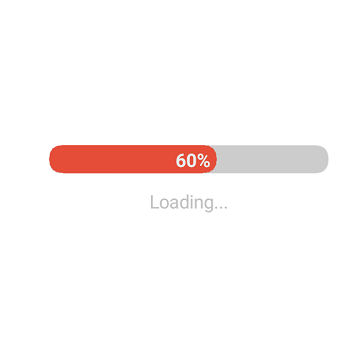
Corner radius
The bar pointer provides options to add the corner radius at start, end, and both sides of the pointer. This support provides a rich styling experience for data visualization.
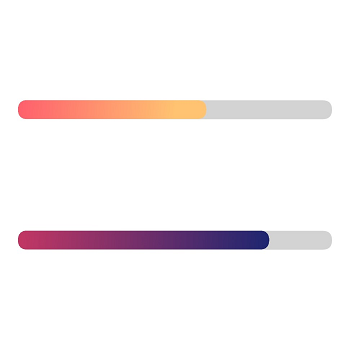
Gradient color
Bar pointer colors vary gradually based on scale values, which gives a smooth color transition effect.
Symbol pointers
You can point out the current value in the linear scale by using marker pointers. Change the pointer type to built-in shapes such as triangles, inverted triangles, squares, or circles to highlight the values.
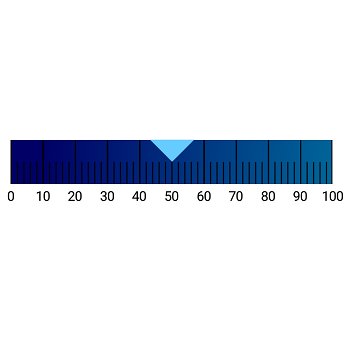
Pointer position
Change or move marker pointers to any place in the gauge.
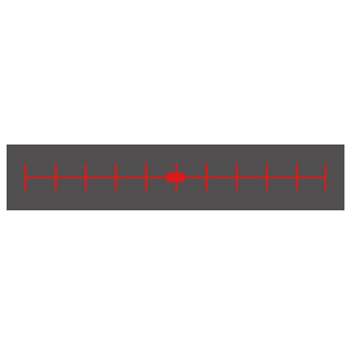
Pointer type
Change the pointer type of a scale to built-in shapes such as a triangles, inverted triangles, squares, or diamonds to highlight the values.

Image pointers
Customize the marker pointer by adding images to highlight the values.
Annotations
Annotations display metadata about a Xamarin.Forms Linear Gauge at a specific point of interest in the plotting area.
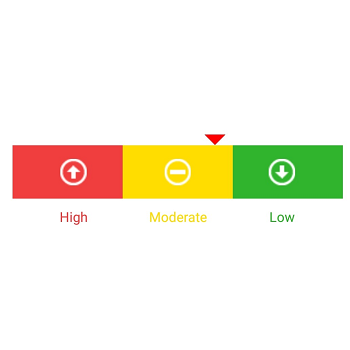
Image annotations
Annotations provide options to add any image over the gauge control with respect to its offset position. Multiple images can also be added to a single control.
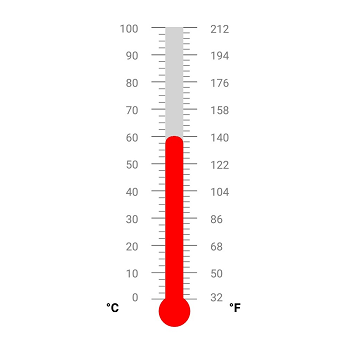
View annotations
Add any view or shape to the gauge control with respect to its offset position. Multiple views can also be added to a single control.
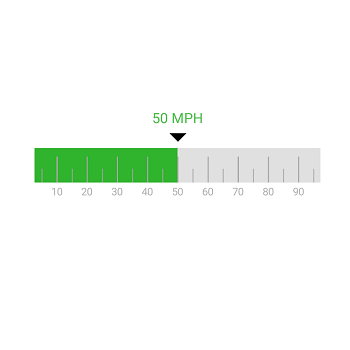
Text annotations
Add any text over the gauge control to enhance readability. Multiple text instances can also be added to a single control.
150+ XAMARIN UI CONTROLS
ALL CONTROLS
-
Xamarin.Forms
-
Xamarin.Android
-
Xamarin.iOS
-
GRIDSDATA VISUALIZATIONNAVIGATIONEDITORSLAYOUTPROJECT MANAGEMENTNOTIFICATIONVIEWER/EDITORMISCELLANEOUSCHAT
-
GRIDSDATA VISUALIZATIONNAVIGATIONEDITORSLAYOUTPROJECT MANAGEMENTNOTIFICATIONVIEWER/EDITORMISCELLANEOUS
-
GRIDSDATA VISUALIZATIONNAVIGATIONEDITORSLAYOUTPROJECT MANAGEMENTNOTIFICATIONVIEWER/EDITORMISCELLANEOUS
The most downloaded control (based on the nuget.org download count).
Our Customers Love Us
Having an excellent set of tools and a great support team, Syncfusion® reduces customers’ development time.Here are some of their experiences.

Amazing tool, great designs
Using Xamarin templates from Syncfusion I can focus on the code and do not have to worry about design. Very easy to implement.

Dirk F,

Software Development Engineer, Small-Business
Essential for any Xamarin developer!
A large number of components that complement or improve almost everything that does not yet exist in Xamarin. The support is the best I've ever seen! They fix bugs quickly and are always willing to listen to suggestions.

Cezar W,
Co-Founder, Small-Business
Rated by users across the globe
Syncfusion Xamarin.Forms Resources
Learning
 Documentation
 Documentation


Awards
Greatness—it’s one thing to say you have it, but it means more when others recognize it. Syncfusion® is proud to hold the following industry awards.









