



Transform your applications today by downloading our free evaluation version
Overview
The Xamarin.Android Kanban Board is a visual system, which provides an efficient interface to track and visualize different stages in a task or workflow.
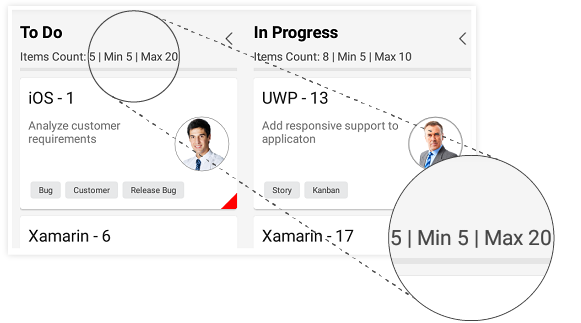
Work-in-progress (WIP) limit
Users can limit the number of works in progress for every column, improving efficiency.
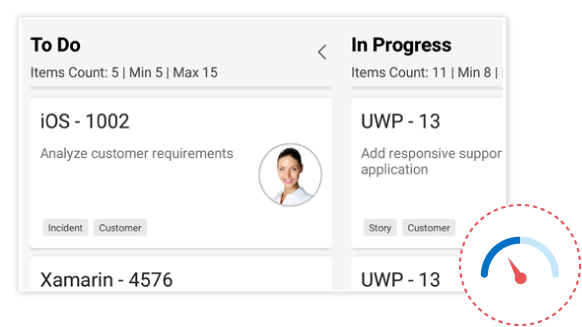
WIP indications
The kanban board has built-in error bars that are useful for identifying process bottlenecks.
Workflow configuration
Workflow configuration can define the custom workflow for each process, which specifies the valid transition of every process.
Interactive features
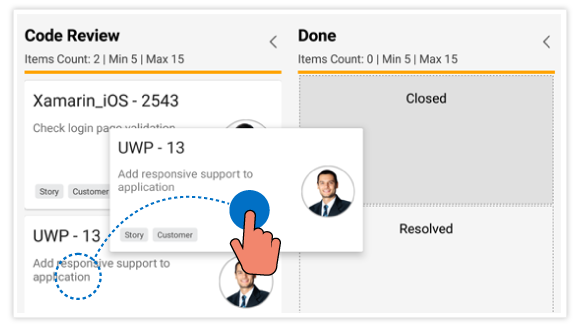
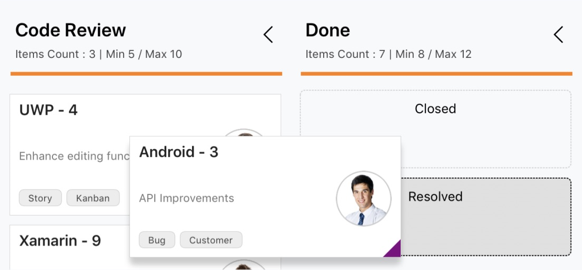
Smooth transitions
The kanban board supports interactively dragging and dropping an item between columns with smooth, built-in animations.
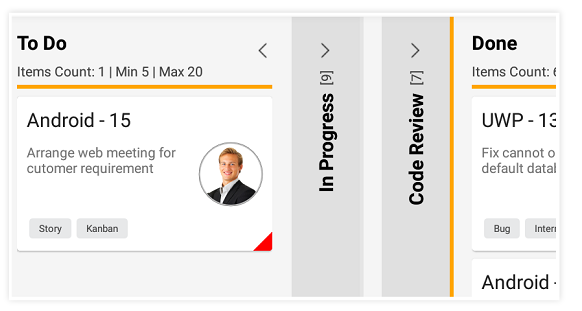
Expand and collapse columns
Columns can be collapsed or expanded interactively.
Customization
Each UI element of the kanban component can be customized.
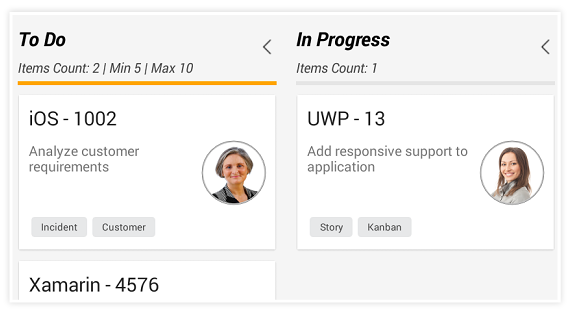
Header customization
Users can alter existing header content or include new information about a column by customizing the column headers with templates.
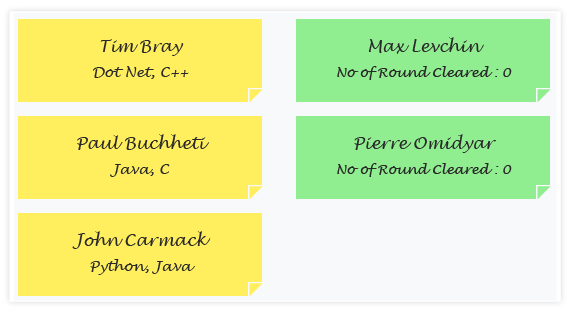
Card customization
Customize the card template to add more details or change its default appearance.
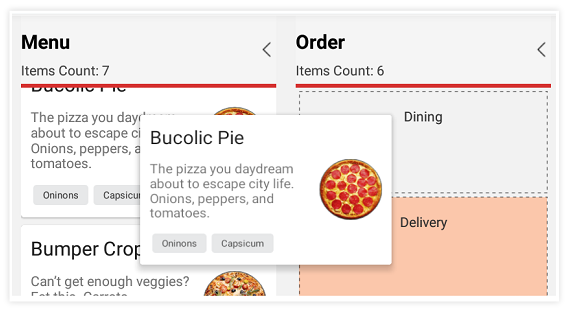
Style for placeholders
Users can customize the appearance of the placeholders displayed while dragging.

Interactive events
Behaviors and UI can be customized dynamically during interactions like tapping and dragging cards.
150+ XAMARIN CONTROLS
ALL CONTROLS
- Xamarin.Forms
- Xamarin.Android
- Xamarin.iOS
- GRIDSDATA VISUALIZATIONEDITORSPROJECT MANAGEMENTNOTIFICATIONDOCUMENT PROCESSING LIBRARIESVIEWER/EDITORMISCELLANEOUS
- GRIDSDATA VISUALIZATIONEDITORSLAYOUTPROJECT MANAGEMENTNOTIFICATIONVIEWER/EDITORDOCUMENT PROCESSING LIBRARIESMISCELLANEOUS
- GRIDSDATA VISUALIZATIONEDITORSLAYOUTPROJECT MANAGEMENTNOTIFICATIONVIEWER/EDITORDOCUMENT PROCESSING LIBRARIESMISCELLANEOUS
The most downloaded control (based on the nuget.org download count).
Our Customers Love Us
Having an excellent set of tools and a great support team, Syncfusion® reduces customers’ development time.
Here are some of their experiences.
Here are some of their experiences.

A creator of online tutorials for Microsoft technologies, your controls helped to provide a rich user experience. I wanted a look and feel like a Windows Store app and the Tiles are useful for that.
We're using the file formats and Windows/JavaScript list controls a lot. They're fast, easy to use, and the documentation is good and contains examples. Tickets with questions or suggestions were answered within a day, so we're happy to use the Syncfusion libraries.
Rated by users across the globe
Syncfusion Xamarin.Android Resources
Learning  Documentation
 Documentation


Awards
Greatness—it’s one thing to say you have it, but it means more when others recognize it. Syncfusion® is proud to hold the following industry awards.









