





Transform your applications today by downloading our free evaluation version
Overview
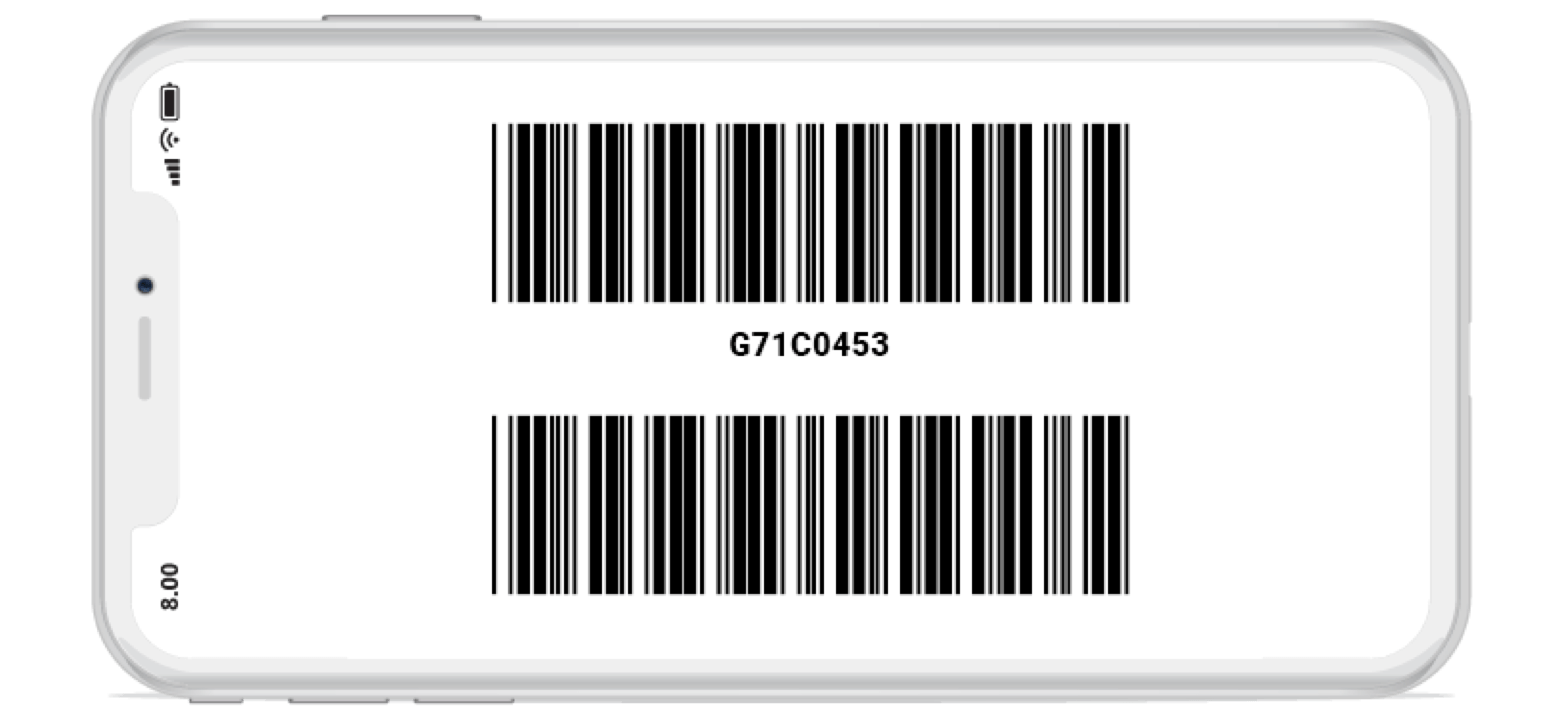
Xamarin Barcode control or QR code generator for Xamarin is a light-weight and high-performance control that displays industry-standard 1D and 2D barcodes in Xamarin.Forms application. Generated barcodes are optimized for printing and on-screen scanning. It is designed for ease of use and does not require fonts.
Customizable
The Barcode control can be easily customizable. Changing color of barcodes dark bar and light bar, bar height, bar width and much more.


Input mode
Use the input mode to ensure the values being used with the specific set of input characters.
Human-readable text
It provides option to display barcode with or without text along with alignment options in WinForms.
Barcode Symbologies
Syncfusion Xamarin.Forms barcode control supports wide range of barcode symbologies.

QR Code
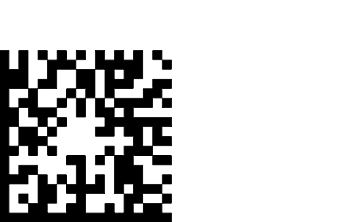
Quick Response Code (QR code) is a two-dimensional barcode. Efficiently pack more information in a smaller space than 1D barcodes. Each barcode can store values up to 7089. Mostly used for URLs, business cards, contact information etc.
Data Matrix
A Data Matrix is two-dimensional barcode. The information to be encoded with text or numeric values. Each barcode can store values up to 2335. Data Matrix barcode will be mostly used for courier parcel, food industry, etc.
Code 39
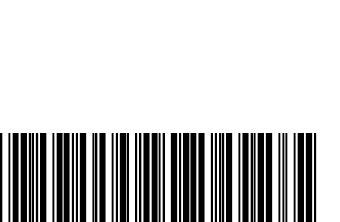
The Code 39 also known as Alpha 39, Code 3 of 9, USD-3. The information to be encoded with text, numeric and special characters. Mostly used by postal services.
Code 39 Extended
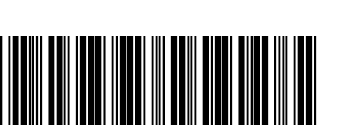
The Code 39 Extended is an extended version of Code 39. Additionally, lower characters and special characters are supported.
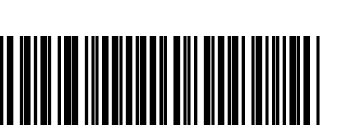
Code 11
The Code 11, also known as USD-8, high numeric symbology. The character set includes the digits 0 through 9, a dash symbol ( - ), and start/stop characters. Code 11 commonly used in telecommunications.
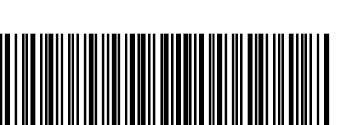
Codabar
The Codabar, also known as USD-4, Code 2 of 7. It can encode the digit 0 through 9, six symbols and start/stop characters. Mostly used in air bills and blood bank.
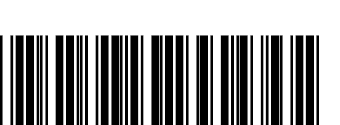
Code 32
The Code 32, also known as Italian Pharmacode. It can encode alphanumeric and start/stop character. Mainly used to encode pharmaceutical products in Italy.
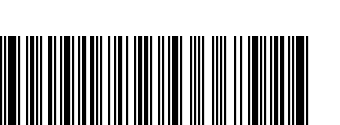
Code 93
The Code 93 is designed to provide data security enhancement to Code 39. It encodes the same character set as Code 39 but uses 9 barcode elements per character.
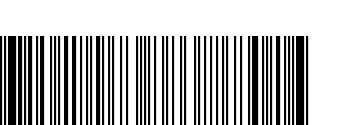
Code 93 Extended
The Code 93 Extended barcode symbology is continuous, variable length and self-checking. It is based on Code 93 but can encode full 128-character ASCII.
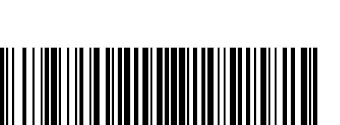
Code 128
The Code 128, also known as GS1-128, EAN-128. It can encode all 128 character of ASCII. Widely used in shipping and packaging industries.
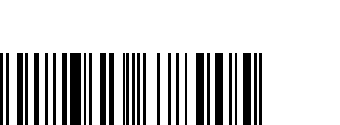
UPC
The Universal Product Code (UPC), also known as UPC-A. It encodes 12 numeric digits. UPC barcode symbology mostly used in trade items.
Xamarin.Forms Barcode Code Example
Easily get started with the Xamarin.Forms Barcode (QR code) using a few simple lines of C# code example as demonstrated below. Also explore our Xamarin.Forms Barcode Example that shows you how to render and configure the Barcode in Xamarin.Forms.
<?xml version="1.0" encoding="utf-8" ?>
<ContentPage xmlns="http://xamarin.com/schemas/2014/forms"
             xmlns:x="http://schemas.microsoft.com/winfx/2009/xaml"
             xmlns:local="clr-namespace:GettingStarted;assembly=GettingStarted"
             xmlns:syncfusion="clr-namespace:Syncfusion.SfBarcode.XForms;assembly=Syncfusion.SfBarcode.XForms"
             x:Class="GettingStarted.Sample">

    <ContentPage.Content>
        <syncfusion:SfBarcode Text="http://www.syncfusion.com"/>
    </ContentPage.Content>
</ContentPage>
using Syncfusion.SfBarcode.XForms;
using Xamarin.Forms;
namespace GettingStarted
{
public class App : Application
{
public App()
{
SfBarcode barcode = new SfBarcode();
barcode.Text = " http://www.syncfusion.com ";
this.Content = barcode;
}
}
}Not sure how to create your first Xamarin Barcode? Our documentation can help.
I’d love to read now150+ XAMARIN UI CONTROLS
ALL CONTROLS
-
Xamarin.Forms
-
Xamarin.Android
-
Xamarin.iOS
-
GRIDSDATA VISUALIZATIONNAVIGATIONEDITORSLAYOUTPROJECT MANAGEMENTNOTIFICATIONVIEWER/EDITORMISCELLANEOUSCHAT
-
GRIDSDATA VISUALIZATIONNAVIGATIONEDITORSLAYOUTPROJECT MANAGEMENTNOTIFICATIONVIEWER/EDITORMISCELLANEOUS
-
GRIDSDATA VISUALIZATIONNAVIGATIONEDITORSLAYOUTPROJECT MANAGEMENTNOTIFICATIONVIEWER/EDITORMISCELLANEOUS
The most downloaded control (based on the nuget.org download count).
Our Customers Love Us
Having an excellent set of tools and a great support team, Syncfusion® reduces customers’ development time.Here are some of their experiences.

Amazing tool, great designs
Using Xamarin templates from Syncfusion I can focus on the code and do not have to worry about design. Very easy to implement.

Dirk F,

Software Development Engineer, Small-Business
Essential for any Xamarin developer!
A large number of components that complement or improve almost everything that does not yet exist in Xamarin. The support is the best I've ever seen! They fix bugs quickly and are always willing to listen to suggestions.

Cezar W,
Co-Founder, Small-Business
Rated by users across the globe
Syncfusion Xamarin.Forms Resources
Learning
 Documentation
 Documentation


Awards
Greatness—it’s one thing to say you have it, but it means more when others recognize it. Syncfusion® is proud to hold the following industry awards.









