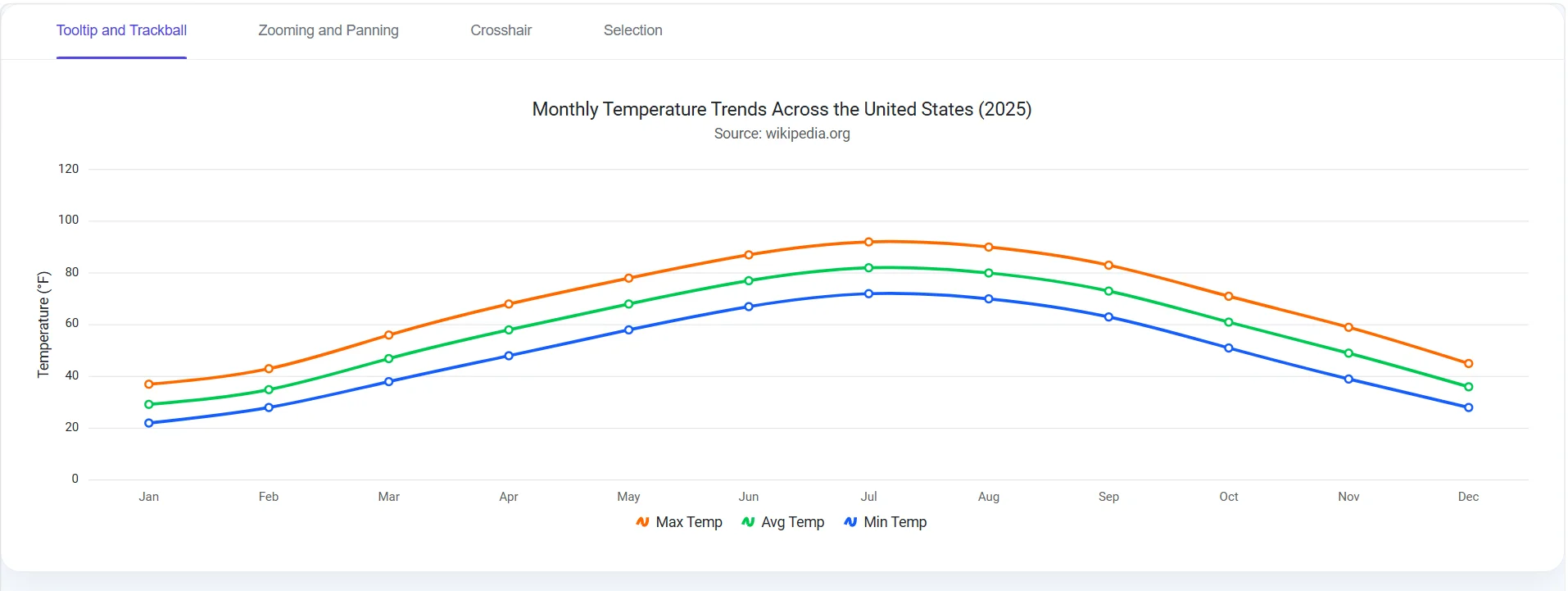



Explore React Charts Interactivity
Enable intuitive and insightful data exploration with built-in interactive chart features. React Charts provides tooltips, trackball, crosshair, zooming, panning, and selection capabilities that help users inspect precise values, compare multiple data series, navigate large datasets, and focus on important information.
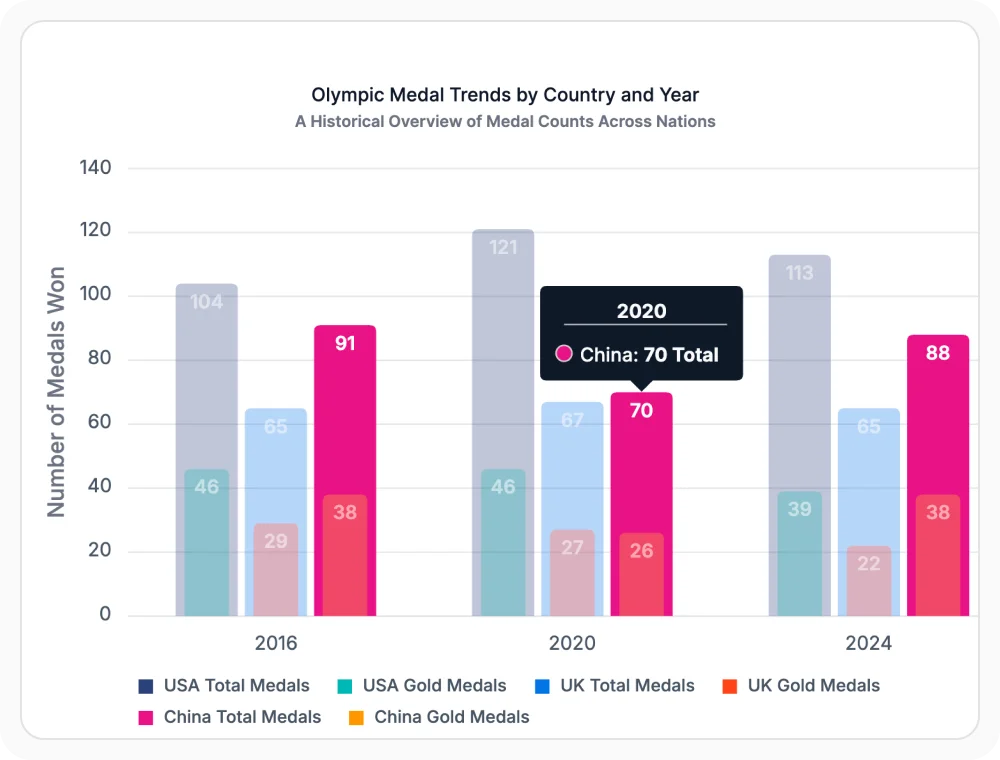
Inspect data using interactive tooltips
Interactive tooltips display detailed information when users hover over or tap a chart data point. They help users view exact values, compare data points, and access additional context without cluttering the visualization. Use it when users need on-demand access to detailed information while keeping charts clean and easy to read.
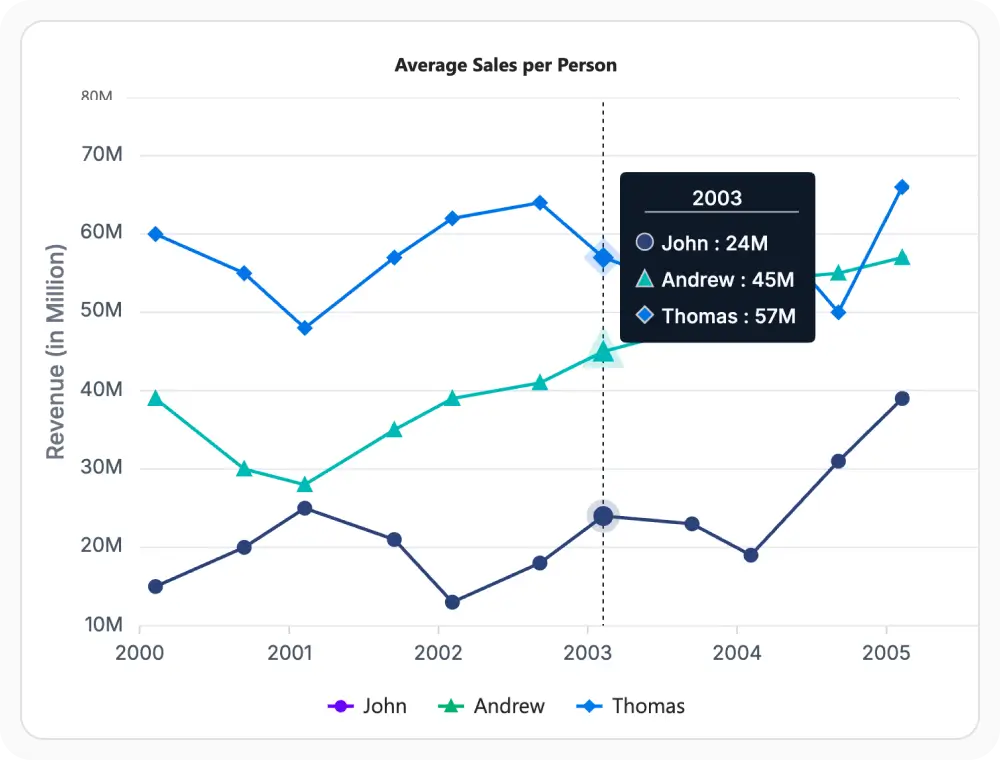
Compare multiple series using trackball
Trackball displays values from multiple series at the same data position, allowing users to compare related data points across a chart. It helps analyze relationships, identify differences, and evaluate trends without inspecting each series individually. Use it when users need to compare multiple series and understand how values relate at a specific point.
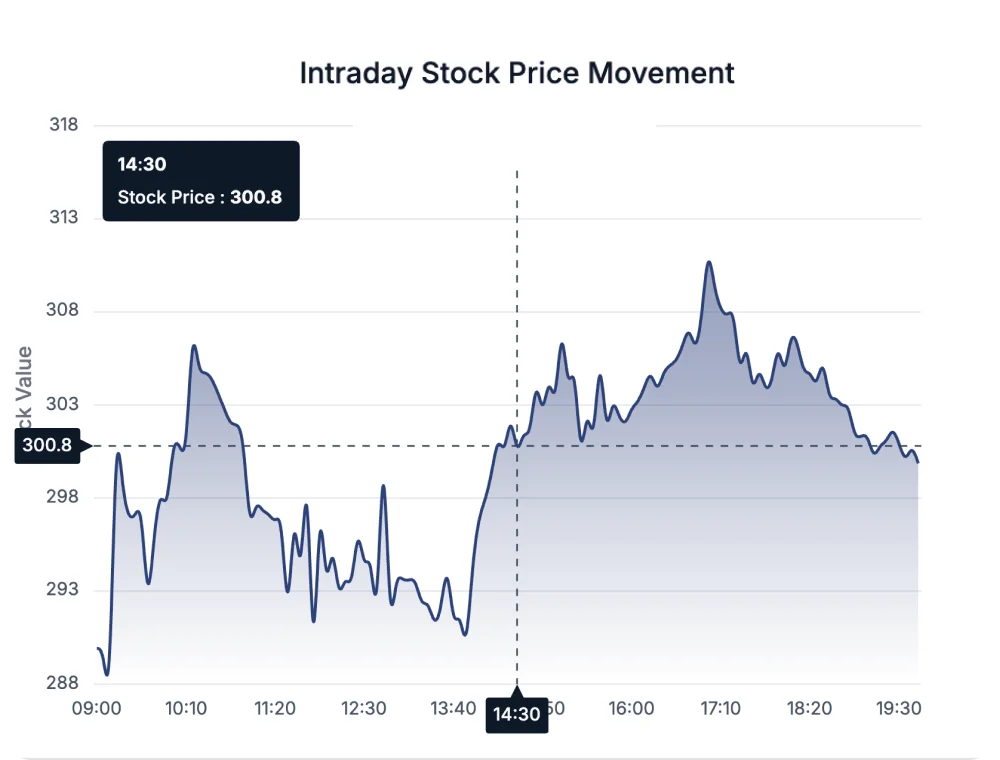
Improve accuracy using crosshair guides
Crosshair displays horizontal and vertical guide lines that follow the pointer position across the chart. It helps users identify exact values, align data points with chart axes, and inspect information with greater precision. Use it when accurate data analysis and value comparison are important.
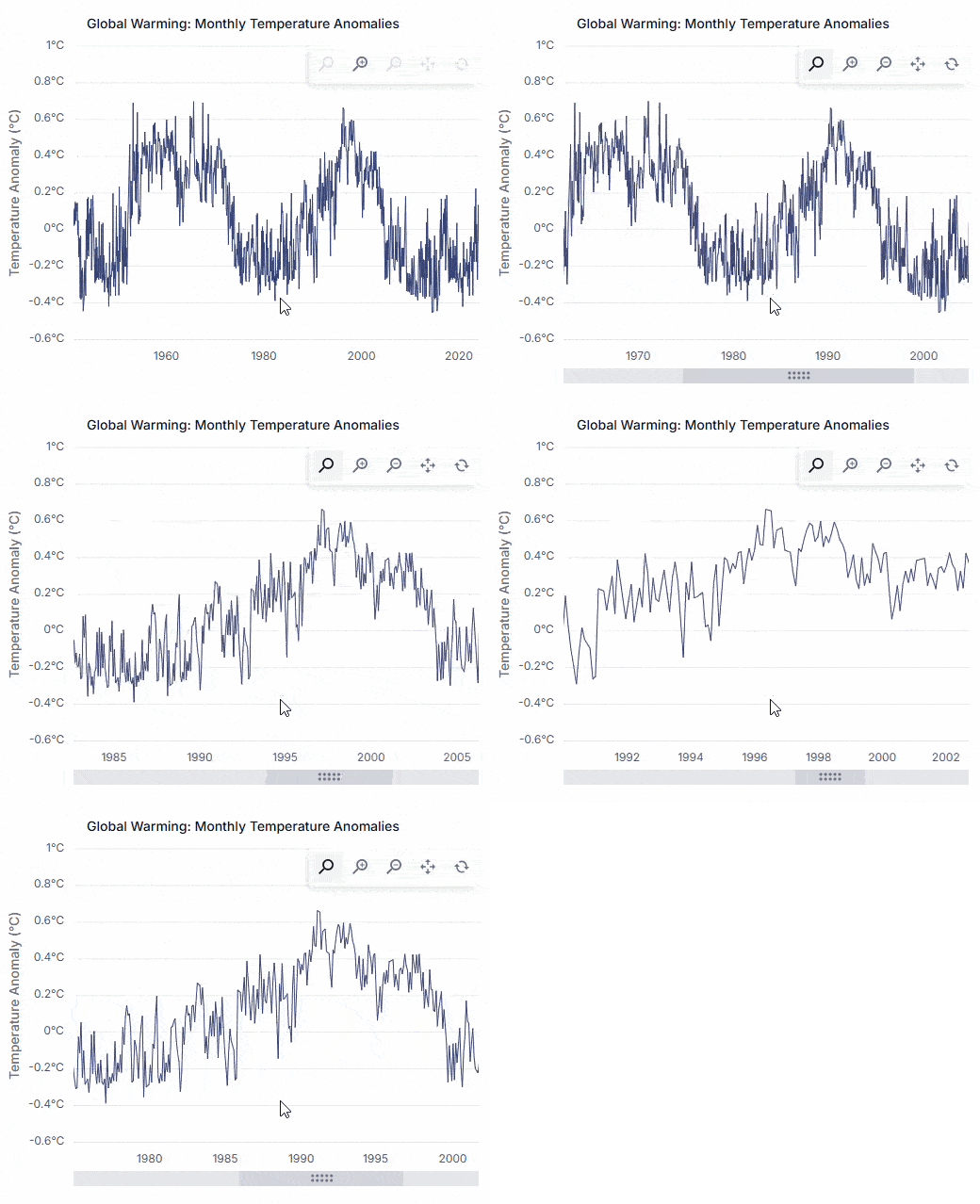
Explore large datasets with chart zooming
Chart zooming allows users to focus on specific regions of a visualization for closer inspection. It helps uncover patterns, examine individual data points, and analyze trends that may be difficult to see in the full dataset view. Use it when exploring large datasets or investigating detailed changes over time.
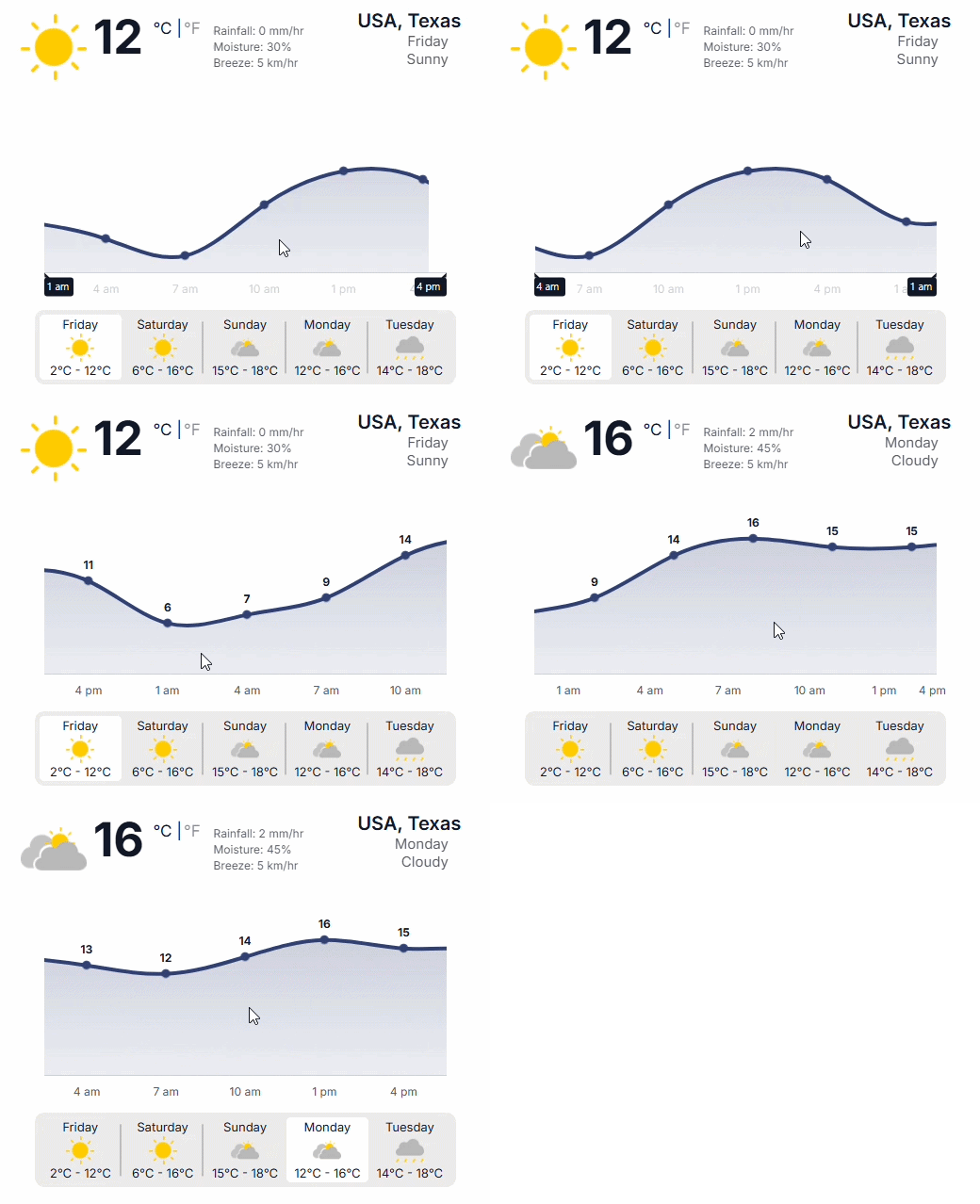
Navigate large datasets with chart panning
Chart panning allows users to move through zoomed chart regions while maintaining context and visibility. It enables smooth navigation across large datasets using drag and swipe interactions on both desktop and mobile devices. Use it when users need to explore different sections of a zoomed chart without continuously zooming in and out.
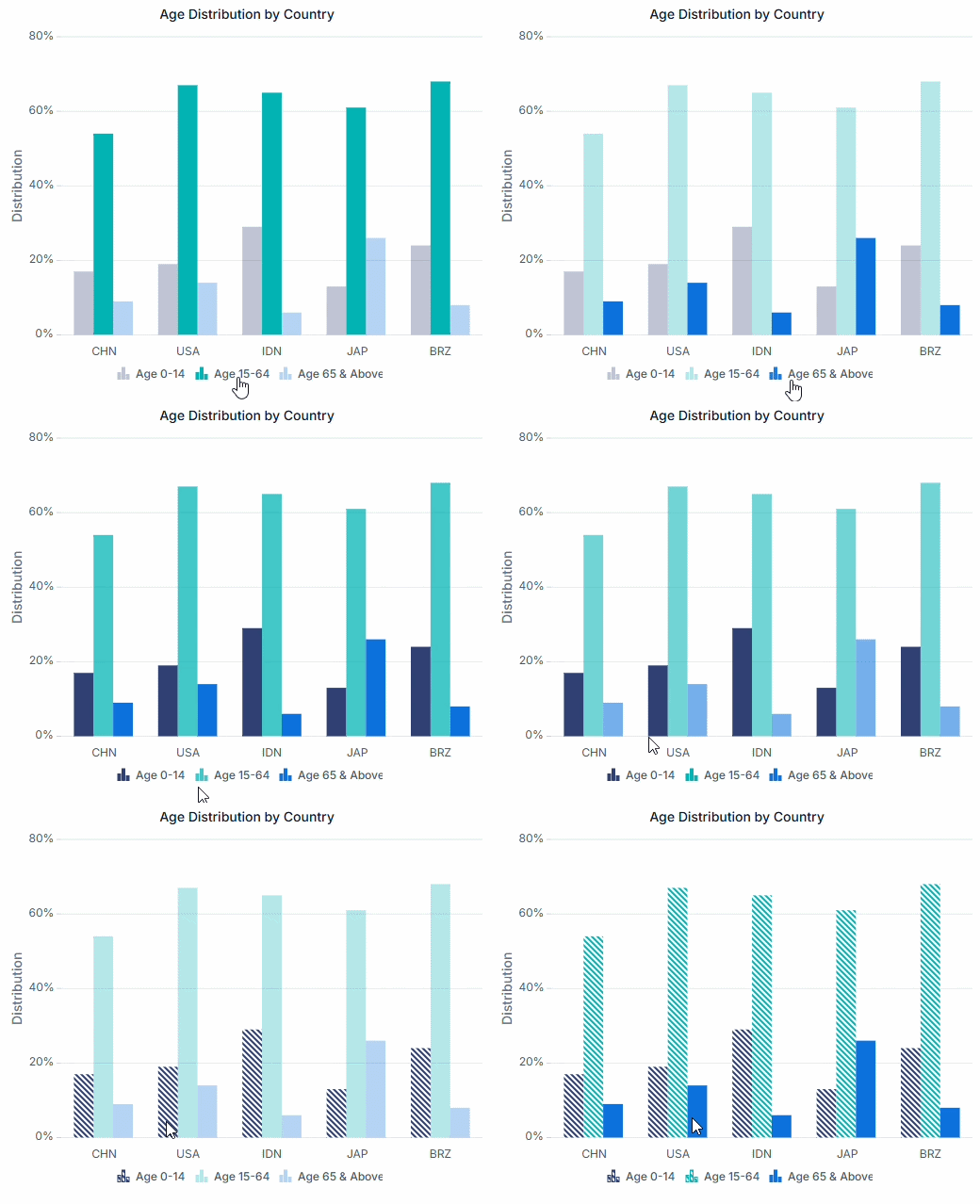
Highlight important data using selection
Selection allows users to highlight specific data points, series, or chart regions for closer analysis. It helps isolate patterns, identify outliers, and draw attention to important information without affecting the overall visualization. Use it when users need to focus on specific data during exploration and analysis.
See Why Developers Love Syncfusion
Our Customers Love Us
Having an excellent set of tools and a great support team, Syncfusion reduces customers’ development time. Here are some of their experiences.




Frequently Asked Questions
What are React Charts interaction features?
React Charts user interactions help users explore data more clearly through tooltips, zooming, panning, and selection. These features make charts more useful for analysis and decision-making.
Can interaction features work together in React Charts?
Yes. Multiple interaction features like tooltips, trackball, crosshair, zooming, panning, and selection can work together, helping users explore chart data with more control.
Can React Charts interaction appearance be customized?
Yes. You can customize tooltips, crosshair lines, selection highlights, and other interaction elements to match your application design and improve the overall user experience.
When should zooming and panning be enabled in React Charts?
Use zooming and panning when charts display large data sets or dense values. These features help users focus on specific ranges and review details more effectively.
Do React Charts support touch interactions?
Yes. React Charts support touch gestures such as tap, swipe, drag, and pinch zoom, making charts easier to use across mobile and tablet devices during interactive data exploration.
Why use selection in React Charts?
React Charts selection lets users highlight specific data points, series, or regions. This helps users focus on important values during analysis, comparison, and reporting.
Resources
Learn more about our React Charts
Explore demos, KB articles, and documentation to get the most out of our React Charts.
Explore guides, APIs, and quick-start tips
Find solutions and best practices fast
See live use cases in action
Get expert help when you need it
Ask, share, and connect with peers
Feature requests and bug reports
Track issues and suggest improvements
See Real Success Stories
Developers around the world trust Syncfusion’s Essential Studio to simplify complex projects and speed up delivery. With a vast library of UI controls, powerful SDKs, and reliable support, Essential Studio helps teams build enterprise-ready applications with confidence.
Read Our Customer StoriesIndustry
Software development
75% Cost reduction
50% Faster development

Industry
Utilities (oil and gas)

450+ hours saved
Streamlined processes and hours of development effort saved.

Advanced, flexible features
Empowered users through robust and versatile functionality.
Industry
Software and technology
1000+ of hours saved
Accelerated development with enterprise-ready UI components.

Efficient file management
Streamlined workflows with document libraries without building them from scratch.
Industry
Software and technology

2 Years of delay avoided
Two years of delays prevented with proactive planning.

On-time delivery
Projects delivered on schedule using trusted controls.
Industry
IT services and IT consulting

Improved performance
Large datasets handled with easy customization and quick debugging.

Highly customizable
Plug-and-play controls with quick template integration.
Industry
Professional services
Instant access
Quick availability of features and resources.
Reduced dependencies
Fewer dependencies for faster development.
Awards
Greatness—it’s one thing to say you have it, but it means more when others recognize it. Syncfusion® is proud to hold the following industry awards.









