Try Our Live Demo
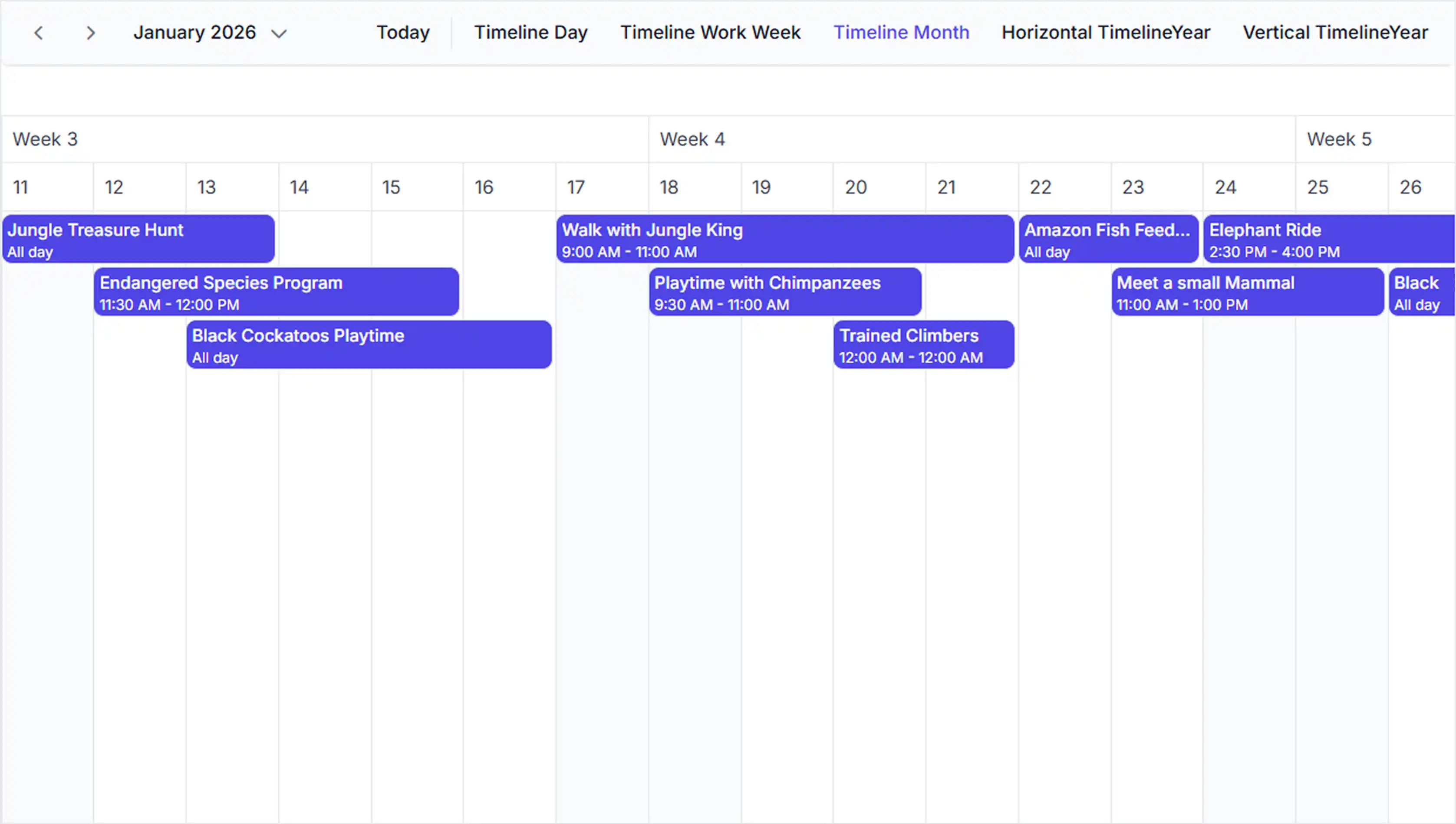
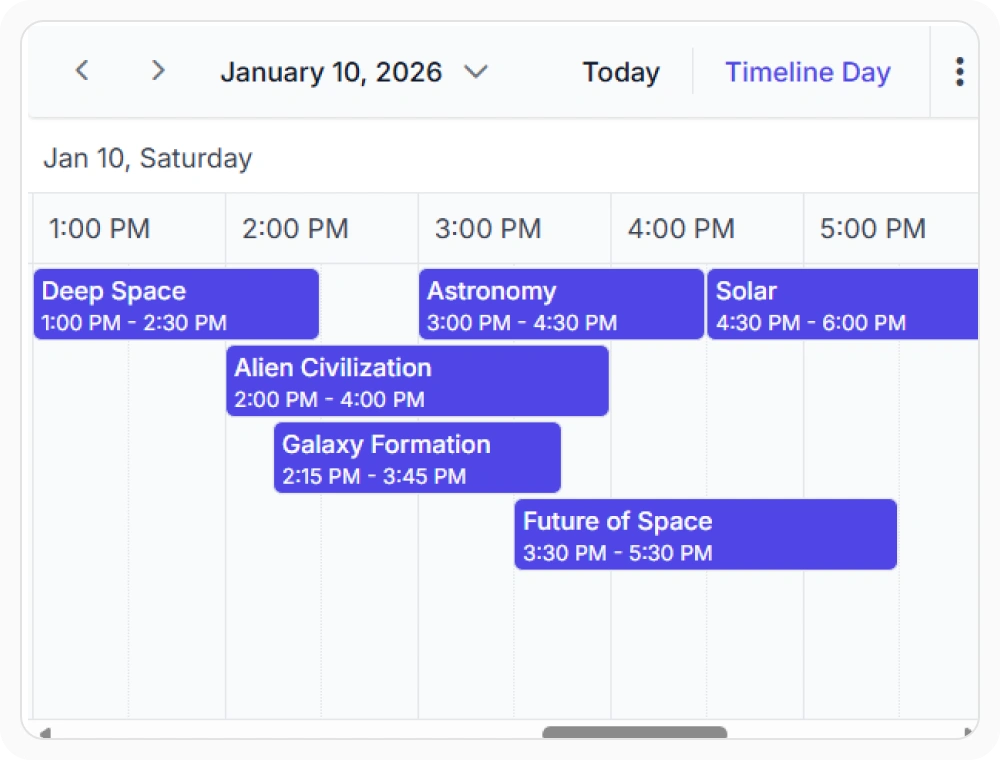
Flexible timeline scheduling
The timeline view displays appointments across hourly time slots on a continuous horizontal timeline. Use it when activities must be planned and monitored at hourly intervals throughout the day.
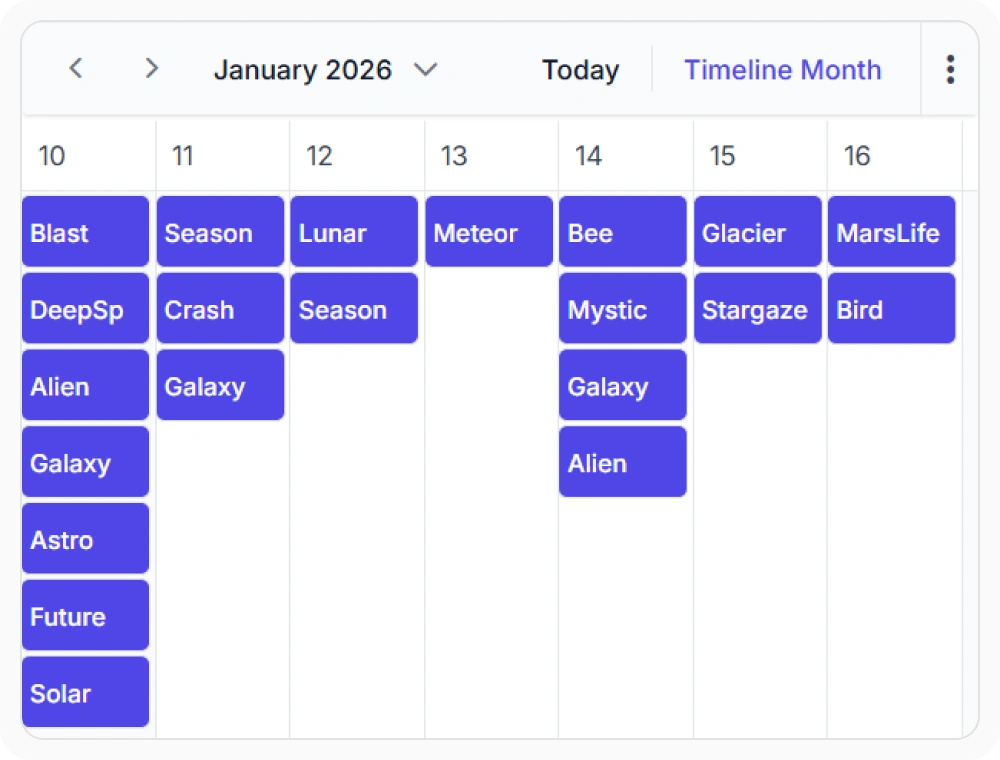
Month-based schedule visualization
The timeline month view displays appointments across an entire month. This provides a consolidated view of schedules and milestones. Use it when planning activities with month-level visibility.
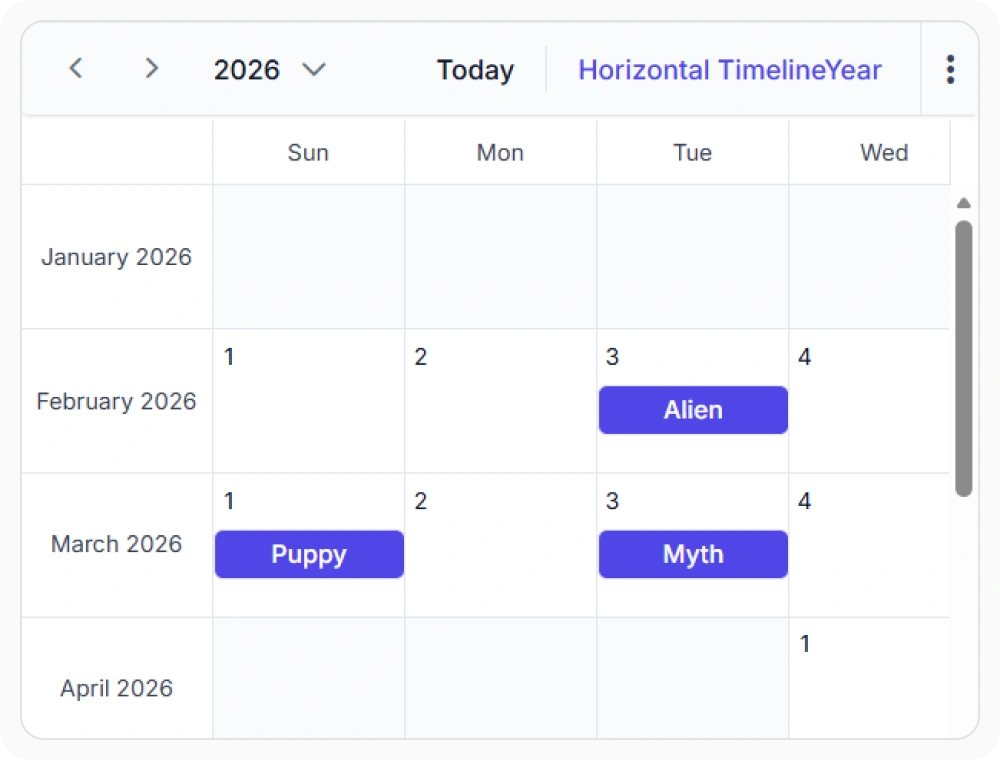
Manage annual planning timelines
The timeline year view displays appointments across a full year. This provides a consolidated view for long-term planning. Use it when tracking annual projects, resource capacity, or strategic initiatives.
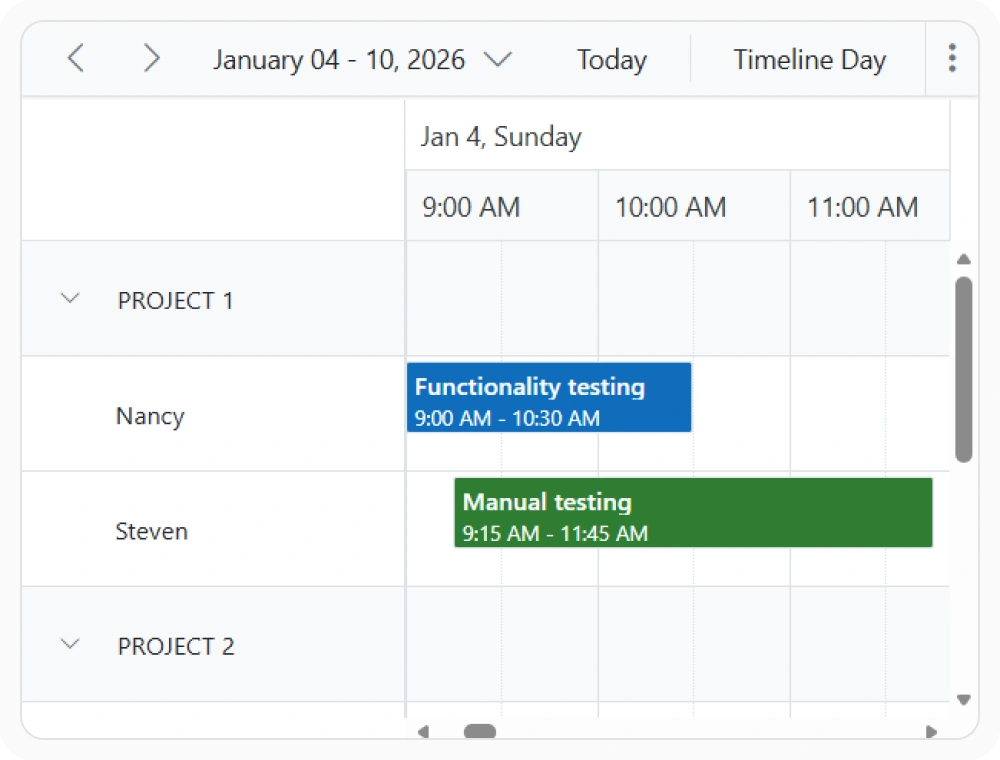
Coordinate schedules across resources
Resource-based scheduling displays multiple resources and their schedules in a unified view. This helps coordinate availability and assignments across resources. Use it when managing teams, rooms, equipment, or other shared resources.
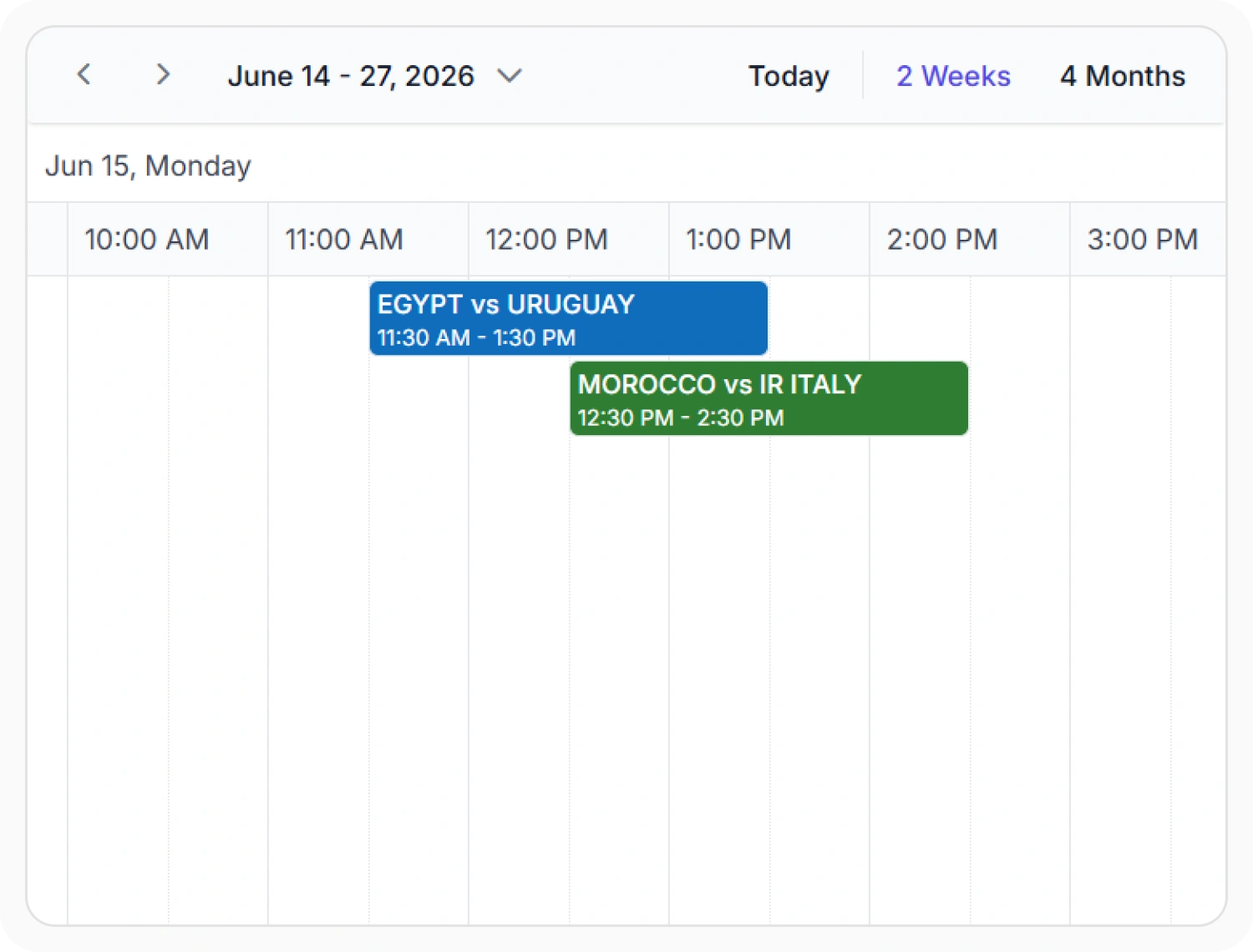
Extensible custom views
Extensible custom views allow timeline views to display extended date ranges by increasing the interval count. This provides a broader view of schedules and resource plans. Use it when monitoring projects, schedules, or resource utilization over longer periods.
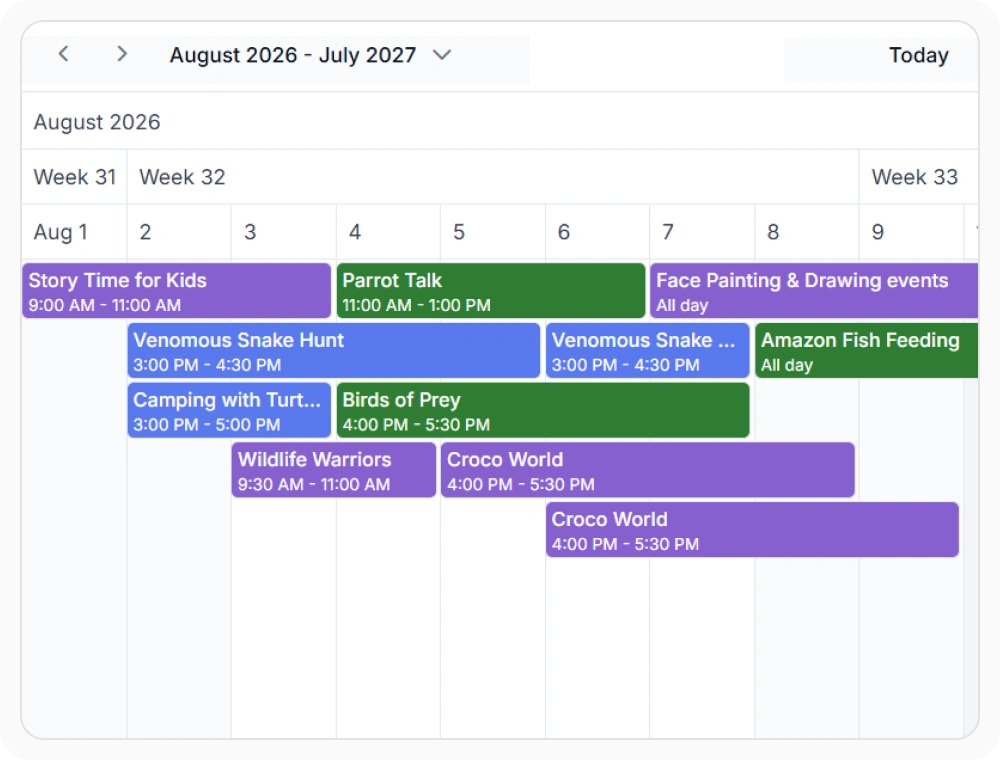
Hierarchical timeline header rows
Header rows display additional date rows such as years, months, and weeks in the header. This provides hierarchical date context across extended schedules. Use it when planning and navigating schedules that span longer time periods.
Frequently Asked Questions
What are the different timeline views available in React Scheduler?
React Scheduler provides timeline day, week, work week, month, and year views for planning schedules across different time ranges.
What are shared events in React Scheduler timeline views?
Shared events are appointments assigned to multiple resources simultaneously. Edits automatically sync across all participant records, appearing in each resource’s row. This eliminates duplicate management and keeps collaborative scheduling synchronized.
When should I use each timeline view type in React Scheduler?
Use day view for hourly precision, week view for team capacity planning, workweek for workforce management, agenda for quick appointment scanning, and resource view for comprehensive multi-resource scheduling across all granularities.
How does resource grouping work in React Scheduler timeline views?
Resources display as rows in timeline layouts. Support flat or hierarchical tree structures with expand/collapse controls. Hierarchical resources show child appointments alongside parent records, enabling flexible organizational representation.
Can React Scheduler customize timeline view headers?
Yes. Header rows can display additional date information such as years, months, weeks, and custom labels to provide more scheduling context.
Can React Scheduler display long-term schedules in timeline views?
Yes. React Scheduler provides timeline month and timeline year views for planning and tracking schedules over extended periods. These views help visualize milestones, projects, and resource allocation in a single timeline.
Resources
Learn more about React Scheduler
Explore demos, KB articles, and documentation to get the most out of our React Scheduler.
Explore guides, APIs, and quick-start tips
See live use cases in action
Ask, share, and connect with peers
Find solutions and best practices fast
Get expert help when you need it
Feature requests and bug reports
Track issues and suggest improvements
Awards
Greatness—it’s one thing to say you have it, but it means more when others recognize it. Syncfusion® is proud to hold the following industry awards.









