Overview
The Xamarin.Android scheduler supports the following configurable view modes to display appointments.
- Day view
- Week view
- Workweek view
- Month view
Day, Week, and Workweek views
In day, week, and workweek views, appointments on a specific day will be arranged in their timeslots based on their durations.
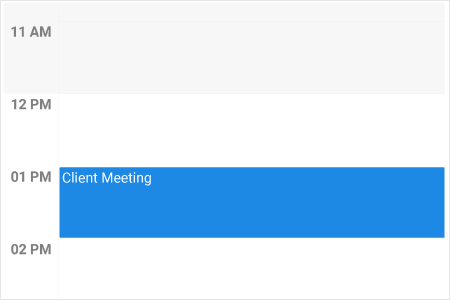
Working hours customization
Differentiate working hours from nonworking hours in day, week, and workweek views.
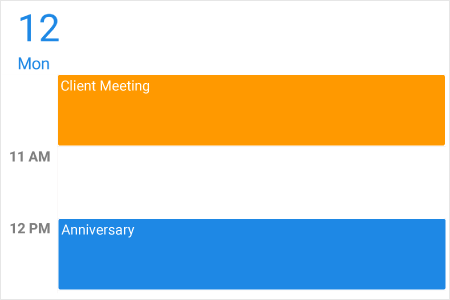
Time range customization
Change the start and end hours displayed in day, week, and workweek views to show only necessary time durations for end users.
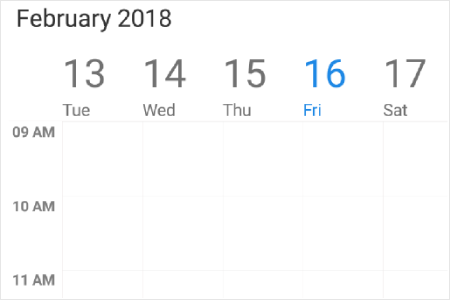
Nonworking days
Change nonworking days in the workweek view according to your application requirements.

Blocking time slots
Prevent user interactions such as adding appointments in specific time slots.

First day of the week
Users can modify the first day of the week based on local culture. In the week and workweek views, the days that follow the specified start day will be displayed in the schedule.
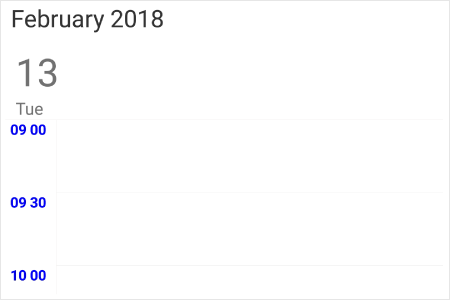
Time label customization
Set different formats for time labels and change their appearance.
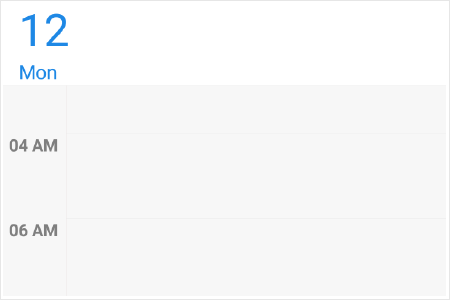
Time slot customization
- Change the time interval and time interval height in day, week, and workweek views.
- Customize the time slot appearance.
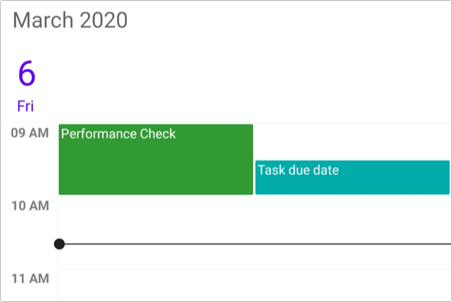
Current time indicator
Support to show the current time in day, timeline, week, and work week views.
Month view
Provides a month-based view with horizontal or vertical navigation.
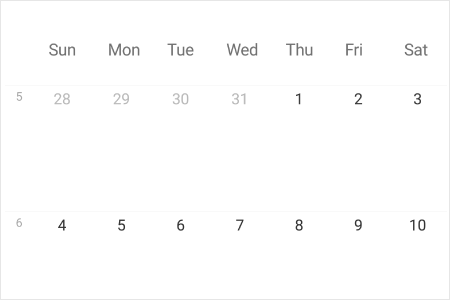
Week number
Display the number of the week in the month view. You can also customize the week number style.

Inline view appointment display
Display indicators in cells and display appointments below the selected date in the month view. You can also customize the inline view and appointment view.
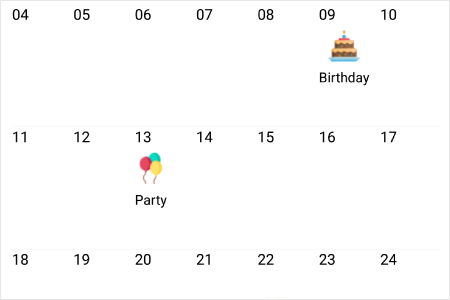
Cell customization
Set different views for each month cell using custom view.
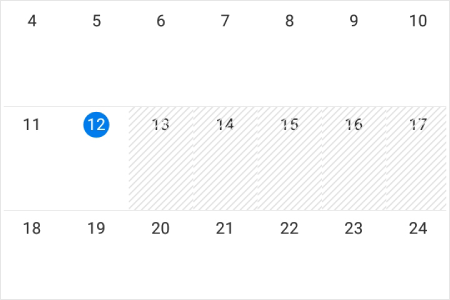
Blackout dates
Disable interactions for certain dates in the month view.
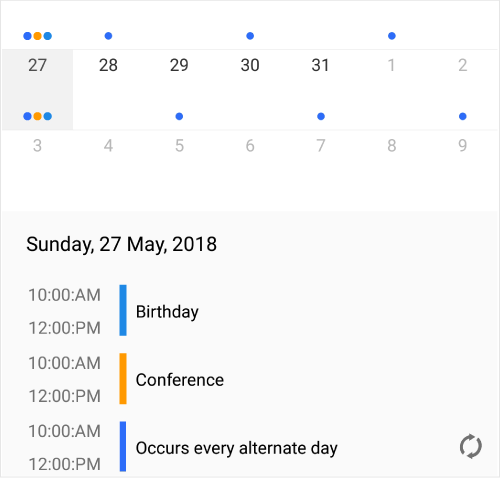
Agenda view
Display selected date appointments below the month in the agenda view. You can also customize the agenda view and appointments.
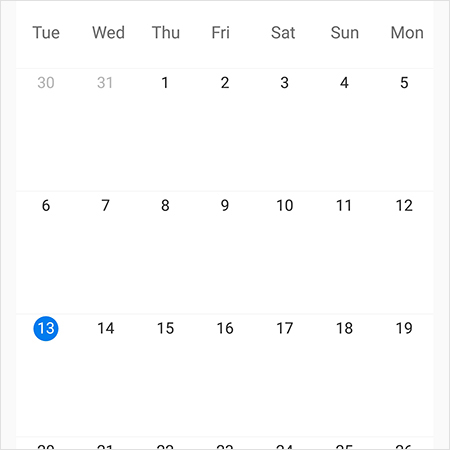
First Day of week
Users can modify the first day of the week based on the local culture. The days that follow the specified start day will be displayed in the schedule.

Current date and month customization
- Customize the current date in the month.
- Differentiate the date of the current selected month from the date of the previous or next month.
150+ XAMARIN CONTROLS
-
Xamarin.Forms
-
Xamarin.Android
-
Xamarin.iOS
-
GRIDSDATA VISUALIZATIONNAVIGATIONEDITORSPROJECT MANAGEMENTNOTIFICATIONDOCUMENT PROCESSING LIBRARIESVIEWER/EDITORMISCELLANEOUS
-
GRIDSDATA VISUALIZATIONNAVIGATIONEDITORSLAYOUTPROJECT MANAGEMENTNOTIFICATIONVIEWER/EDITORDOCUMENT PROCESSING LIBRARIESMISCELLANEOUS
-
GRIDSDATA VISUALIZATIONNAVIGATIONEDITORSLAYOUTPROJECT MANAGEMENTNOTIFICATIONVIEWER/EDITORDOCUMENT PROCESSING LIBRARIESMISCELLANEOUS







