



Why choose the Syncfusion React Spreadsheet?
Building a React spreadsheet from scratch is complex and hard to scale, with challenges in formulas, formatting, performance, and security. Syncfusion addresses these issues by offering a complete, enterprise-ready React Excel Editor with built-in Excel-compatible formulas, accurate import/export, high-performance handling of large data, and a secure, flexible architecture, resulting in faster development, a true Excel-like experience, improved scalability, and reduced maintenance effort.
Experience Excel-like editing in action. Upload your own Excel files, apply formulas and functions, analyze data, format cells, and export your work as Excel files.
Installation & Quick Start
Follow these three steps to integrate the Spreadsheet component into your React application.
1
Install the React Spreadsheet Editor and theme packages
Install the Syncfusion React Spreadsheet Editor and Tailwind3 theme packages using npm.
npm install @syncfusion/ej2-react-spreadsheet @syncfusion/ej2-tailwind3-theme --save2
Import the required CSS styles
Import the required Syncfusion CSS file to ensure proper layout and theme styling:
@import '../node_modules/@syncfusion/ej2-tailwind3-theme/styles/spreadsheet/index.css';3
Initialize the Spreadsheet component
Import and render the React Spreadsheet component to start building instantly:
import { SpreadsheetComponent } from '@syncfusion/ej2-react-spreadsheet';
export default function App() {

  return (<SpreadsheetComponent openUrl='https://document.syncfusion.com/web-services/spreadsheet-editor/api/spreadsheet/open'
            saveUrl='https://document.syncfusion.com/web-services/spreadsheet-editor/api/spreadsheet/save' />);
}Enterprise-ready Spreadsheet editing
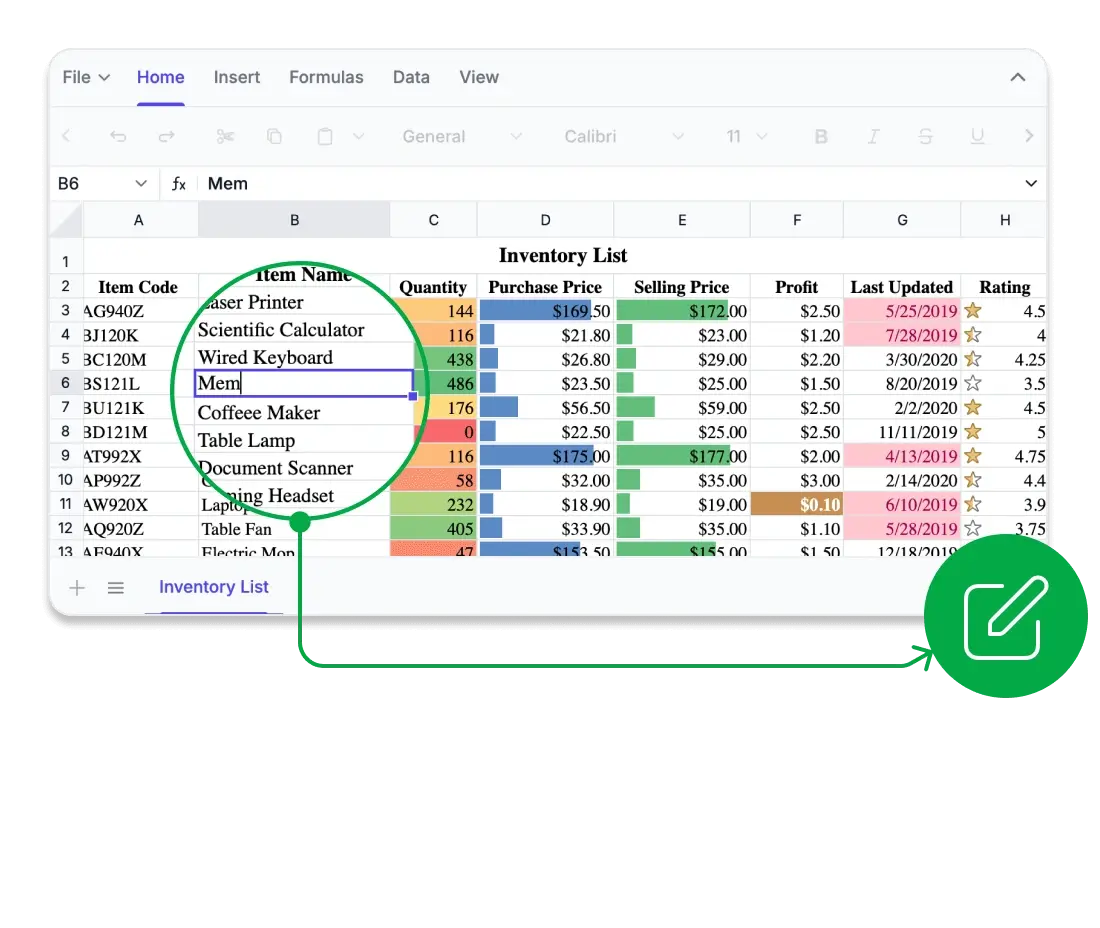
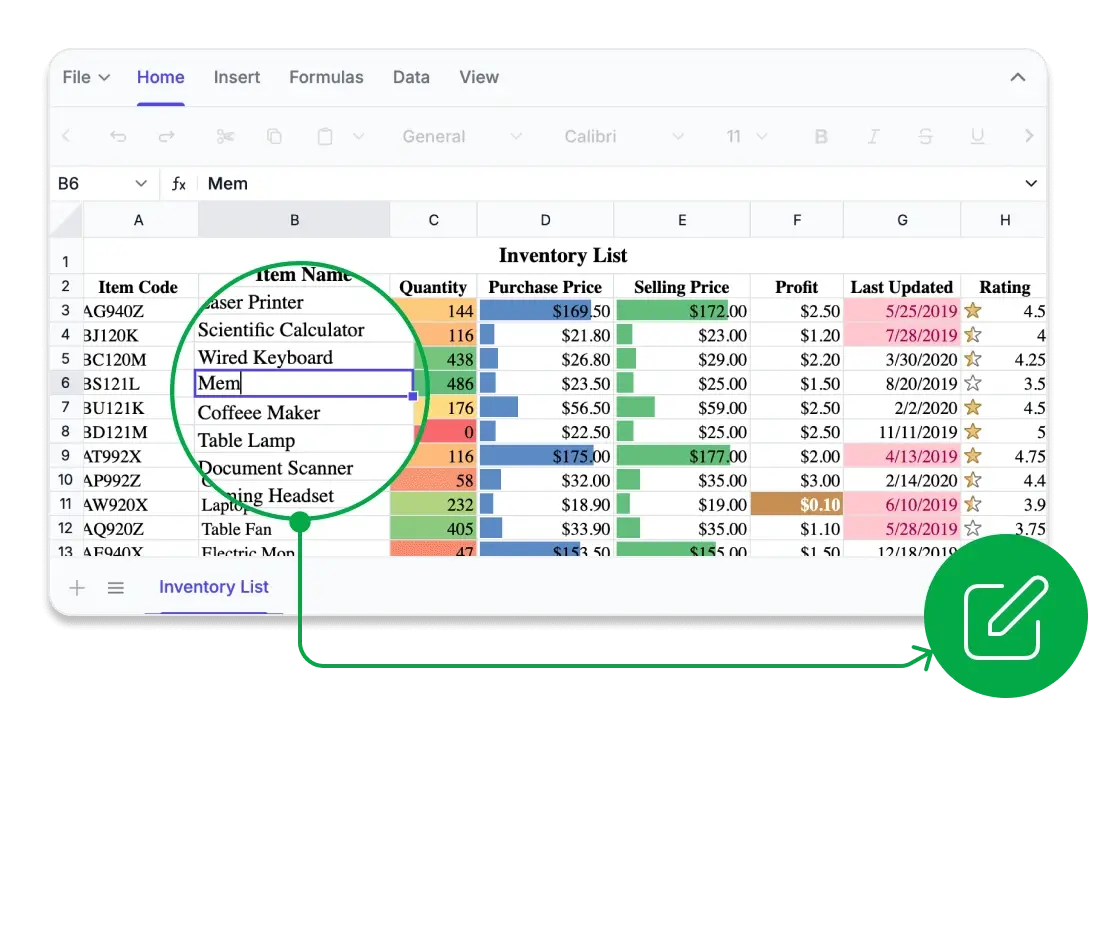
Every cell, perfectly aligned
Edit spreadsheets seamlessly in the browser with high visual fidelity and reliable formatting. Maintain accuracy in structure and styling, ensuring your data looks consistent and professional across different views and outputs.
True WYSIWYG rendering in Excel, CSV, and PDF.
Precise layout management with frozen panes and personalized views.
Pixel-perfect rendering of fonts, borders, and formulas.
Consistent appearance across export formats.
Compute with confidence
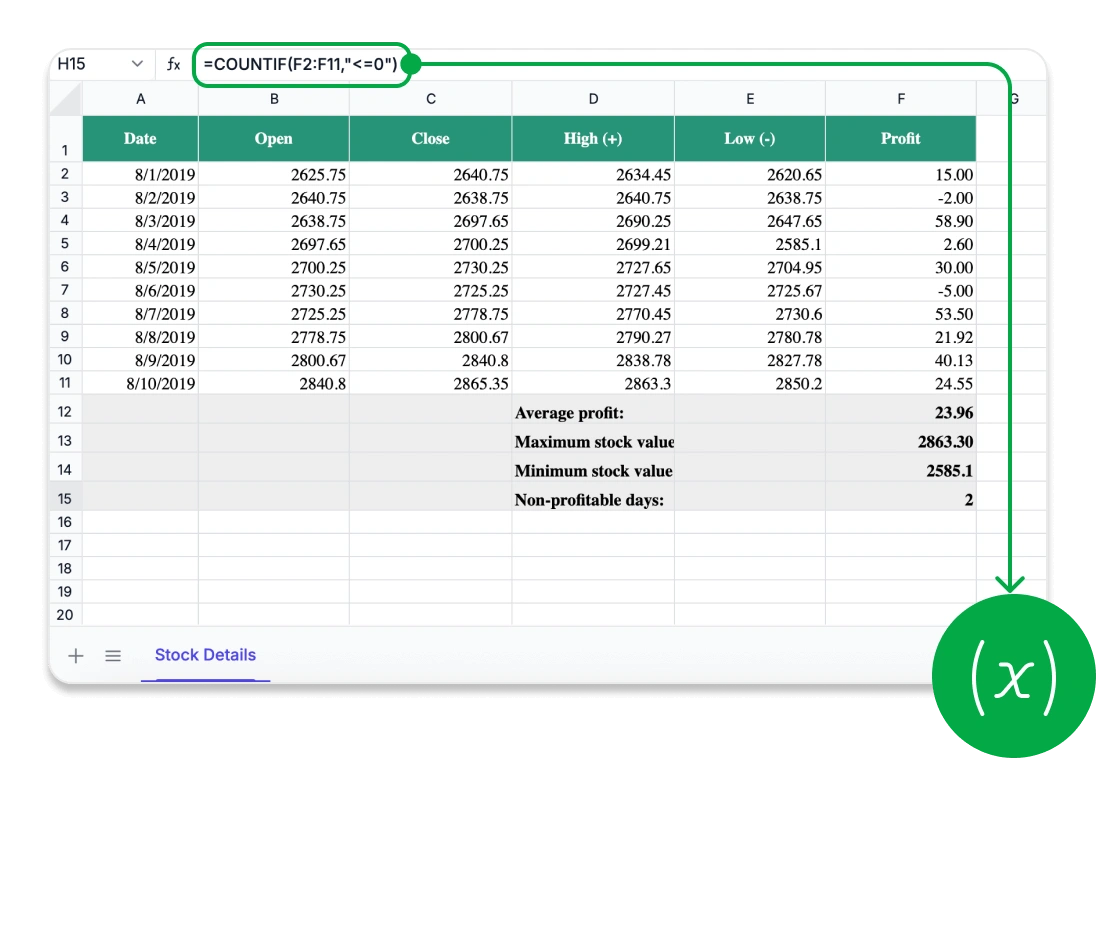
Unlock advanced analytics with a comprehensive Excel-compatible formula engine. Perform everything from basic calculations to complex operations with accuracy and control.
Comprehensive formula library compatible with Excel for advanced analytics.
Create custom and cross-sheet formulas with instant calculations.
Supports financial, logical, and lookup functions.
Accurate real-time calculations with a high-performance engine.
Security you can trust
Protect your spreadsheet data with enterprise-grade security and advanced protection features. Maintain control over access and ensure integrity across your workbooks.
Complete data privacy with no exposure to third-party services.
Detailed sheet and cell-level security for full control.
Fine-grained access control for users and roles.
Password-based protection for sheets and workbooks.
Collaborate in real time
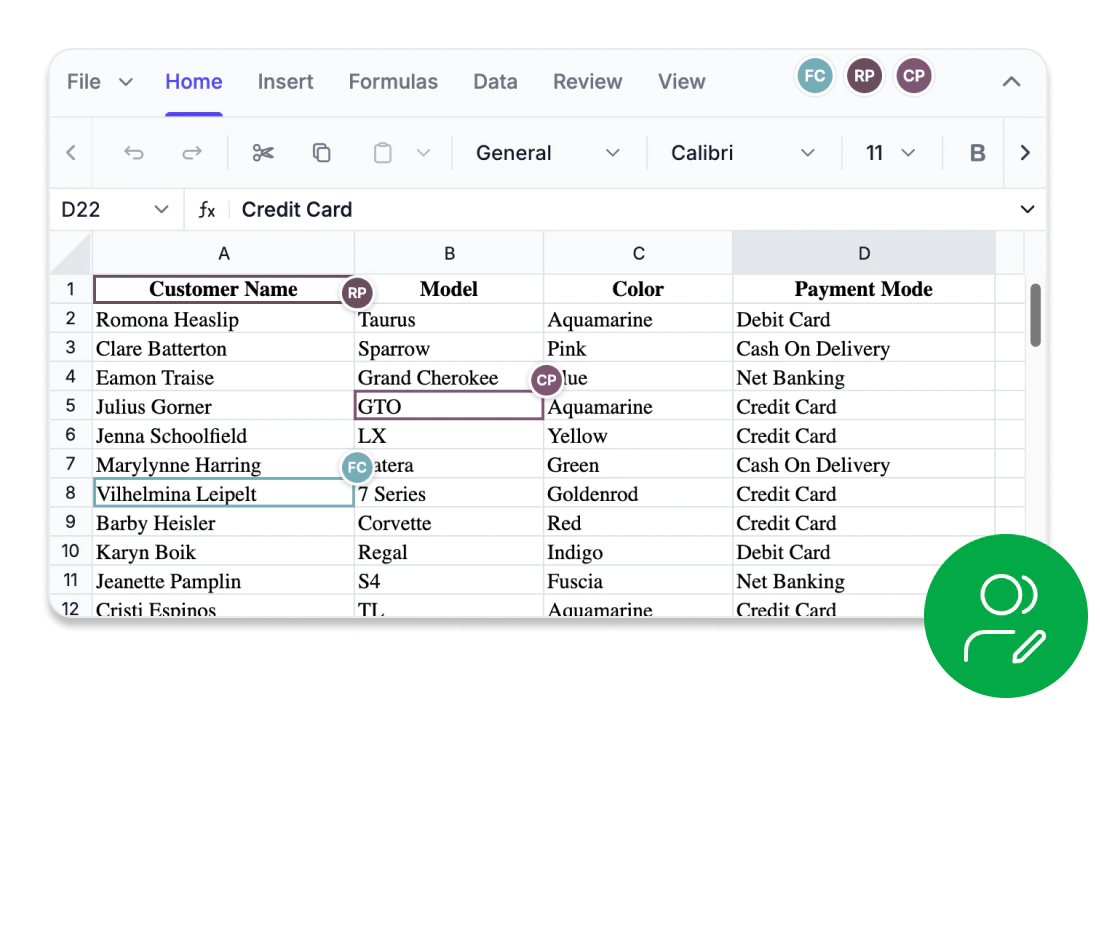
Enable multiple users to view and edit the same spreadsheet simultaneously. Real-time synchronization, live presence indicators, and shared editing visibility help teams stay aligned while working together on a consistent workbook.
Real-time editing for multiple users.
Instant synchronization across connected users.
Shared selections and editing indicators for better visibility.
Live user presence and activity tracking.
Built-in conflict resolution for consistent collaboration.
AI-powered spreadsheet analytics for faster insights
The AI-powered React Spreadsheet simplifies data analysis through natural language interactions. Analyze datasets, generate formulas, and create reports using conversational prompts without manually reviewing data or building complex spreadsheet logic. By transforming data into actionable insights, it helps accelerate analysis and enables faster, data-driven decision-making.
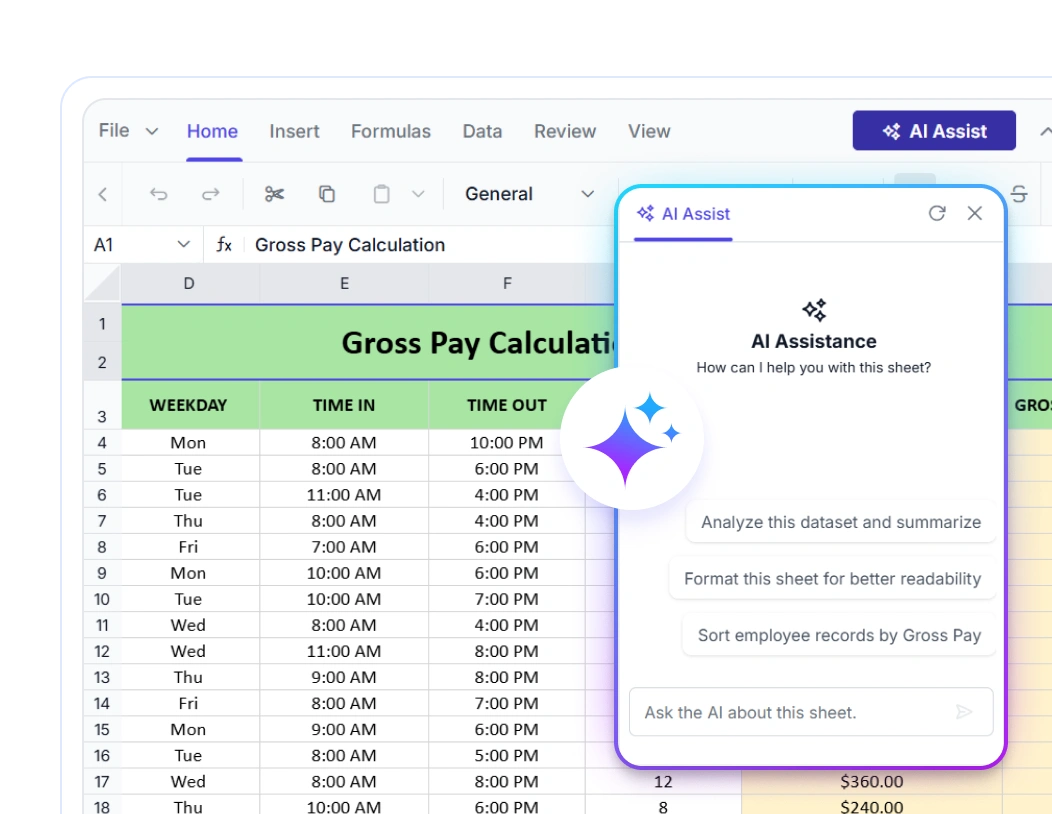
Comprehensive Spreadsheet capabilities
File Import and Export
Import, export, and print spreadsheet files in multiple formats. Load workbook data from local or remote sources and generate print-ready files for sharing, reporting, and distribution.
Worksheet management
Organize workbook structures efficiently with worksheet management features, sheet visibility controls, and flexible layout options that help maintain well-structured and easy-to-navigate spreadsheets.
Data navigation
Navigate spreadsheet content efficiently using cell references, named ranges, keyboard navigation, and flexible selection tools designed to improve productivity when working with large worksheets.
Cell editing and ranges
Edit spreadsheet data using autofill, find and replace, hyperlinks, merged cells, text wrapping, and other commonly used cell editing features that simplify everyday spreadsheet tasks.
Rows and columns
Organize worksheets with row and column operations including insertion, deletion, resizing, autofit, and visibility controls for better spreadsheet management and presentation.
Clipboard operations
Streamline spreadsheet workflows with clipboard operations that support cutting, copying, moving, and pasting data across worksheets while preserving formatting and data consistency.
Data sorting and filtering
Organize, refine, and analyze worksheet data with advanced sorting and filtering capabilities that help users discover insights, identify relevant records, and manage large datasets.
Image embedding
Add and manage images within worksheets to create visual reports, branded spreadsheets, dashboards, catalogs, and other data-rich business documents.
Data visualization
Transform spreadsheet data into interactive charts that support trend analysis, comparisons, reporting, and data-driven decision-making across various chart types.
Blazing-fast performance
Edit, calculate, and navigate large spreadsheets with exceptional speed. Optimized virtualization, instant rendering, and efficient memory management ensure a smooth and responsive spreadsheet experience.
Advanced Spreadsheet operations
Boost spreadsheet performance and control with built-in protection, formula management, and dynamic data handling. The Syncfusion® React Spreadsheet Editor empowers developers and users to manage complex data workflows efficiently and securely.
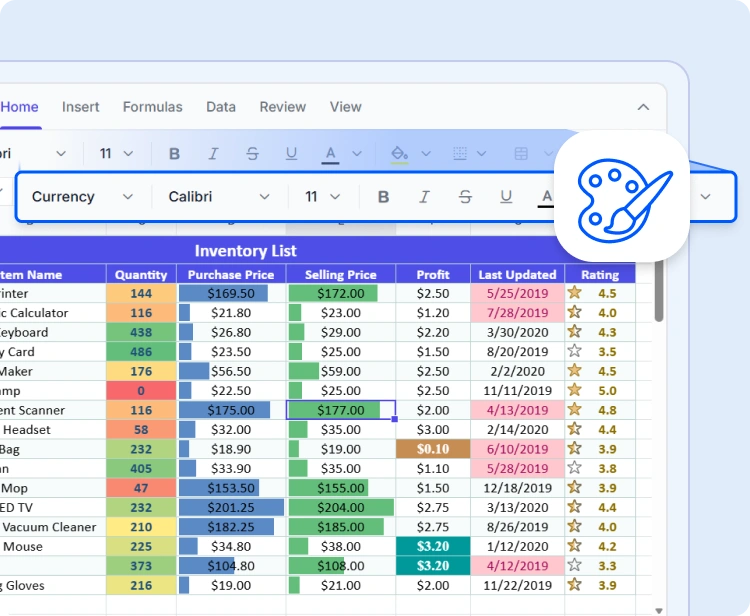
Data formatting
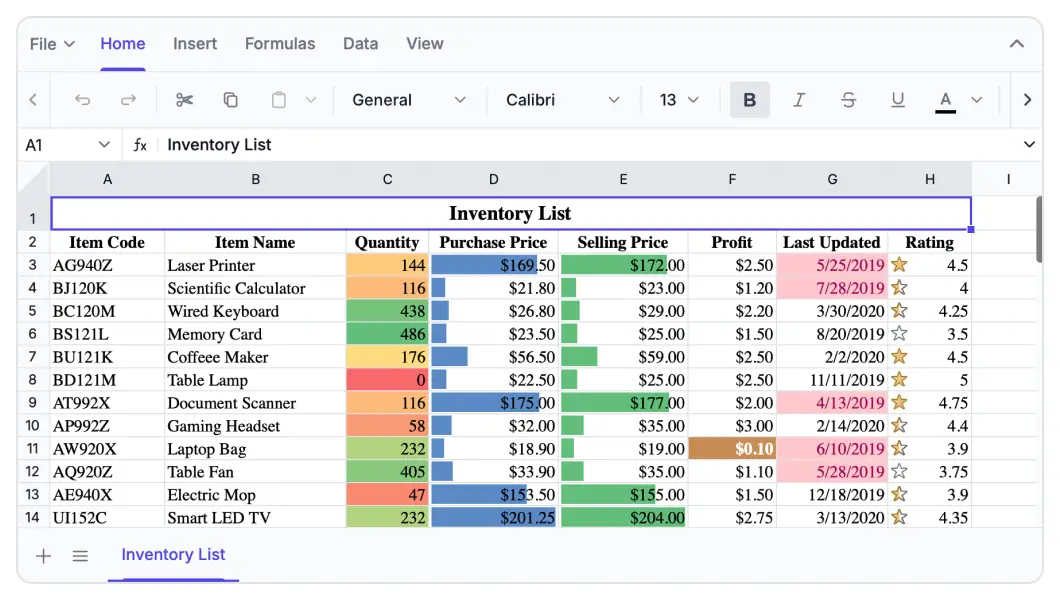
Improve spreadsheet readability and presentation with cell styling, number formats, themes, and conditional formatting that highlight trends, exceptions, and key insights.
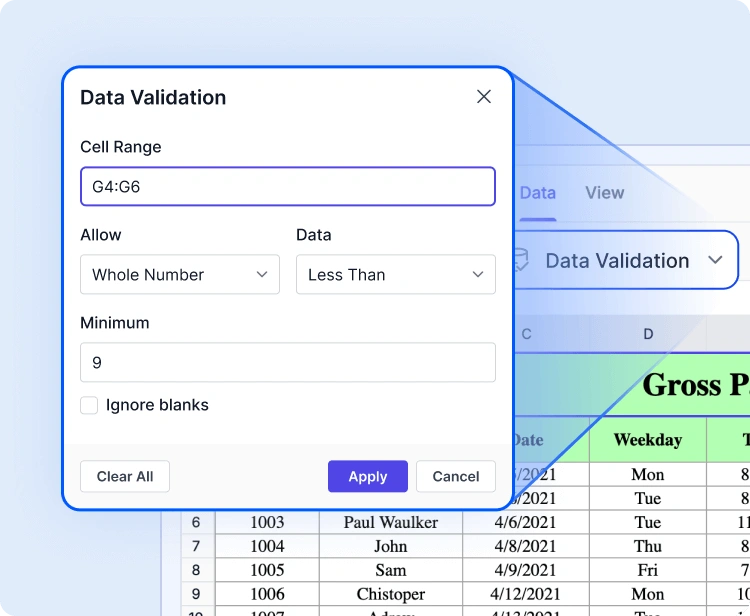
Data validation
Ensure data accuracy with validation rules, custom conditions, dropdown lists, input restrictions, and error prevention features that help maintain consistent worksheet data.
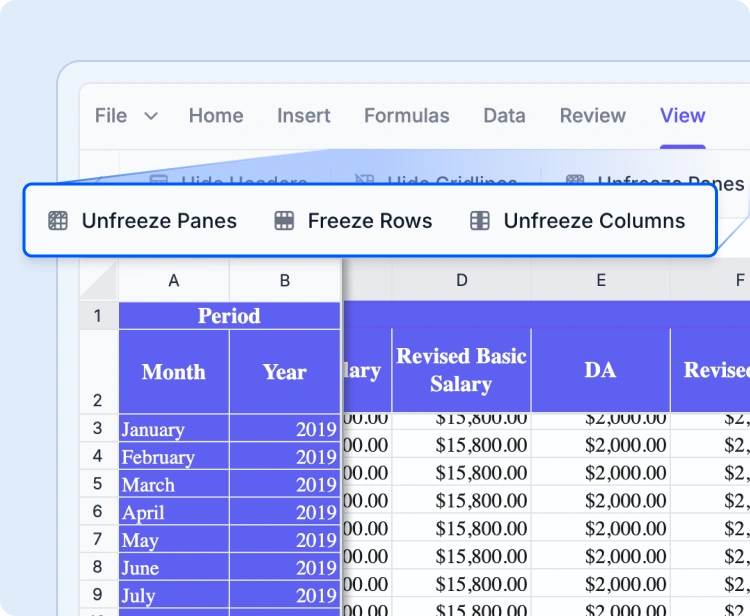
Freeze panes
Keep headers, rows, and columns visible while scrolling with freeze pane functionality that improves navigation and maintains context in large spreadsheets.
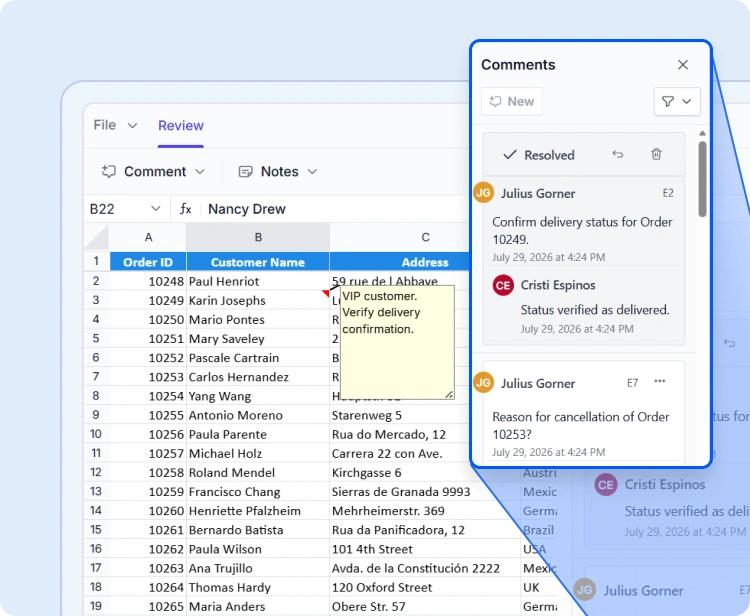
Notes and comments
Capture feedback, discussions, and contextual information using notes and threaded comments while preserving the original worksheet data.
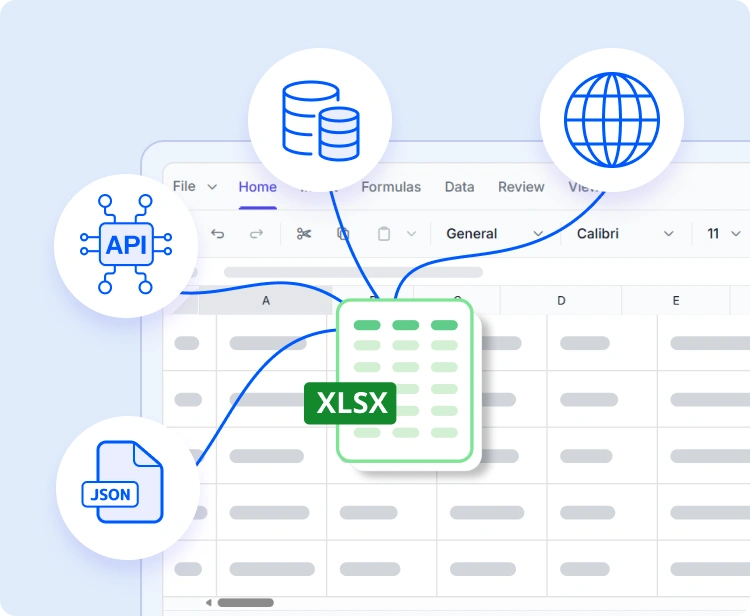
Data binding
Connect worksheets to JSON data, REST APIs, and backend services with cell-level data binding to create dynamic, data-driven spreadsheet applications.
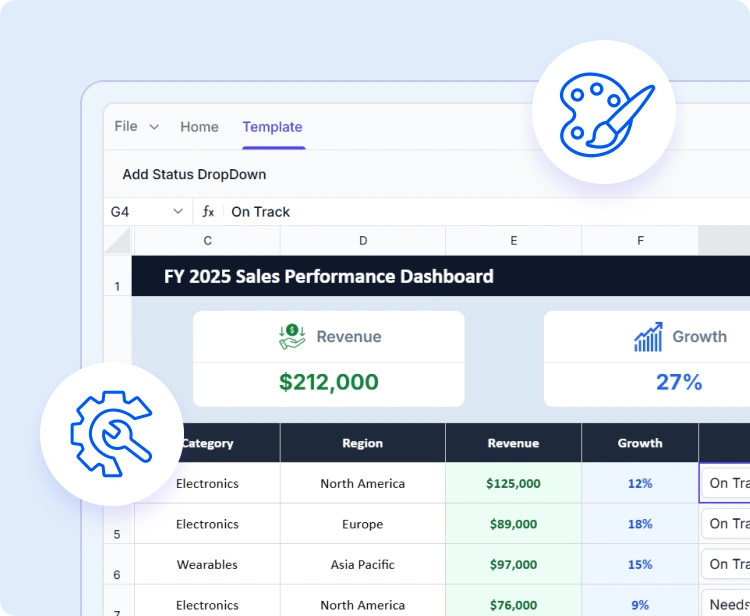
Spreadsheet customization
Tailor spreadsheet experiences with ribbon interfaces, context menus, cell templates, and configurable features that align with branding and workflows.
Accessibility and global readiness
Keyboard navigation
Interact with every cell using keyboard shortcuts alone. Perform selections, edits, and clipboard actions without a mouse, in highly accessible workflows.
Accessible
Fully compliant with WAI-ARIA standards, the React Spreadsheet Editor ensures all UI elements and cell content are accessible to assistive technologies. High-contrast visuals enhance readability for users with low vision.
RTL & localization
Designed for global applications with localization, regional formats, and right-to-left (RTL) layout support.
Industry-specific use cases
The Syncfusion® React Spreadsheet Editor empowers professionals across a wide range of industries to organize, analyze, and share data directly in the browser. Engineered for precision, flexibility, and secure data handling, it facilitates team collaboration and streamlines spreadsheet workflows.
No credit card is required.
Finance and accounting
Finance teams can confidently manage complex models, budgets, and forecasts using built-in formula support, conditional formatting, and data validation to ensure precision and compliance in every calculation.
Healthcare and research
Healthcare analysts can securely record and analyze patient metrics, medical statistics, and lab data with customizable sheets and HIPAA-compliant protection features.
Education
Educators and students can manage grades, attendance sheets, or research data in a dynamic spreadsheet interface, making learning, monitoring, and reporting more intuitive.
Sales and marketing
Sales and marketing professionals can monitor KPIs, campaign performance, and revenue growth using dynamic data tables and charts. They can make data-driven decisions without switching tools.
AI-Assisted Development
Build feature-rich spreadsheet experiences faster
Build powerful spreadsheet applications faster with Syncfusion AI tools that convert requirements into seamless and scalable user experiences.
Agent Skills
Create accurate spreadsheet editor code with Syncfusion Agent Skills for faster development
Example Prompt Help me set up a Spreadsheet experience in React with data.
MCP Server
Build spreadsheet with Syncfusion MCP Server by creating and troubleshooting component code directly in your IDE.
Example Prompt Show me how to build a Spreadsheet component in React and load data.
WebMCP tools
Automate spreadsheet workflows with AI-powered tools. Allow AI agents to analyze data, apply formatting, perform calculations, and transform workbook content with built-in controls for secure and reliable operations.
Trusted by the world’s leading companies

See Why Developers Love Syncfusion
These real-time stories show the impact of our Spreadsheet Editor SDK
The best way to showcase our commitment is through the experiences and stories of those who have used our Spreadsheet Editor.




Endless possibilities with one editor
Whether you’re building financial dashboards, managing inventory, analyzing research data, or designing interactive forms, the React Spreadsheet Editor adapts to your needs. With powerful features, flexible architecture, and enterprise-grade performance, it’s the ideal solution for data-driven applications across industries.
No credit card required.
React Spreadsheet Editor FAQs
If you’re new to React Spreadsheet Editor or have questions, our FAQ will help you learn more about its features and capabilities.
What is a React Spreadsheet?
A React Spreadsheet is a UI component that lets developers embed Excel-like data organization, analysis, and editing directly inside a React application without needing a separate spreadsheet application. The Syncfusion React Spreadsheet Editor is a feature-rich, user-interactive component for organizing and analyzing data in tabular format, with configuration options for customization. It loads data by importing an Excel or CSV file, or from local and remote data sources such as JSON, RESTful services, and OData services, and supports exporting the populated data as Excel (XLSX, XLS), CSV, and PDF formats.
Is the React Spreadsheet component free?
No, the React Spreadsheet component is a commercial product and requires a paid license. However, eligible individuals and small businesses can use it under the free Syncfusion Community License. See the Community License page for the current eligibility requirements.
What developer resources are available for the Syncfusion React Spreadsheet Editor?
Comprehensive documentation, code samples, API references, and community forums are available to support developers at every stage of integration.
How do I export worksheets to Excel from the React Spreadsheet?
Use the Save As option in the File menu or the save method. The Spreadsheet control lets you save or export worksheets in Excel (XLSX, XLS), CSV, and PDF formats.
How many rows can the React Spreadsheet handle?
The Syncfusion React Spreadsheet is built as a high-performance React spreadsheet component for working with large datasets. It includes Virtualization, which lets you load large amounts of data without performance degradation—keeping the component fast and responsive even as your dataset grows.
What remote data sources does React Spreadsheet Editor support?
The React Spreadsheet supports JSON, OData, WCF, and RESTful web services with the help of a data manager.
How do I read or import an Excel file in React?
The React Spreadsheet component loads data by importing an Excel or CSV file, or from local and remote data sources such as JSON, RESTful services, and OData services. It provides a dedicated Open feature that lets you open Excel and CSV files directly in the Spreadsheet.
Does the component work as a React Excel viewer, a React Excel editor, or both?
It works as both. You can use the component as a React Excel viewer to open and display supported Excel and CSV files, or use it as a full React Excel editor with capabilities including formulas, cell formatting, data validation, charts, sorting, filtering, and export to Excel, CSV, and PDF formats.
Can I apply formulas and conditional formatting in the React Spreadsheet Editor?
Yes, it supports Excel-compatible formulas and advanced conditional formatting features.
Resources
Learn more about our Syncfusion React Spreadsheet Editor
Explore demos, KB articles, and documentation to get the most out of our React Spreadsheet Editor.
Explore guides, APIs, and quick-start tips
See live use cases in action
Ask, share, and connect with peers
Find solutions and best practices fast
Get expert help when you need it
Feature requests and bug reports
Track issues and suggest improvements







