Try Our Live Demo
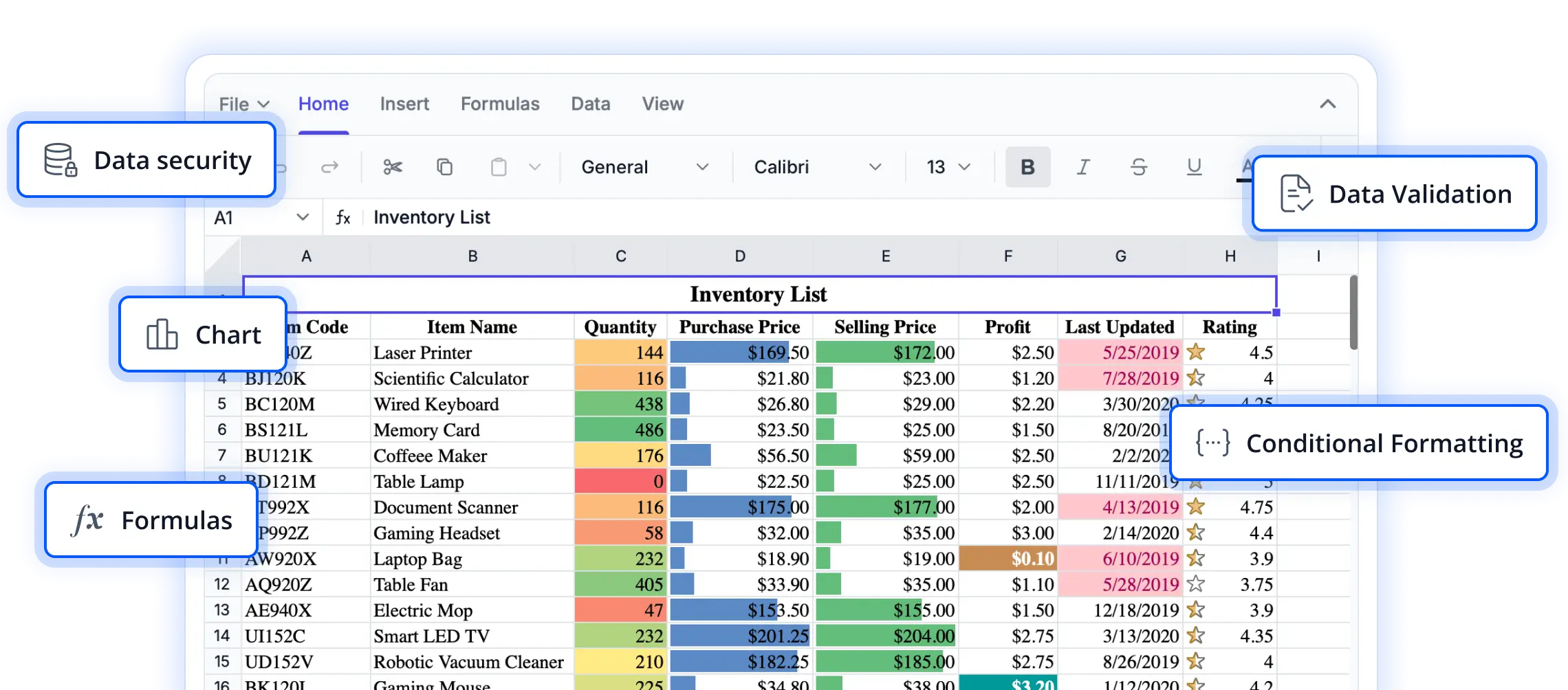
Intuitive navigation and selection controls
Explore features designed to help users interact with spreadsheet data more efficiently. From navigating large worksheets to working with multiple cell ranges, these capabilities enhance usability, improve productivity, and deliver a smooth editing experience in React applications.
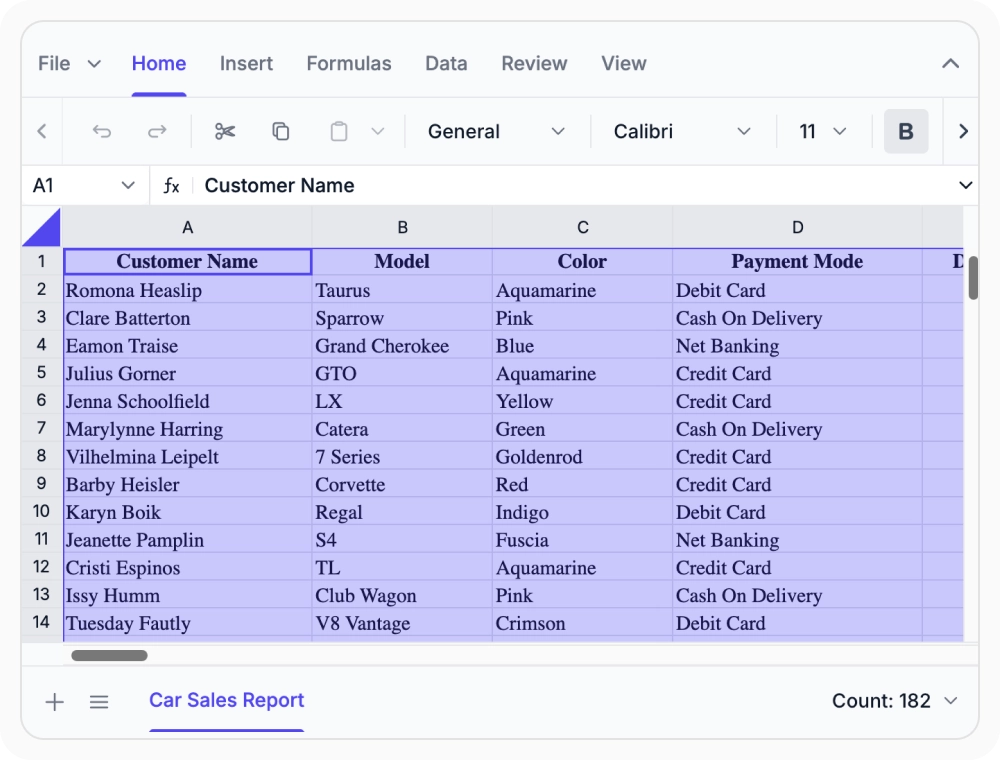
Select cells and ranges
Select individual cells, ranges, rows, and columns for precise interaction with worksheet data. Use when spreadsheet workflows depend on interacting with specific data segments in large datasets.
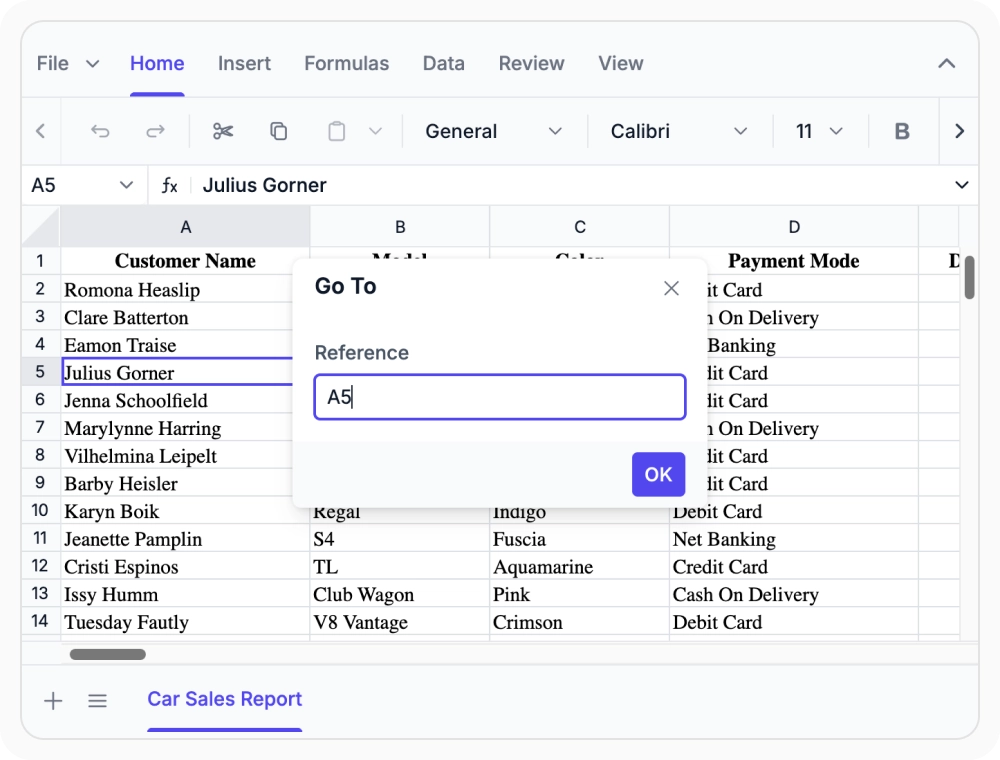
Navigate using cell references
Navigate directly to specific cells or named ranges without scrolling. Use this when large workbooks contain key sections that need to be accessed quickly during analysis or reporting.
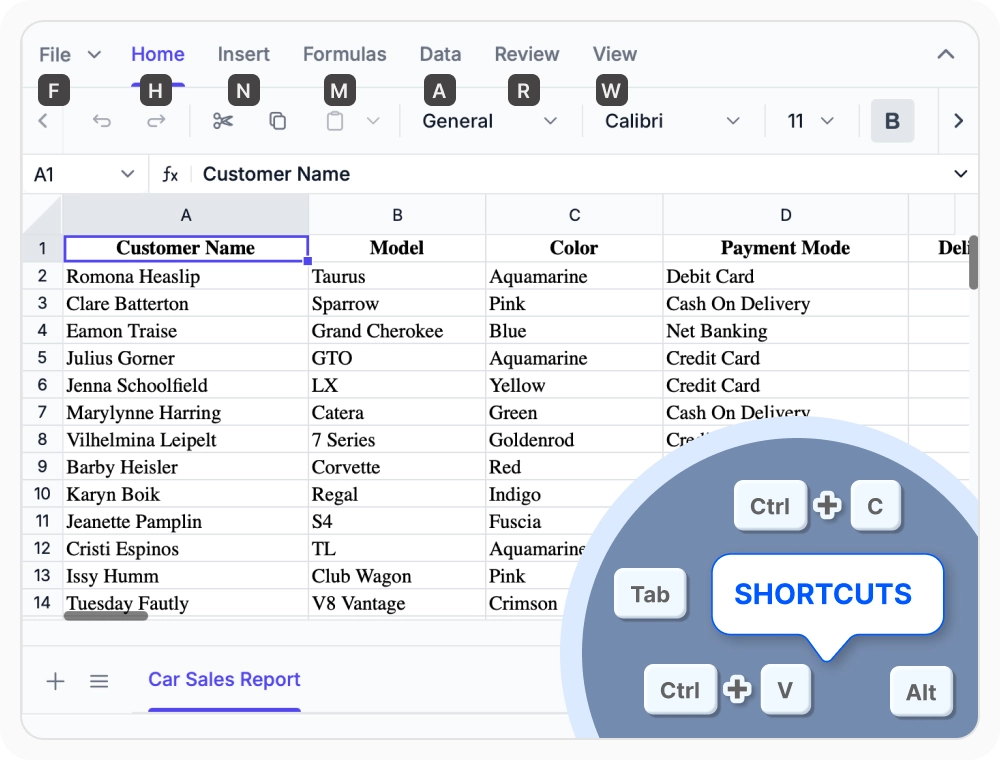
Use keyboard shortcuts
Perform spreadsheet operations using built-in keyboard shortcuts to improve productivity and reduce repetitive actions. Use when require faster navigation, data entry, and worksheet management.
See Why Developers Love Syncfusion
Our Customers Love Us
Having an excellent set of tools and a great support team, Syncfusion reduces customers’ development time. Here are some of their experiences.




Frequently Asked Questions
What selection and navigation options are available in the React Spreadsheet Editor support?
The React Spreadsheet Editor supports flexible selection, Go To navigation, and keyboard shortcuts, helping users work with worksheets efficiently.
Can I jump directly to a specific cell in the React Spreadsheet Editor?
Yes. The Go To feature in React Spreadsheet Editor lets you quickly navigate to a specific cell or named range, eliminating the need for manual scrolling and making it easier to access key worksheet locations.
Can I select cells without using a mouse in React Spreadsheet Editor?
Yes. Keyboard shortcuts in the React Spreadsheet Editor support cell selection, range extension, and worksheet navigation, allowing efficient content management without a mouse.
Can I select full rows and columns full rows and columns in React Spreadsheet Editor?
Yes. Selection supports individual cells, multi-cell ranges, entire rows, and columns for precise control over worksheet content and data organization.
What keyboard shortcuts are available in the React Spreadsheet Editor?
The React Spreadsheet Editor includes keyboard shortcuts for navigation, cell editing, formatting, selection, and other common spreadsheet operations to improve efficiency and productivity across everyday spreadsheet tasks.
Can selection and navigation features reduce data errors in the React Spreadsheet Editor?
Yes. Precise cell and range selection, along with Go To navigation, helps users accurately locate and edit data, reducing mistakes and improving productivity when working with large worksheets.
Resources
Learn more about our React Spreadsheet Editor
Explore demos, KB articles, and documentation to get the most out of our React Spreadsheet Editor.
Explore guides, APIs, and quick-start tips
See live use cases in action
Ask, share, and connect with peers
Find solutions and best practices fast
Get expert help when you need it
Feature requests and bug reports
Track issues and suggest improvements
Awards
Greatness—it’s one thing to say you have it, but it means more when others recognize it. Syncfusion® is proud to hold the following industry awards.









