Try Our Live Demo
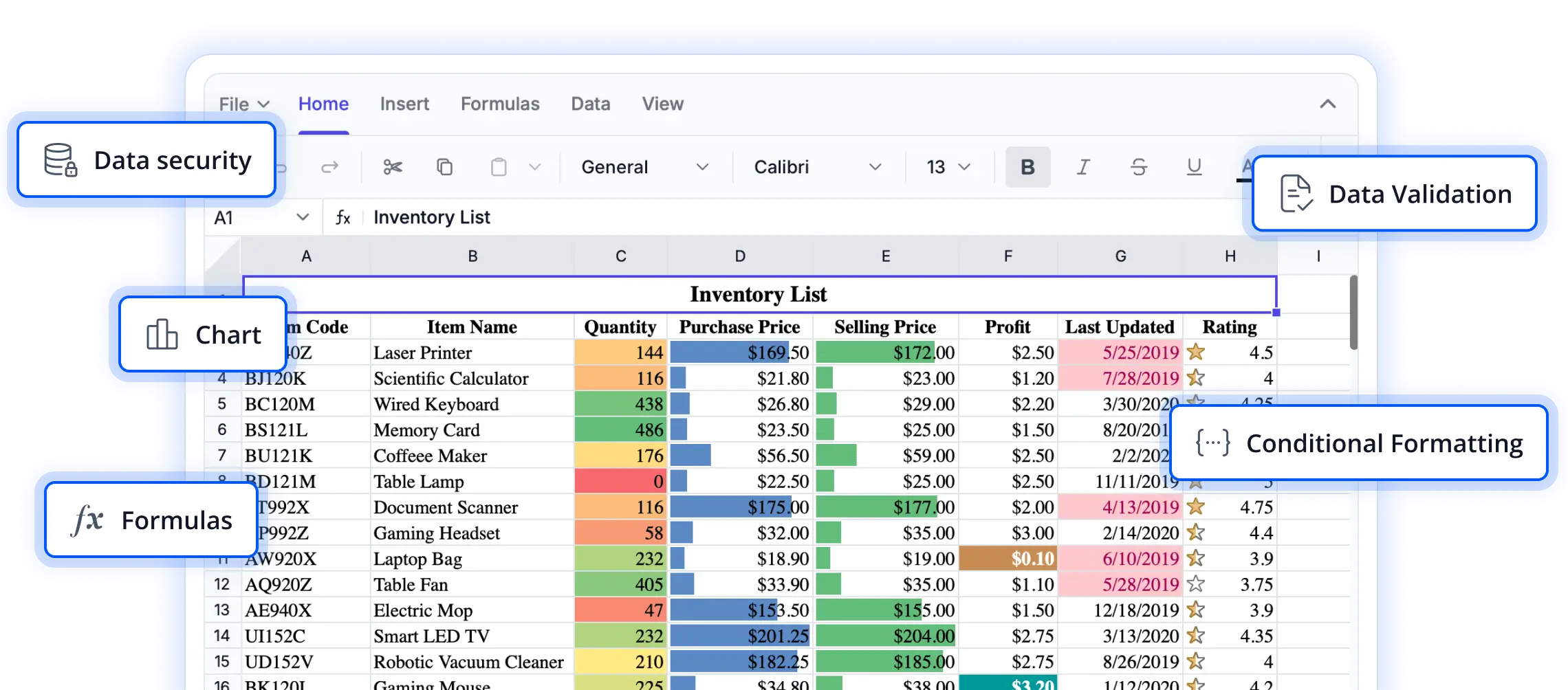
Engineered for high-performance spreadsheet experiences
Explore performance-focused capabilities designed to deliver fast, responsive, and scalable spreadsheet interactions. These features help applications handle large datasets efficiently, ensuring smooth navigation, editing, and data processing across demanding business scenarios.
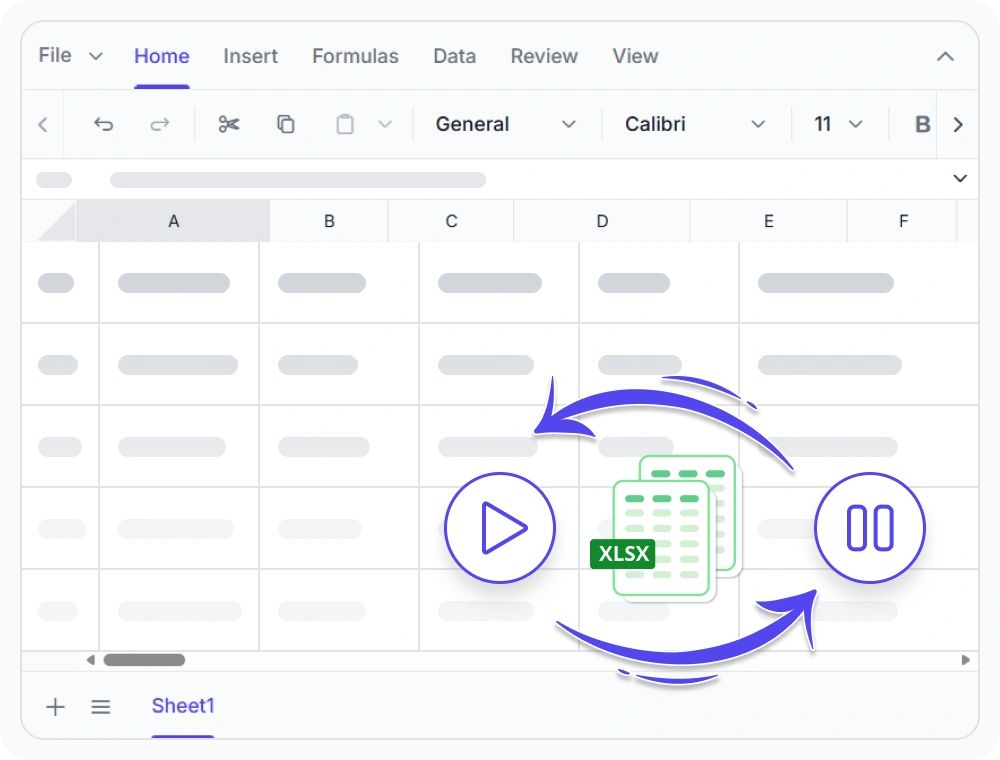
Enable high-performance scrolling
Render only visible rows and columns to maintain fast and responsive worksheet performance with large datasets. Use virtual scrolling to navigate thousands of rows and columns smoothly without compromising usability.
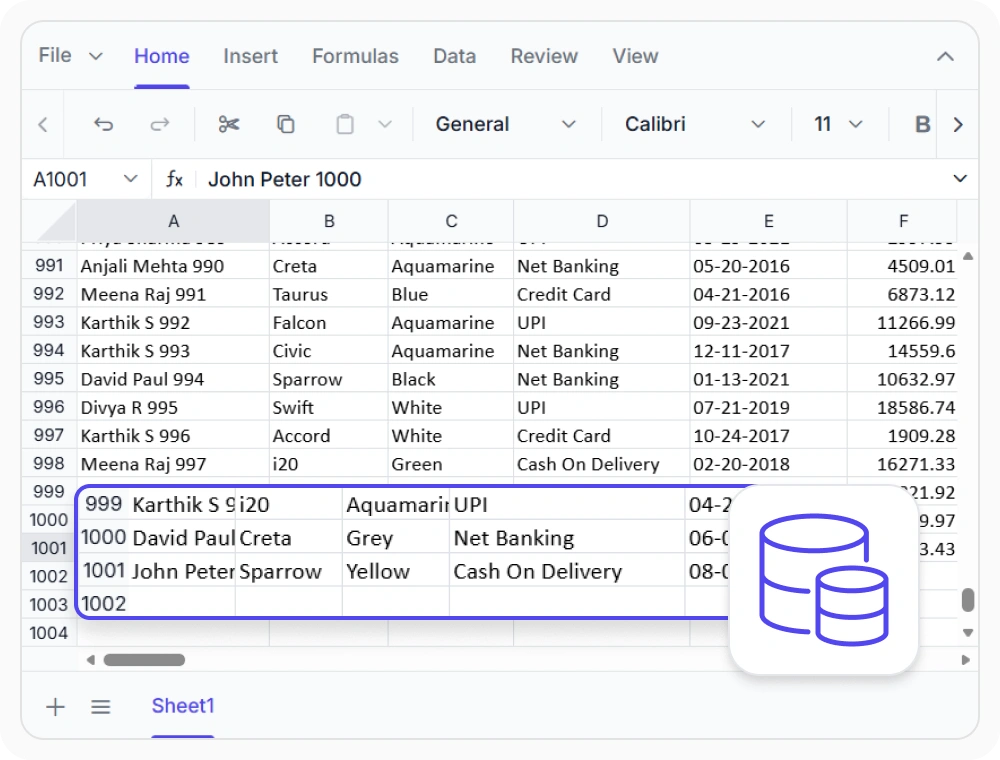
Apply bulk worksheet updates
Apply multiple worksheet changes together and refresh the spreadsheet only after all updates are complete. Use this when high-volume operations need to be processed efficiently with minimal performance impact.
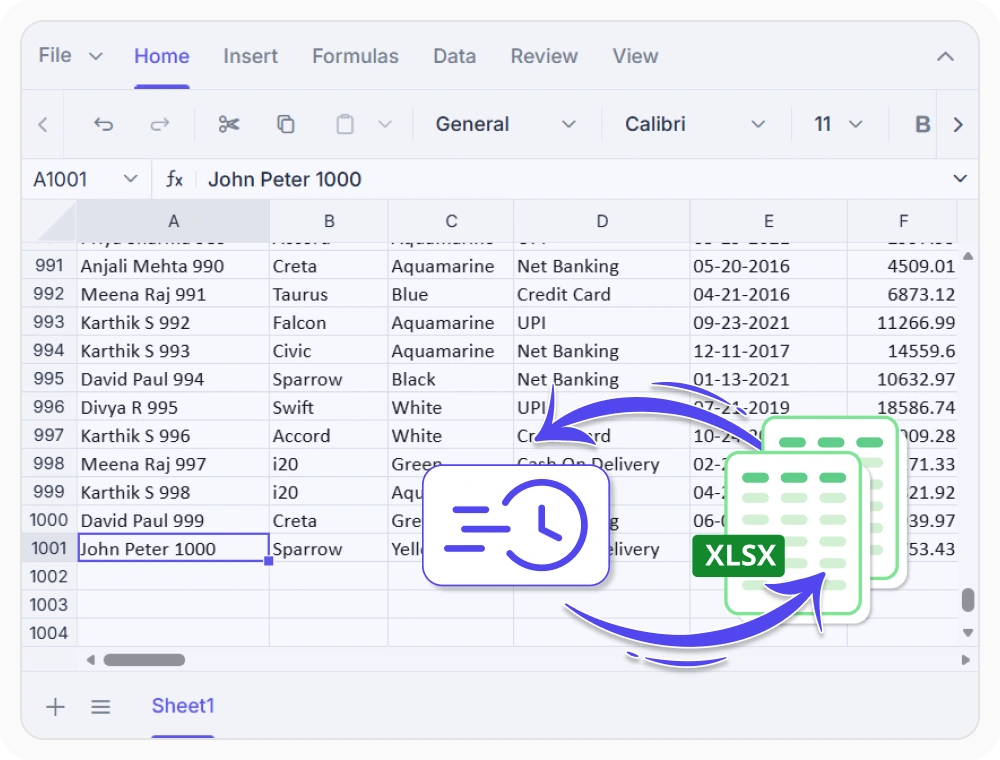
Control import and export settings
Customize workbook import and export by excluding elements such as styles, charts, images, and formulas to reduce resource usage and processing time. Use this option to efficiently open, process, and save large spreadsheet files.
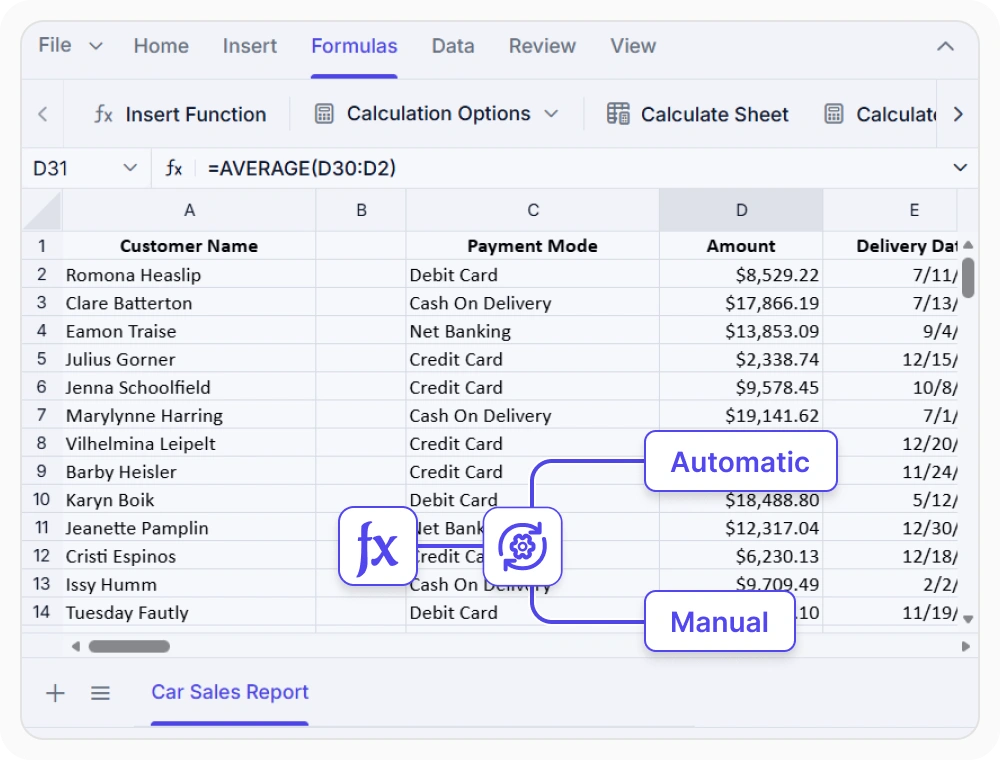
Control formula recalculation
Manage worksheet calculations with automatic recalculation for real-time updates or manual recalculation for greater control during bulk data entry. Use this when working with large, formula-heavy workbooks for analysis, reporting, and planning.
See Why Developers Love Syncfusion
Our Customers Love Us
Having an excellent set of tools and a great support team, Syncfusion reduces customers’ development time. Here are some of their experiences.




Frequently Asked Questions
What performance features does the React Spreadsheet Editor provide?
React Spreadsheet Editor performance features include virtual scrolling for large datasets, batch UI updates for bulk changes, optimized workbook import/export, and flexible calculation modes for calculation-intensive workbooks.
Can React Spreadsheet Editor performance features reduce browser memory usage?
Yes. Virtual scrolling limits rendered content, and optimized workbook processing reduces payload size and overhead. Both features help lower browser memory usage when working with large spreadsheets.
Can developers customize React Spreadsheet Editor performance settings?
Yes. Developers can configure workbook processing, calculation modes, refresh behavior, and serialization settings in React Spreadsheet Editor to accommodate different application requirements and workload demands.
How does the React Spreadsheet Editor support large dataset navigation?
React Spreadsheet Editor uses virtual scrolling to render only visible worksheet areas, reducing processing and rendering overhead. This enables smooth navigation through large spreadsheets with thousands of rows and columns.
Does React Spreadsheet Editor performance optimization apply to imported workbooks?
Yes. React Spreadsheet Editor performance features apply to imported, service-fetched, or generated workbooks. Optimized parsing and processing maintain responsiveness during loading and saving.
What applications benefit from React Spreadsheet Editor performance features?
Performance features are useful in applications that work with large datasets, complex calculations, imported workbooks, reporting systems, and other spreadsheet-intensive workflows that require responsive data interaction.
Resources
Learn more about our React Spreadsheet Editor
Explore demos, KB articles, and documentation to get the most out of our React Spreadsheet Editor.
Explore guides, APIs, and quick-start tips
See live use cases in action
Ask, share, and connect with peers
Find solutions and best practices fast
Get expert help when needed
Feature requests and bug reports
Track issues and suggest improvements
Awards
Greatness—it’s one thing to say you have it, but it means more when others recognize it. Syncfusion® is proud to hold the following industry awards.









