Try Our Live Demo
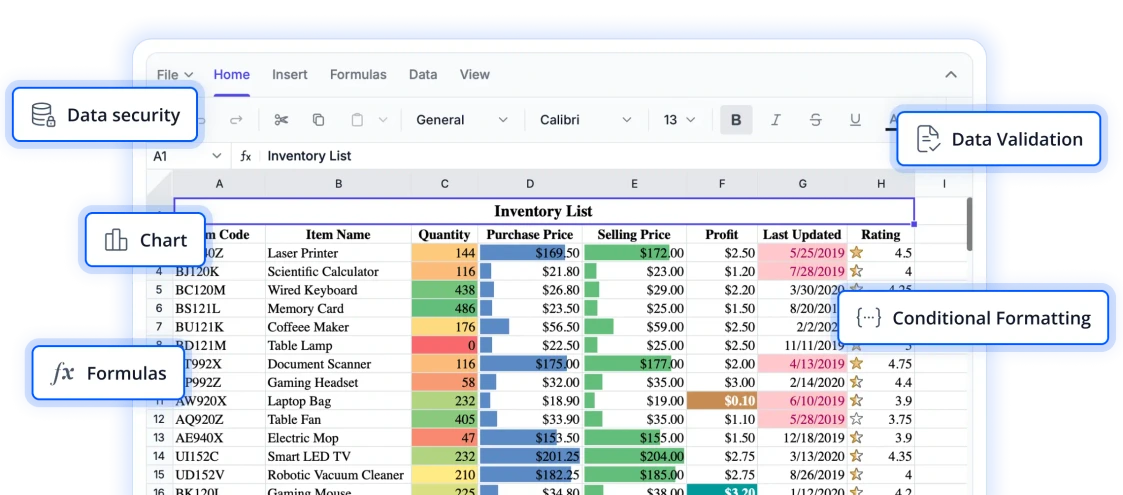
Create spreadsheet experience that matches your application
Explore flexible customization capabilities that enable you to tailor the spreadsheet interface to your application’s unique requirements. From adapting the user experience to aligning with brand guidelines, these features help create a seamless and consistent experience for your users.
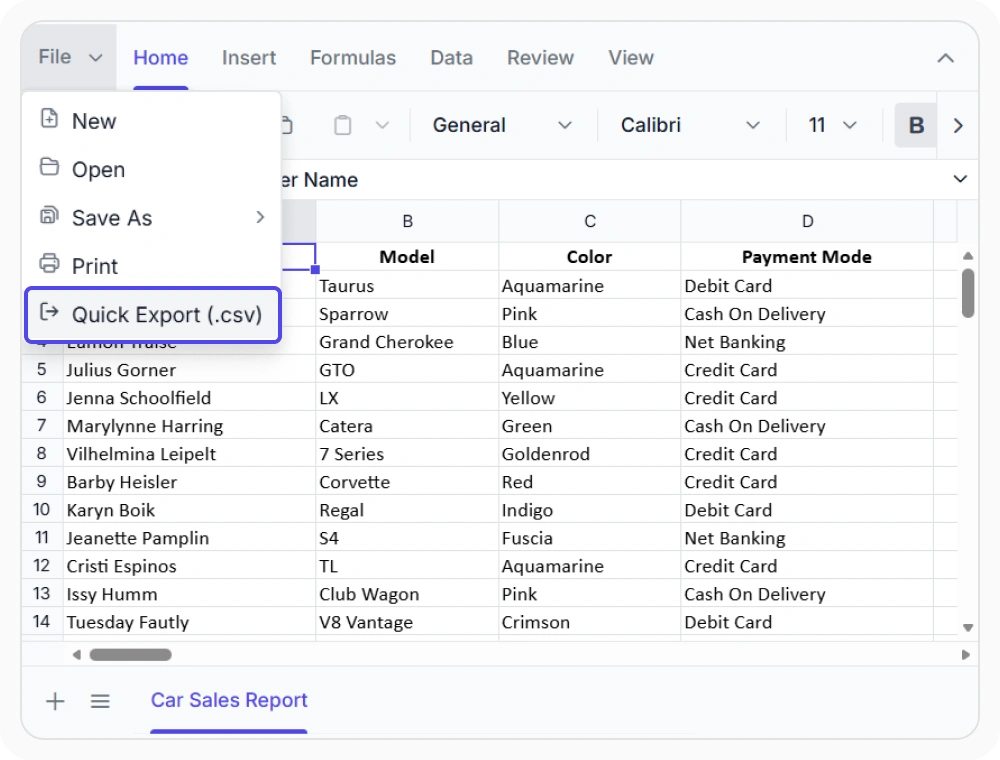
Personalize ribbon layouts
Modify the ribbon by adding, removing, or reorganizing tabs, groups, and commands to match business workflows. Use this to create role-specific workspaces for operational tasks and process-driven applications.
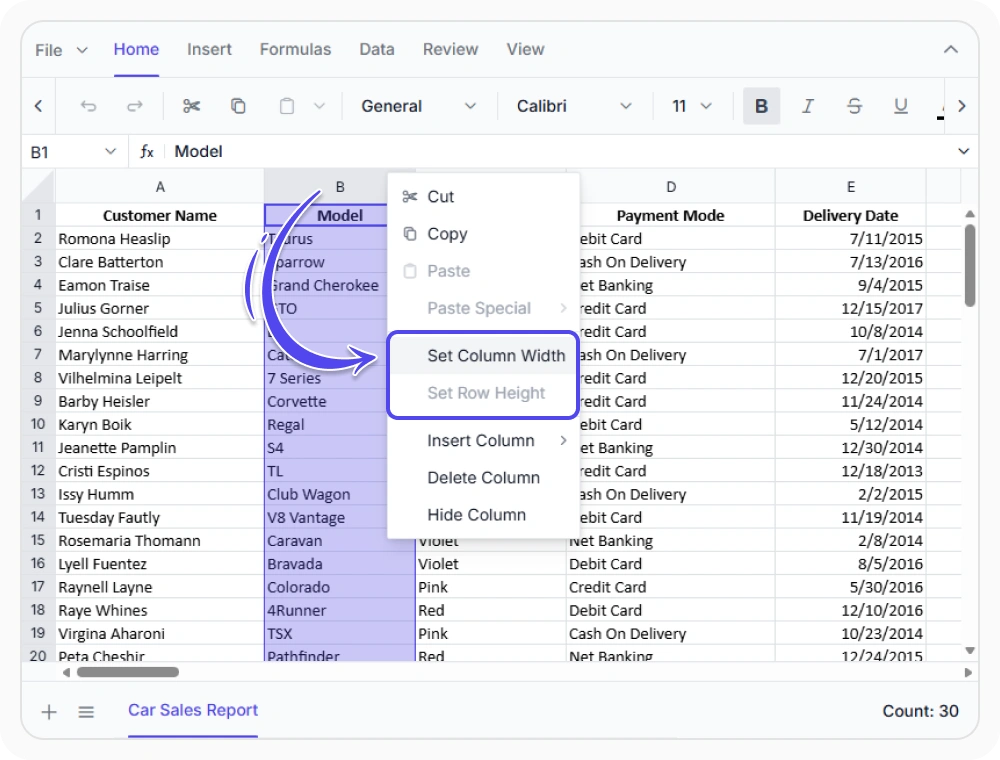
Create custom context menus
Add custom context menu actions tailored to business workflows and user roles, providing quick access to essential operations. Use this when users need workflow-specific actions directly from spreadsheet content.
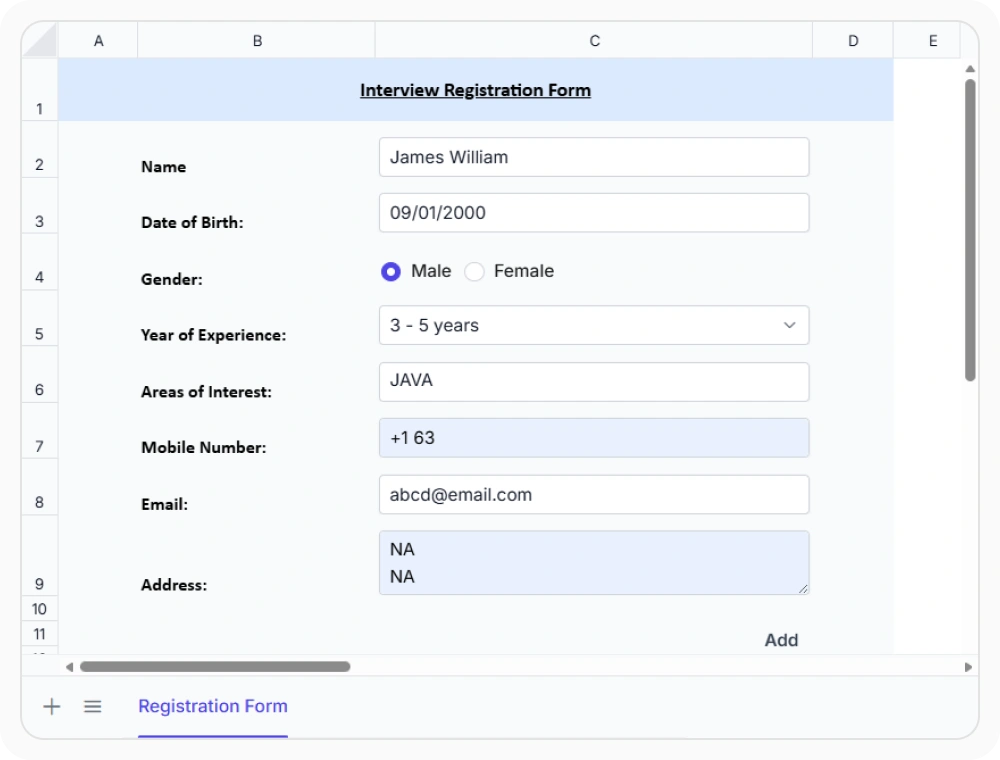
Create interactive cell inputs
Transform worksheet cells into interactive workflow elements using custom templates and input controls. Use this when business processes require guided data entry, approvals, selections, or status updates within spreadsheets.
See Why Developers Love Syncfusion
Our Customers Love Us
Having an excellent set of tools and a great support team, Syncfusion reduces customers’ development time. Here are some of their experiences.




Frequently Asked Questions
What UI customization options are available in React Spreadsheet Editor?
React Spreadsheet Editor supports customization of ribbon tabs, toolbar items, context menus, and cell templates. These options help tailor spreadsheet interfaces for specific layouts, user roles, and workflow requirements.
Can the ribbon show only workflow-relevant commands in the React Spreadsheet Editor?
Yes. The ribbon can be configured to display only commands relevant to application workflows. Custom tabs, groups, and toolbar items can be added, removed, or reorganized to match specific user and workflow requirements.
How do custom cell templates work in the React Spreadsheet Editor?
Custom cell templates allow interactive elements like dropdowns, date pickers, checkboxes, and status indicators in worksheet cells. This supports workflow-specific data entry and interaction beyond standard cell input.
Can context menu options be customized for specific workflows in the React Spreadsheet Editor?
Yes. In React Spreadsheet Editor, context menu options can be customized by adding application-specific actions and removing unnecessary options through right-click interactions on cells, rows, columns, and sheet tabs.
Can I update the File Menu dynamically at runtime in the React Spreadsheet Editor?
Yes. In React Spreadsheet Editor, file Menu items can be modified programmatically, allowing the File Menu to adapt dynamically based on user actions, worksheet state, or application context, providing a more tailored user experience.
How does UI customization improve usability in the React Spreadsheet Editor?
A customized interface improves efficiency by displaying only relevant tools and features. This reduces clutter, simplifies navigation, and streamlines workflows for a more productive user experience.
Resources
Learn more about our React Spreadsheet Editor
Explore demos, KB articles, and documentation to get the most out of the React Spreadsheet Editor.
Explore guides, APIs, and quick-start tips
See live use cases in action
Ask, share, and connect with peers
Find solutions and best practices fast
Get expert help when needed
Feature requests and bug reports
Track issues and suggest improvements
Awards
Greatness—it’s one thing to say you have it, but it means more when others recognize it. Syncfusion® is proud to hold the following industry awards.









