Try Our Live Demo
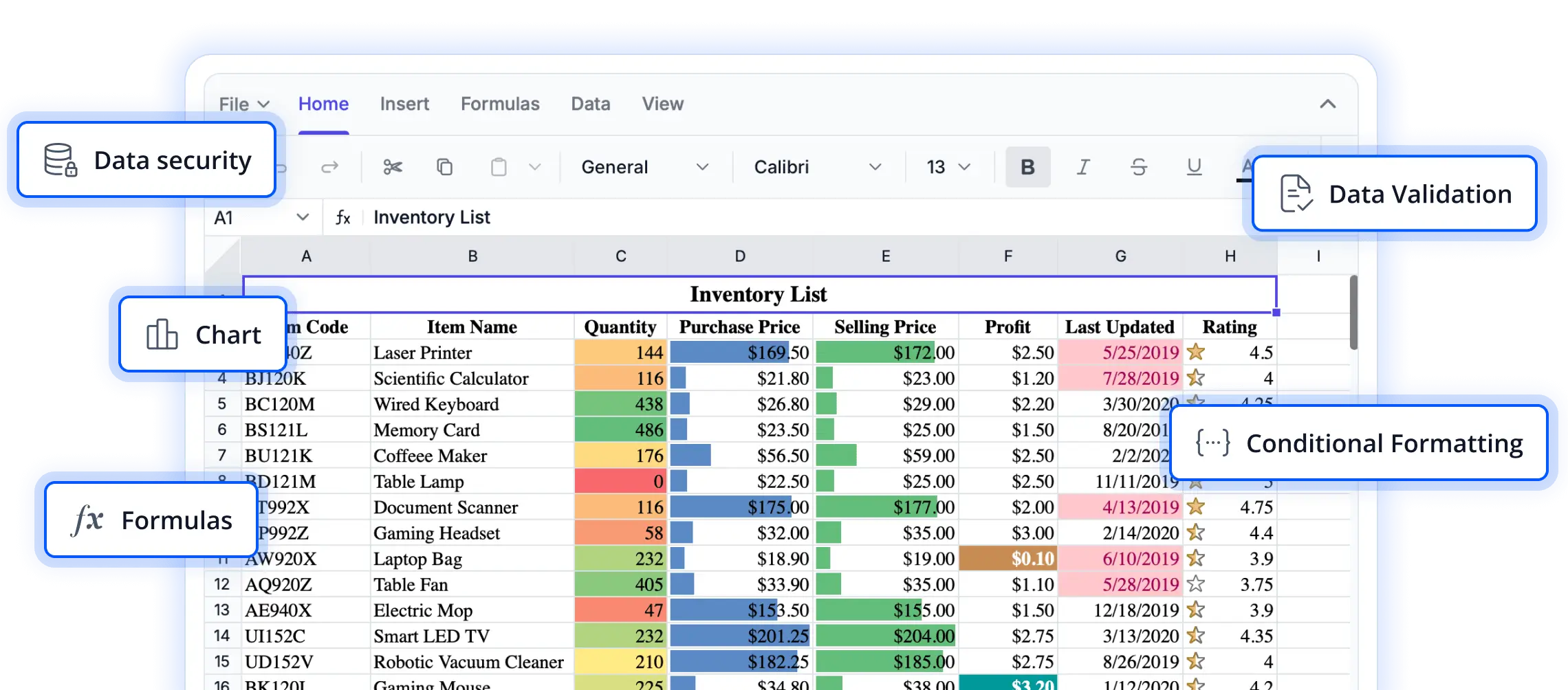
Seamlessly connect and manage your data
Explore data integration capabilities that enable spreadsheets to work effortlessly with external data sources. These features help keep information synchronized, simplify data management, and support dynamic, data-driven experiences in React applications.
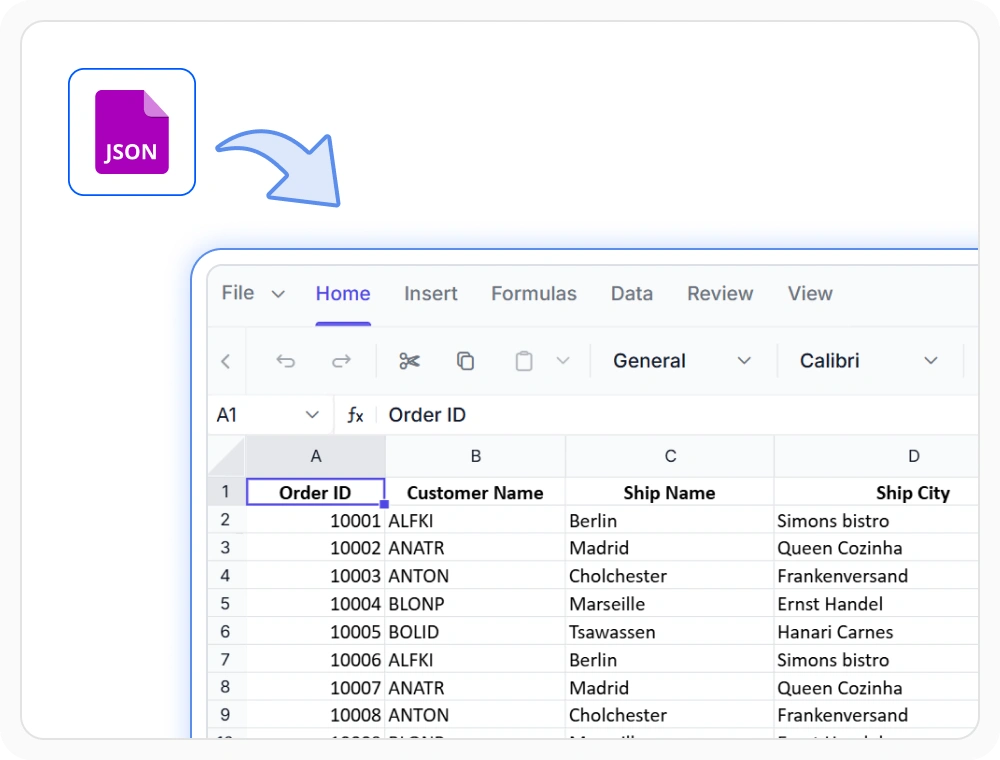
Bind local JSON data
Load spreadsheet data from JSON objects or JavaScript arrays for fast in-browser rendering. Use this when your application works with local datasets and does not require network connectivity.
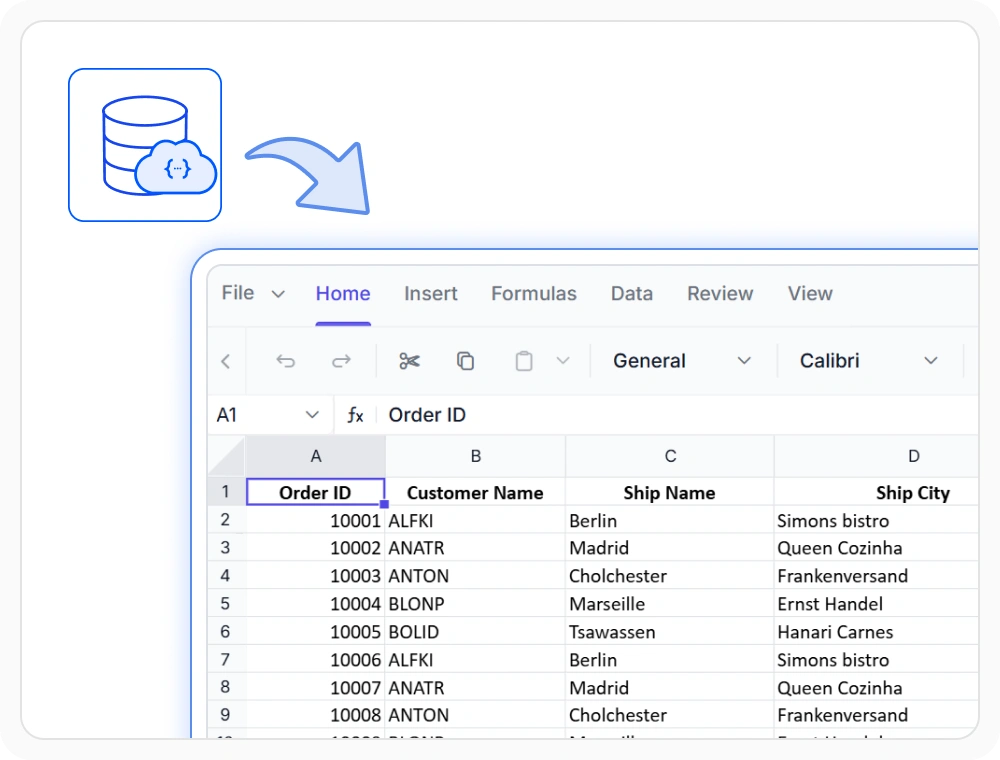
Load data from APIs
Load spreadsheet data from APIs, web services, and external sources for dynamic loading and live synchronization. Use when business data changes frequently and must be fetched at runtime.
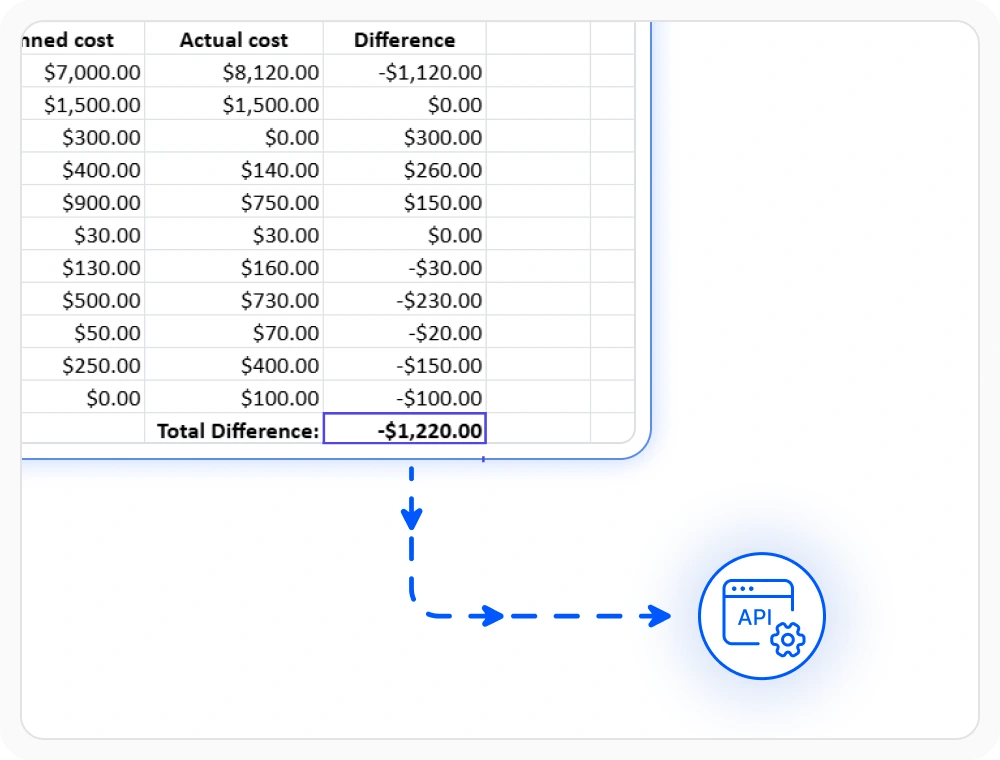
Bind data to specific cells
Assign values, formulas, or styles to individual cells for precise placement within a worksheet. Use cell-level binding when key metrics or custom content must appear in specific locations.
See Why Developers Love Syncfusion
Our Customers Love Us
Having an excellent set of tools and a great support team, Syncfusion reduces customers’ development time. Here are some of their experiences.




Frequently Asked Questions
What data sources are supported by React Spreadsheet Editor data binding?
The Syncfusion React Spreadsheet Editor supports local JSON, JavaScript arrays, remote APIs, web services, and cell-level binding for comprehensive data connectivity.
How does remote data binding function in React Spreadsheet Editor?
Spreadsheet content loads from APIs, web services, or remote endpoints at runtime, allowing worksheet data to update dynamically from backend or external sources.
Which data binding method is best for React Spreadsheet Editor dashboards?
Local data binding is ideal for static or client-side dashboards with pre-loaded data. Remote data binding is best for dashboards needing live or updated information from APIs or backend services.
Can the React Spreadsheet Editor be used without a backend?
Yes. Local data binding in Syncfsion React Spreadsheet Editor enables client-side spreadsheet rendering using JSON objects or JavaScript arrays without requiring server communication.
Can business data be updated dynamically in Spreadsheet Editor?
Yes. Event-driven data binding allows spreadsheet content to reflect additions, edits, deletions, and external updates automatically, keeping data synchronized with connected application state.
Can individual cells be bound to specific data values in React Spreadsheet Editor?
Yes. Cell-level binding provides precise control over values, formulas, and content are assigned within the spreadsheet, supporting custom layouts and targeted data placement beyond bulk binding.
Resources
Learn more about our React Spreadsheet Editor
Explore demos, KB articles, and documentation to get the most out of the React Spreadsheet Editor.
Explore guides, APIs, and quick-start tips
See live use cases in action
Ask, share, and connect with peers
Find solutions and best practices fast
Get expert help when needed
Feature requests and bug reports
Track issues and suggest improvements
Awards
Greatness—it’s one thing to say you have it, but it means more when others recognize it. Syncfusion® is proud to hold the following industry awards.









