Try Our Live Demo
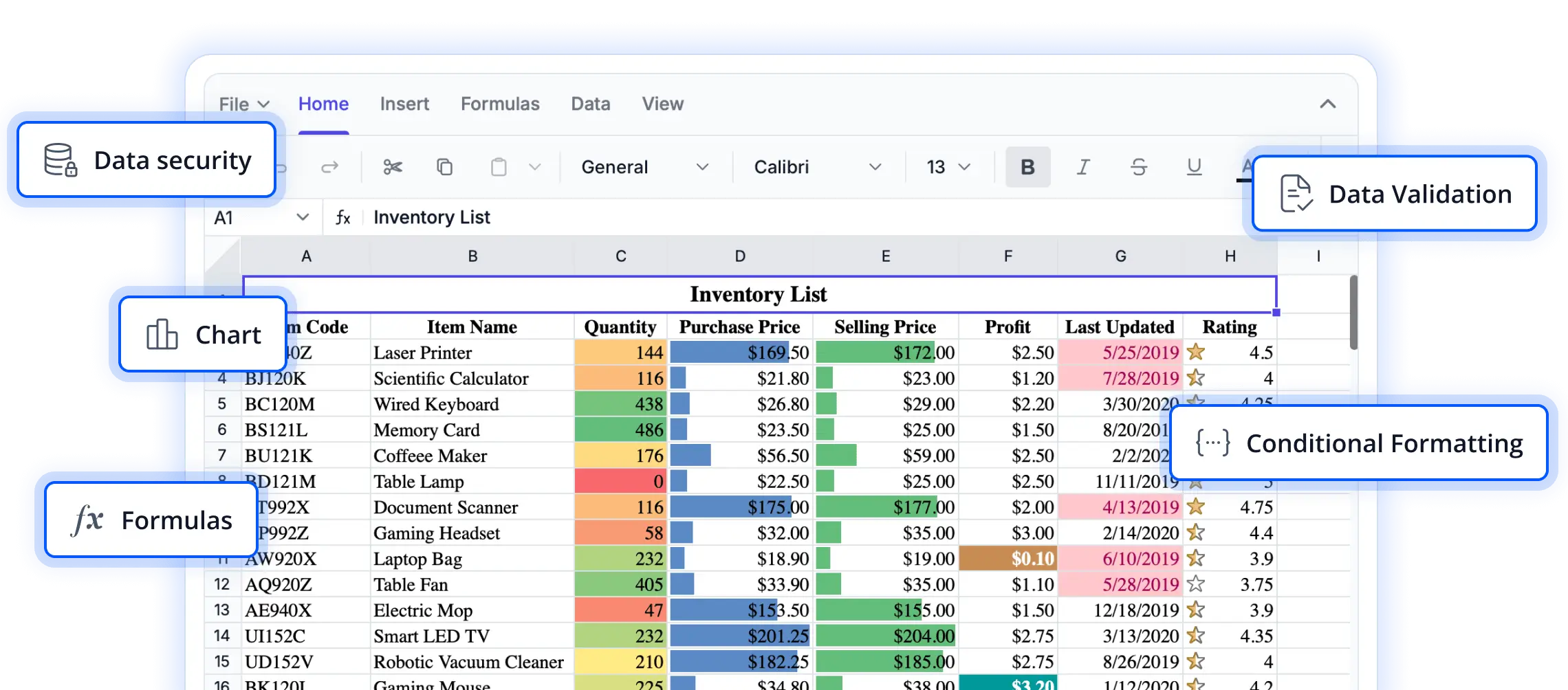
Comprehensive tools for spreadsheet editing
Explore powerful editing capabilities that enable users to create, update, and manage spreadsheet content efficiently. These features are designed to support seamless data entry, improve productivity, and deliver a familiar spreadsheet experience in React applications.
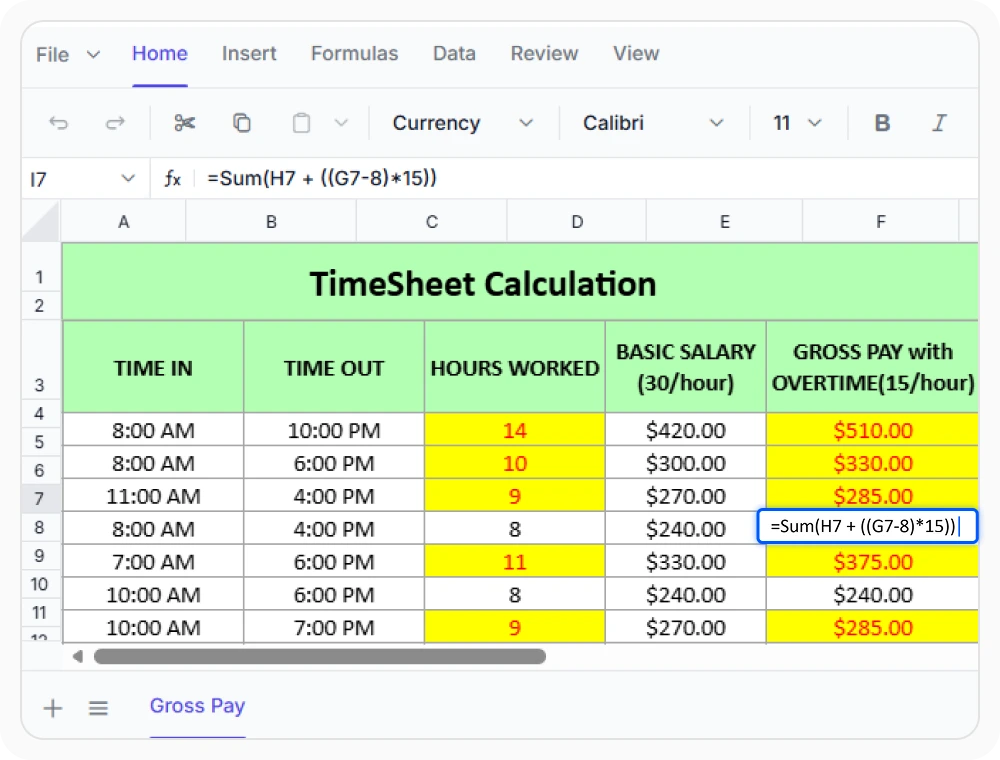
Edit cells directly within worksheets
Update cell values, text, or formulas directly within cells and press Enter to save changes. Use inline editing for fast data entry and routine updates without extra steps.
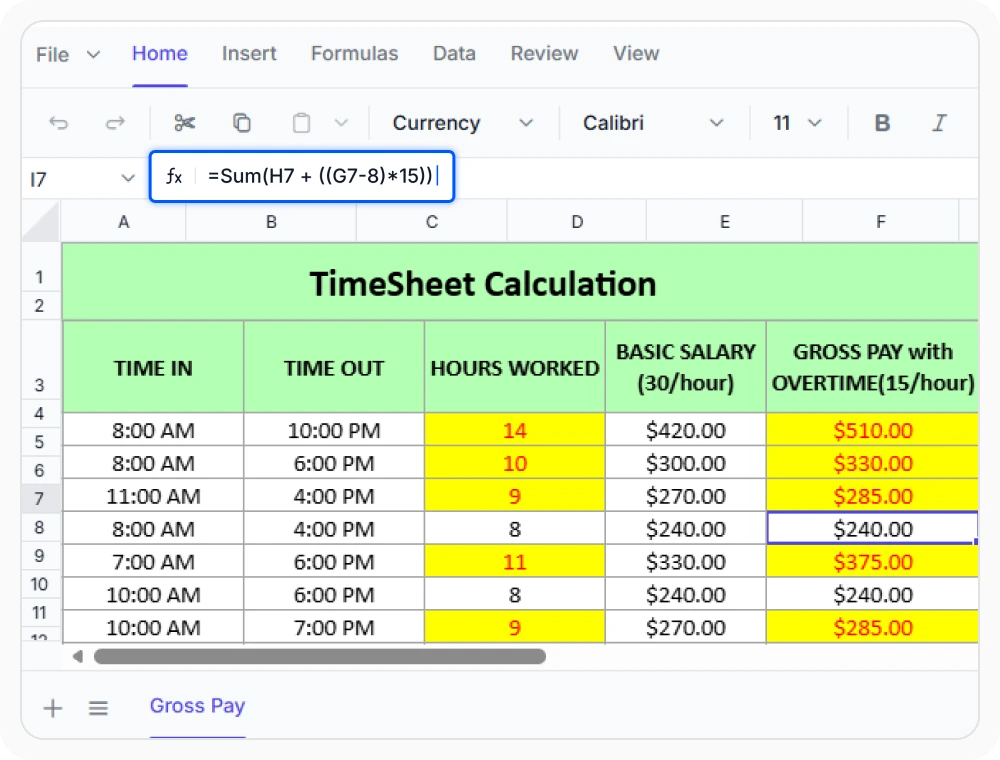
Edit formulas and content clearly
The formula bar displays the full contents of a cell for easy review and editing. Use it when reviewing or editing complex formulas, or when cell content is too long to fit within the cell.
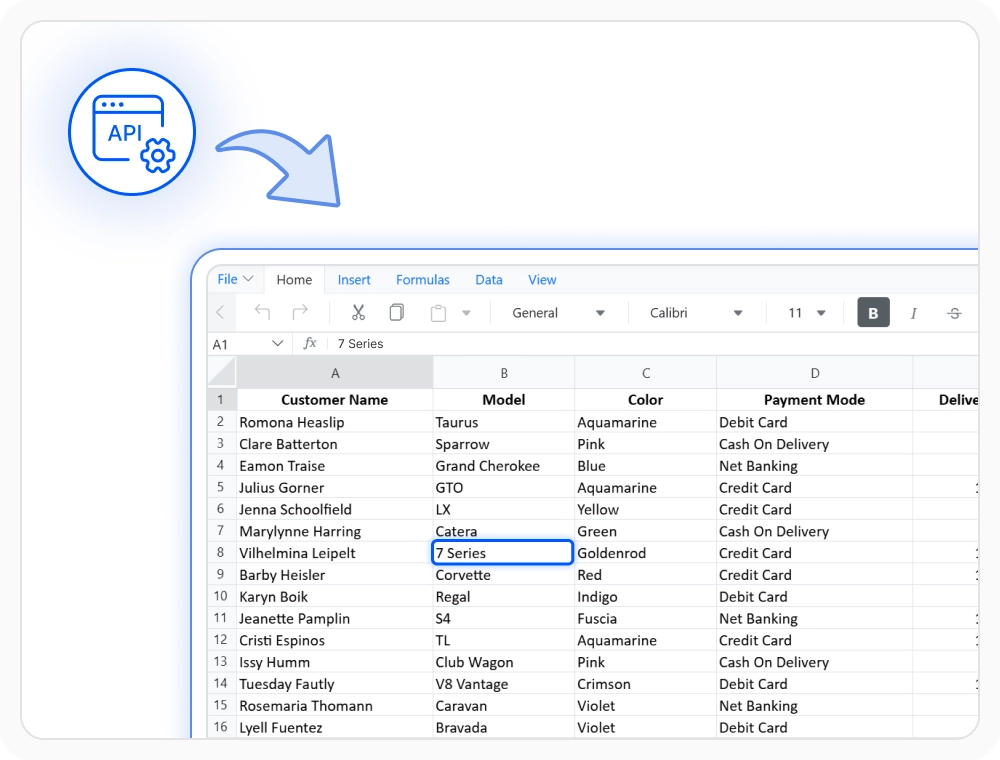
Control editing with permissions
Set editing permissions, validate input, and handle editing events programmatically. Use this feature when changes require review, restricted access, or validation before they are applied.
See Why Developers Love Syncfusion
Our Customers Love Us
Having an excellent set of tools and a great support team, Syncfusion reduces customers’ development time. Here are some of their experiences.




Frequently Asked Questions
How can I edit cells in the React Spreadsheet Editor for fast data entry?
You can edit cells directly, use the formula bar for long text or formulas, or use keyboard shortcuts for quick data entry in the React Spreadsheet Editor. All methods help speed up editing workflows.
How do I restrict editing to specific cells or ranges in the React Spreadsheet Editor?
You can restrict editing to certain cell ranes or the whole sheet using editing permissions and events in the React Spreadsheet Editor for precise control.
When should formula bar editing be used in the React Spreadsheet Editor?
Formula bar editing is most useful when working with formulas, long text values, or complex expressions. It gives a clear area to review and modify content without resizing cells.
What editing events help control data entry in the Syncfusion React Spreadsheet Editor?
Editing events trigger when a cell enters edit mode, during editing, after editing, and when saving changes. Use these events to validate input, track changes, and customize editing workflows.
Will editing a cell update dependent formulas in the Syncfusion React Spreadsheet Editor?
Yes. When a cell value is updated, dependent calculations are recalculated automatically to keep spreadsheet data accurate and consistent across the workbook.
Can I control editing programmatically in the React Spreadsheet Editor?
Yes, you can use editing events to validate input, track changes, restrict edits, and customize editing behavior programmatically in the React Spreadsheet Editor.
Resources
Learn more about our React Spreadsheet Editor
Explore demos, KB articles, and documentation to get the most out of our React Spreadsheet Editor.
Explore guides, APIs, and quick-start tips
See live use cases in action
Ask, share, and connect with peers
Find solutions and best practices fast
Get expert help when needed
Feature requests and bug reports
Track issues and suggest improvements
Awards
Greatness—it’s one thing to say you have it, but it means more when others recognize it. Syncfusion® is proud to hold the following industry awards.









