Try Our Live Demo
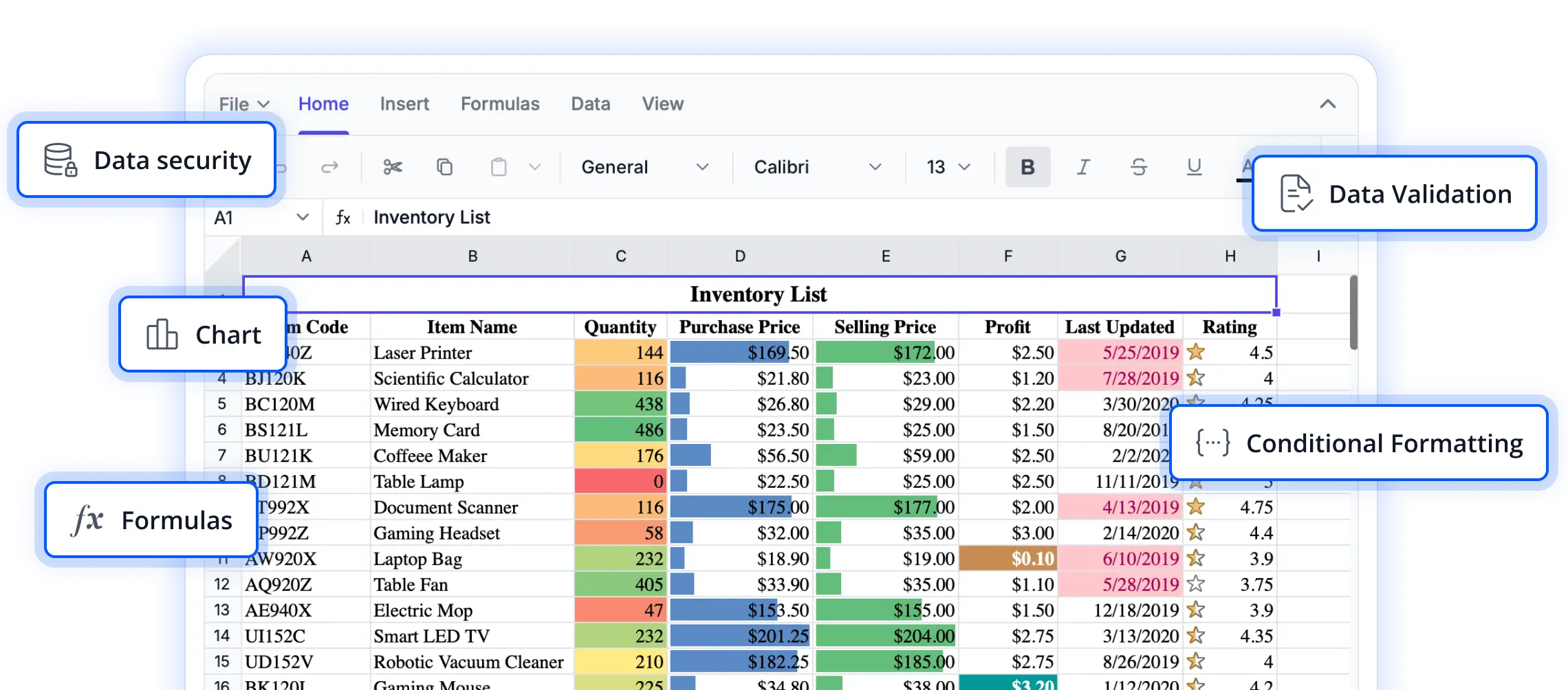
AI-powered features for smarter spreadsheet workflows
Explore intelligent capabilities that help users work more efficiently with spreadsheet data. From automating repetitive tasks to accelerating data analysis and content generation, these AI-powered features enhance productivity and simplify complex workflows in React applications.
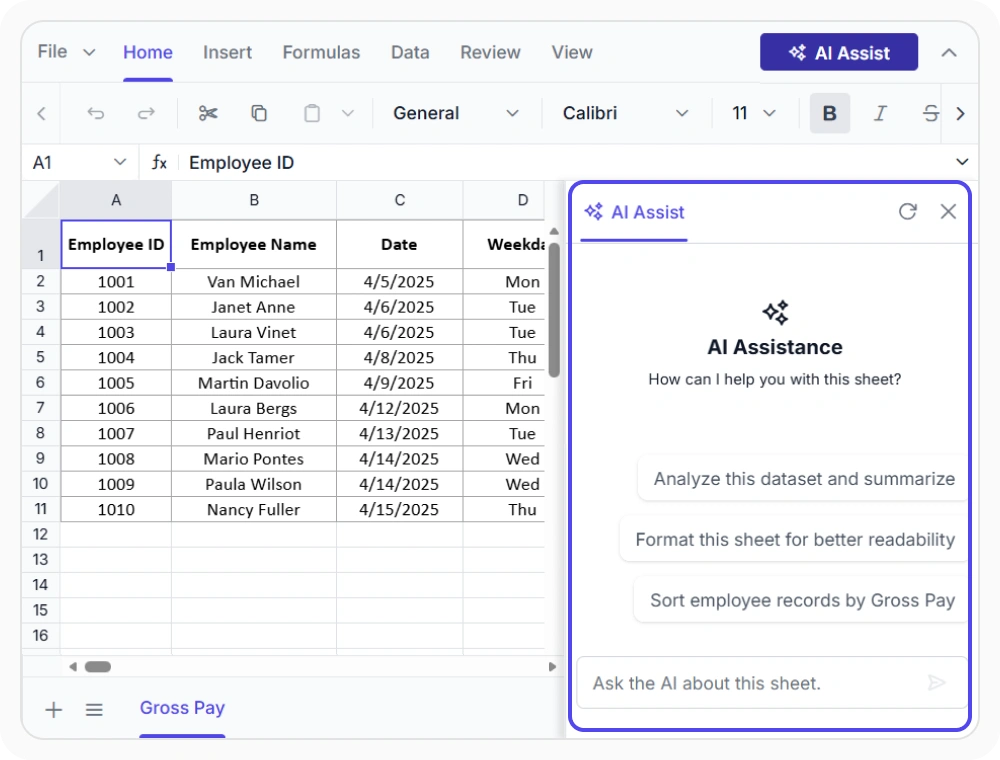
Automate spreadsheet tasks
Perform spreadsheet actions using natural language prompts instead of manual, multi-step operations. Use this to automate complex worksheet tasks quickly without navigating multiple commands.
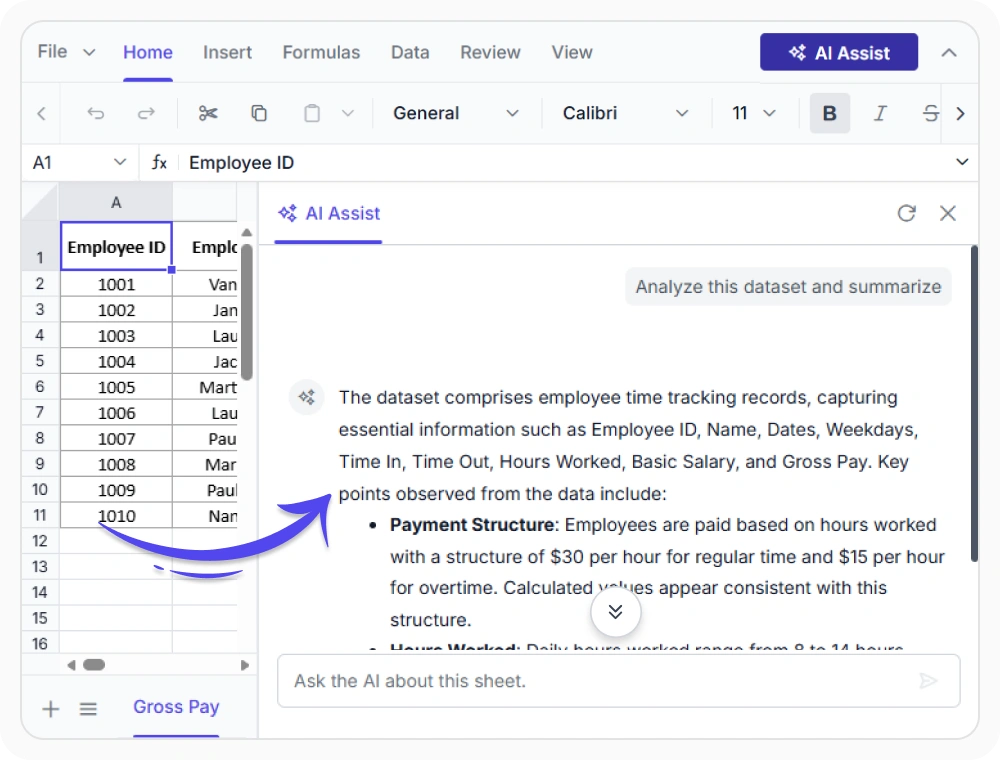
Generate spreadsheet data insights
Analyze worksheet data using natural language prompts to generate summaries, find trends, and identify key records. Use when large datasets must be reviewed quickly for reporting and business decisions.
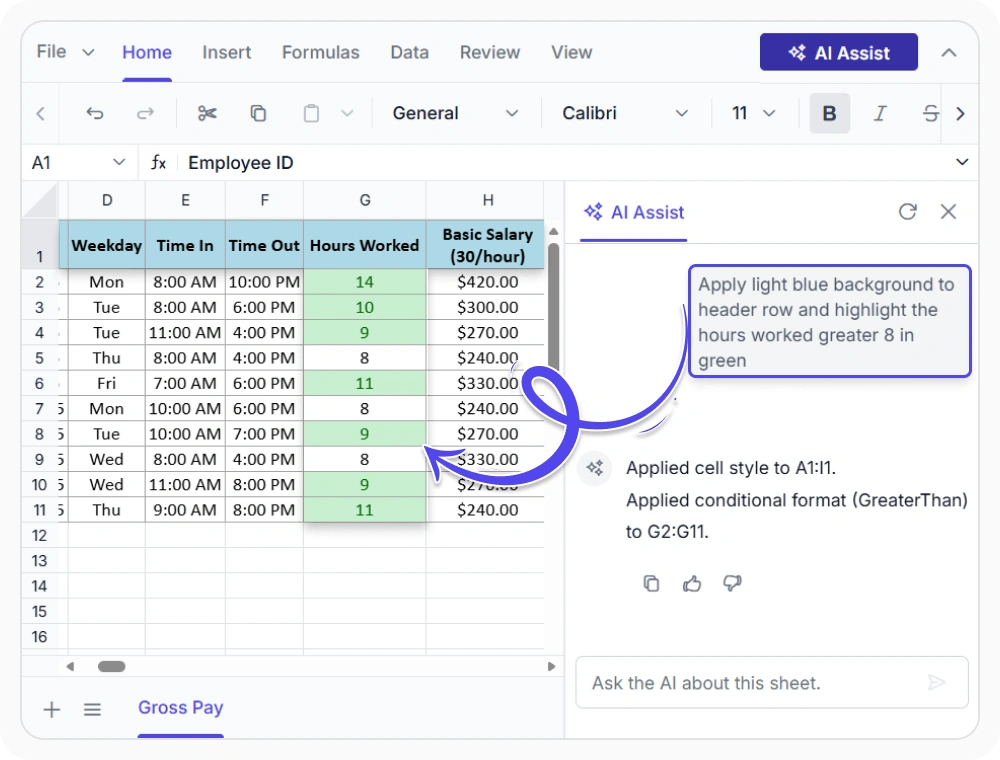
Visualize reports using AI prompts
Create charts, apply formatting, and organize worksheet layouts using natural language prompts. Use when teams need to highlight key metrics and organize reports with minimal effort.
See Why Developers Love Syncfusion
Our Customers Love Us
Having an excellent set of tools and a great support team, Syncfusion reduces customers’ development time. Here are some of their experiences.




Frequently Asked Questions
What spreadsheet tasks can React Spreadsheet Editor AI Assist perform?
React Spreadsheet Editor AI Assist uses AI-powered prompts to analyze data, summarize insights, edit cells, apply AutoFill, create charts, format data, manage rows and columns, add data validation, sort, filter, find and replace, and use clipboard actions efficiently.
Can React Spreadsheet Editor AI Assist be customized for specific workflows?
Yes. React Spreadsheet Editor AI Assist can be configured with a custom AI service endpoint, prompt suggestions, and placeholder text. This enables the Spreadsheet Editor to adapt AI interactions for specific business workflows and requirements.
Are AI-generated actions editable in the React Spreadsheet Editor?
Yes. Actions applied through AI Assist in the React Spreadsheet Editor can be reviewed, modified, and adjusted directly within the spreadsheet after they are generated, giving users full control over the final worksheet output.
How can better results be achieved with React Spreadsheet Editor AI Assist?
React Spreadsheet Editor AI Assist delivers accurate results when prompts are clear and specific. For example, “Highlight values above 500 in red” gives better outcomes than broad requests like “Fix this worksheet.”
Does React Spreadsheet Editor AI Assist require a backend service?
Yes. AI Assist requires a backend service to process prompts and return spreadsheet actions. A custom backend can be connected to integrate with any AI provider through Node.js or ASP.NET Core Web API.
Can React Spreadsheet Editor AI Assist requests and responses be customized?
Yes. React Spreadsheet Editor AI Assist supports request and response customization, allowing the Spreadsheet Editor to attach context-specific data, control prompt processing, and manage generated responses within the worksheet.
Resources
Learn more about our React Spreadsheet Editor
Explore demos, KB articles, and documentation to get the most out of the Spreadsheet Editor.
Explore guides, APIs, and quick-start tips
See live use cases in action
Ask, share, and connect with peers
Find solutions and best practices fast
Get expert help when needed
Feature requests and bug reports
Track issues and suggest improvements
Awards
Greatness—it’s one thing to say you have it, but it means more when others recognize it. Syncfusion® is proud to hold the following industry awards.









