Try Our Live Demo
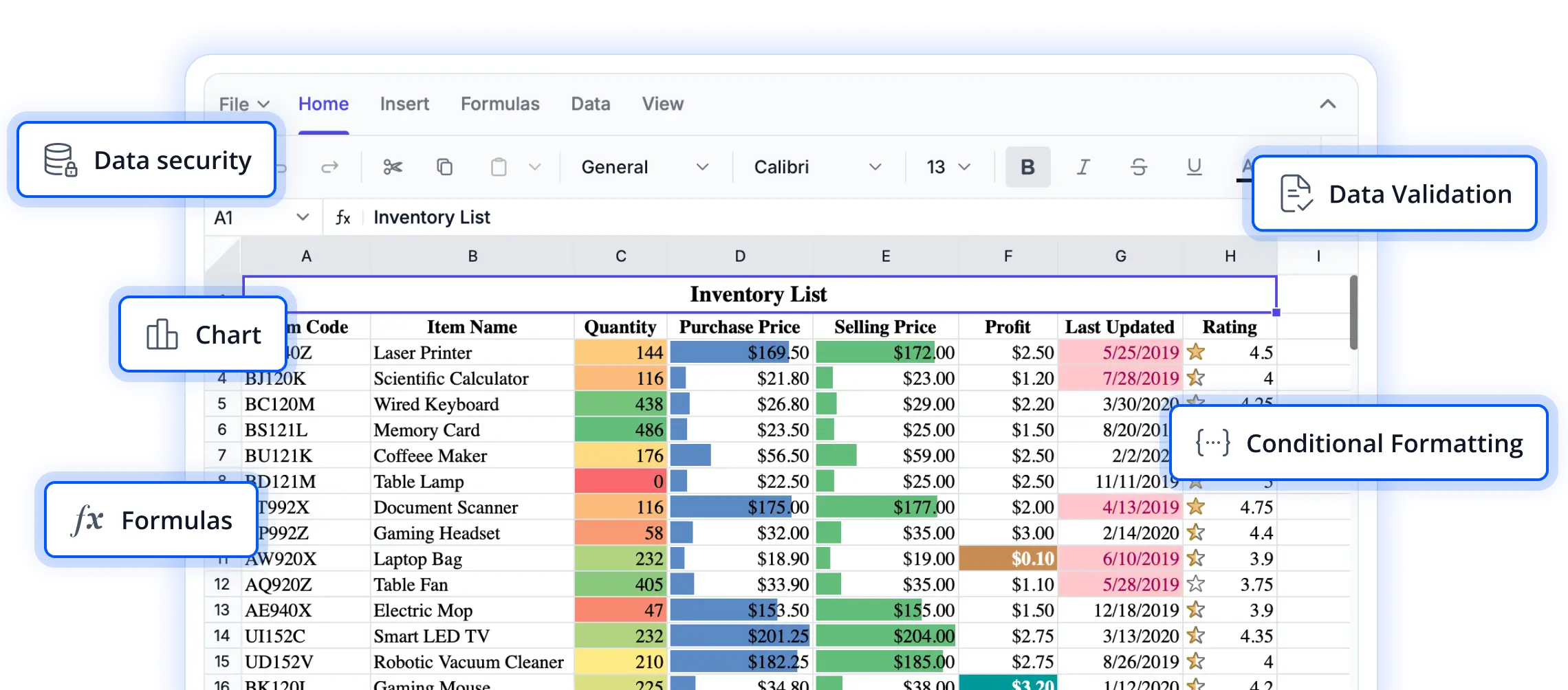
Flexible row and column management
Explore powerful worksheet structuring capabilities that help users organize, customize, and manage spreadsheet layouts with ease. These features provide greater control over data presentation while supporting efficient navigation and editing workflows.
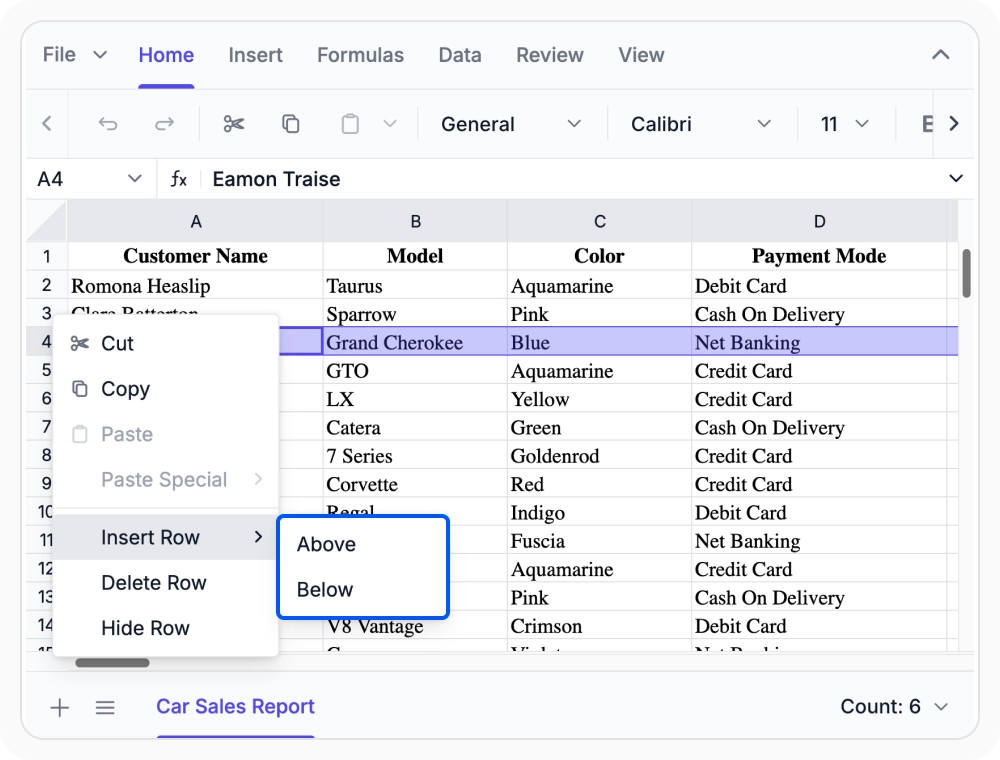
Insert or delete rows and columns
Add or remove rows and columns to adjust the worksheet structure as data changes. Use this to expand, reorganize, or streamline worksheets to meet evolving requirements.
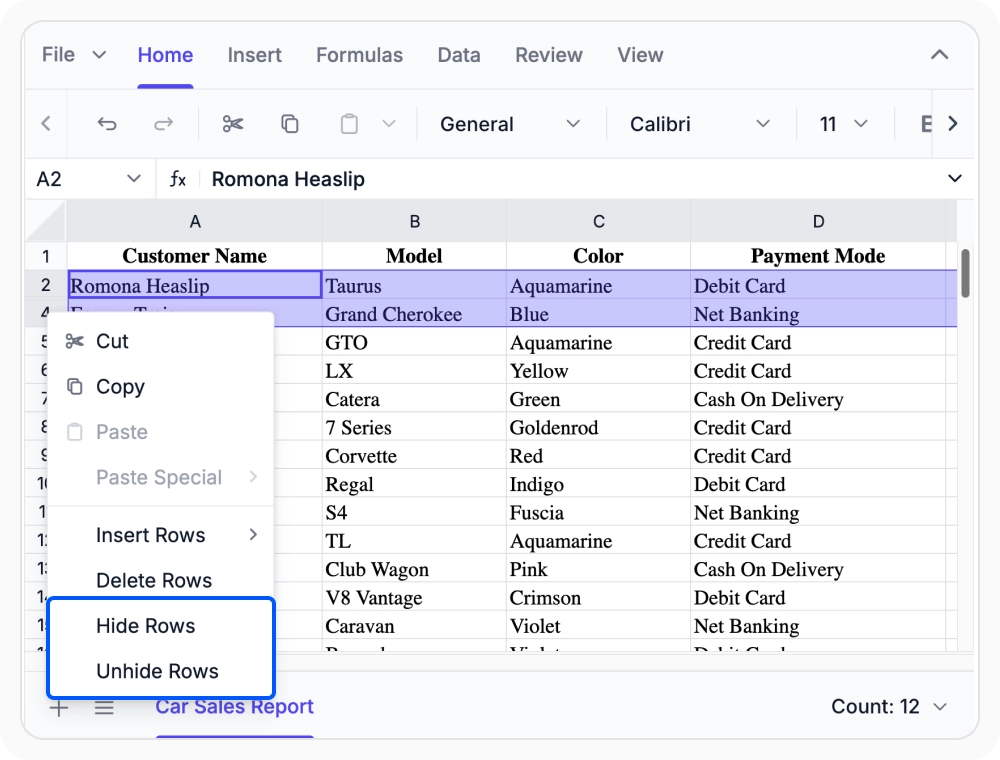
Control row and column visibility
Temporarily hide rows and columns to focus on relevant data without deleting content. Use visibility controls to simplify views for analysis, reporting, or presentations.
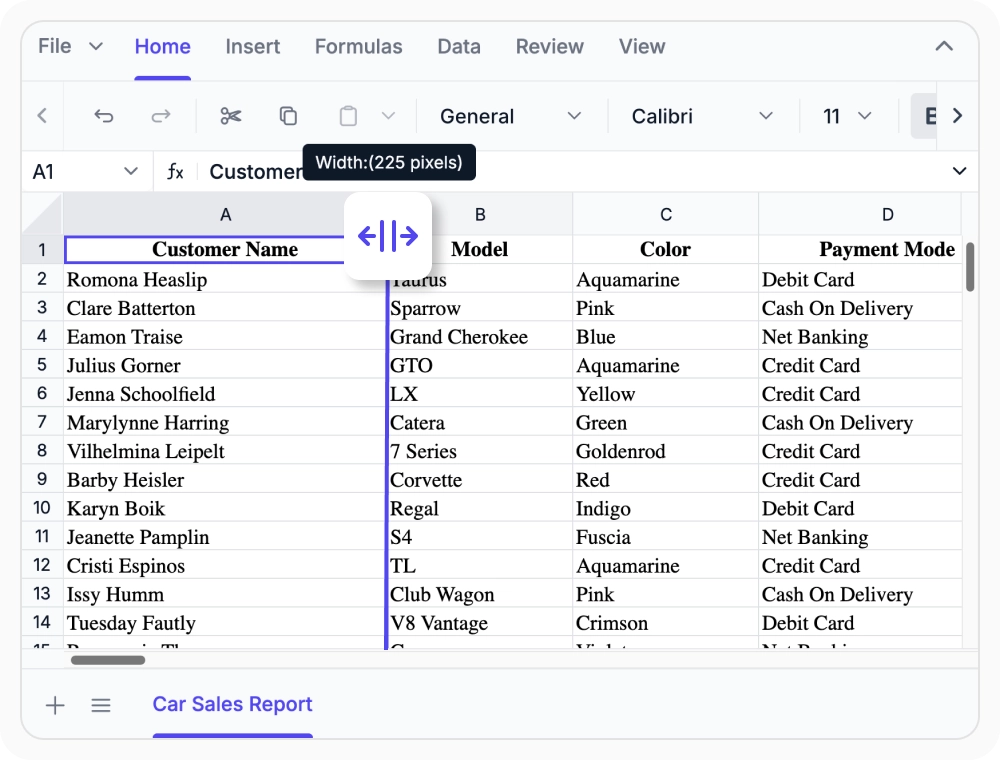
Resize and autofit content
Manually adjust or autofit row heights and column widths for clear, readable worksheet content. Use resizing to prevent content truncation and maintain a well-formatted worksheet.
See Why Developers Love Syncfusion
Our Customers Love Us
Having an excellent set of tools and a great support team, Syncfusion reduces customers’ development time. Here are some of their experiences.




Frequently Asked Questions
What row and column management options are available in React Spreadsheet Editor?
React Spreadsheet Editor offers options to insert, delete, hide, show, resize, and autofit rows and columns. These features help keep worksheets organized, readable, and adaptable as data requirements change.
How does the show and hide feature work in React Spreadsheet Editor?
React Spreadsheet Editor allows users to hide or restore rows and columns, helping organize data and control visibility without affecting the underlying content.
What is the difference between resize and autofit in React Spreadsheet Editor?
Resize lets you set row heights and column widths manually, while autofit automatically adjusts them based on content. Both ensure data displays clearly without truncation or excess space in worksheets.
Can I insert and remove rows and columns in React Spreadsheet Editor?
Yes, you can insert or delete rows and columns anywhere in React Spreadsheet Editor. This flexibility helps expand datasets, reorganize structures, and remove outdated information as business needs change.
Can I control row and column features programmatically in React Spreadsheet Editor?
Yes, developers can programmatically manage row and column operations like insertion, deletion, visibility, resizing, and autofit using React Spreadsheet Editor APIs.
Do row and column operations affect worksheet data in React Spreadsheet Editor?
No, hiding or resizing rows and columns only changes the worksheet layout. The underlying data remains unchanged. Inserting or deleting rows and columns updates structure but does not affect data in other cells.
Resources
Learn more about our React Spreadsheet Editor
Explore demos, KB articles, and documentation to get the most out of our React Spreadsheet Editor.
Explore guides, APIs, and quick-start tips
See live use cases in action
Ask, share, and connect with peers
Find solutions and best practices fast
Get expert help when you need it
Feature requests and bug reports
Track issues and suggest improvements
Awards
Greatness—it’s one thing to say you have it, but it means more when others recognize it. Syncfusion® is proud to hold the following industry awards.









