Try Our Live Demo
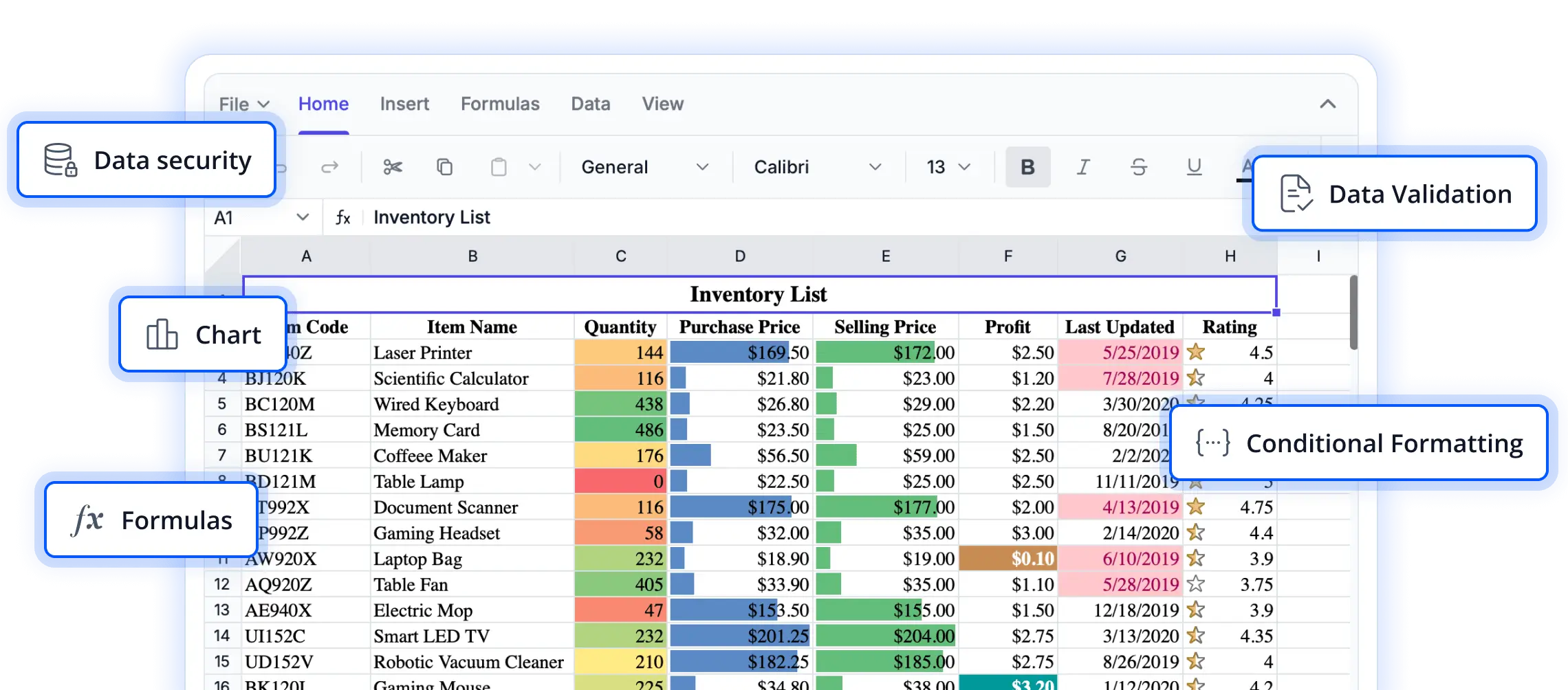
Secure every spreadsheet interaction
Protect sensitive data, control user access, and maintain spreadsheet integrity with a complete set of protection capabilities. From locking cells and worksheets to restricting editing actions, these features help ensure your spreadsheets remain secure and compliant.
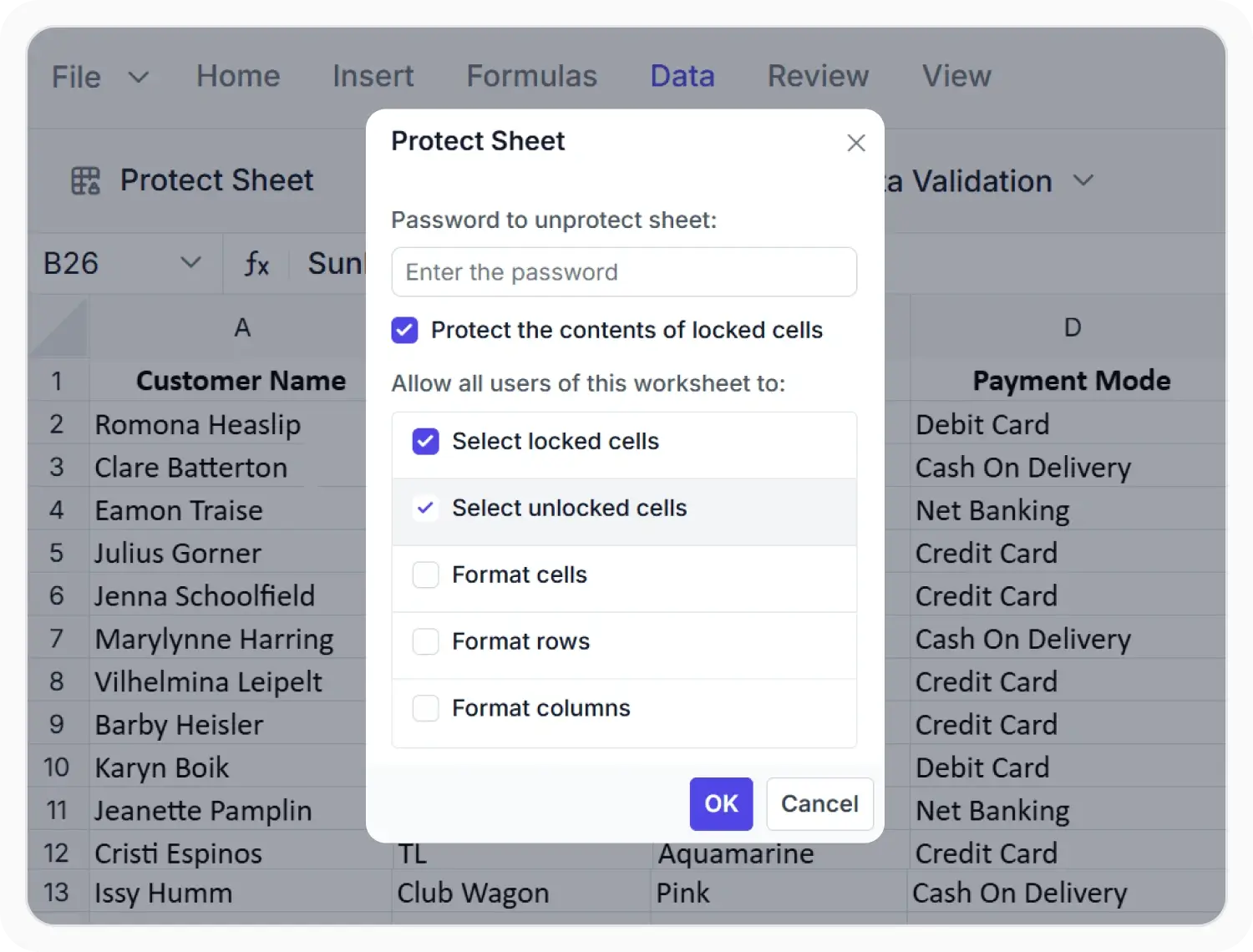
Protect worksheet content
Protect worksheet content from unauthorized edits while allowing formatting, selection, and hyperlink insertion. Optional password protection helps maintain data accuracy and control changes. Use sheet protection when worksheet content must remain unchanged while allowing actions such as cell selection or formatting.
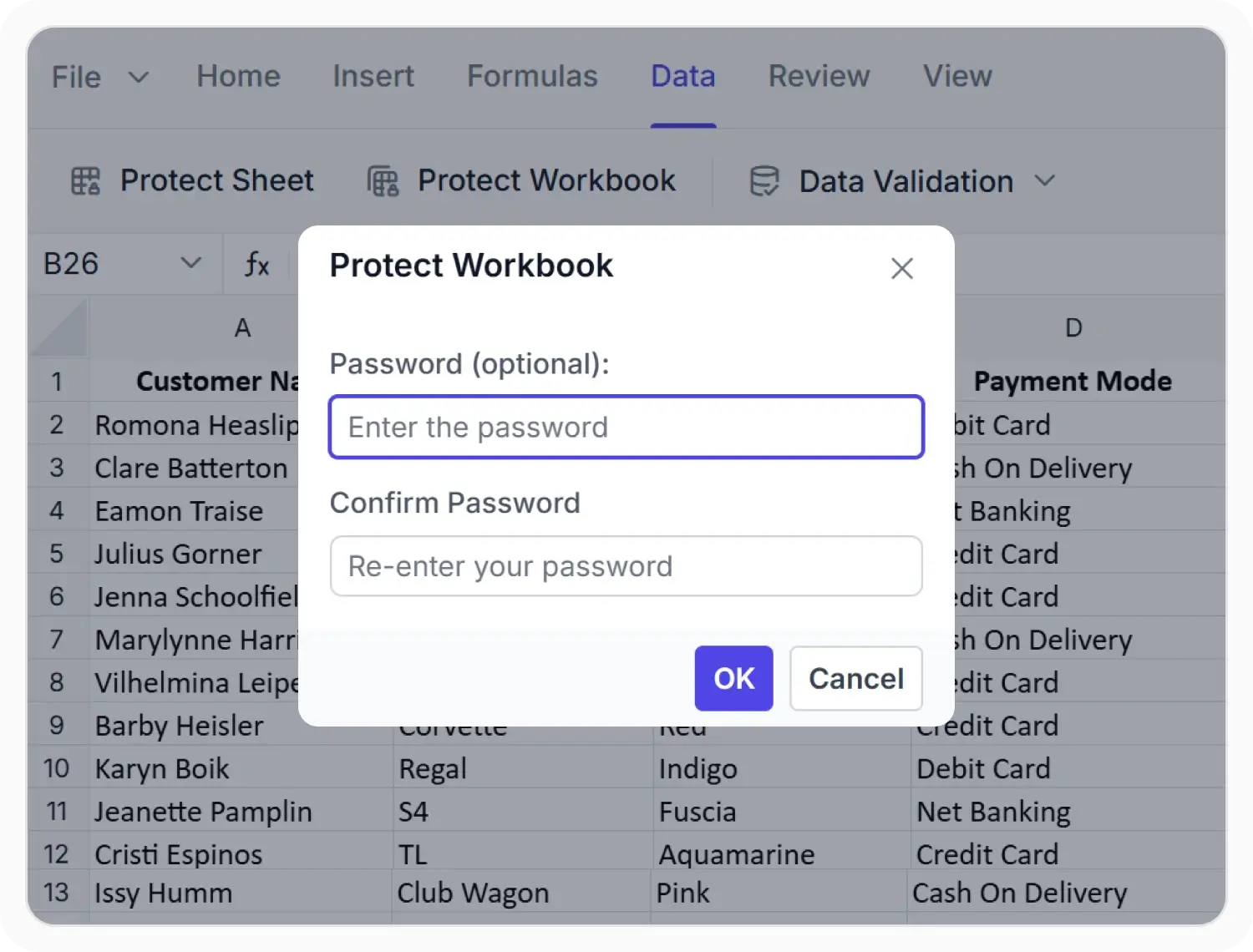
Protect workbook structure
Protect workbook structure by restricting sheet insertion, deletion, renaming, hiding, and moving. Optional password protection helps prevent unauthorized changes and maintain workbook organization. Use workbook protection when sheet order, names, and visibility must remain unchanged in a shared workbook.
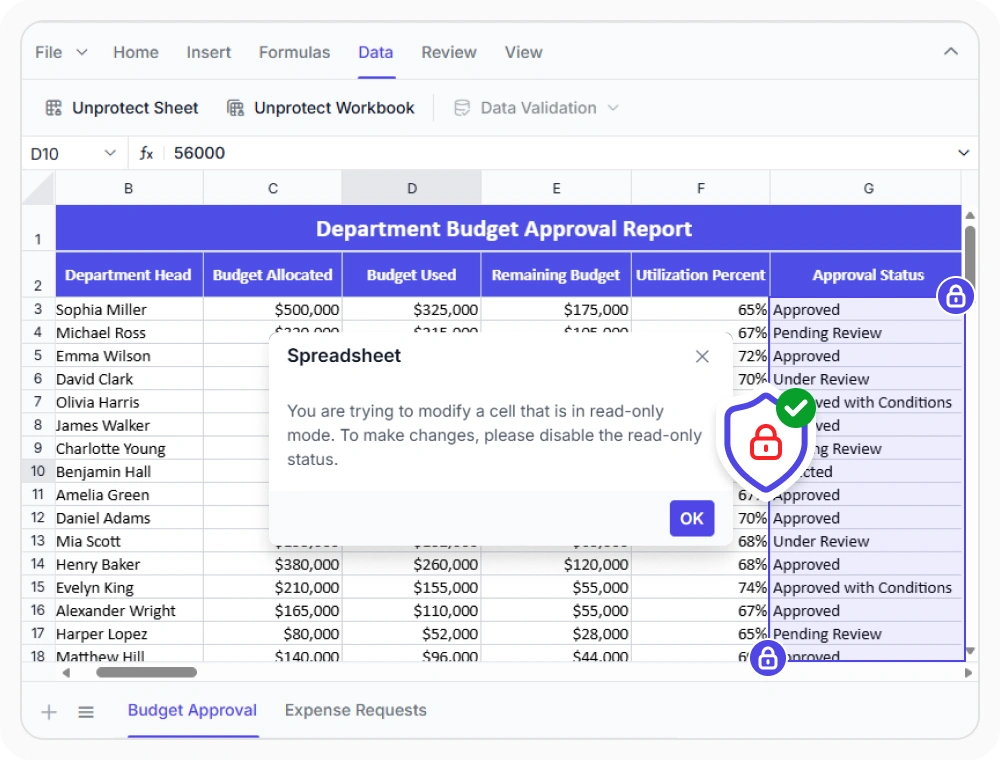
Protect selected data
Mark specific cells, rows, or columns as read-only while leaving the rest of the worksheet editable. This protects formulas, reference values, and fixed content while allowing data entry in permitted cells. Use read-only ranges when selected content must remain unchanged while users update other cells.
See Why Developers Love Syncfusion
Our Customers Love Us
Having an excellent set of tools and a great support team, Syncfusion reduces customers’ development time. Here are some of their experiences.




Frequently Asked Questions
What protection levels does the React Spreadsheet Editor support?
The Syncfusion React Spreadsheet Editor supports worksheet, workbook, and cell-range protection to control editing permissions and structure.
Does the React Spreadsheet Editor support password-protected sheets?
Yes, sheet and workbook protection can optionally be secured with an encrypted password.
Can protection be applied or removed programmatically in the React Spreadsheet Editor?
Yes. The React Spreadsheet Editor provides programmatic control over protection, allowing sheet and workbook protection to be applied, checked, or removed through code. Read-only ranges can also be set or cleared without manual interaction.
Can specific actions be allowed on a protected sheet in the React Spreadsheet Editor?
Yes. When a sheet is protected in the Syncfusion React Spreadsheet Editor, you can allow actions such as cell selection, formatting, or hyperlink insertion while keeping the sheet protected.
Can only certain cells be made editable in the Syncfusion React Spreadsheet Editor?
Yes, you can mark specific cells, rows, or ranges as read-only while leaving the remaining worksheet editable.
Does React Spreadsheet Editor protection persist when exporting to Excel formats?
Yes. Protection settings applied in the React Spreadsheet Editor are preserved when the file is exported to supported Excel formats. Sheet locks, workbook structure restrictions, and password settings remain active in the exported file.
Resources
Learn more about our React Spreadsheet Editor
Explore demos, KB articles, and documentation to get the most out of our React Spreadsheet Editor.
Explore guides, APIs, and quick-start tips
See live use cases in action
Ask, share, and connect with peers
Find solutions and best practices fast
Get expert help when you need it
Feature requests and bug reports
Track issues and suggest improvements
Awards
Greatness—it’s one thing to say you have it, but it means more when others recognize it. Syncfusion® is proud to hold the following industry awards.









