Try Our Live Demo
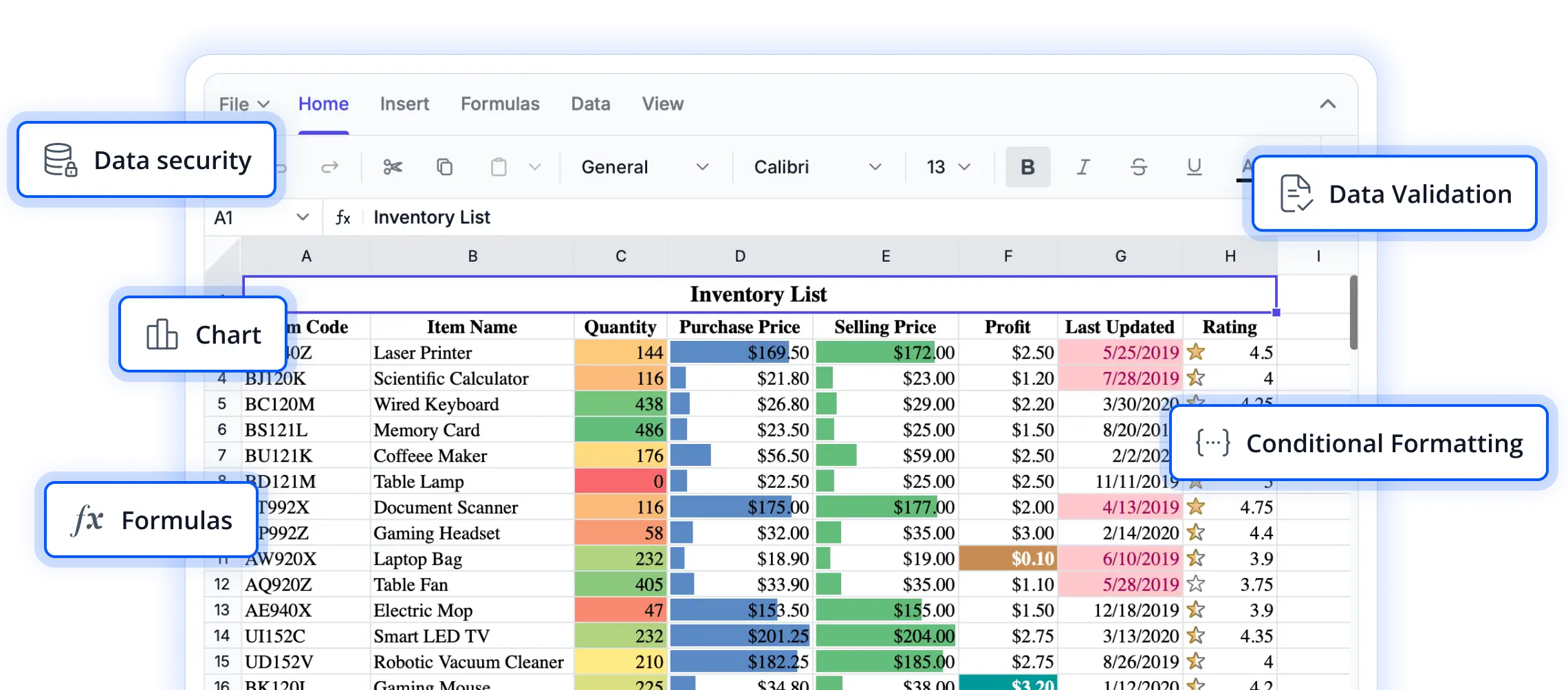
Powerful cell range operations for efficient data management
Explore cell range capabilities that help users organize, edit, and manage spreadsheet data with greater precision. These features simplify working with groups of cells, enhance productivity, and support efficient data handling across a wide range of spreadsheet scenarios.
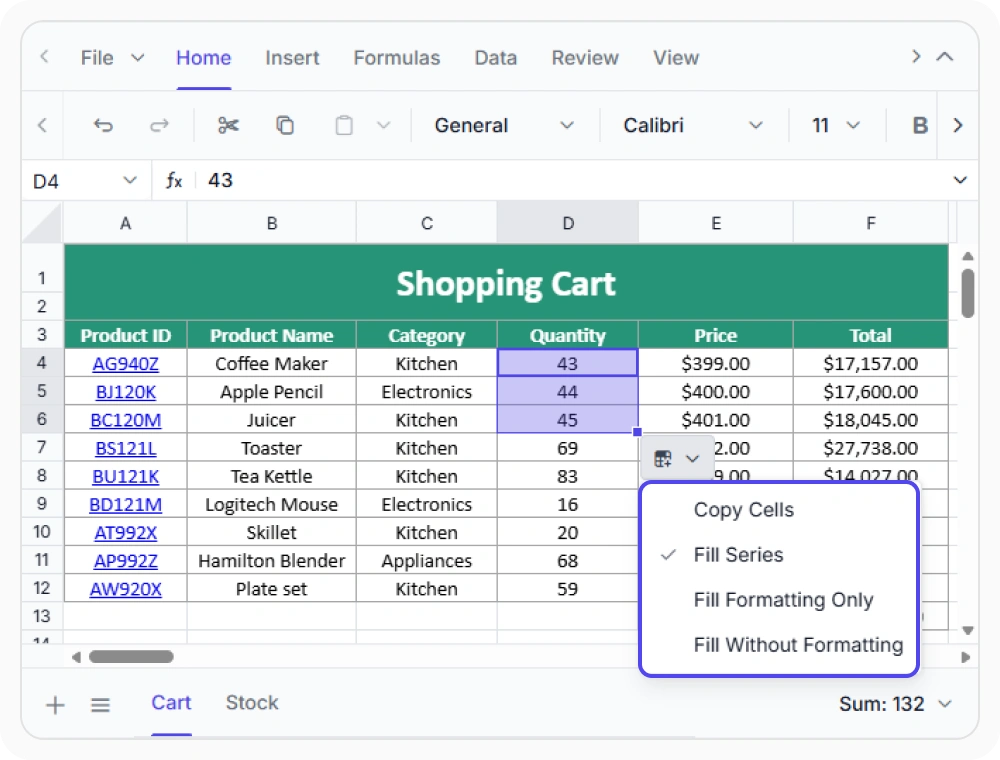
Autofill cell ranges quickly
Extend formulas, dates, numbers, and recurring values automatically across worksheet ranges. Use when large worksheets contain repeating patterns that need to be populated quickly and consistently.
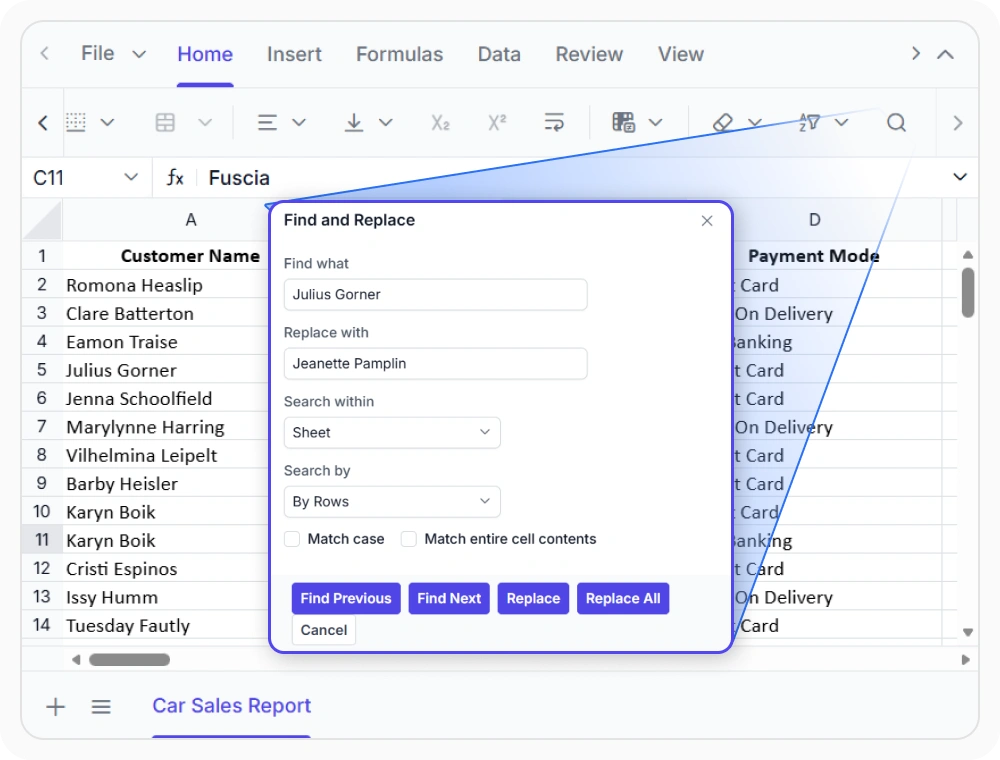
Find and replace worksheet values
Search for specific worksheet content and replace it instantly across multiple cells to save time and improve accuracy. Use when business information changes and must be reflected across multiple worksheet locations.
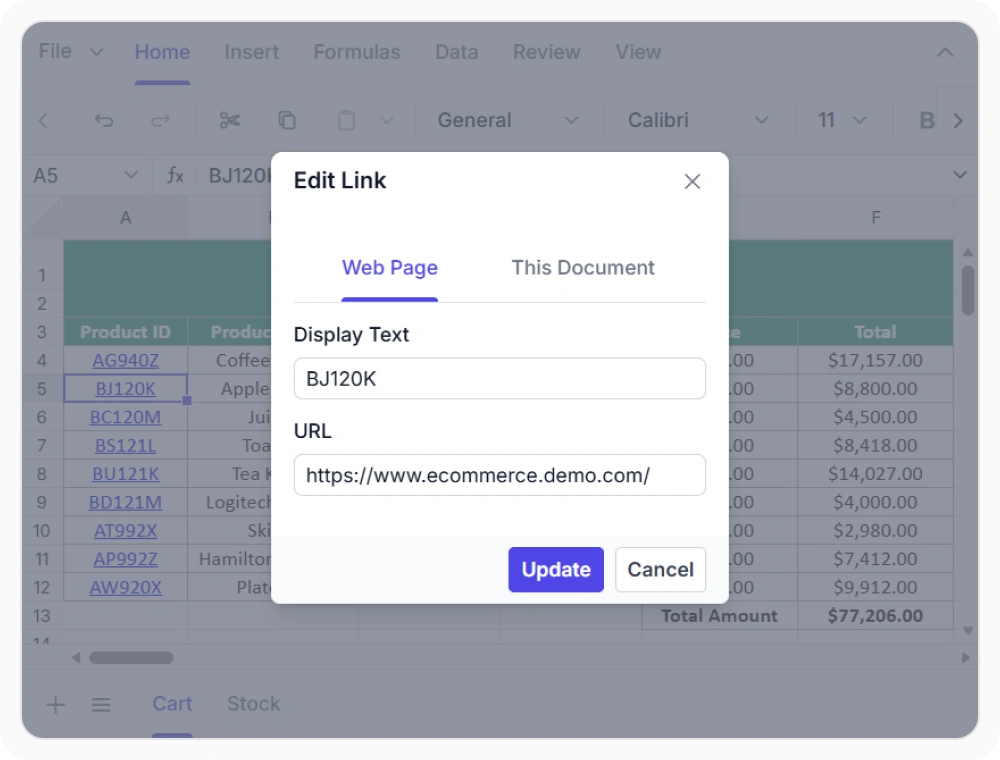
Add links to worksheets
Link worksheet data to web pages, files, email contacts, and named locations for faster information access. Use when related resources and reference information must be accessible directly from spreadsheet content.
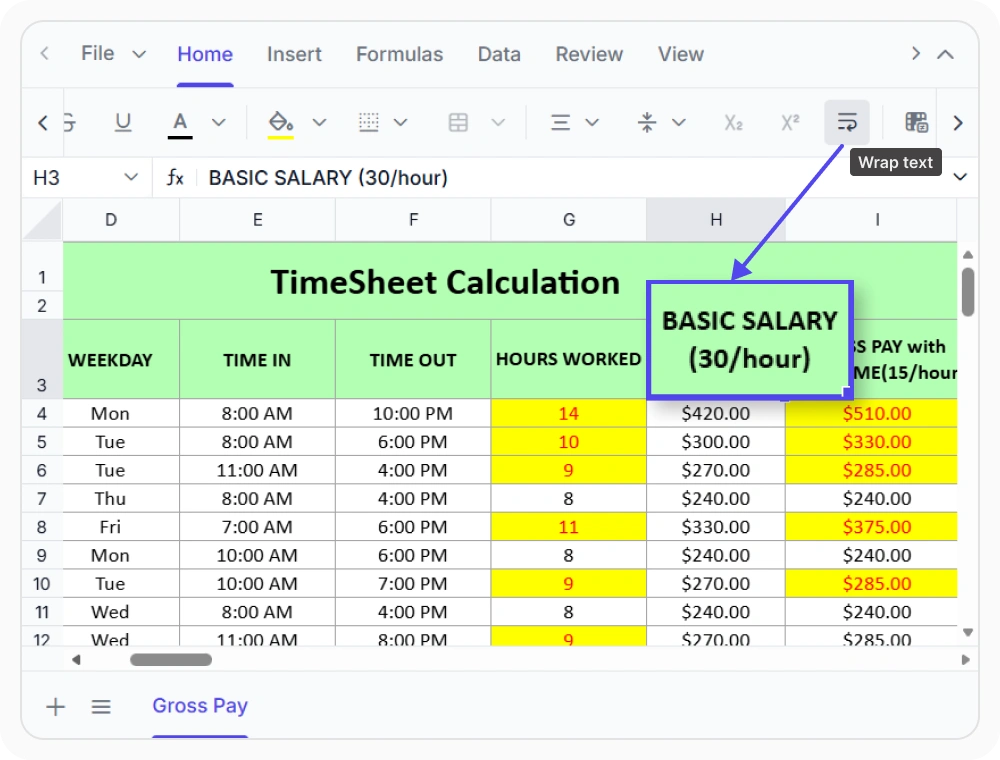
Wrap text for better visibility
Display long cell content across multiple lines while maintaining existing column widths and worksheet layouts. Use when detailed information must remain fully visible without disrupting the spreadsheet structure.
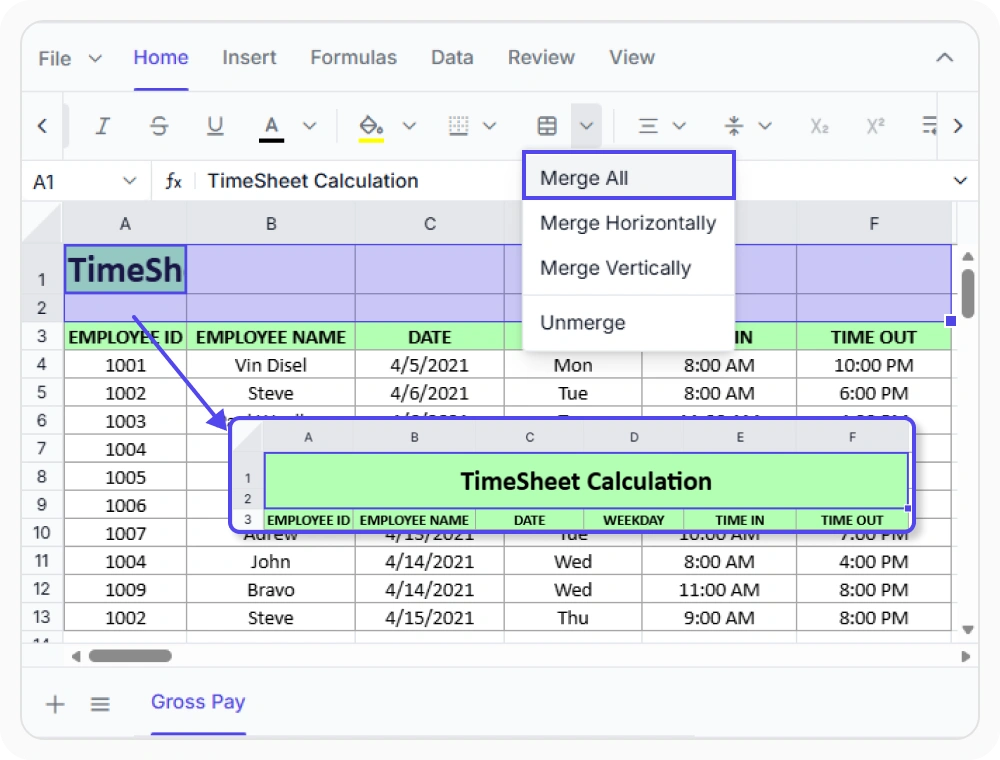
Merge cells for clear sections
Combine adjacent cells into larger content areas to create clear headings and structured worksheet sections. Use when workbook content needs prominent headings, grouped sections, or report-style formatting.
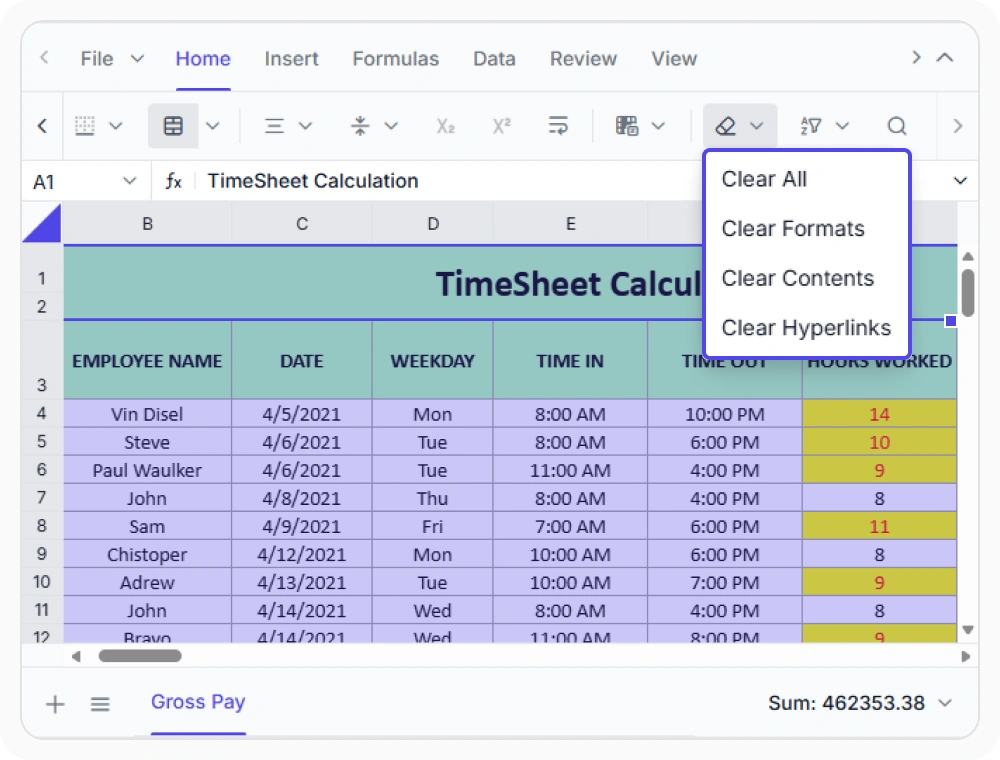
Clear content precisely
Remove content, formatting, hyperlinks, comments, or notes independently without affecting worksheet structure. Use when information needs to be refreshed or corrected without rebuilding spreadsheet layouts.
See Why Developers Love Syncfusion
Our Customers Love Us
Having an excellent set of tools and a great support team, Syncfusion reduces customers’ development time. Here are some of their experiences.




Frequently Asked Questions
What cell range operations are available in React Spreadsheet Editor?
The Syncfusion React Spreadsheet Editor offers autofill, find and replace, hyperlinks, wrap text, merge cells, and clear options for managing, formatting, and organizing worksheet cell ranges efficiently.
Can autofill extend formulas and data patterns in React Spreadsheet Editor?
Yes. Autofill in React Spreadsheet Editor extends formulas, number series, date sequences, and patterns across adjacent cells, making data entry faster and more accurate.
Does React Spreadsheet Editor support clearing specific cell elements?
Yes, React Spreadsheet Editor provides clear options to remove content, formatting, hyperlinks, comments, and notes from selected cells without affecting other worksheet data.
Can find and replace update data across cell ranges in React Spreadsheet Editor?
Yes. Find and Replace in the React Spreadsheet Editor enables quick searching and updating of text, values, or formulas across worksheet content, helping maintain accurate and consistent data across worksheets.
Can hyperlinks link to websites and worksheet locations in React Spreadsheet Editor?
Yes. Hyperlinks in React Spreadsheet Editor connect to external web pages, and worksheet locations, enabling quick navigation and access to related resources.
When should merge cells be used in React Spreadsheet Editor?
Merge cells in React Spreadsheet Editor are best used for headings, labels, or sections that need to span multiple cells, helping create clear and organized worksheet layouts.
Resources
Learn more about our React Spreadsheet Editor
Explore demos, KB articles, and documentation to get the most out of our React Spreadsheet Editor.
Explore guides, APIs, and quick-start tips
See live use cases in action
Ask, share, and connect with peers
Find solutions and best practices fast
Get expert help when you need it
Feature requests and bug reports
Track issues and suggest improvements
Awards
Greatness—it’s one thing to say you have it, but it means more when others recognize it. Syncfusion® is proud to hold the following industry awards.









