Try Our Live Demo
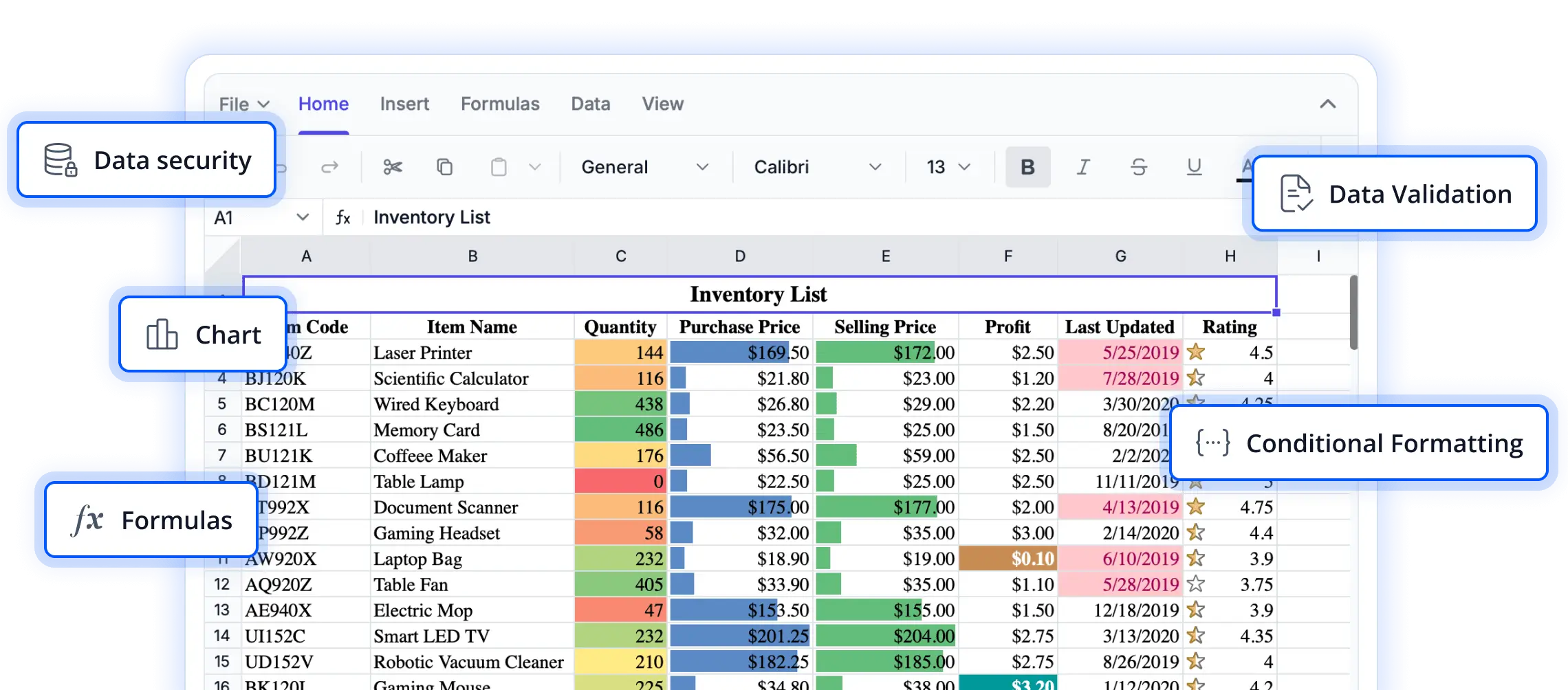
Streamline data transfer and editing workflows
Explore clipboard features that enable users to move, duplicate, and reuse spreadsheet content efficiently. These capabilities help accelerate data entry, reduce repetitive tasks, and create a familiar spreadsheet experience in React applications.
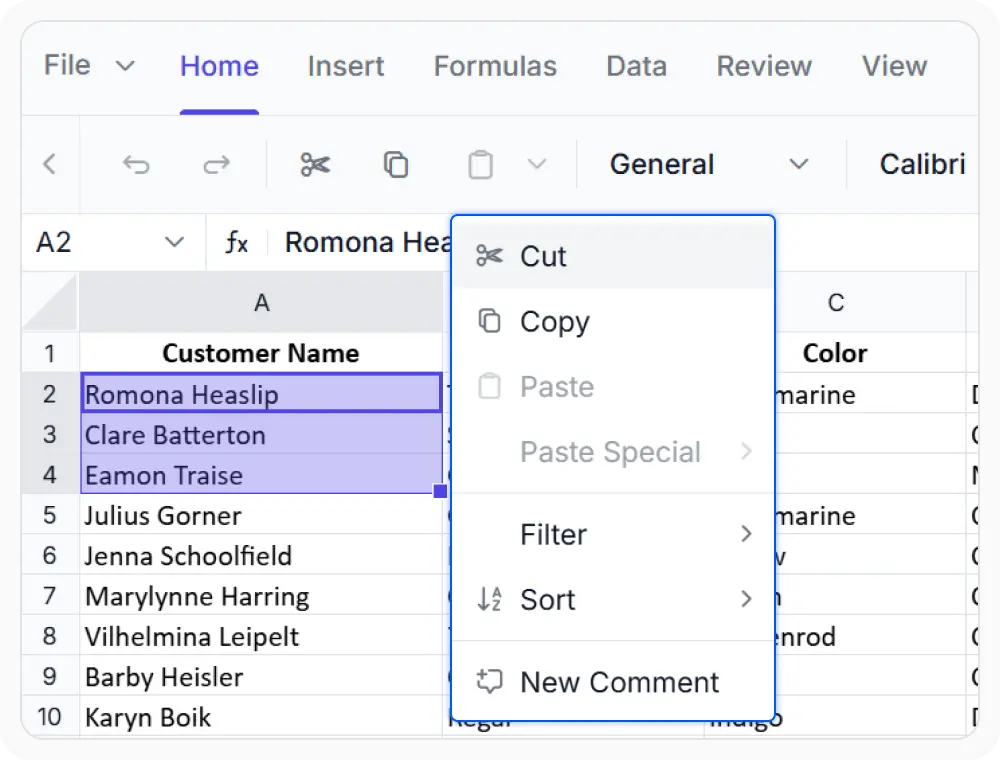
Cut content across worksheets
Cut operations relocate cells, rows, columns, or ranges while removing them from the source. Use when reorganizing report layouts, consolidating information across sheets, or restructuring worksheet content without duplication.
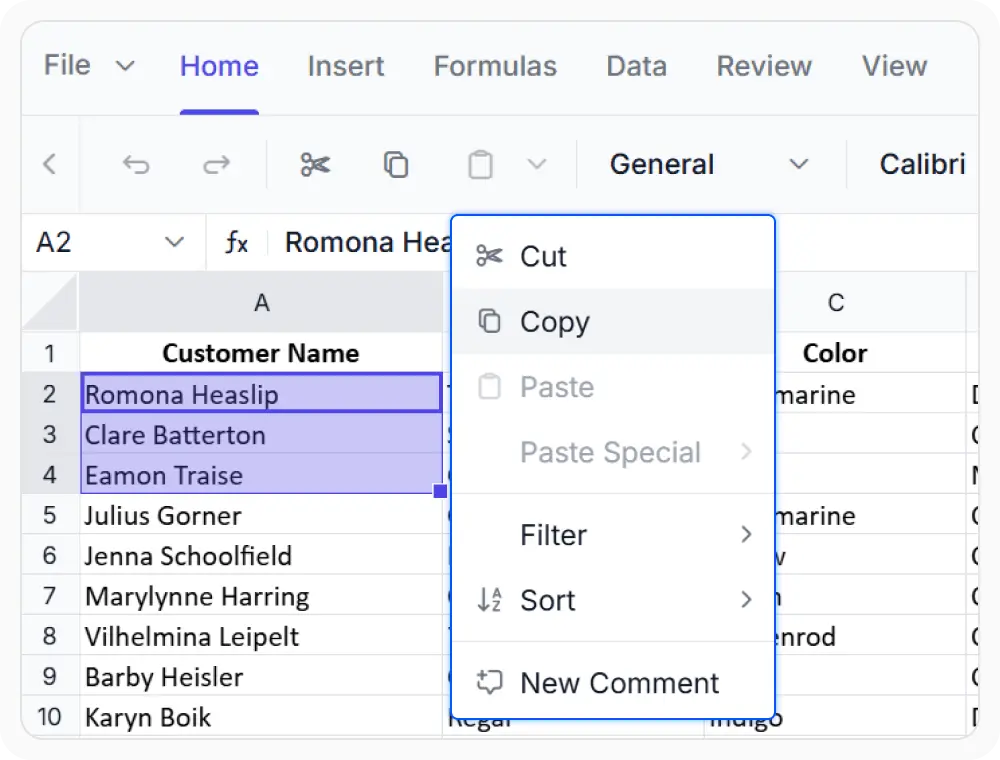
Copy and reuse spreadsheet data
Copy cells, rows, columns, or ranges while keeping the original content unchanged. Reuse information across worksheets and ranges without manual re-entry. Use when the same data needs to be shared across multiple worksheets or financial reports.
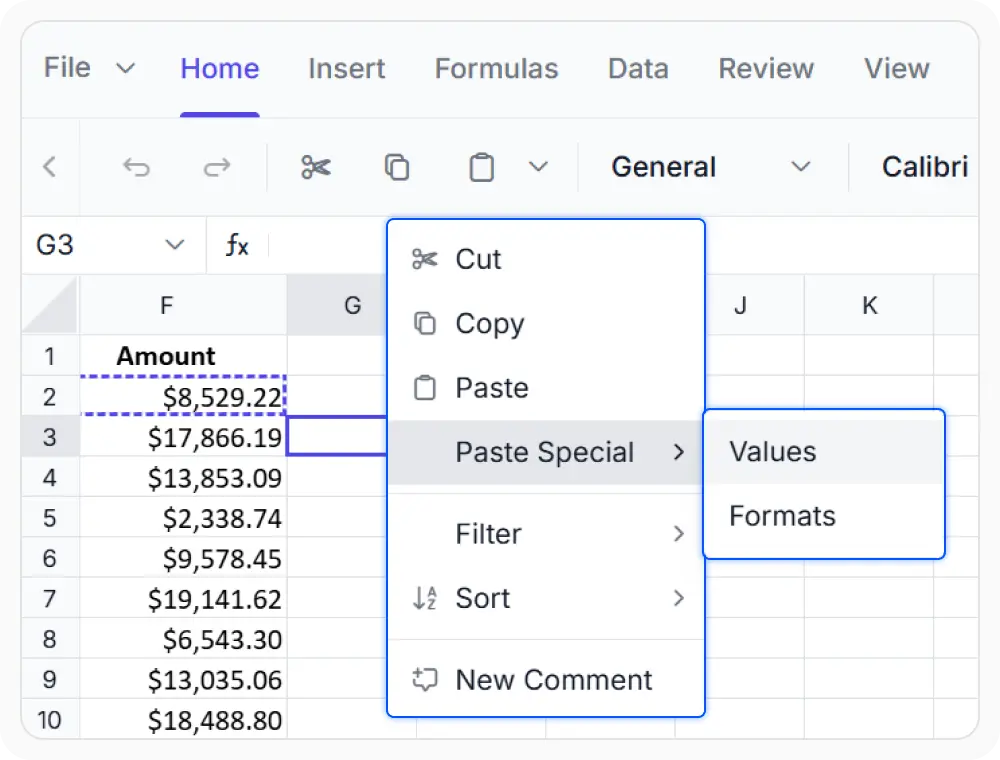
Paste with flexible options
Paste data exactly the way you need it. Choose from standard paste, paste special, and values-only options to transfer formulas, formatting, and values with precision while keeping spreadsheets clean and consistent.
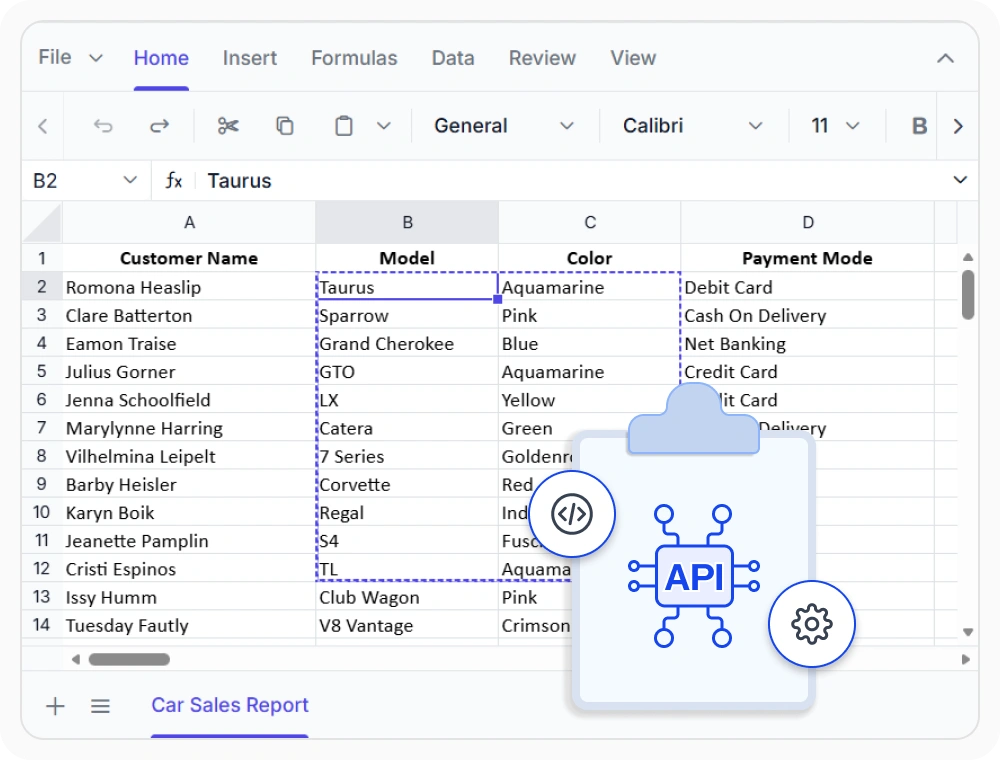
Control clipboard behavior
Customize clipboard actions by validating and programmatically controlling cut, copy, and paste operations. Use when restricting paste areas, protecting sensitive ranges, or preventing unintended changes to calculation sections.
See Why Developers Love Syncfusion
Our Customers Love Us
Having an excellent set of tools and a great support team, Syncfusion reduces customers’ development time. Here are some of their experiences.




Frequently Asked Questions
What clipboard operations does the React Spreadsheet Editor support?
The Syncfusion React Spreadsheet Editor supports cut, copy, and paste operations across cells, ranges, rows, and columns, along with paste special and values-only paste options for controlling how clipboard content is applied.
What paste options are available in the React Spreadsheet Editor clipboard?
The Syncfusion React Spreadsheet Editor supports standard paste, Paste Special, and values-only paste options. These options provide greater control over how values, formatting, and formulas are applied to the target range.
Can the React Spreadsheet Editor transfer content between worksheets using clipboard operations?
Yes. Clipboard operations support transferring content between different locations within a workbook, including between separate worksheets in the same file.
What is the difference between cut and copy in the React Spreadsheet Editor?
Cut removes content from the source location after it is placed at the destination. Copy duplicates content while keeping the original data unchanged at the source, allowing the same information to be reused in multiple locations.
Can paste actions be prevented in the React Spreadsheet Editor?
Yes. You can programmatically control where paste operations are allowed, which helps prevent accidental data loss or unwanted changes to important areas like calculation sections, templates, and protected ranges.
Can data copied from external applications be pasted into the React Spreadsheet Editor?
Yes. Content copied from external applications can be pasted into the React Spreadsheet Editor. Support depends on the content format and browser clipboard capabilities.
Resources
Learn more about our React Spreadsheet Editor
Explore demos, KB articles, and documentation to get the most out of our React Spreadsheet Editor.
Explore guides, APIs, and quick-start tips
See live use cases in action
Ask, share, and connect with peers
Find solutions and best practices fast
Get expert help when you need it
Feature requests and bug reports
Track issues and suggest improvements
Awards
Greatness—it’s one thing to say you have it, but it means more when others recognize it. Syncfusion® is proud to hold the following industry awards.









