Try Our Live Demo

Streamline data organization and analysis
Explore powerful data management capabilities that help users organize information, uncover insights, and work more efficiently with spreadsheet content. These features simplify handling large datasets while improving accuracy and productivity.
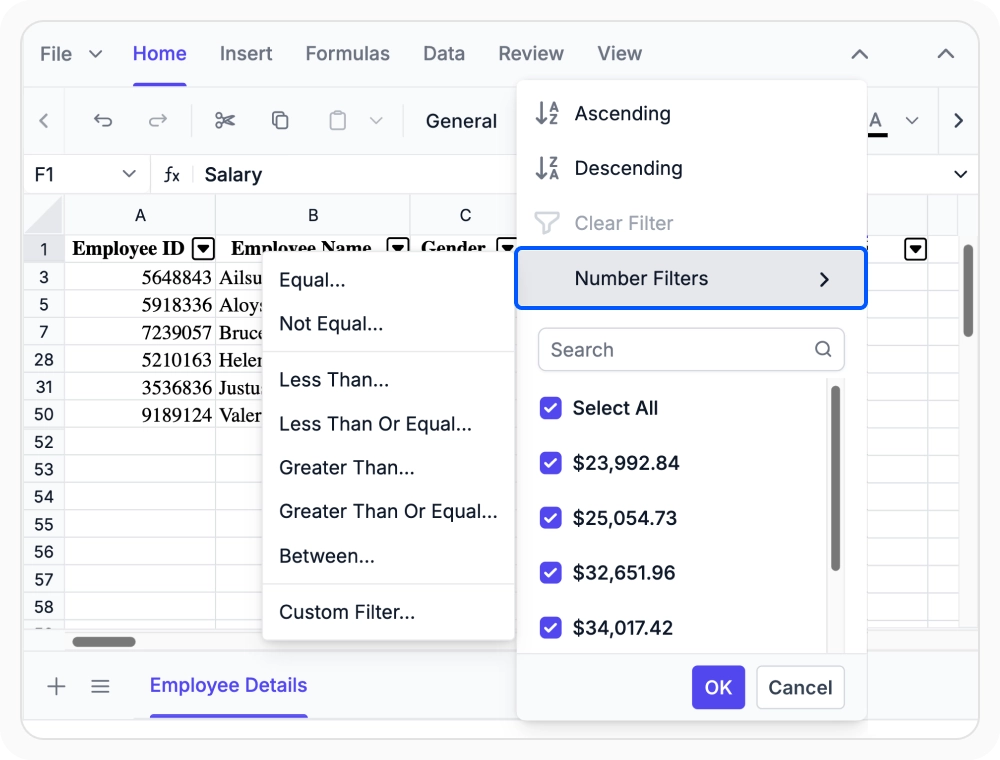
Filter records by column value
Display only the rows that match specific criteria while temporarily hiding the rest. Use filters to focus on relevant values, dates, or categories for faster review and analysis.

Sort records by column order
Arrange worksheet records in ascending or descending order based on the values in a selected column. Use sorting to organize, compare, and analyze data more effectively.
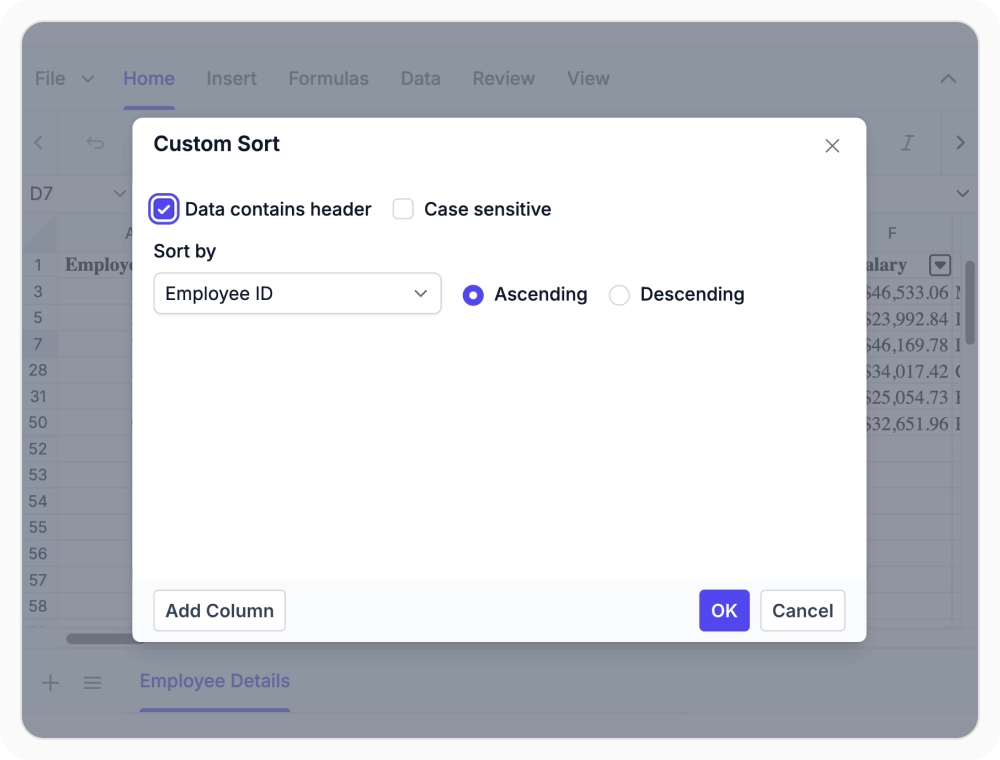
Sort data by multiple fields
Organize worksheet data by applying sorting rules across multiple columns. Use custom sorting when data needs to be arranged by more than one field or according to specific business requirements.
See Why Developers Love Syncfusion
Our Customers Love Us
Having an excellent set of tools and a great support team, Syncfusion reduces customers’ development time. Here are some of their experiences.




Frequently Asked Questions
How does the React Spreadsheet Editor reorder worksheet records using column-based sorting?
Sorting in React Spreadsheet Editor reorders worksheet rows by selected column values, either ascending or descending, making data comparison and analysis easier.
Does the React Spreadsheet Editor support multi-column sorting?
Yes, React Spreadsheet Editor supports custom multi-column sorting, allowing you to organize records by primary and secondary columns for precise data arrangement.
What data types does filtering support in the React Spreadsheet Editor?
The React Spreadsheet Editor supports filtering by text, numbers, and dates, allowing records to be narrowed using a wide range of criteria and conditions.
What is the difference between filtering and sorting in the React Spreadsheet Editor?
Filtering displays only matching rows while temporarily hiding others without changing their order. Sorting rearranges all rows based on column values in ascending or descending order.
Can filtering and sorting be used together in the Spreadsheet Editor?
Yes. Filtering and sorting can be used together. Filtering narrows the visible records to a relevant subset, while sorting organizes the filtered results into a meaningful order for review and comparison.
When should custom sort be used in the React Spreadsheet Editor?
Custom sorting is useful when single-column sorting is insufficient, allowing records to be organized by multiple fields for easier review and analysis.
Resources
Learn more about our React Spreadsheet Editor
Explore demos, KB articles, and documentation to get the most out of our React Spreadsheet Editor.
Explore guides, APIs, and quick-start tips
See live use cases in action
Ask, share, and connect with peers
Find solutions and best practices fast
Get expert help when needed
Feature requests and bug reports
Track issues and suggest improvements
Awards
Greatness—it’s one thing to say you have it, but it means more when others recognize it. Syncfusion® is proud to hold the following industry awards.









