Try Our Live Demo
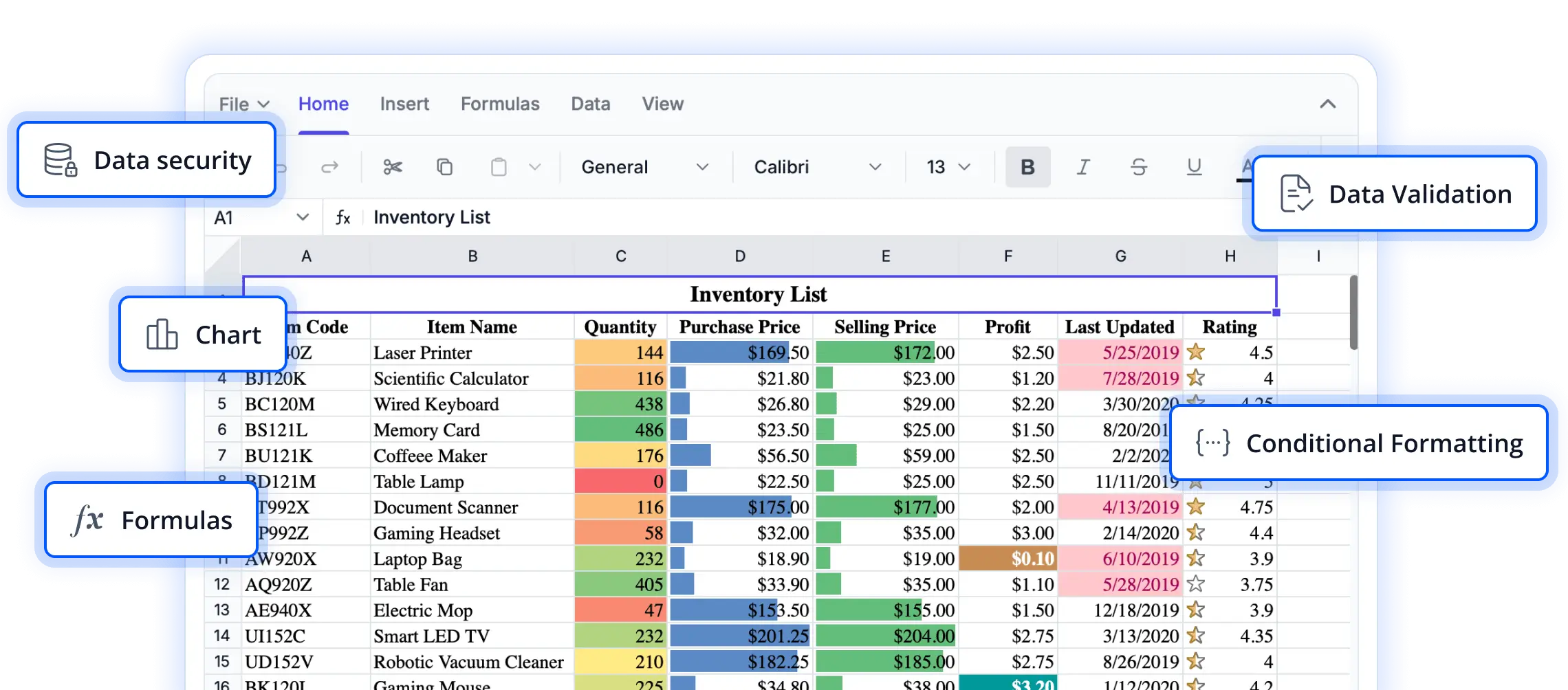
Powerful calculation capabilities for every spreadsheet
Explore advanced calculation features that enable users to perform complex computations, automate data processing, and generate accurate results. Designed to support a wide range of spreadsheet scenarios, these capabilities help build intelligent and data-driven React applications.
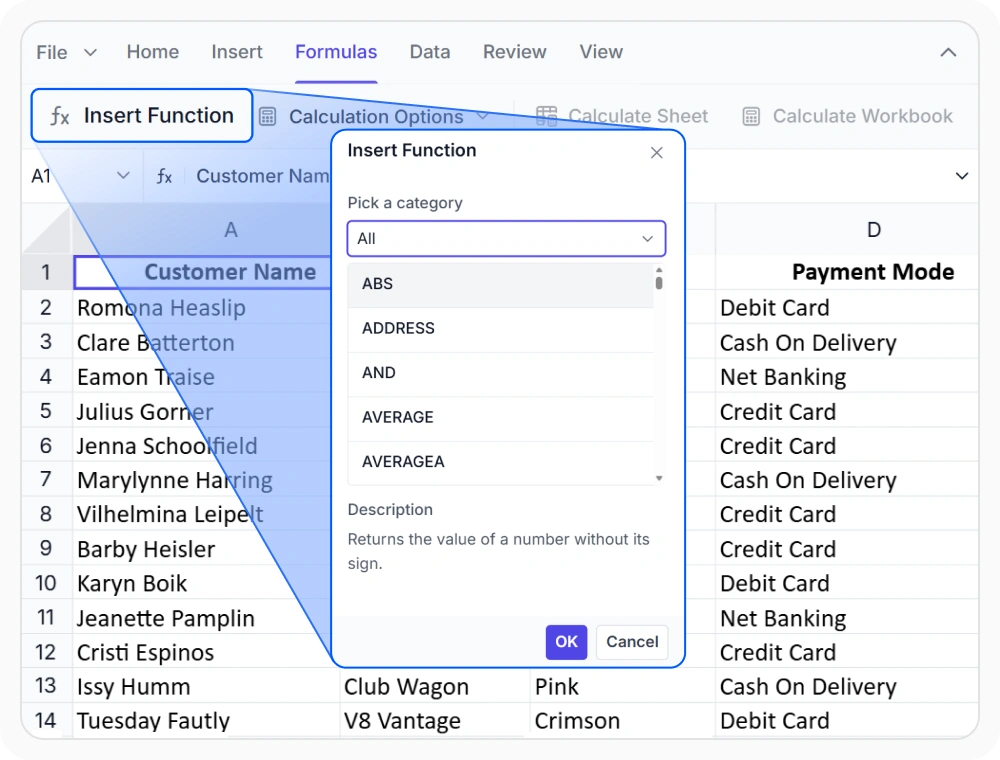
Calculate with built-in formulas
Access a wide range of Excel-compatible formulas for mathematical, statistical, logical, date, text, and lookup functions. Use it when building spreadsheets for consistent calculations, data analysis, and reusable formulas across worksheets.
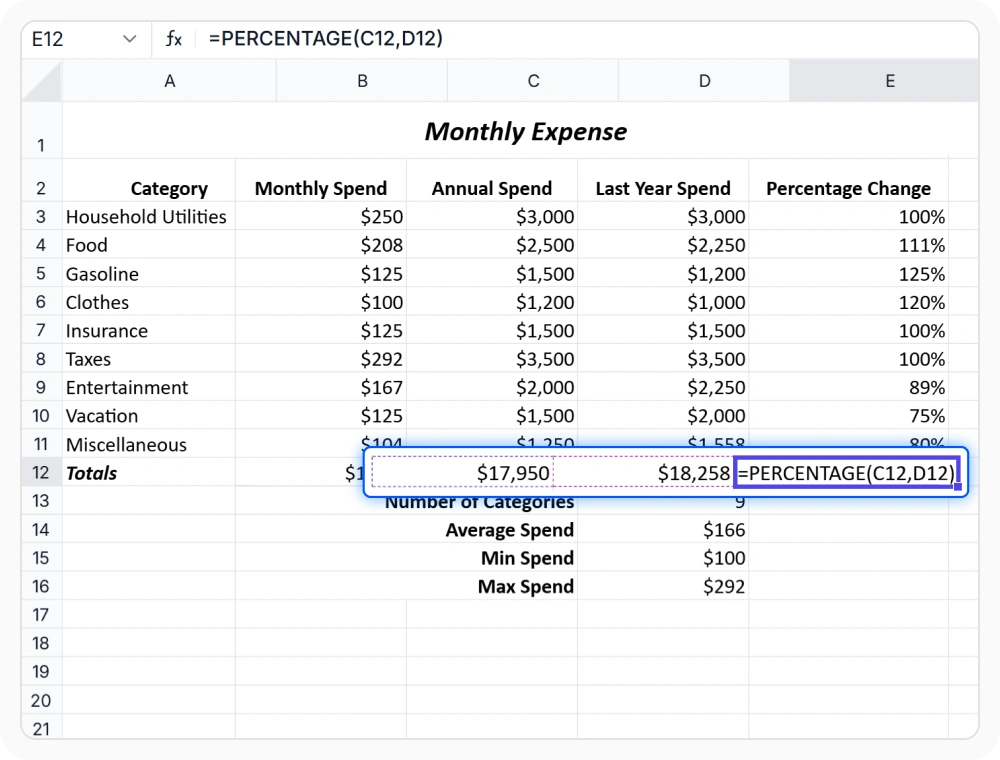
Extend with custom formula logic
Create custom formula logic by extending the formula engine with reusable functions for business rules, compliance requirements, and complex calculations. Use it when calculations must remain consistent across worksheets and easy to maintain.
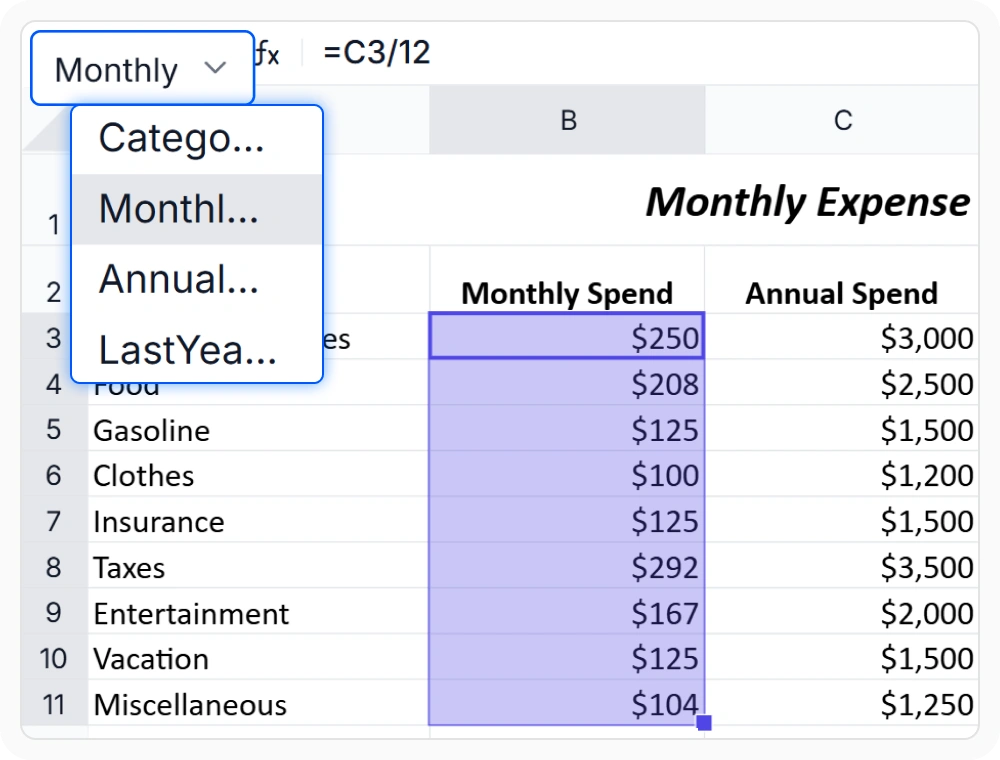
Use named ranges for clarity
Replace cell references with named ranges for easier-to-read and maintain formulas. Named ranges are defined once and reused across formulas and sheets. Use it when working with large or complex workbooks that require clear, auditable formulas.
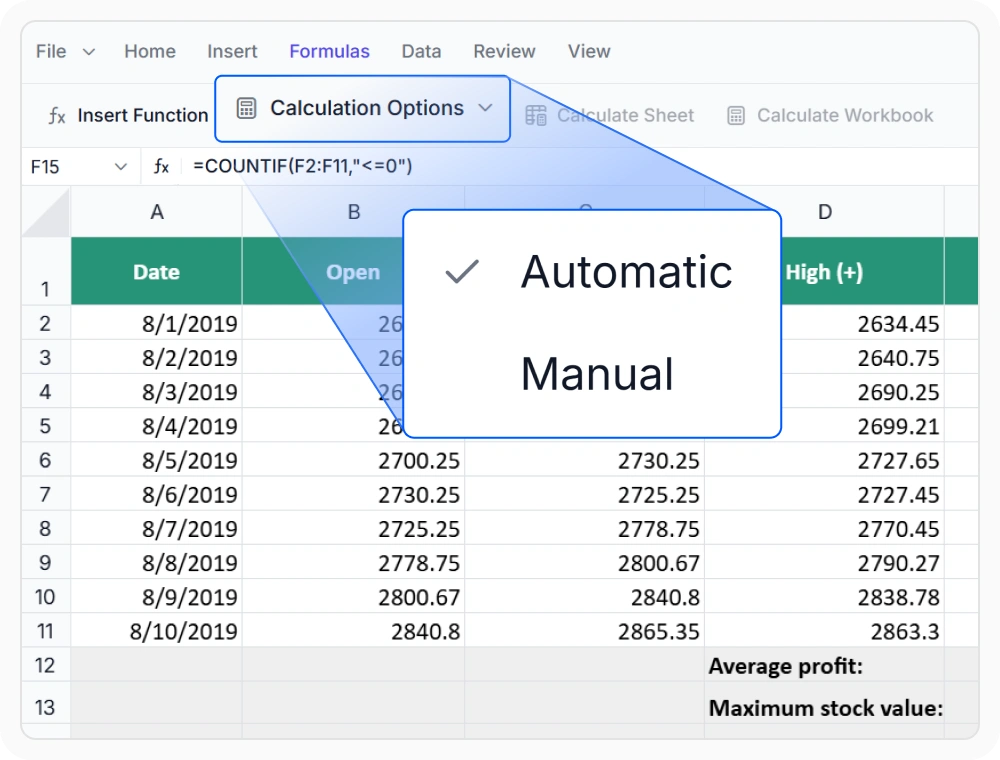
Control calculation modes
Choose automatic or manual calculation for large, formula-heavy workbooks. Use it when managing spreadsheets that require real-time updates or manual recalculation during bulk data entry.
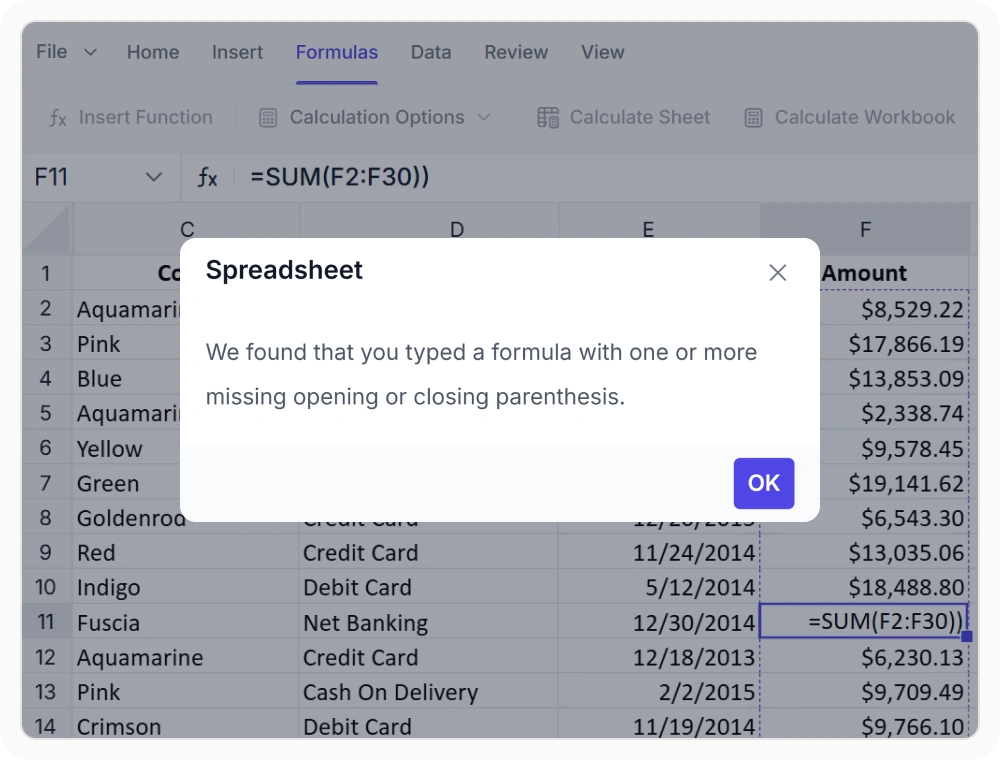
Validate formulas and prevent errors
Detect syntax errors, circular references, missing arguments, and broken links before calculation. Use it when creating or editing formulas to identify and resolve errors before calculations run.
See Why Developers Love Syncfusion
Our Customers Love Us
Having an excellent set of tools and a great support team, Syncfusion reduces customers’ development time. Here are some of their experiences.




Frequently Asked Questions
What formulas does the React Spreadsheet Editor support?
The React Spreadsheet formula engine supports Excel-compatible formulas, including math, logic, statistics, text, date, and lookup functions like SUM, AVERAGE, IF, and VLOOKUP.
Are cross-sheet formula references supported in the React Spreadsheet Editor?
Yes. Formulas in the Syncfusion React Spreadsheet Editor can reference and calculate data across multiple worksheets in the same workbook for consolidated reporting and analysis.
How does the React Spreadsheet Editor formula engine perform with large workbooks?
The React Spreadsheet formula engine is optimized for large, formula-heavy workbooks. Manual calculation mode lets you batch updates and defer recalculation, improving performance.
Can I add custom formulas in the React Spreadsheet Editor?
Yes. In the React Spreadsheet Editor, you can create and register custom formulas to support business rules and calculations not covered by built-in functions.
How does the React Spreadsheet Editor formula engine handle validation and errors?
The formula engine validates formulas and shows error messages for syntax issues, missing arguments, or invalid references. Alerts help resolve issues before calculations are affected.
Are named ranges supported in the Syncfusion React Spreadsheet Editor?
Yes. Named ranges can be defined and used throughout formulas to replace cell references with meaningful names, improving readability and making formulas easier to maintain across large workbooks.
Resources
Learn more about our React Spreadsheet Editor
Explore demos, KB articles, and documentation to get the most out of our React Spreadsheet Editor.
Explore guides, APIs, and quick-start tips
See live use cases in action
Ask, share, and connect with peers
Find solutions and best practices fast
Get expert help when you need it
Feature requests and bug reports
Track issues and suggest improvements
Awards
Greatness—it’s one thing to say you have it, but it means more when others recognize it. Syncfusion® is proud to hold the following industry awards.









