Try Our Live Demo
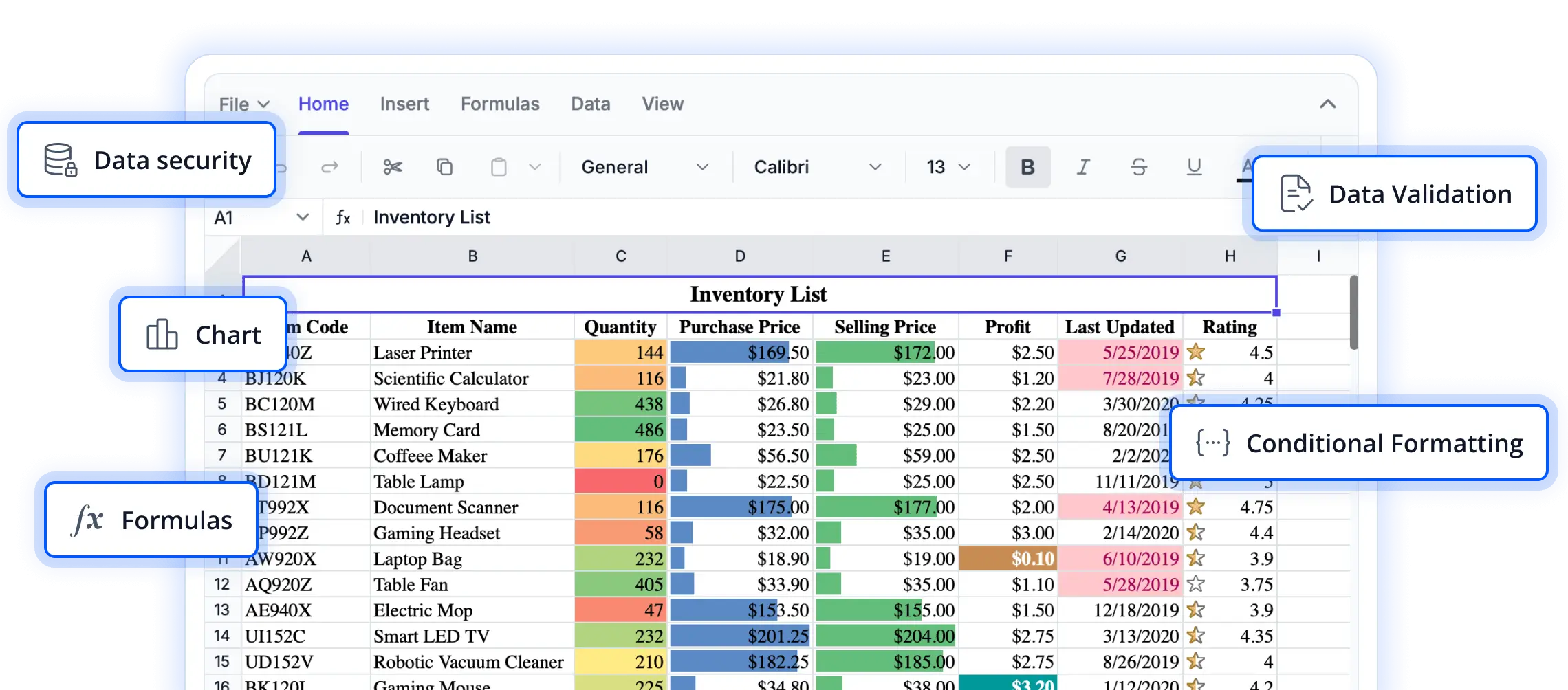
Creating accessible spreadsheet experience for global users
Explore features designed to make spreadsheet applications accessible, adaptable, and user-friendly across diverse audiences. These capabilities support inclusive interactions, multilingual experiences, and compliance with modern web standards, helping you build applications that reach users worldwide.
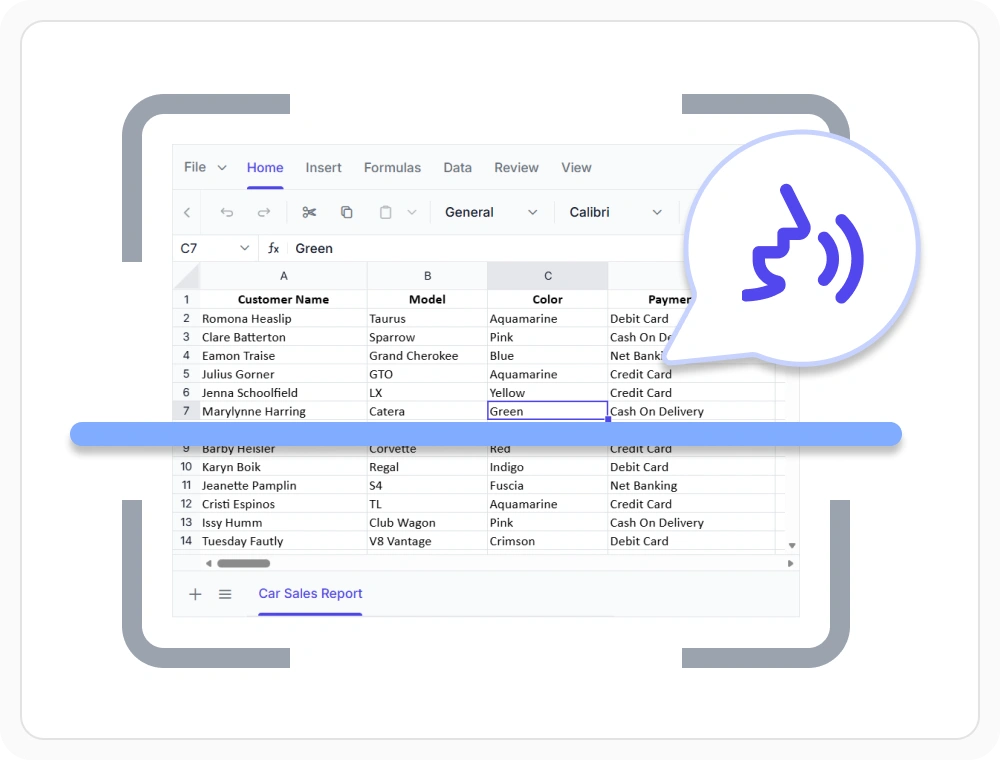
Navigate with screen readers
Enable accessible worksheet interaction with screen reader compatibility and accessibility standards. Use when users rely on assistive technologies for navigation, data access, and spreadsheet interaction.
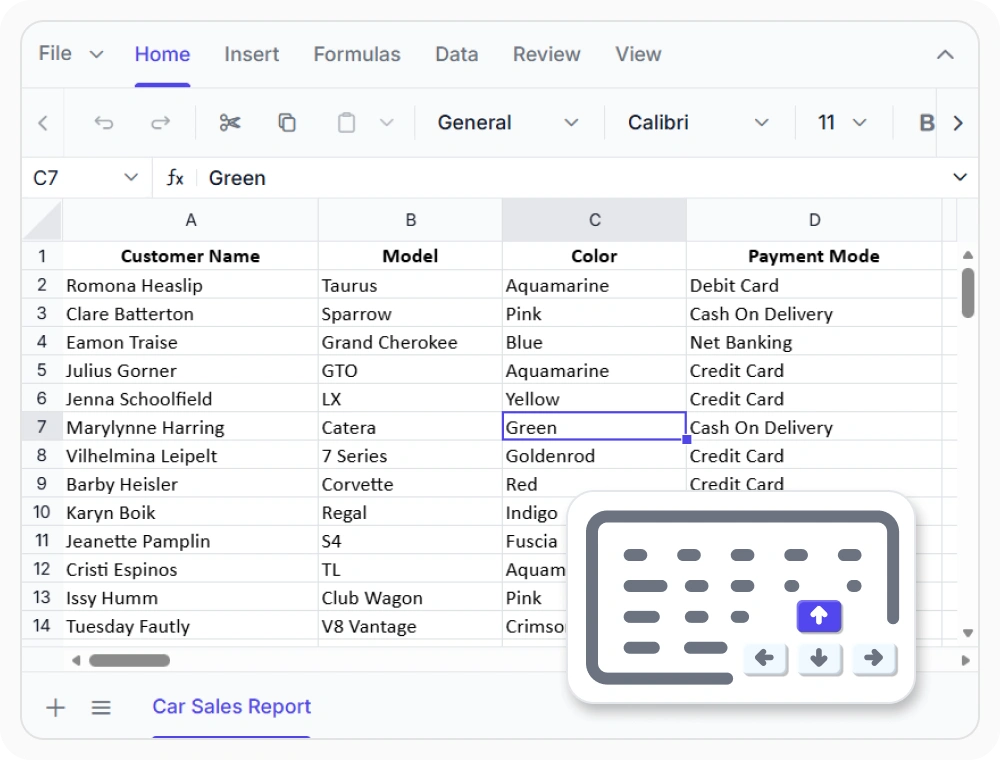
Control spreadsheets with keyboard
Navigate, select, and interact with spreadsheet content using keyboard commands and shortcuts. Use when users need efficient data entry, analysis, and worksheet navigation without relying on a mouse.
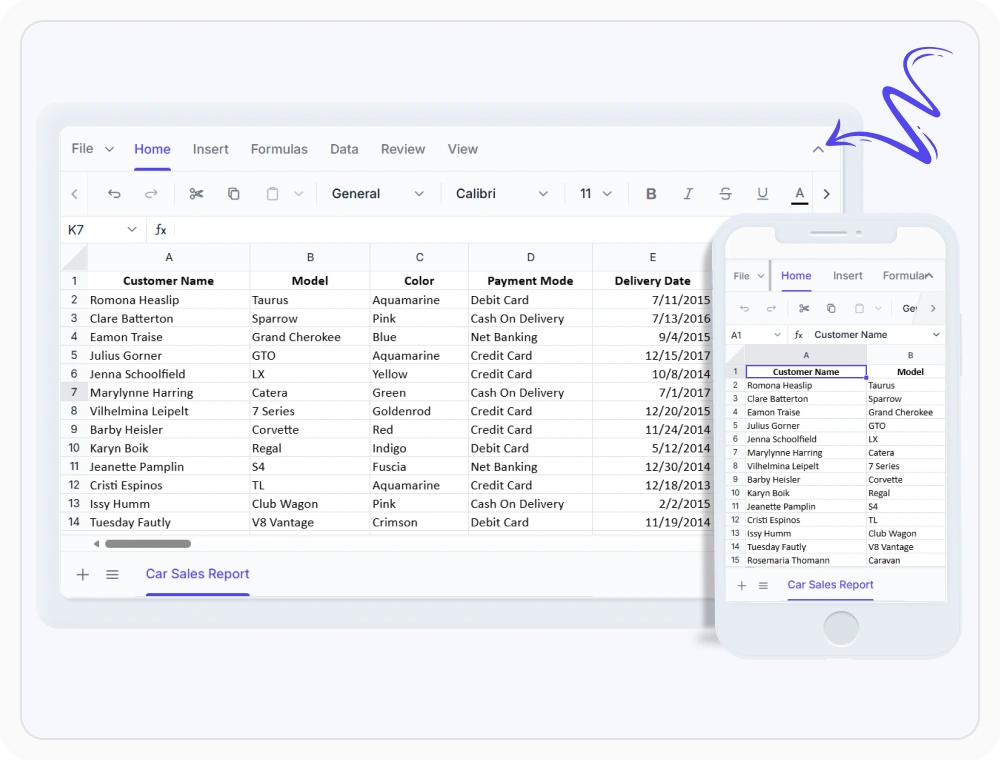
Adapt to any screen size
Automatically adapt worksheet layouts to available screen space for usability and accessibility. Use when users need a consistent experience across devices and display sizes.
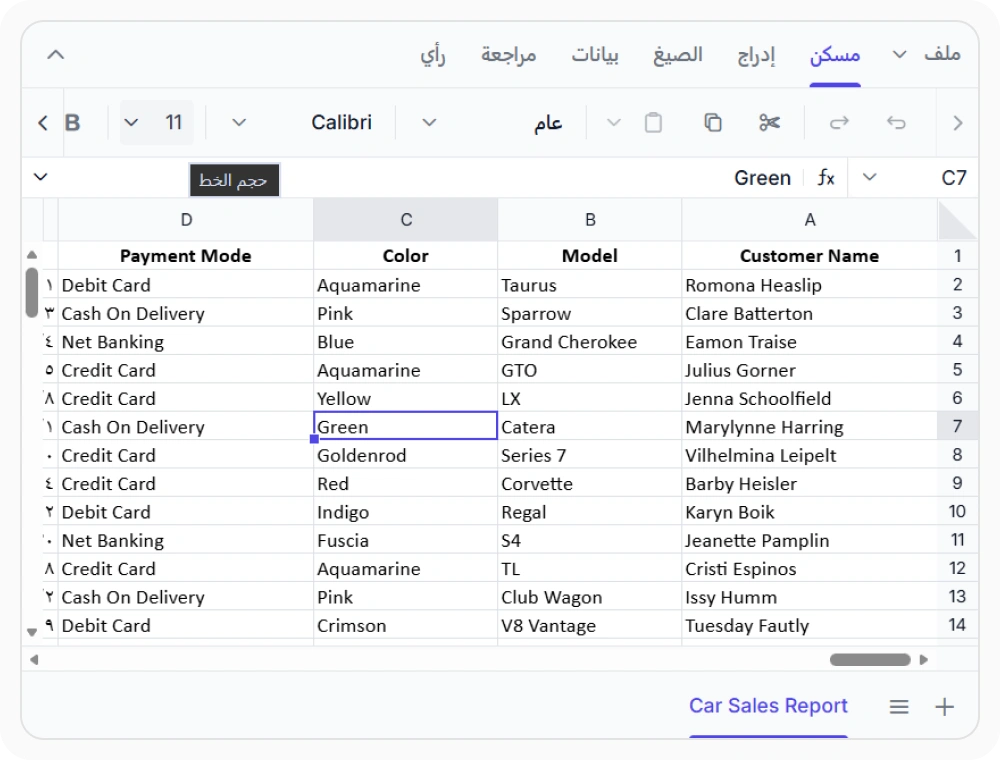
Support right-to-left workflows
Provide right-to-left spreadsheet experiences with RTL-enabled interfaces and navigation. Use when serving users in regions with right-to-left reading and writing directions.
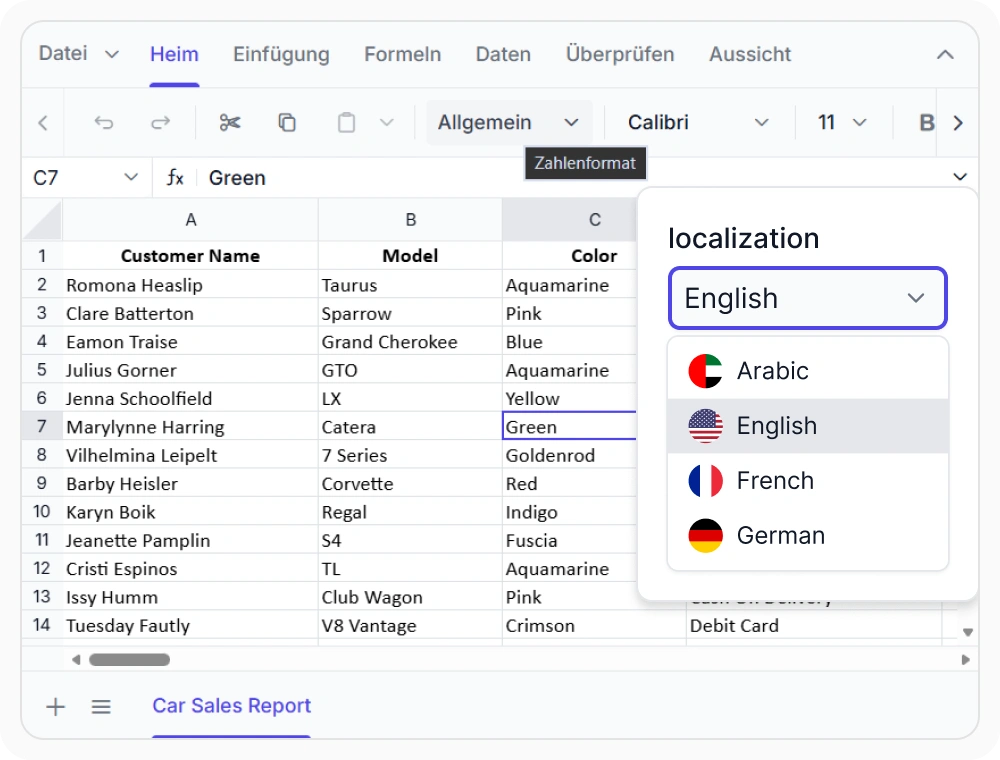
Localize the spreadsheet interface
Display spreadsheet interface elements such as ribbon tabs, menus, dialogs, and messages in the user’s preferred language. Use when applications serve users across multiple countries, regions, and language preferences.
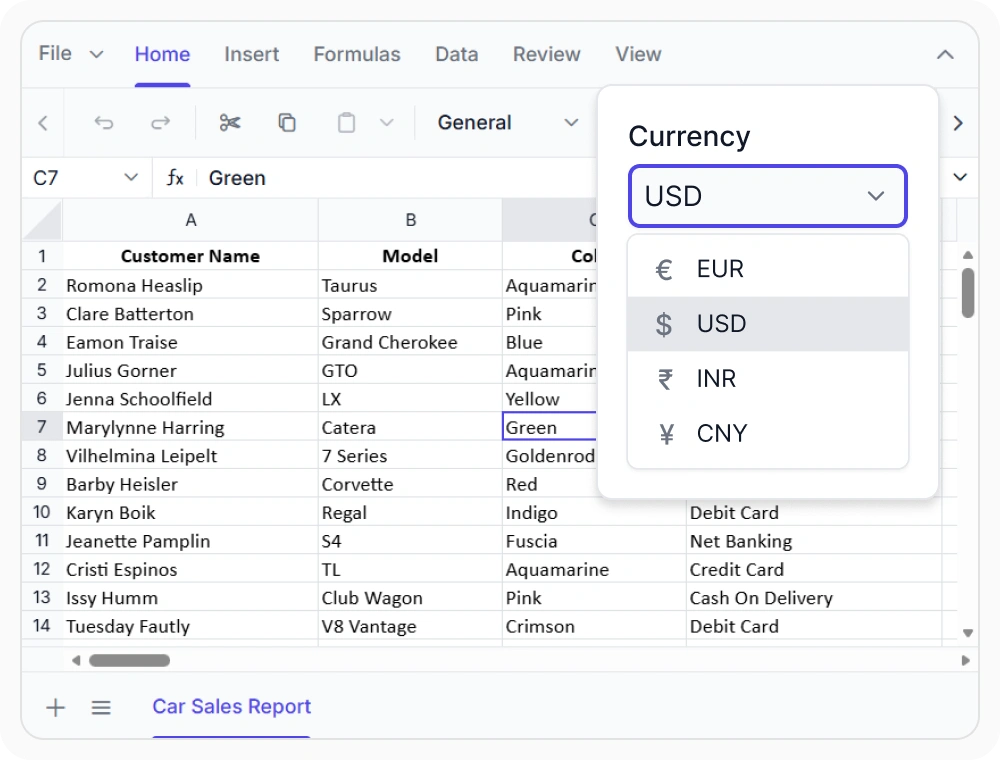
Format data for regional audiences
Format dates, numbers, and currencies based on locale standards for accurate and region-specific data presentation. Use when applications need to display information consistently across different countries and regions.
See Why Developers Love Syncfusion
Our Customers Love Us
Having an excellent set of tools and a great support team, Syncfusion reduces customers’ development time. Here are some of their experiences.




Frequently Asked Questions
What does React Spreadsheet Editor accessibility and localization support include?
React Spreadsheet Editor offers screen reader support, keyboard navigation, adaptive layouts, right-to-left (RTL) rendering, localized UI elements, and culture-aware formatting for dates, numbers, and currencies.
Can language and regional settings be changed at runtime in the React Spreadsheet Editor?
Yes. React Spreadsheet Editor allows languages, cultures, and regional formatting settings to be changed programmatically at runtime based on user preferences or application needs.
Does the React Spreadsheet Editor support right-to-left layouts?
Yes. React Spreadsheet Editor supports right-to-left (RTL) layouts for languages such as Arabic, Hebrew, Farsi, and Urdu, providing a natural and consistent experience for RTL users.
Which accessibility standards are supported by React Spreadsheet Editor?
React Spreadsheet Editor is designed to helps applications align with ADA, Section 508, WCAG 2.2, and WAI-ARIA guidelines. Compliance can be checked using standard accessibility testing and auditing tools.
Is localization limited to spreadsheet content in the React Spreadsheet Editor?
No. React Spreadsheet Editor supports localization for built-in UI elements like ribbon tabs, menus, dialogs, tooltips, and validation messages, enabling a consistent multilingual experience.
Can the React Spreadsheet Editor adapt to different screen sizes and devices?
Yes. React Spreadsheet Editor includes adaptive layouts that optimize user experience across desktop, tablet, and mobile devices, maintaining usability and consistent interaction.
Resources
Learn more about our React Spreadsheet Editor
Explore demos, KB articles, and documentation to get the most out of our React Spreadsheet Editor.
Explore guides, APIs, and quick-start tips
See live use cases in action
Ask, share, and connect with peers
Find solutions and best practices fast
Get expert help when you need it
Feature requests and bug reports
Track issues and suggest improvements
Awards
Greatness—it’s one thing to say you have it, but it means more when others recognize it. Syncfusion® is proud to hold the following industry awards.









