Try Our Live Demo
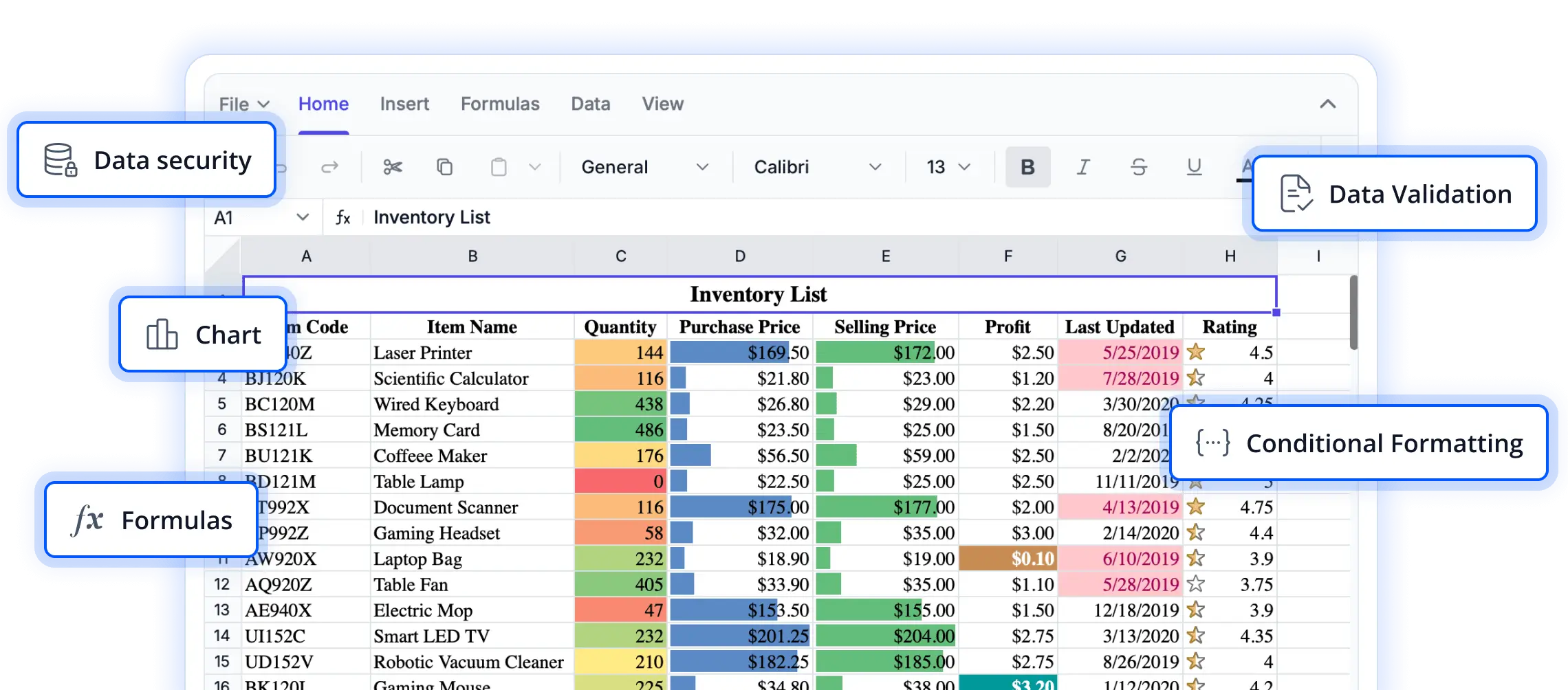
Seamless file management for spreadsheet workflows
Explore file handling capabilities that enable users to import, export, and manage spreadsheet documents with ease. These features help streamline workflows, ensure data accessibility, and support a smooth experience across React applications.
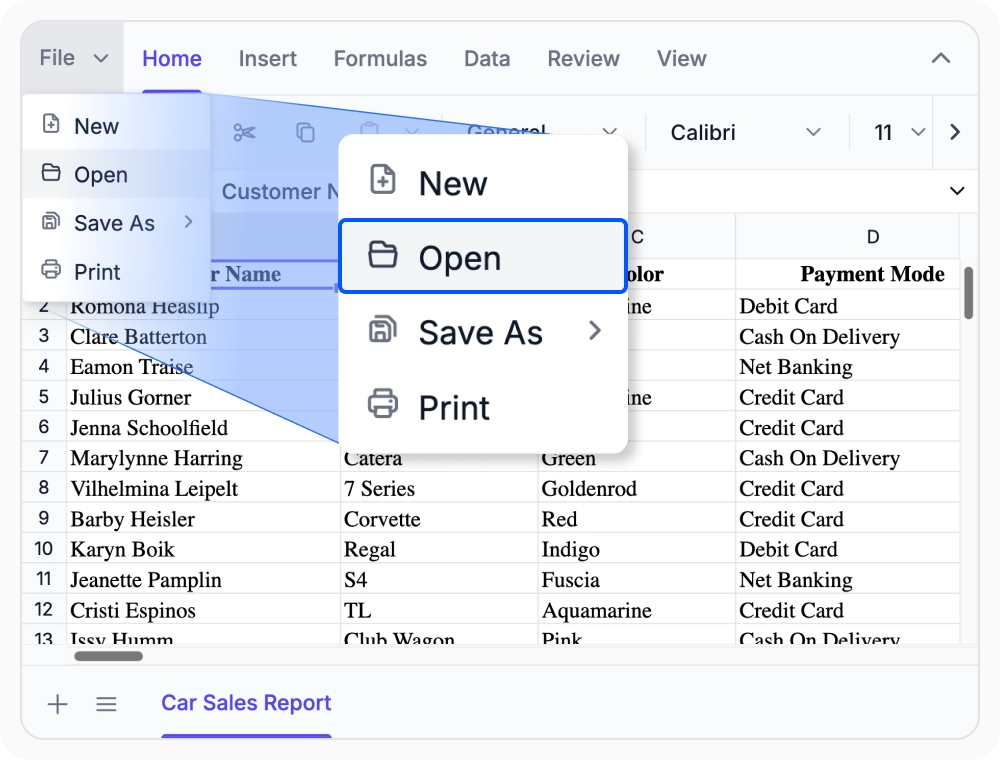
Load data from anywhere
Import Excel and CSV files from local and remote sources while preserving formulas, formatting, and workbook structure. Use when business reports arrive from multiple external platforms and repositories.
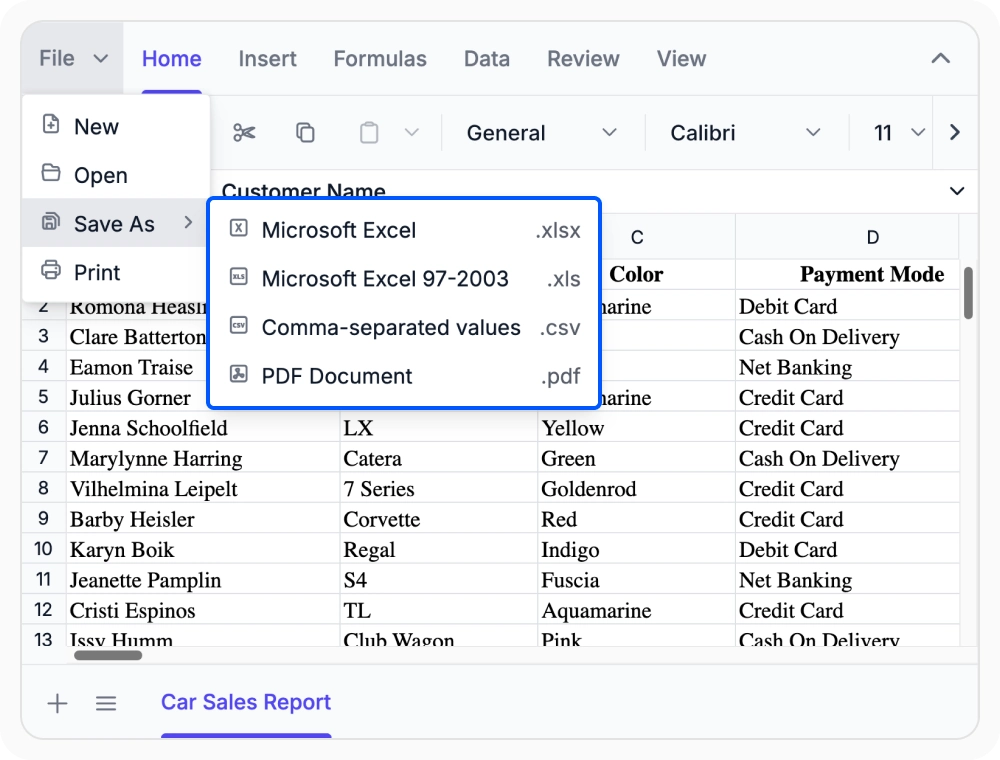
Save and export spreadsheet data
Export spreadsheets to Excel, CSV, PDF, and JSON formats while preserving formulas, formatting, and workbook structure. Use when reports must be distributed across teams, applications, and document workflows.
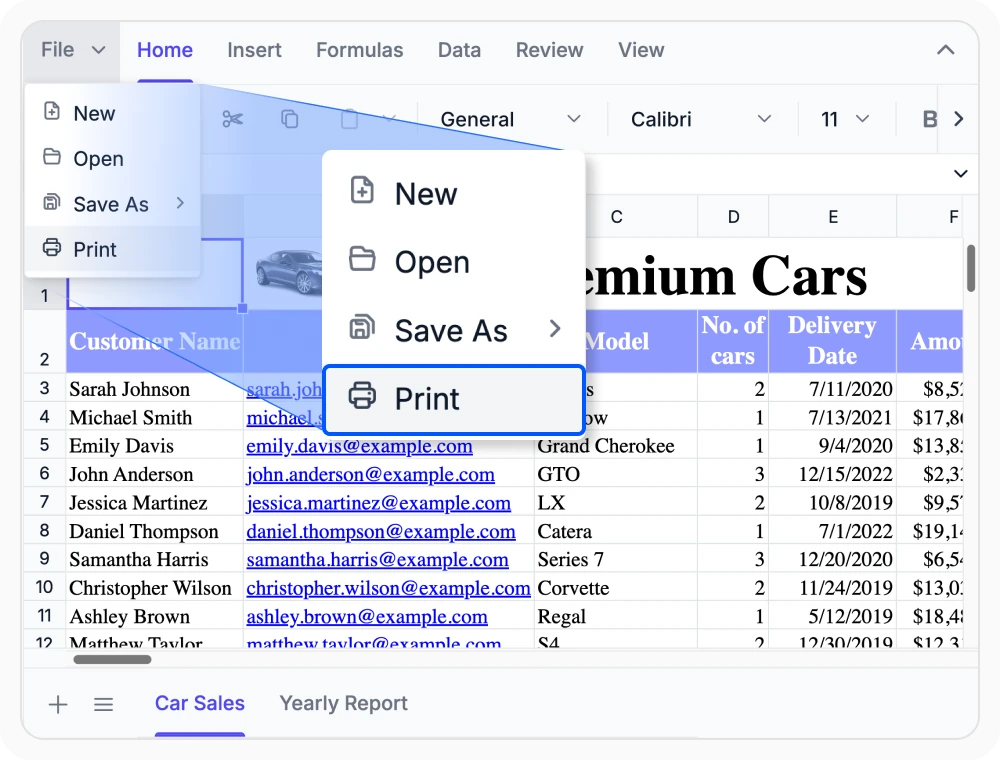
Print professional reports
Print spreadsheets with layouts that match on-screen content, including formatting, charts, and images. Use when printed reports must maintain a professional and consistent appearance.
See Why Developers Love Syncfusion
Our Customers Love Us
Having an excellent set of tools and a great support team, Syncfusion reduces customers’ development time. Here are some of their experiences.




Frequently Asked Questions
Which file formats can the React Spreadsheet Editor open and save?
The React Spreadsheet Editor supports opening Excel Workbook (.xlsx), Excel 97–2003 Workbook (.xls), Comma-Separated Values (.csv), Macro-Enabled Workbook (.xlsm), and Binary Workbook (.xlsb) files. It saves as Excel (.xlsx, .xls), CSV, PDF, and workbook JSON.
Do open and save operations in the React Spreadsheet Editor require a backend service for file processing?
Yes. Open and save operations require a backend service for Excel file processing. Syncfusion provides .NET services to preserve workbook data, formulas, and formatting, ensuring secure and reliable spreadsheet management in business applications.
Can the React Spreadsheet Editor export spreadsheet content as JSON for application workflows?
Yes. The Syncfusion React Spreadsheet Editor exports workbook data as JSON, preserving structure, cell data, and styles. This enables easy storage, processing, and integration with custom workflows and data-driven React applications.
Does the React Spreadsheet Editor preserve formatting during the import and export operations?
Yes. The Syncfusion React Spreadsheet Editor preserves layout, styling, formulas, and workbook structure during import and export. This ensures spreadsheet content remains accurate and consistent across all supported file formats.
Can I use Open and Save services without .NET development in React Spreadsheet Editor?
Yes. Spreadsheet Server is available as a Docker image, enabling Open and Save services to be deployed in the cloud, on-premises, and containerized environments. No .NET development experience is required to use its file processing capabilities.
Can React Spreadsheet Editor integrate open and save operations with business apps and cloud services?
Yes. The React Spreadsheet Editor integrates import and export operations with application services, cloud storage, and custom server workflows. Export settings can be configured for file format, name, and serialization to meet business workflow needs.
Resources
Learn more about our React Spreadsheet Editor
Explore demos, KB articles, and documentation to get the most out of our React Spreadsheet Editor.
Explore guides, APIs, and quick-start tips
See live use cases in action
Ask, share, and connect with peers
Find solutions and best practices fast
Get expert help when needed
Feature requests and bug reports
Track issues and suggest improvements
Awards
Greatness—it’s one thing to say you have it, but it means more when others recognize it. Syncfusion® is proud to hold the following industry awards.









