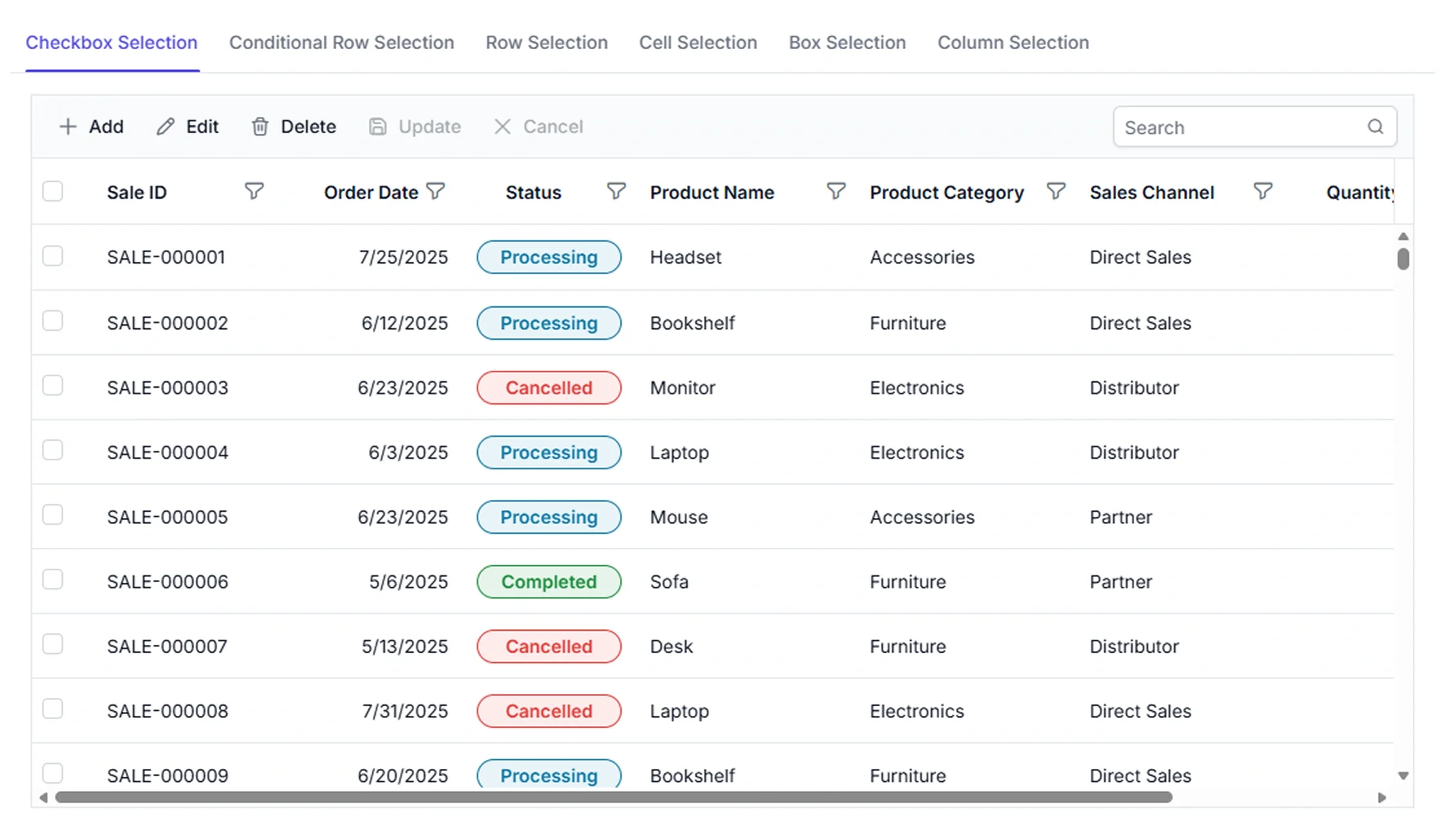



Flexible data selection
Provide flexible selection capabilities for rows, cells, and columns with single, multiple, range, checkbox, and select-all modes. Support quick navigation, bulk actions, editing, and efficient data management workflows.
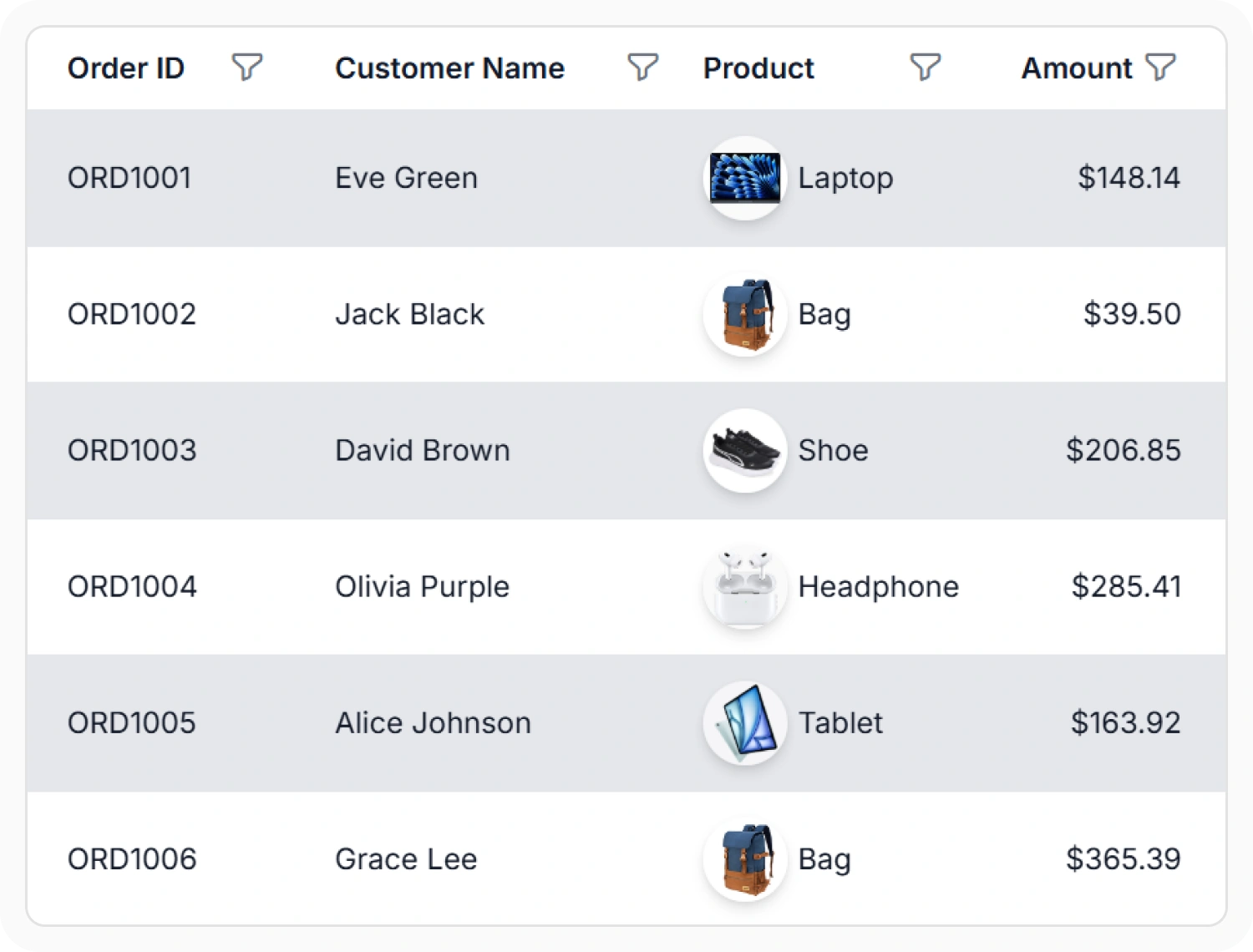
Select single or multiple rows
Select a single row, multiple rows, or a range of rows in the Data Grid to choose the records required for further actions. Use this feature when records need to be reviewed, compared, copied, updated, deleted, or exported.
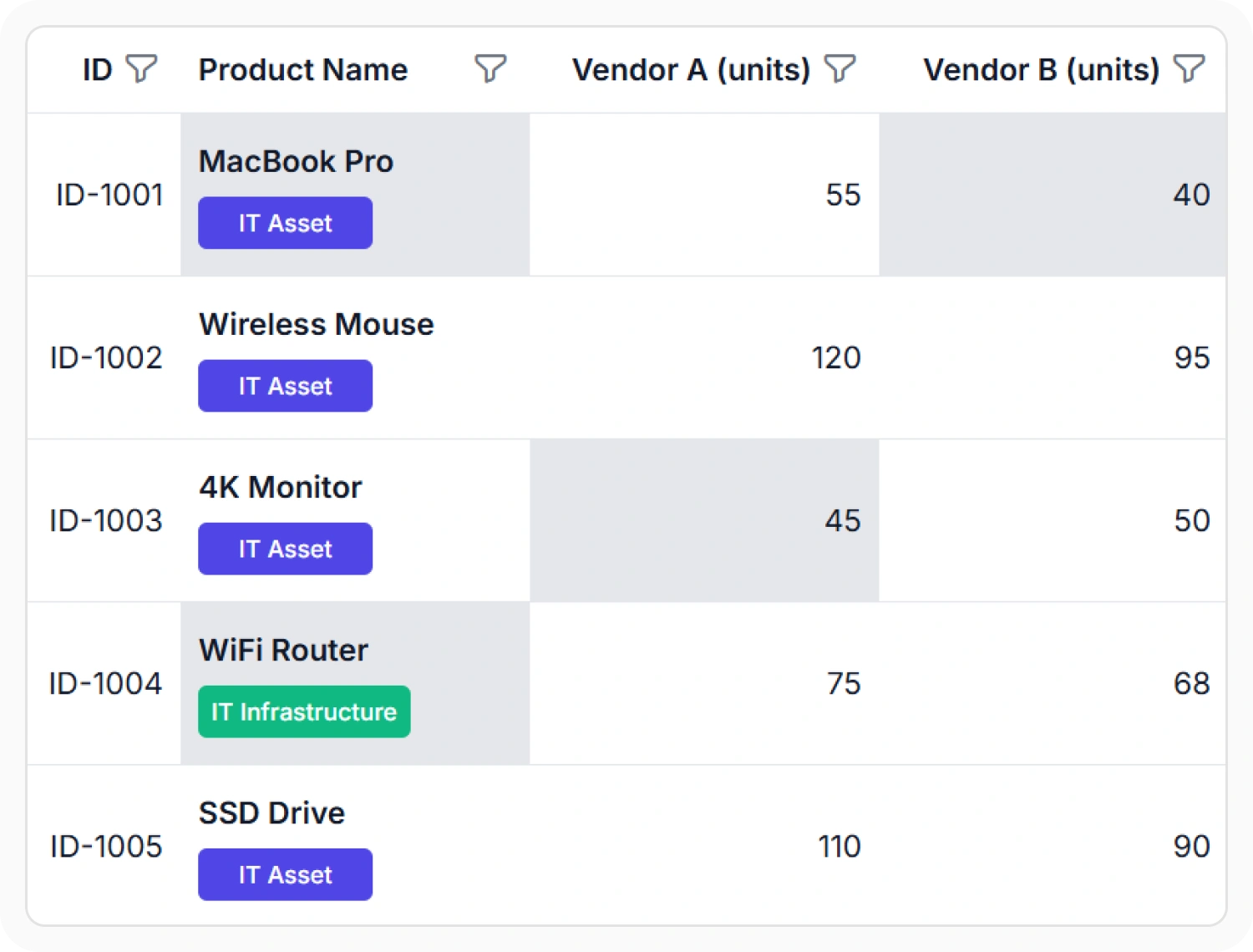
Select single or multiple cells
Select a single cell, multiple cells, or a range of cells in the Data Grid to work with selected data values. Use this feature when information across multiple cells needs to be reviewed, compared, copied, or updated.
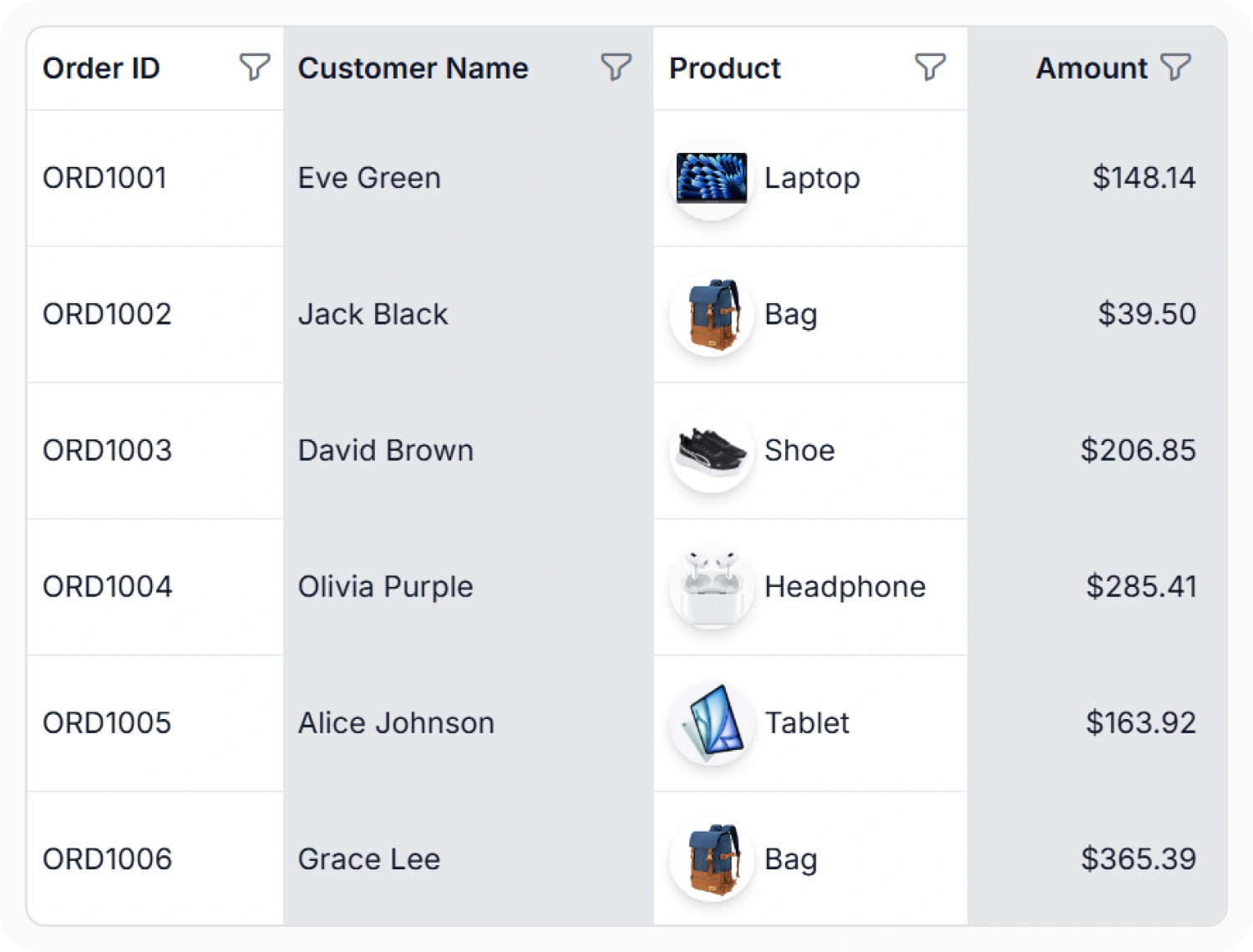
Select single or multiple columns
Select one or more columns in the Data Grid to work with field values across multiple records. Use this feature when data within a column needs to be reviewed, compared, or copied across records.
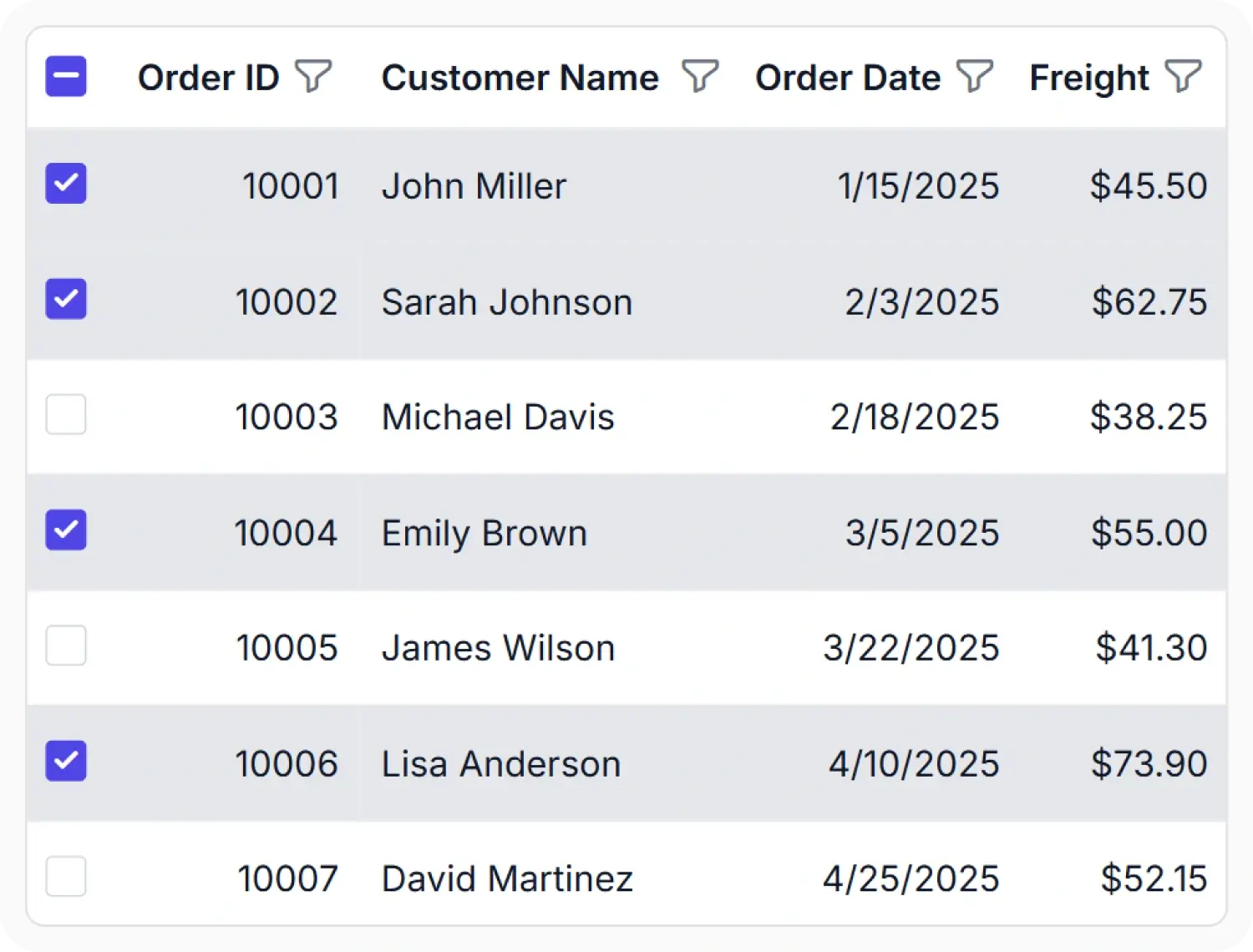
Select rows with checkboxes
Select all rows using the header checkbox or choose specific records using row checkboxes in the Data Grid. Use this feature when records need to be selected for reviewing, copying, deleting, or exporting.
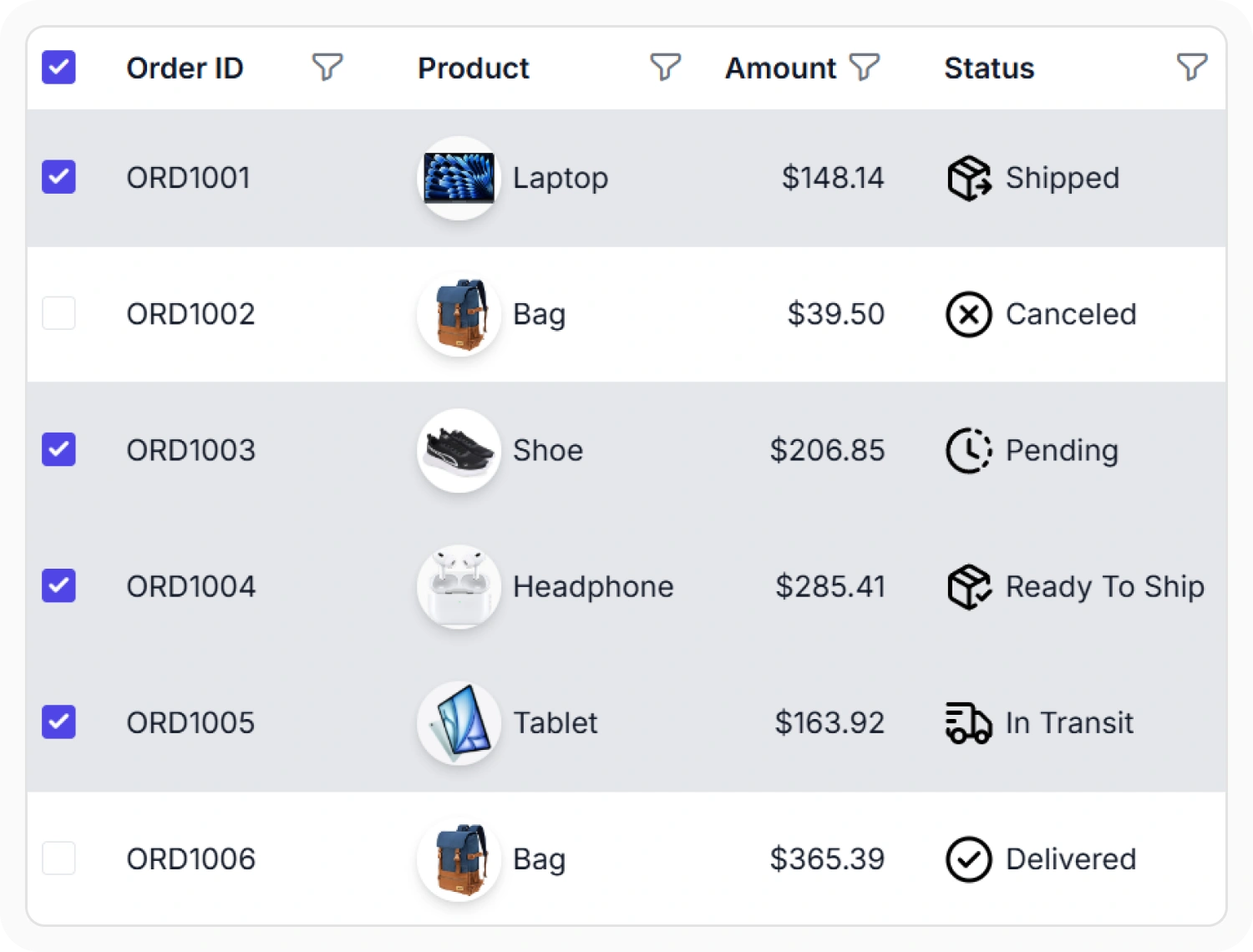
Conditional row selection
Select records using checkboxes in the Data Grid while restricting selection for records that do not meet specific criteria. Use this feature when only certain records should be available for selection.
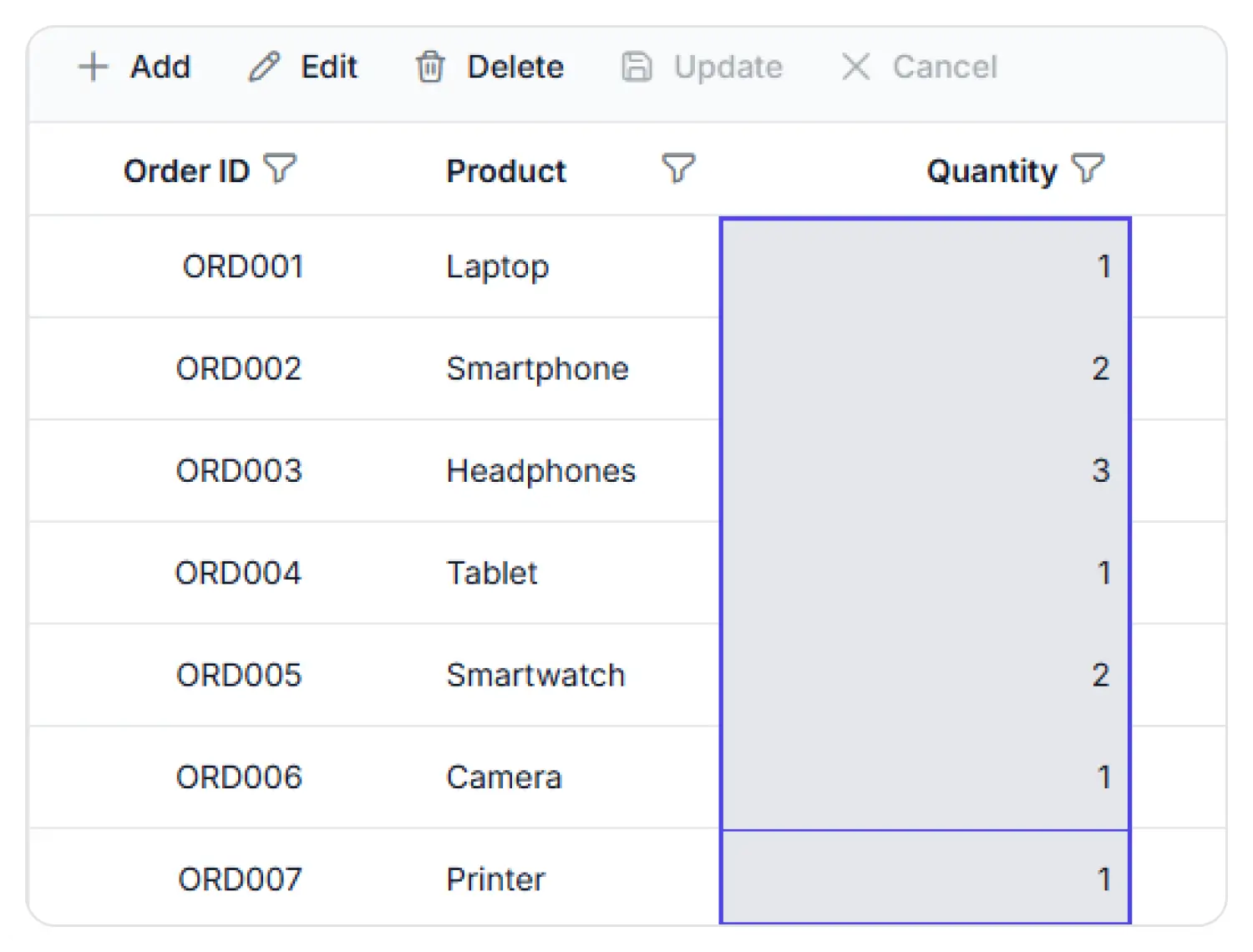
Cell selection with box mode
Box selection allows multiple adjacent cells to be selected by dragging a selection rectangle across rows and columns. This provides a quick way to work with a cell range in a single action. Use box selection when multiple cell values need to be reviewed, copied, or processed together.
See Why Developers Love Syncfusion
Our Customers Love Us
Having an excellent set of tools and a great support team, Syncfusion reduces customers’ development time. Here are some of their experiences.




Frequently Asked Questions
Does React Data Grid support multiple row selection?
The React Data Grid supports multiple row selection through keyboard shortcuts, checkbox selection, and range selection. These options help efficiently manage bulk actions across multiple records and data sets.
Does the React Data Grid support keyboard navigation for selection?
Yes. The React Data Grid supports full keyboard navigation, allowing users to move between rows and cells using arrow keys and extend selections with Shift + Arrow keys.
Does React Data Grid preserve selection after sorting and filtering?
Yes. Persistent selection maintains selected records during sorting, filtering, searching, and paging operations.
How to enable selection in a React Data Grid?
Selection is enabled by default in the React Data Grid. The selection behavior can be customized using the selection settings property to support options such as single selection, multiple selection, checkbox selection, cell selection, and column selection.
Is programmatic selection and deselection supported in React Data Grid?
Yes. The React Data Grid includes built-in methods to programmatically select, deselect, or clear selections based on application requirements.
Can selection be restricted based on conditions in React Data Grid?
Yes. Conditional selection enables record selection to be restricted based on business rules and data conditions.
Resources
Learn more about Data Grid selection
Explore demos, KB articles, and documentation to get the most out of the Data Grid.
Explore guides, APIs, and quick-start tips
See live use cases in action
Ask, share, and connect with peers
Find solutions and best practices fast
Get expert help when needed
Feature requests and bug reports
Track issues and suggest improvements
See Real Success Stories
Developers around the world trust Syncfusion’s Essential Studio to simplify complex projects and speed up delivery. With a vast library of UI controls, powerful SDKs, and reliable support, Essential Studio helps teams build enterprise-ready applications with confidence.
Read Our Customer StoriesIndustry
Software development
75% Cost reduction
50% Faster development

Industry
Utilities (oil and gas)

450+ hours saved
Streamlined processes and hours of development effort saved.

Advanced, flexible features
Empowered users through robust and versatile functionality.
Industry
Software and technology
1000+ of hours saved
Accelerated development with enterprise-ready UI components.

Efficient file management
Streamlined workflows with document libraries without building them from scratch.
Industry
Software and technology

2 Years of delay avoided
Two years of delays prevented with proactive planning.

On-time delivery
Projects delivered on schedule using trusted controls.
Industry
IT services and IT consulting

Improved performance
Large datasets handled with easy customization and quick debugging.

Highly customizable
Plug-and-play controls with quick template integration.
Industry
Professional services
Instant access
Quick availability of features and resources.
Reduced dependencies
Fewer dependencies for faster development.
Awards
Greatness—it’s one thing to say you have it, but it means more when others recognize it. Syncfusion® is proud to hold the following industry awards.









