Web Scheduler


Event buffer
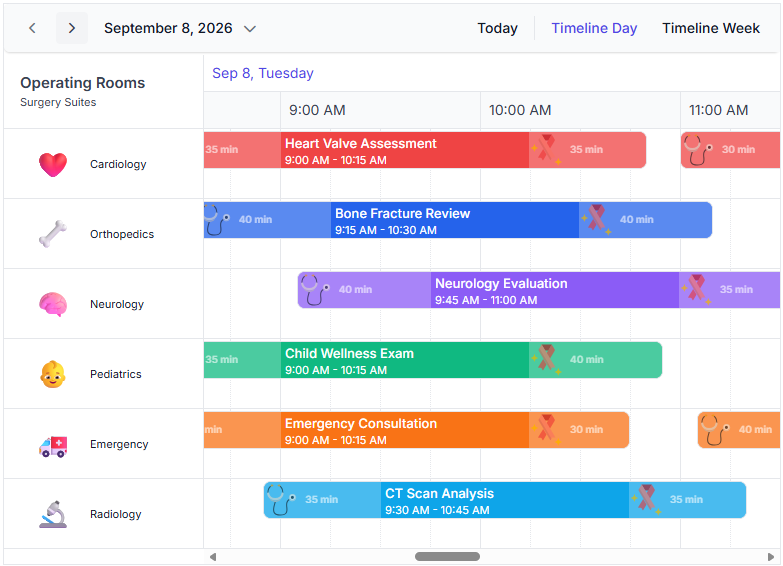
Users can display additional time before and after an event on the calendar timeline to improve visibility into activities surrounding an event, such as travel, preparation, or wrap-up, allowing users to plan their schedules more thoroughly.

WebMCP integration
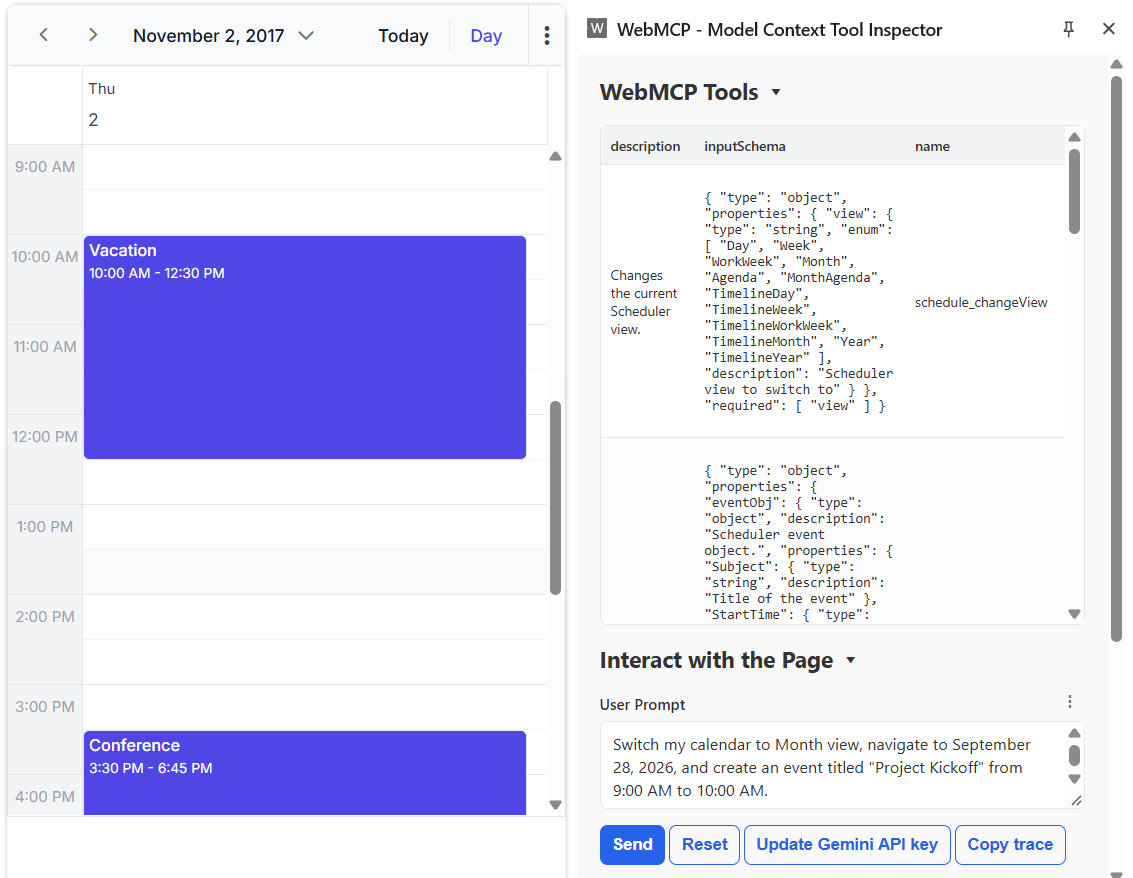
The Scheduler supports the Web Model Context Protocol (WebMCP), enabling AI models and agents to interact with schedules through built-in tools. Write operations require user confirmation, and the beforeWebMcpToolExecute event lets users inspect, modify, or cancel tool execution.
Pure React Scheduler
Production-ready component
The Pure React Scheduler component is now ready for production.
Timeline views
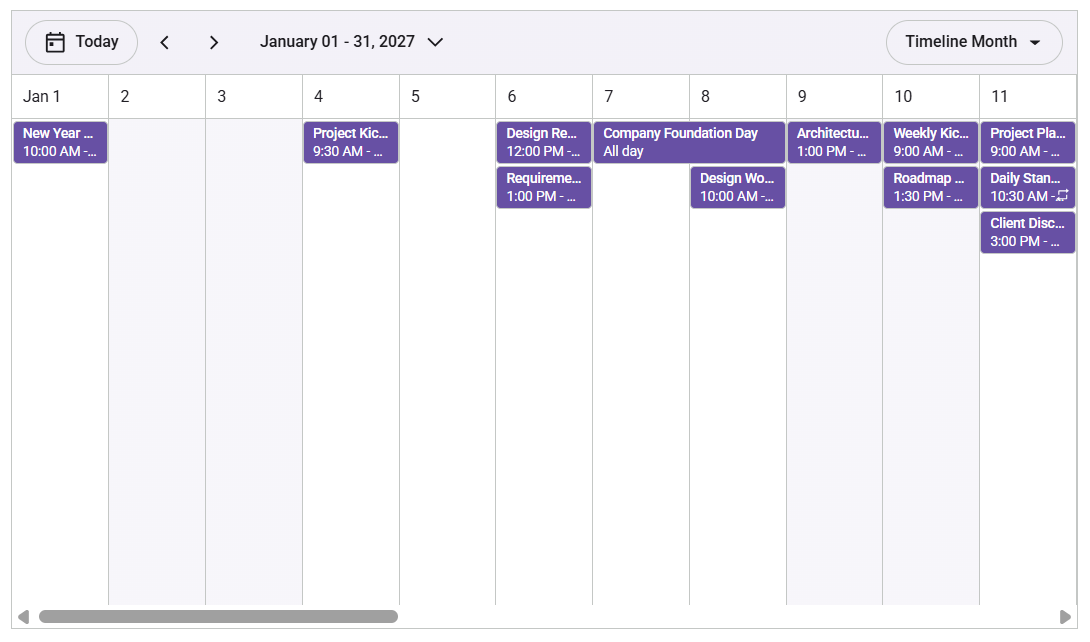
Timeline views are supported in the Scheduler. They display a horizontally scrollable layout in day, week, workweek, and month views. They help present appointments in a continuous time range and have support for visible time period customization, time intervals, working days and hours, automatic row heights, header rows, custom templates, drag-and-drop, and event resizing.
Resource grouping
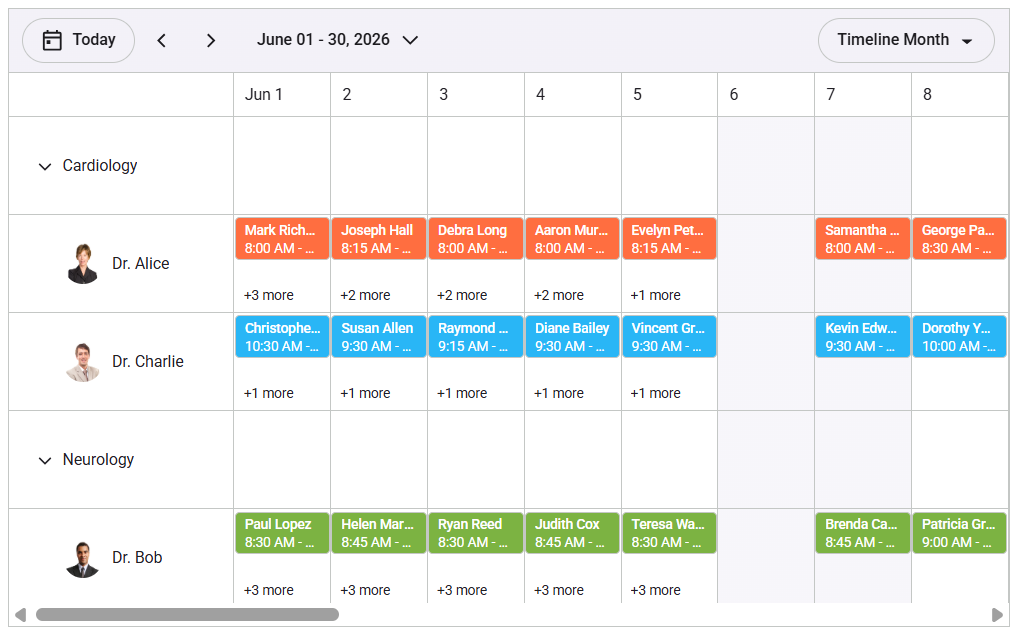
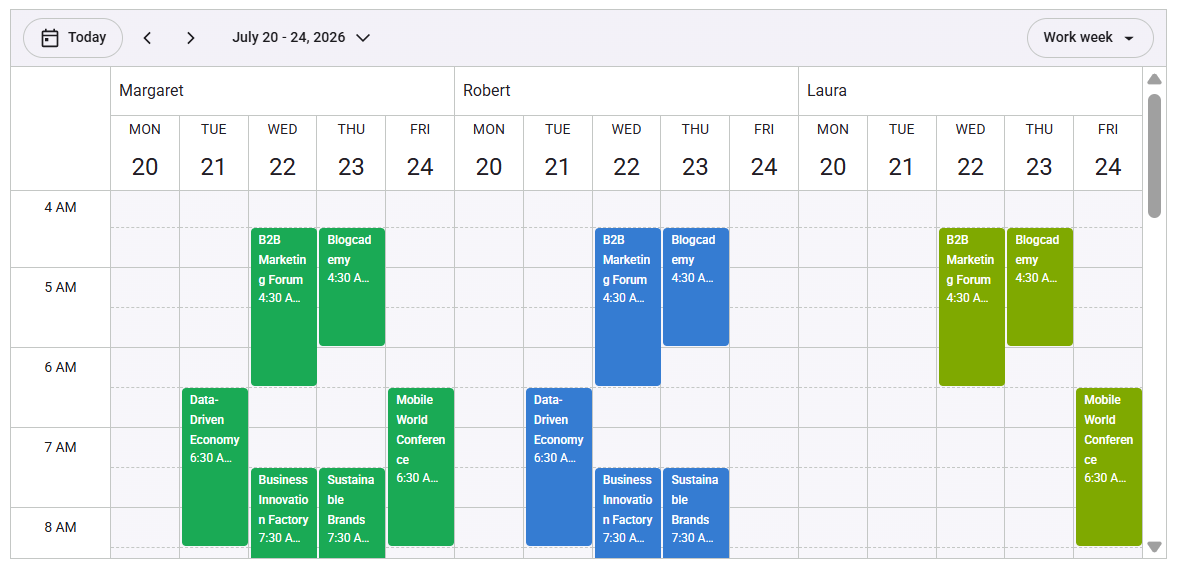
Resource grouping is now available for agenda and timeline views. In agenda view, resources are shown as grouped lists so appointments can be viewed under each resource in an organized schedule layout. In timeline views, resources are displayed in rows while dates and time slots run horizontally, making it easier to compare appointments across multiple resources over a selected time or date range.
Shared events
The Scheduler now supports shared events across grouped resources, allowing a single event to be associated with multiple resources simultaneously. This makes it easier to coordinate schedules and visualize shared appointments across different resource columns at once.
Adaptive grouping
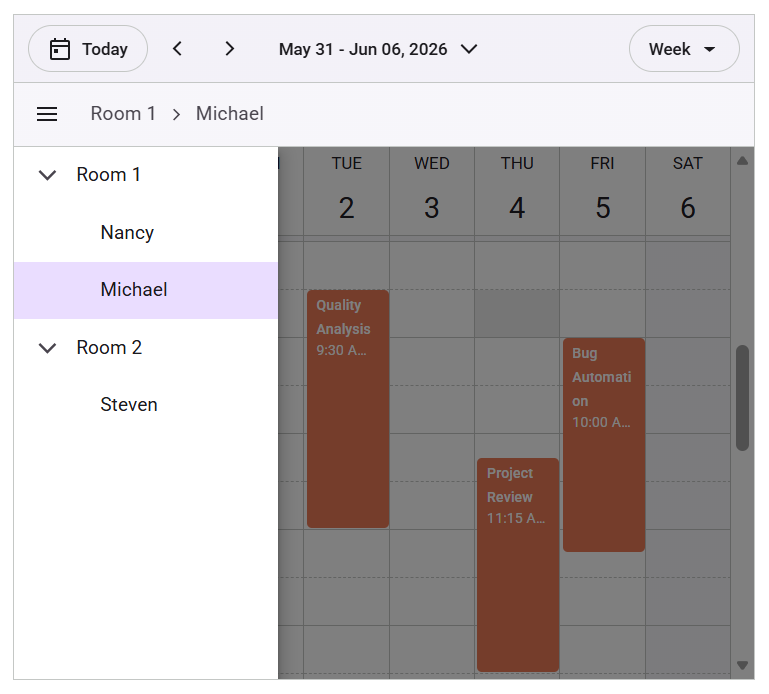
The React Scheduler provides adaptive resource grouping to keep grouped schedules clean and readable on mobile devices. The complex multi-column resource layout is converted into a compact tree view. Users can browse the resource hierarchy and view appointments for one resource at a time, keeping schedule details easily readable on mobile screens and other limited-width containers.
Blazor Scheduler
Event buffer
Users can display additional time before and after an event on the calendar timeline to improve visibility into activities surrounding an event, such as travel, preparation, or wrap-up, allowing users to plan their schedules more thoroughly.

.NET MAUI Scheduler
Hierarchical resource view
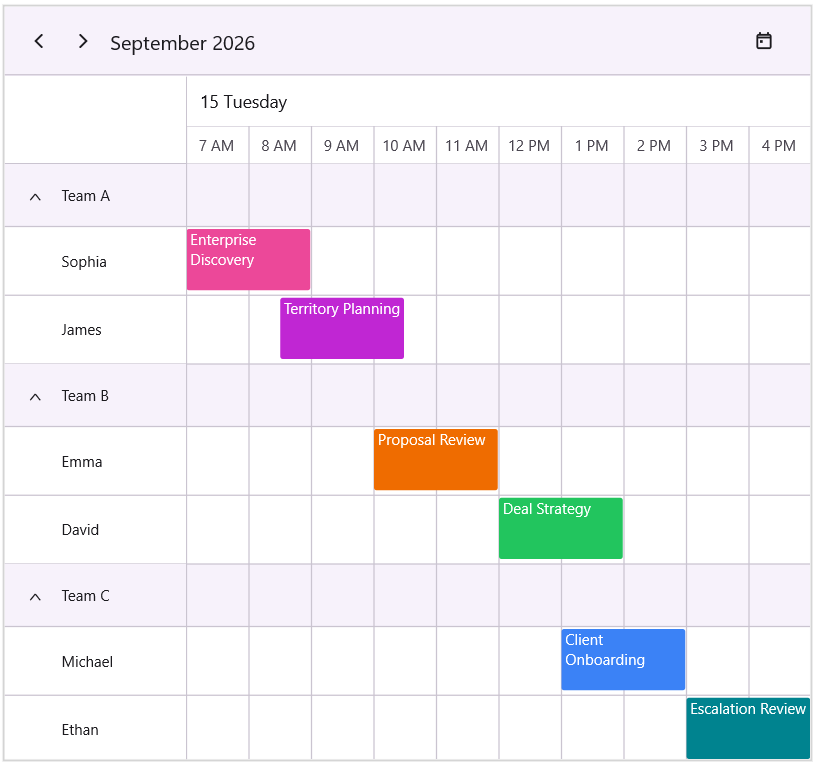
Resources can be organized and displayed in a hierarchical structure with parent-child relationships. This enhancement simplifies complex resource management and provides a clearer, more structured view of resources for scheduling.
Restrict overlapping appointments
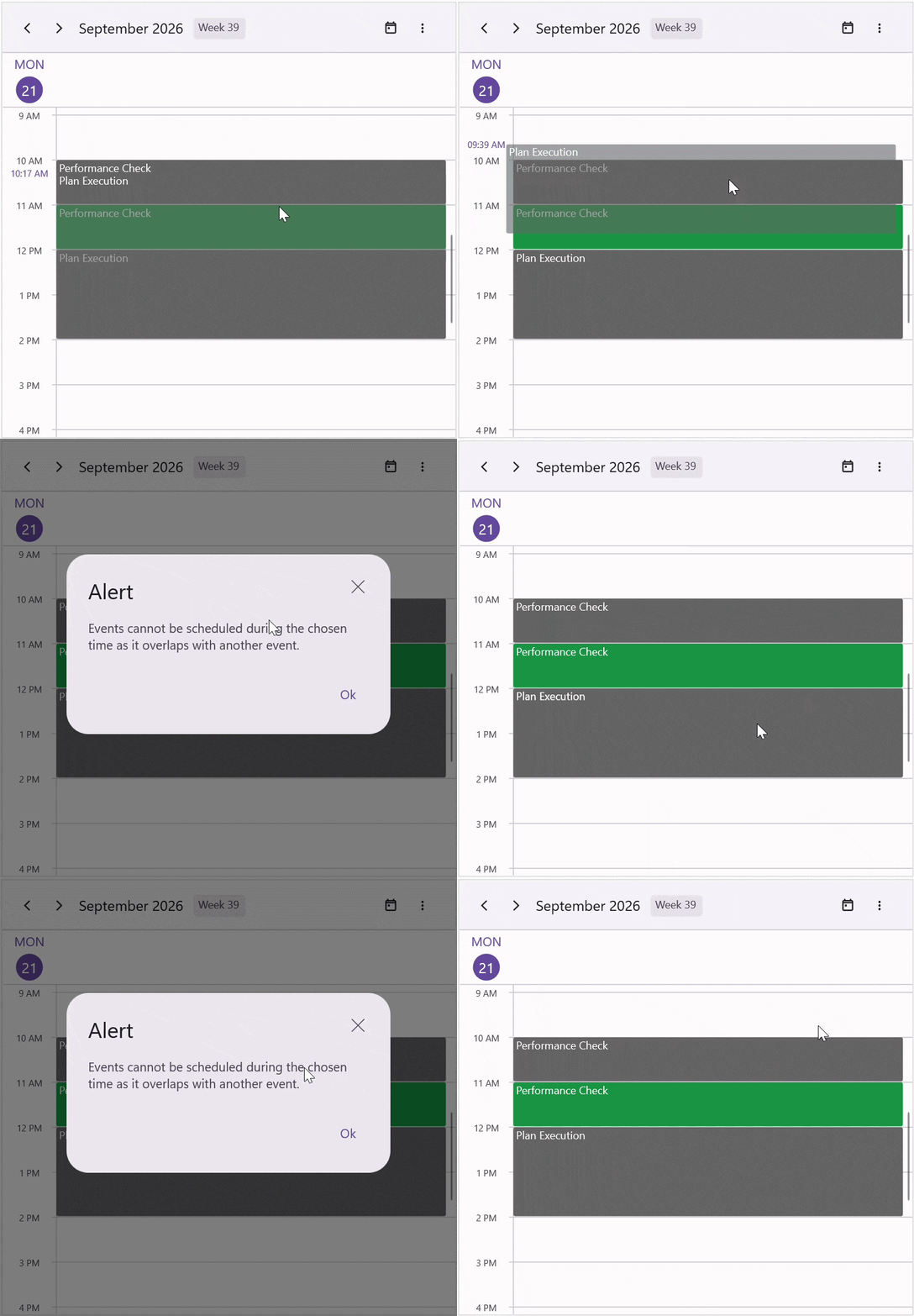
Prevent appointments from being scheduled within an already occupied time range to maintain conflict-free scheduling.
Limit concurrent appointments
Improve schedule readability in day, week, and workweek views by limiting the number of overlapping appointments displayed in each time slot.
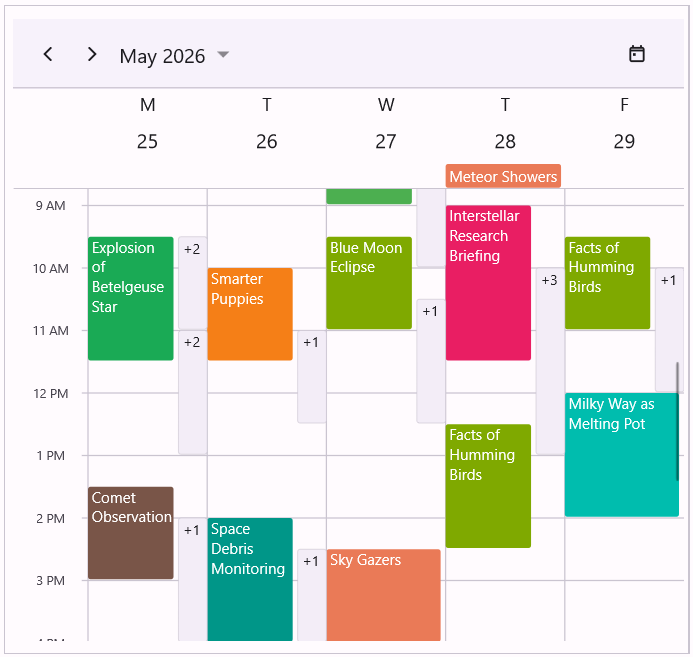
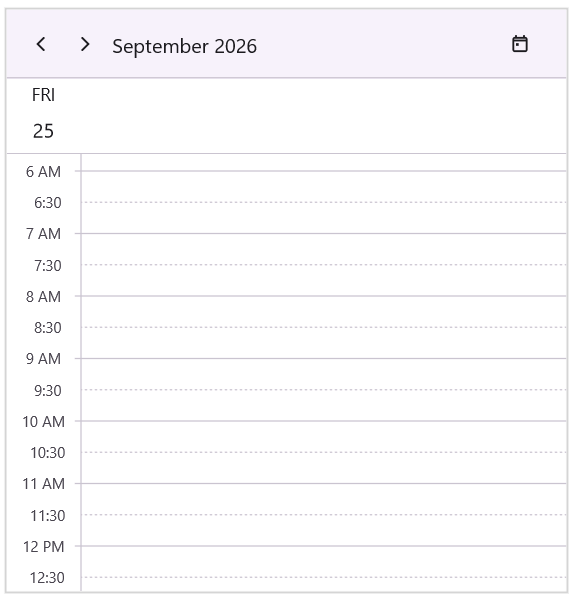
Major and minor time slot ticks
Display major and minor time slot ticks in day, week, workweek, and timeline views to improve time-slot visualization and scheduling accuracy.
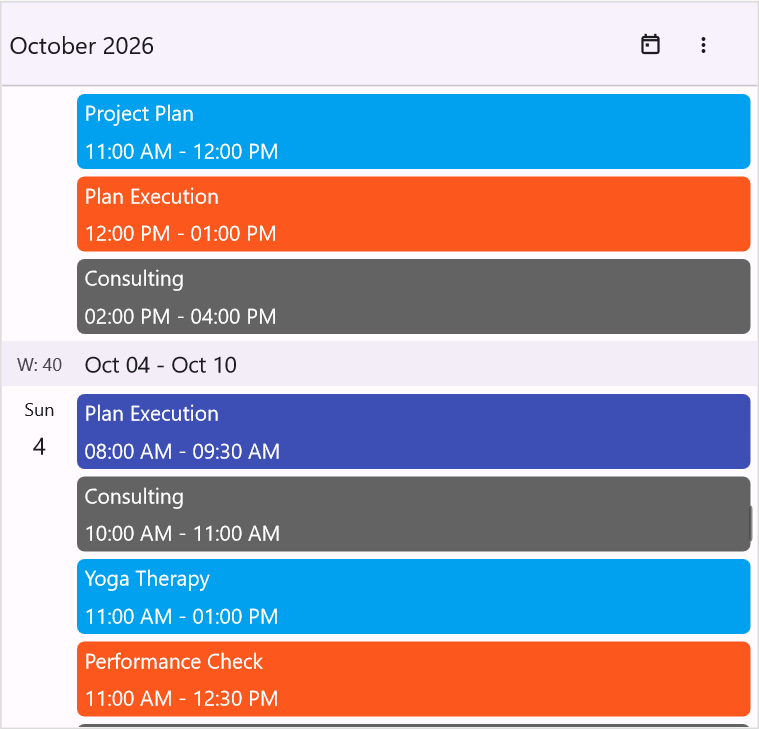
Week numbers
Display week numbers directly in the Scheduler’s Timeline Month and Agenda views for easier week-based planning and navigation.
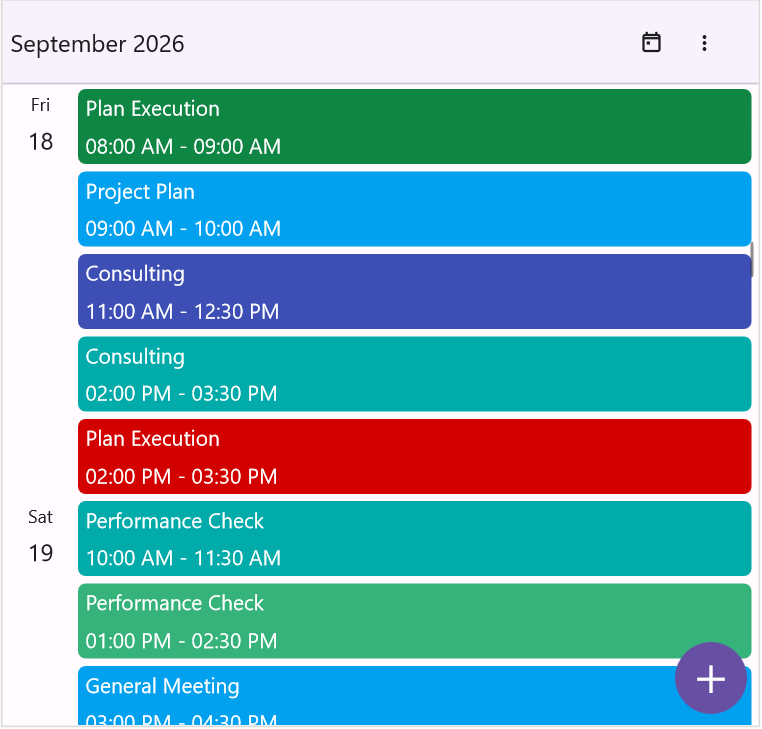
Built-in floating action button
Enable a floating action button in the Scheduler to provide quick access to appointment creation, resulting in a more intuitive, mobile-friendly scheduling experience.
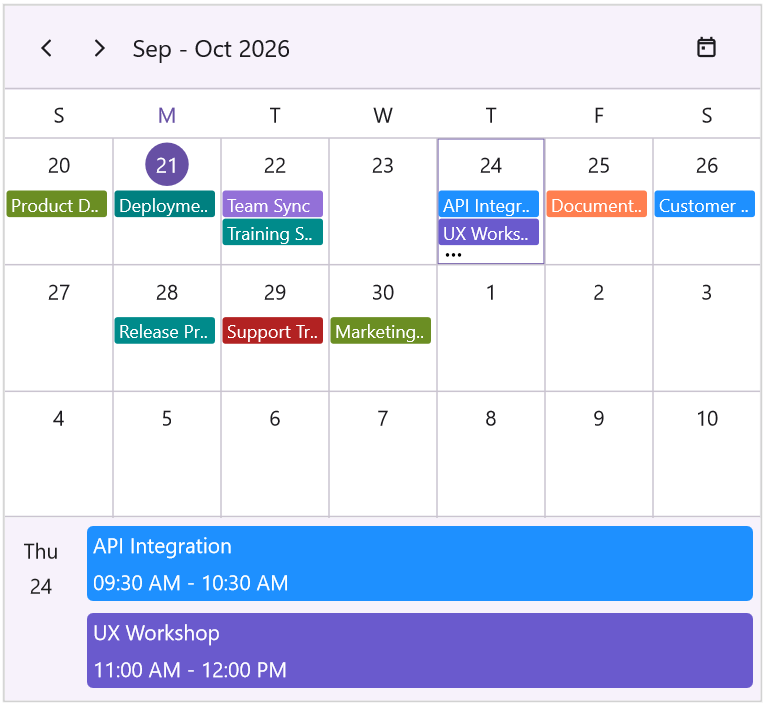
Month agenda view
View the selected day’s appointments directly in the month view through an integrated agenda panel, making it easier to review schedules without switching views.
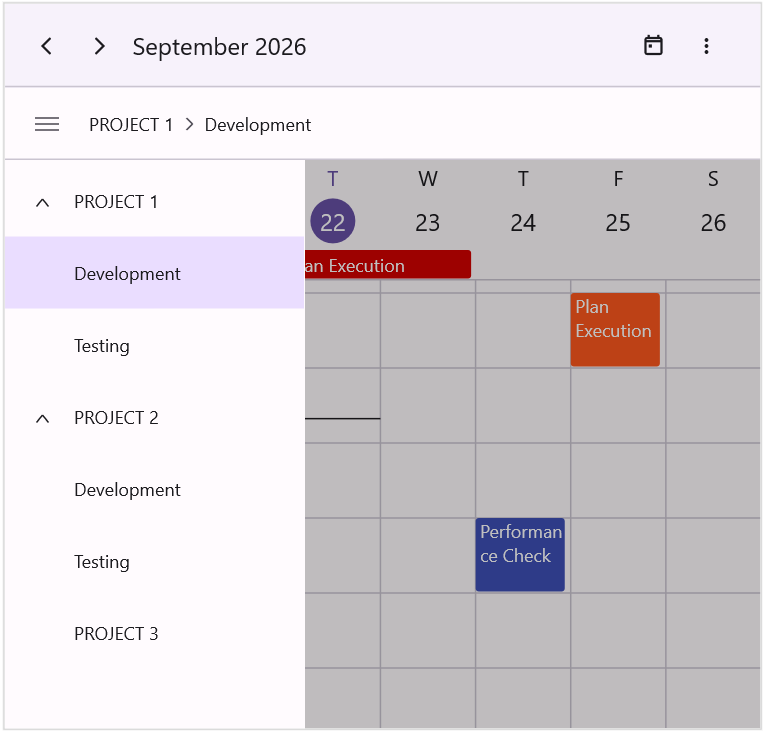
Adaptive resource layout
Enable an adaptive resource view on desktop platforms, enabling the Scheduler to use a mobile-style navigation drawer for a consistent, responsive resource-browsing experience across devices.
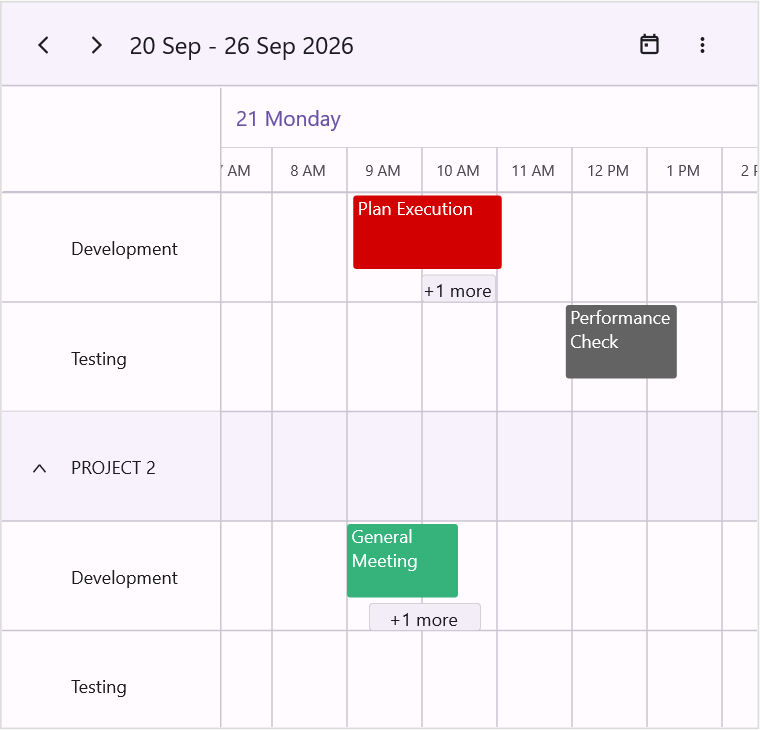
Auto resource row height
Control resource row sizing in Scheduler timeline views by disabling automatic row-height adjustment to keep the layout cleaner and better handle overlapping appointments.
Import and export ICS files
Import and export appointments to and from iCalendar (.ics) files, making it easier to exchange scheduling data with other calendar applications.

Do you have a feature request? Post the details in the feedback portal.







