Web Diagram


Runtime template refresh
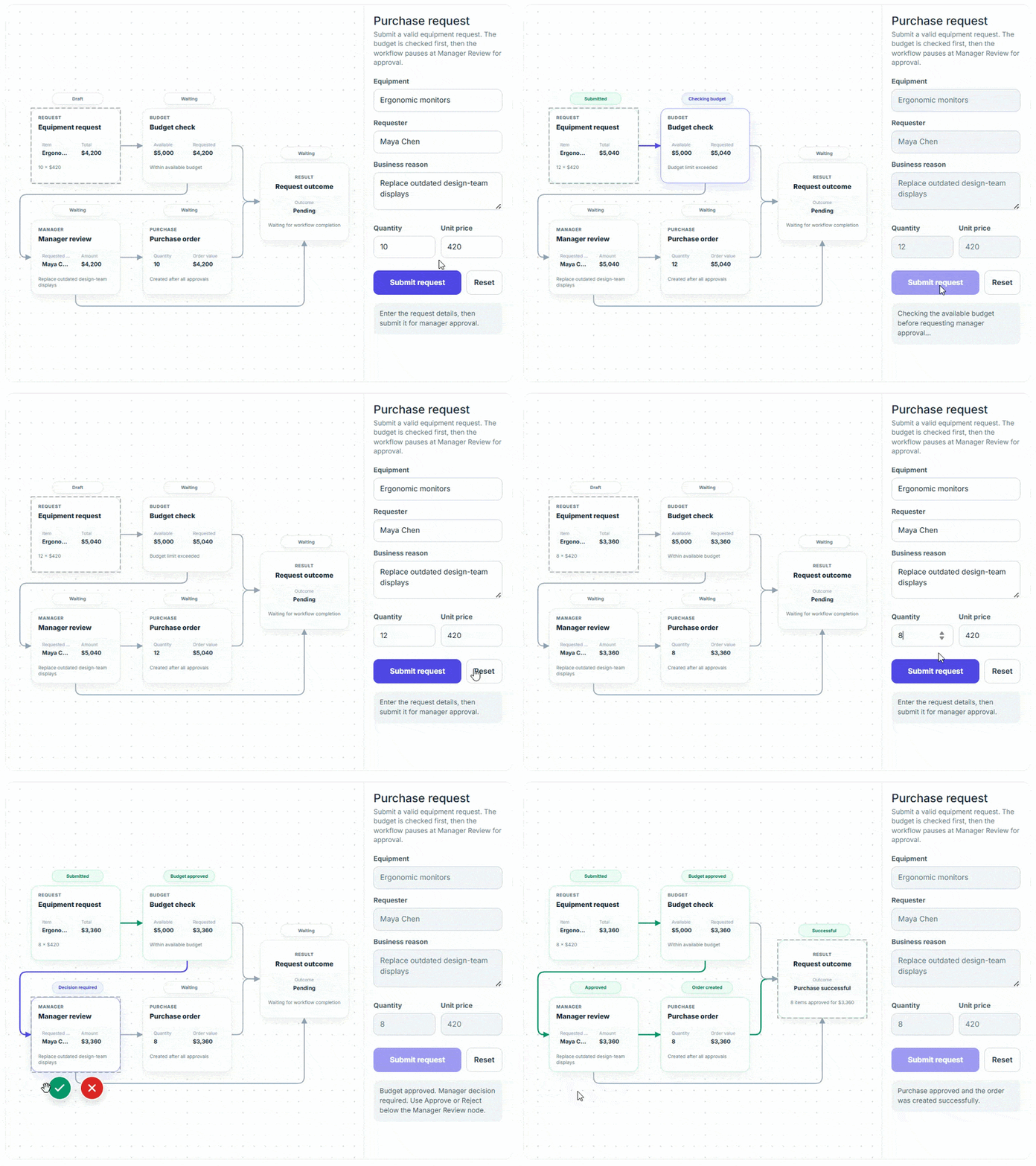
This feature enables template-based content in the diagram to refresh dynamically. It supports refreshing specific or all applicable template instances after the underlying content, data, or rendering logic changes, without recreating the diagram, while preserving the existing model, geometry, selection, and interactions.

.NET MAUI Diagram (Preview)
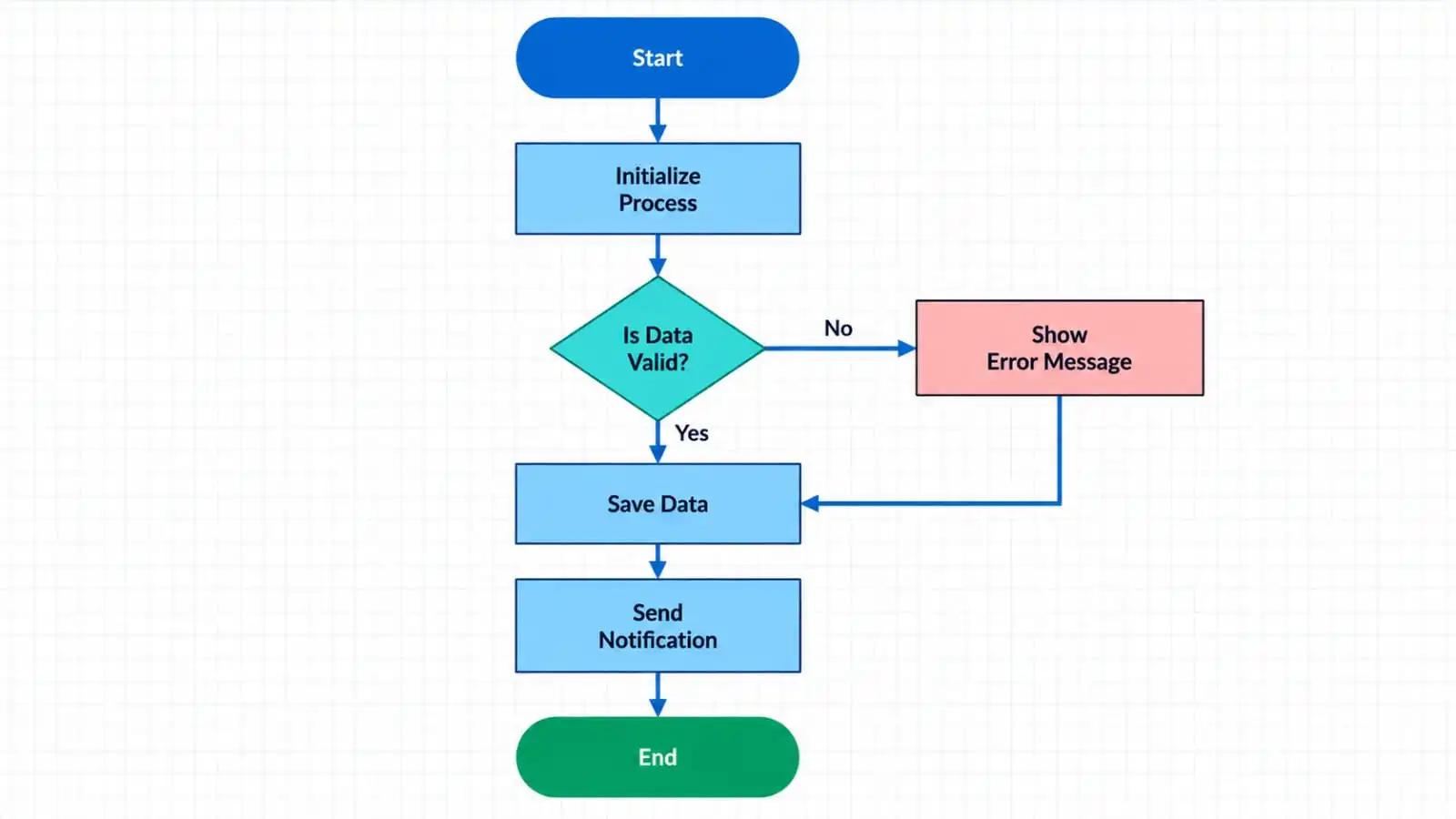
The .NET MAUI Diagram control enables users to create interactive diagrams like flowcharts with customizable nodes and connectors. It provides rich editing features, user interactions, zooming, panning, and cross-platform support.
Key Features
-
Node: Create and customize diagram nodes using a wide range of predefined shapes, paths, and templates. Configure their dimensions, positioning, appearance, and interaction behavior to represent distinct entities within the diagram.
-
Connector: Establish relationships between nodes with straight or orthogonal connectors. Customize line segments, stroke styling, bridge crossings, and source/target decorators like arrows and circles.
-
Annotation: Add text labels and path annotations to nodes and connectors. Tailor text appearance, alignment, positioning, and wrapping to convey clear contextual information.
-
Port: Define explicit, customizable connection points on nodes to control precisely where connectors attach and route.
-
Symbol palette: Offer an interactive symbol palette housing reusable shapes, nodes, and connectors, enabling users to effortlessly drag and drop elements onto the diagram canvas.
-
Save and load: Serialize and persist diagram state as data to restore complete visual layouts across application sessions seamlessly.
-
Export and print: Export diagrams to common image formats for external sharing, or print them directly from the application.

Do you have a feature request? Post the details in the feedback portal.







