





Transform your applications today by downloading our free evaluation version
Overview
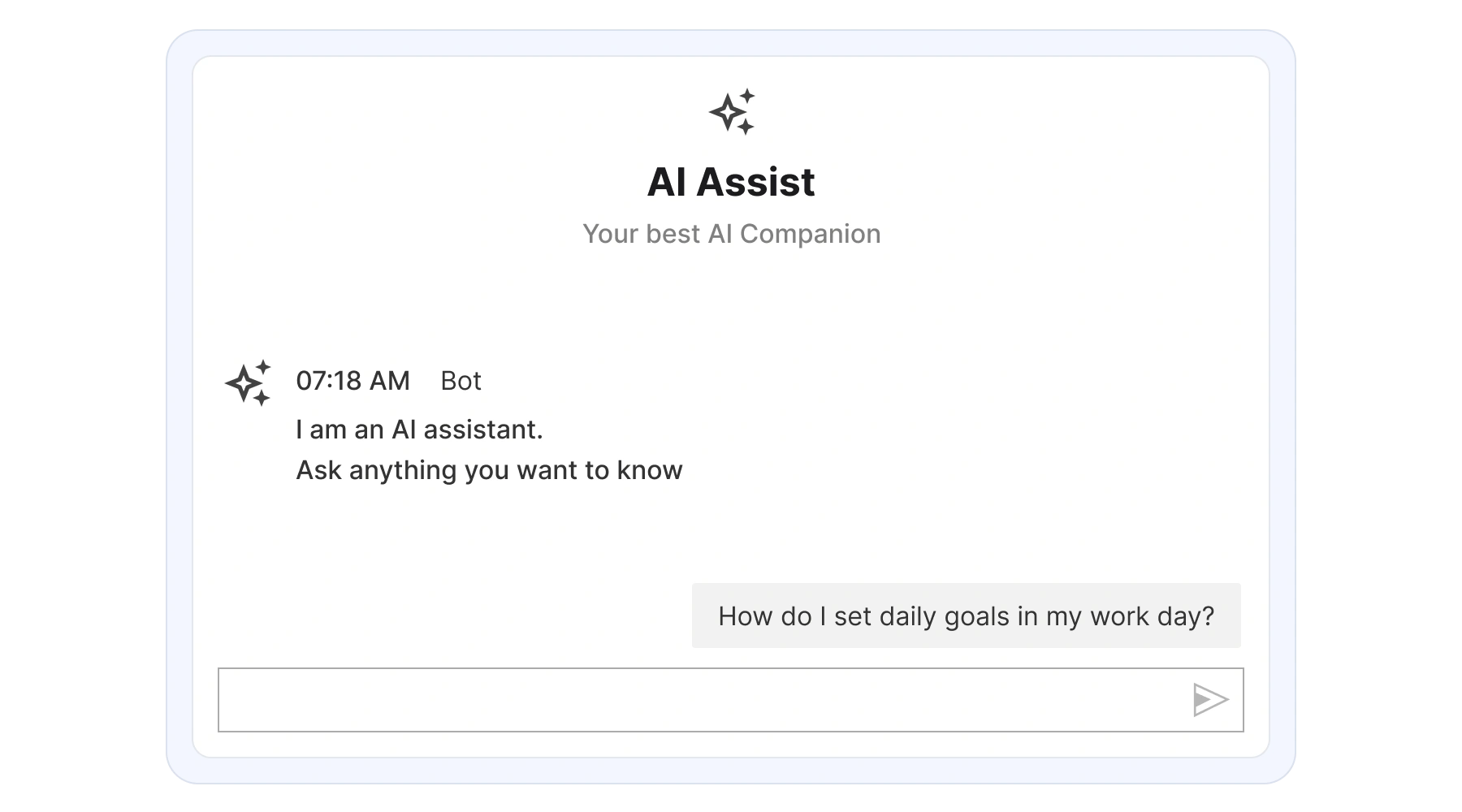
The WinForms AI AssistView control is an AI-driven chat experience that seamlessly integrates into a Windows Forms application. It enables instant connection to conversational AI services, delivering quick and intelligent responses to user queries.

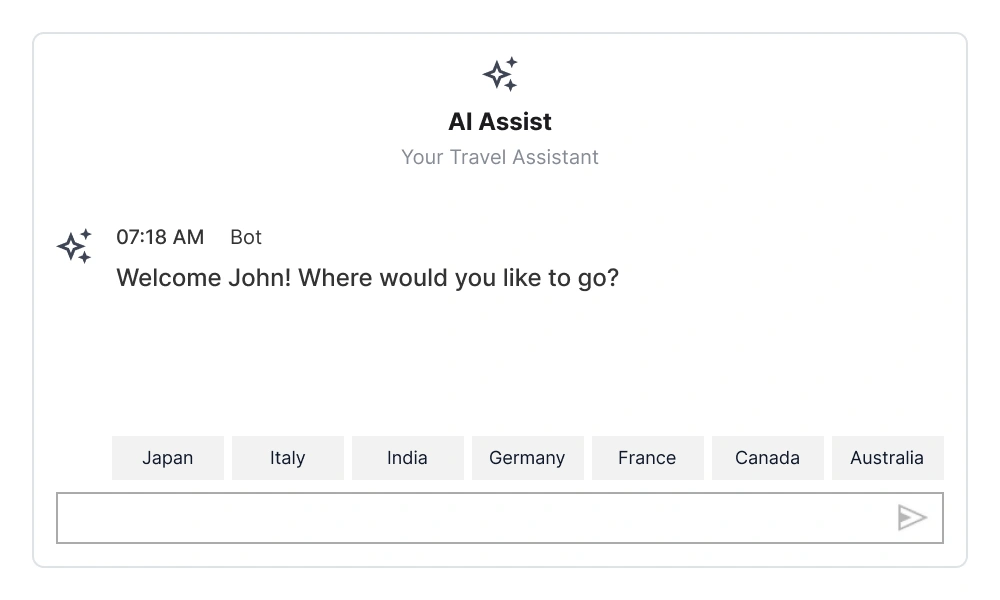
Suggestions
Enhance conversations with intelligent suggestions that appear after each response. Based on the context of the user’s query, the AI AssistView offers follow-up options, making the user’s decisions easier.
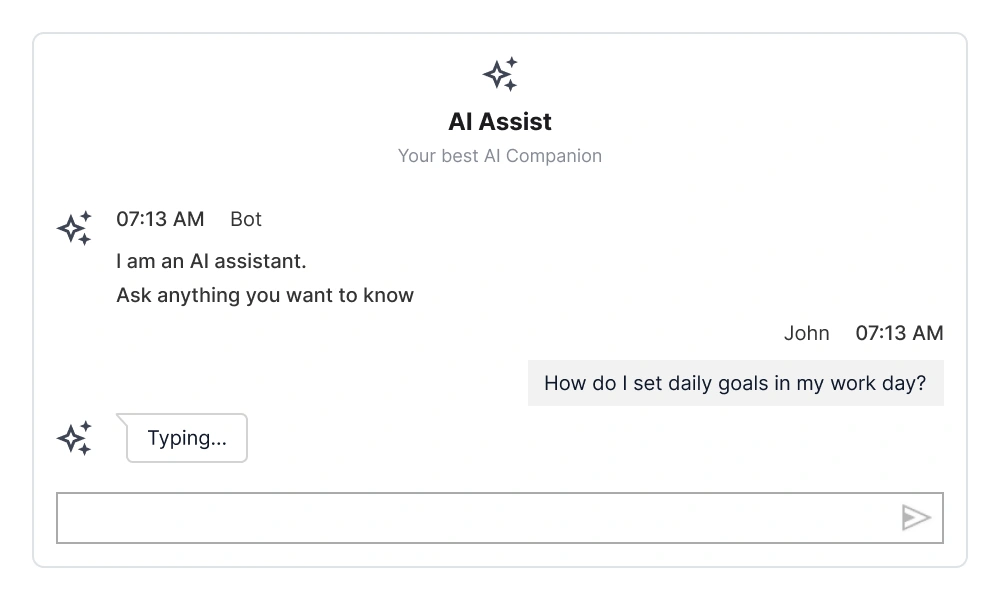
Typing indicator
A typing indicator appears while the AI processes or generates a response, letting users know that the AI is working on providing the answer.
Banner style customization
The AI AssistView supports a customizable banner at the top, which allows users to display additional information, such as a welcome note or an introduction to integrated AI services.

Stop-responding button
The stop-responding feature allows users to interrupt an ongoing AI response manually. While the AI is generating content (indicated by the typing indicator), a dedicated button is presented to the user. Clicking this button signals the application to cancel the current request, preventing further content generation and updating the UI state accordingly.
Response toolbar
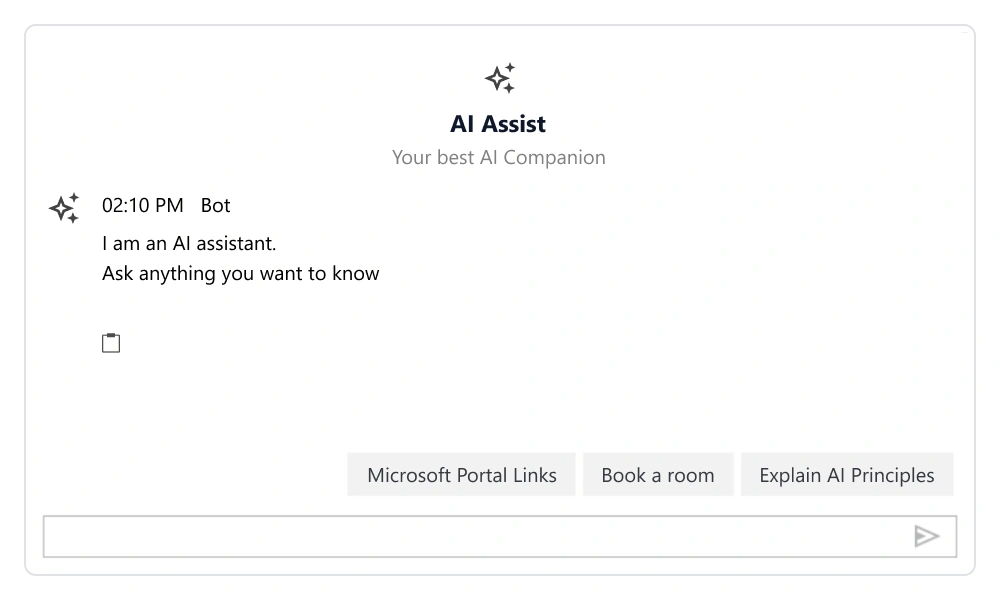
The AI AssistView includes a dynamic response toolbar equipped with built-in actions like copy, regenerate, like, and dislike, designed to streamline user interactions. Users can customize the toolbar by adding their preferred options.
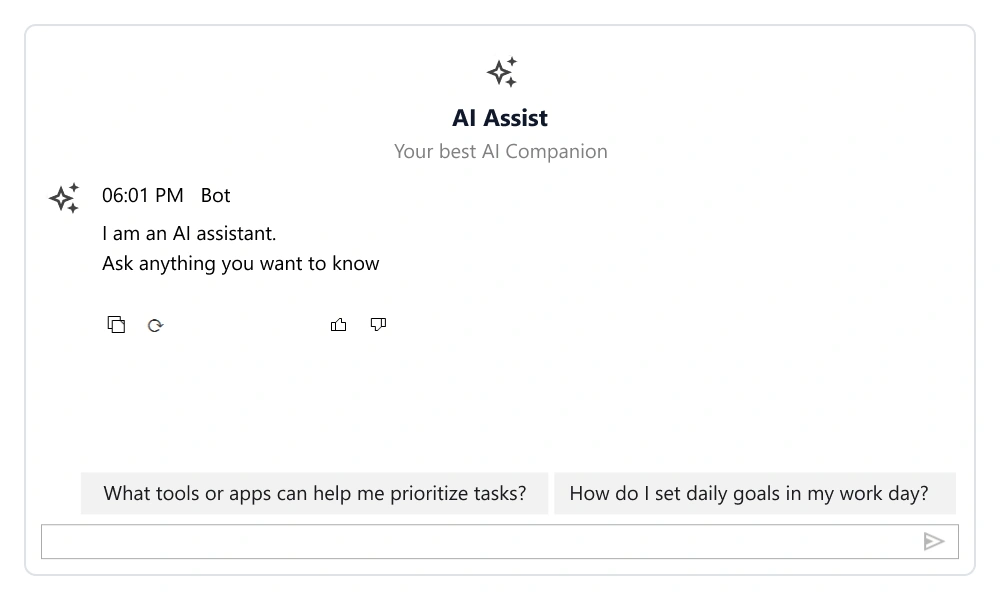
Built-in toolbar
Copy: Allows users to copy the response text. Regenerate: Requests a new AI-generated response for the same query. Like/Dislike: Enable users to provide feedback on the response quality.
Response toolbar customization
Users can customize the response toolbar by adding their own toolbar items.
Input text box toolbar
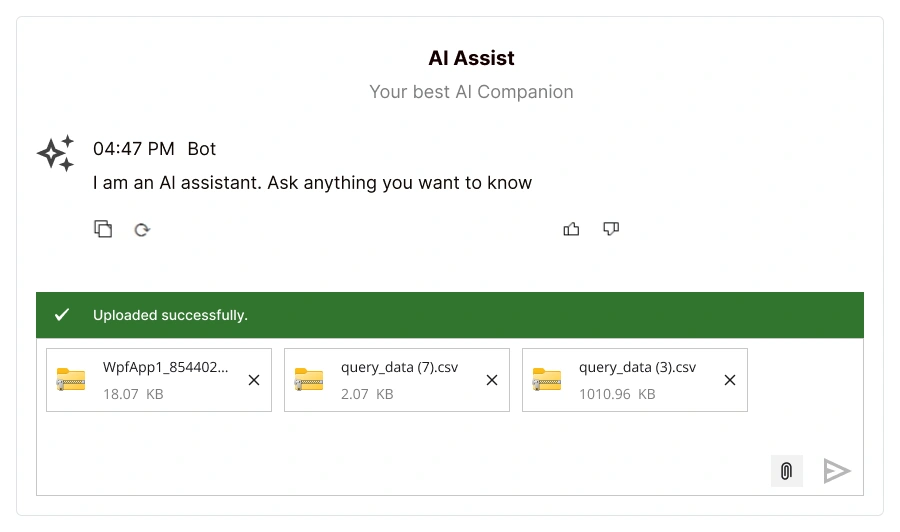
A customizable input toolbar provides quick access to actions like file attachment and image upload, with built-in attachment handling and real-time notifications.
Themes
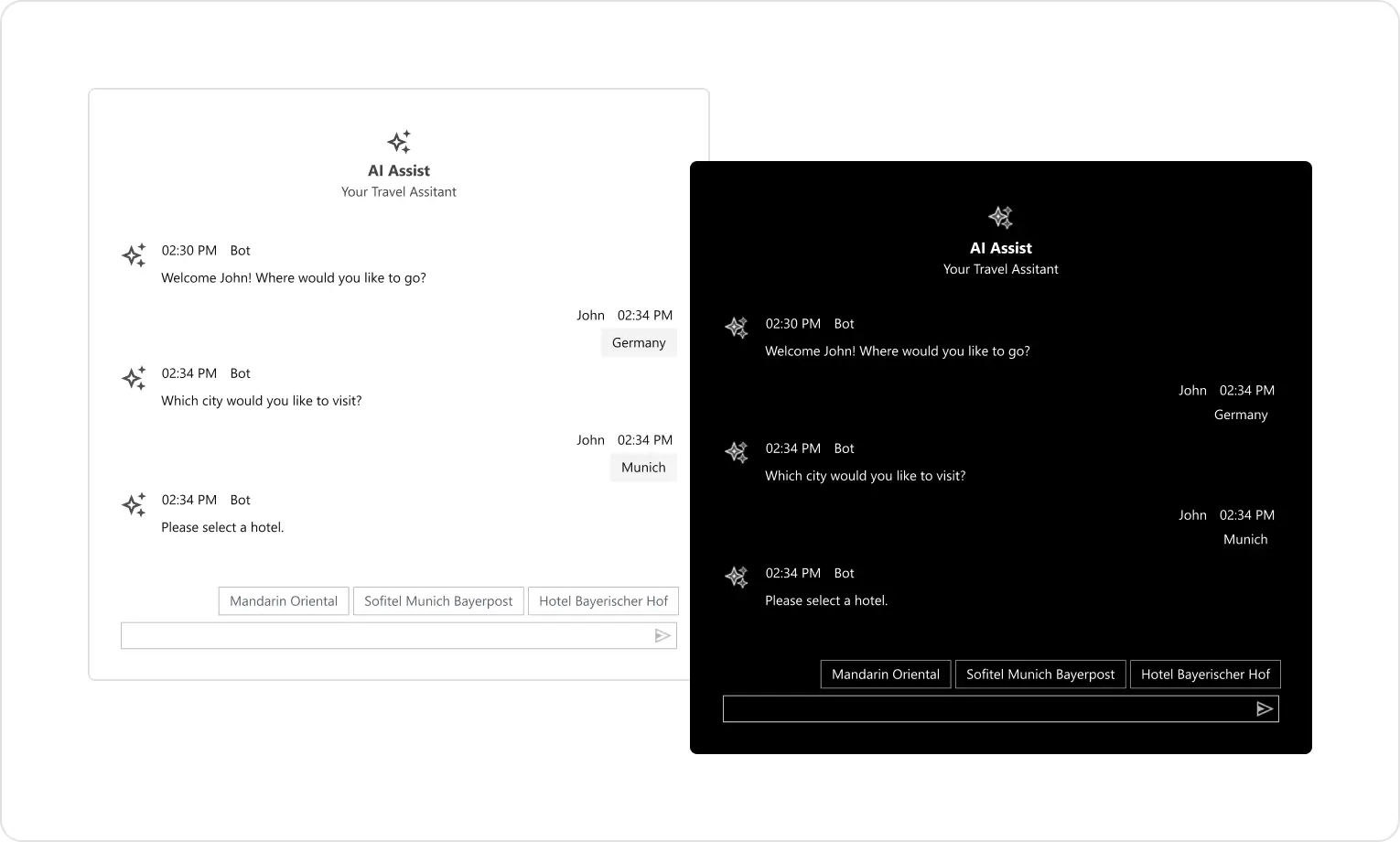
The AI AssistView supports both light and dark themes, automatically adjusting based on the system’s theme settings. This ensures a consistent and visually appealing experience for users in any environment.
120+ WINDOWS FORMS CONTROLS
ALL CONTROLS
CONVERSATIONAL UI
DATA VISUALIZATION
INPUT CONTROLS
NAVIGATION
DIALOGS & NOTIFICATION
LAYOUT
LISTS & DROPDOWN
CALENDAR
MISCELLANEOUS
FILE VIEWERS & EDITORS
BUTTONS
Standalone UI SDKs
Integrate the DataGrid, Chart, Scheduler and Diagram UI components into applications to enable rich interaction and visualization, delivering a seamless user experience.
Document Solutions
Integrate the PDF Viewer, DOCX Editor, Spreadsheet Editor, and document-processing libraries into the WinForms applications to enable a smooth user experience.
Our Customers Love Us
Having an excellent set of tools and a great support team, Syncfusion® reduces customers’ development time.Here are some of their experiences.

Excellent experience with Syncfusion!
Syncfusion is a product that makes life easier! I use it to create Blazor applications (server side and webassembly) and the controls speed up development a lot. Furthermore, if needed, it is possible to ask for direct support that is never long in coming!

Andrea Scarpante,

Sydea srl
The complete component set
It is the most complete component set available. Also very handy is the fact that there is a community edition, this gives me the opportunity to test thing at home without buying a separate license.

Johan Visser,

H and T Pawnbrokers
See Real Success Stories
Developers around the world trust Syncfusion’s Essential Studio to simplify complex projects and speed up delivery. With a vast library of UI controls, powerful SDKs, and reliable support, Essential Studio helps teams build enterprise-ready applications with confidence.
Read Our Customer StoriesIndustry
Software development
75% Cost reduction
50% Faster development
Industry
Utilities (oil and gas)

450+ hours saved
Streamlined processes and hours of development effort saved.

Advanced, flexible features
Empowered users through robust and versatile functionality.
Industry
Software and technology
1000+ of hours saved
Accelerated development with enterprise-ready UI components.

Efficient file management
Streamlined workflows with document libraries without building them from scratch.
Industry
Software and technology

2 Years of delay avoided
Two years of delays prevented with proactive planning.

On-time delivery
Projects delivered on schedule using trusted controls.
Industry
IT services and IT consulting

Improved performance
Large datasets handled with easy customization and quick debugging.

Highly customizable
Plug-and-play controls with quick template integration.
Industry
Professional services
Instant access
Quick availability of features and resources.
Reduced dependencies
Fewer dependencies for faster development.
Rated by users across the globe
Syncfusion Windows Forms Resources
Learning
 Documentation
 Documentation


Awards
Greatness—it’s one thing to say you have it, but it means more when others recognize it. Syncfusion® is proud to hold the following industry awards.









