
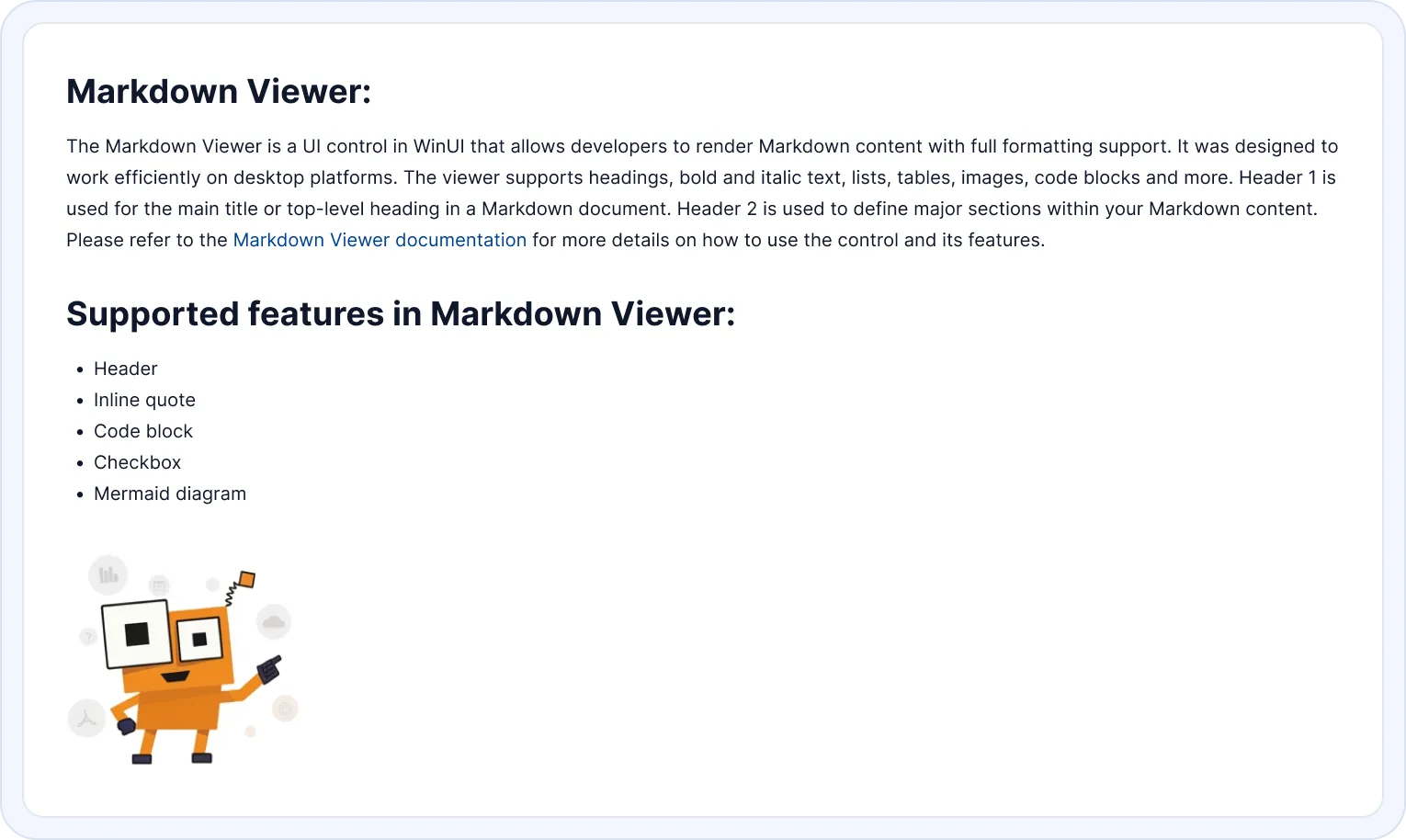

Overview
The WinUI Markdown Viewer control allows users to render Markdown content within their WinUI applications, delivering a consistent and polished viewing experience. It is particularly well-suited for scenarios such as displaying documentation, help guides, release notes, and other structured content that benefits from clear formatting and readability. The control supports standard Markdown syntax including headings, bold and italic text, lists, tables, images, and code blocks.
WinUI Markdown Viewer code example
Get started quickly with the WinUI Markdown Viewer using the following code:
<Window x:Class="GettingStarted.MainWindow"
        xmlns="http://schemas.microsoft.com/winfx/2006/xaml/presentation"
        xmlns:x="http://schemas.microsoft.com/winfx/2006/xaml"
        xmlns:d="http://schemas.microsoft.com/expression/blend/2008"
        xmlns:mc="http://schemas.openxmlformats.org/markup-compatibility/2006"
        xmlns:local="clr-namespace:GettingStarted"
        xmlns:markdown="using:Syncfusion.UI.Xaml.Markdown"
        mc:Ignorable="d"
        Title="GettingStarted" Height="450" Width="800">
    <Grid>
        <markdown:SfMarkdownViewer x:Name="MarkdownViewer" Source="Welcome to **Markdown Viewer**!"/>
    </Grid>
</Window>
// Create an instance of the MarkdownViewer control
SfMarkdownViewer markdownViewer = new SfMarkdownViewer();
markdownViewer.Source = "Welcome to **Markdown Viewer**!";
this.Content = markdownViewer;Default rendering
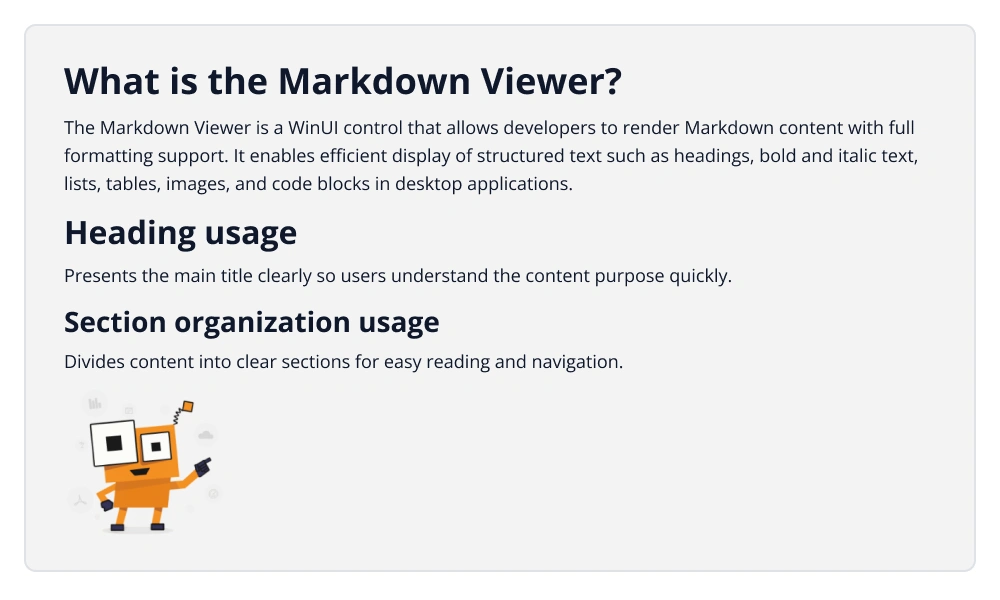
Effortlessly render standard Markdown syntax such as headers, lists, images, tables, and code blocks with clean formatting and a refined presentation.
Flexible input sources
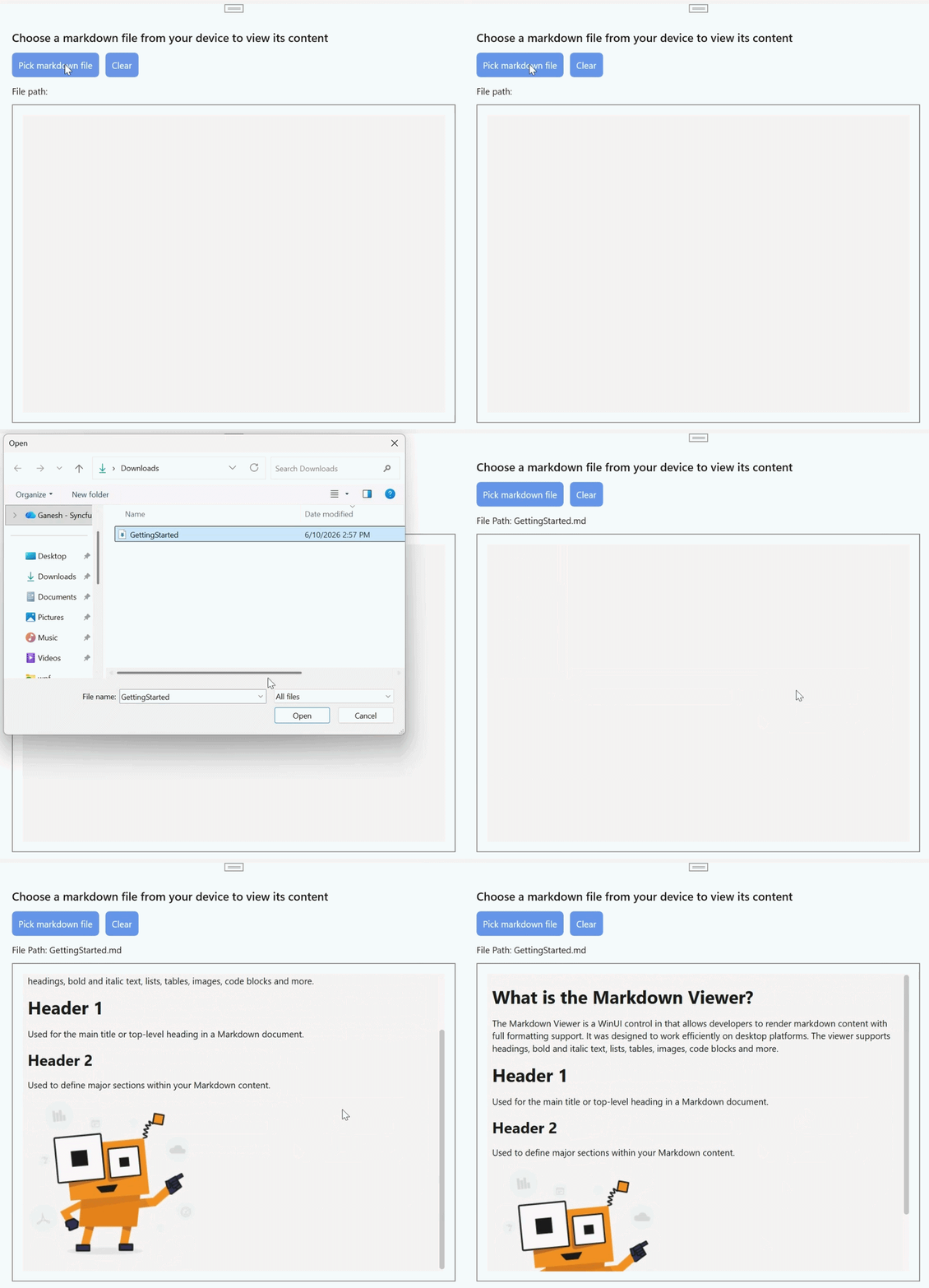
Load Markdown content from multiple sources, including local .md files, embedded resources, external URLs, and inline strings, with seamless integration.
Hyperlink rendering
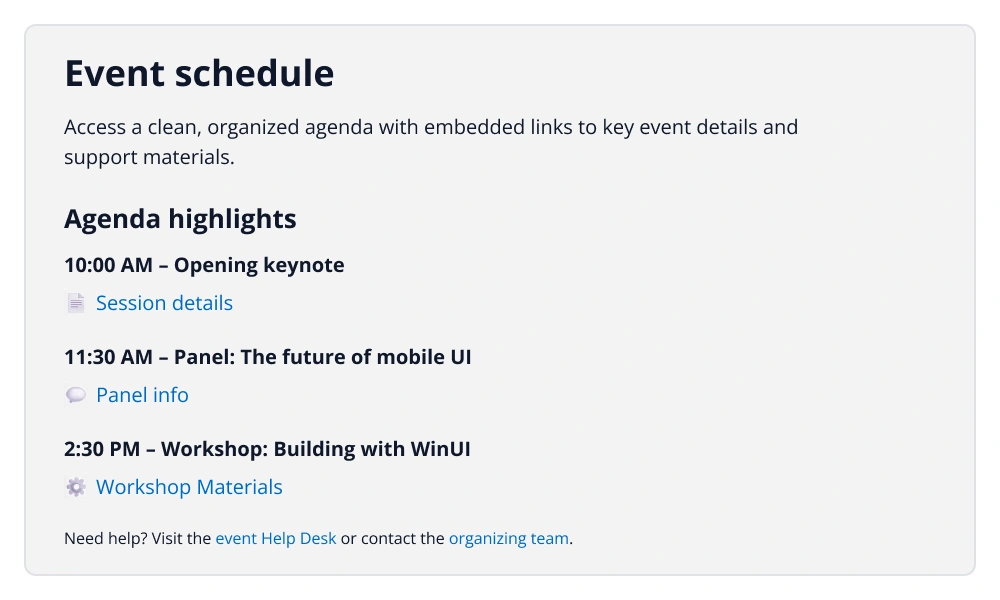
Display Markdown links and plain URLs as clickable hyperlinks for webpages.
Smooth scrolling
Even large Markdown documents scroll smoothly, providing a responsive and seamless reading experience in WinUI applications.
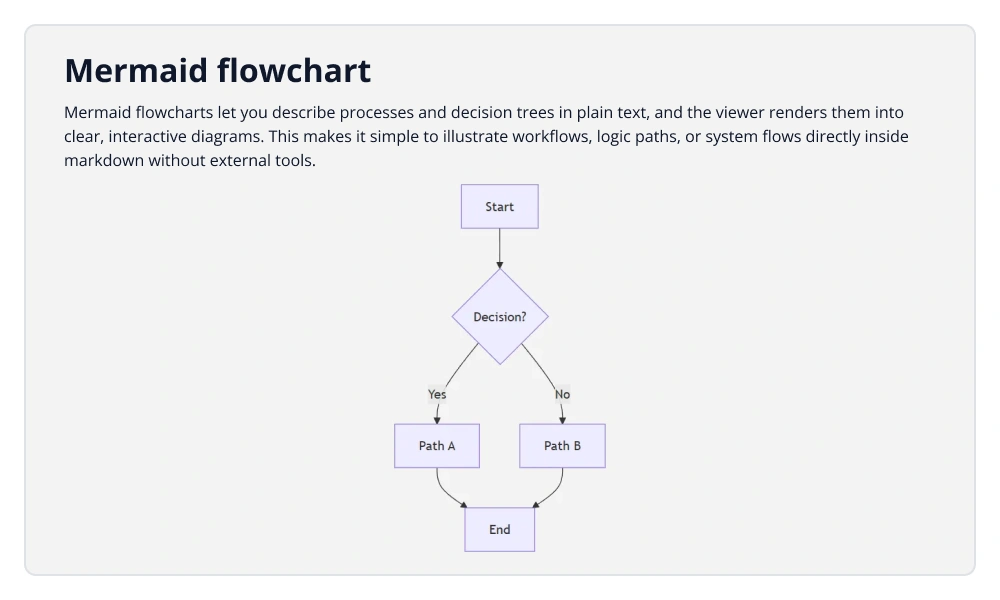
Mermaid block rendering
Mermaid syntax allows users to embed flowcharts, sequence diagrams, Gantt charts, and other visual diagrams directly in Markdown content.
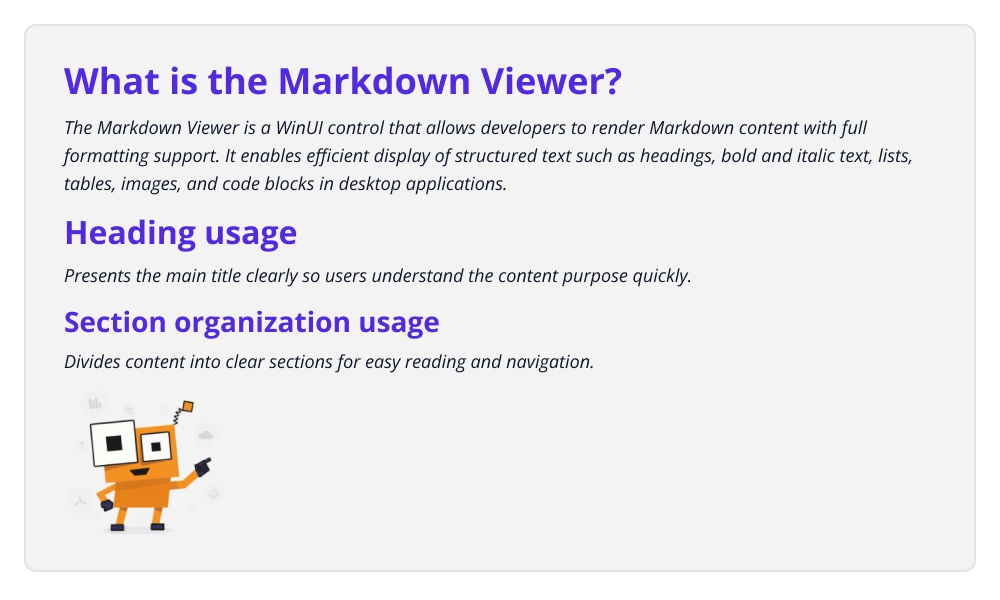
Custom element styling
Customize the appearance of Markdown elements with font, color, and other styling options.
Syncfusion WinUI DataViz & UI Controls
Standalone UI SDKs
Integrate the DataGrid, Chart, and Scheduler UI components into applications to enable rich interaction and visualization, delivering a seamless user experience.
Document Solutions
Integrate the PDF Viewer, DOCX Editor, Spreadsheet Editor, and document-processing libraries into the WinUI applications to enable a smooth user experience.
Our Customers Love Us
Here are some of their experiences.





See Real Success Stories
Developers around the world trust Syncfusion’s Essential Studio to simplify complex projects and speed up delivery. With a vast library of UI controls, powerful SDKs, and reliable support, Essential Studio helps teams build enterprise-ready applications with confidence.
Read Our Customer StoriesIndustry
Software development
75% Cost reduction
50% Faster development

Industry
Utilities (oil and gas)

450+ hours saved
Streamlined processes and hours of development effort saved.

Advanced, flexible features
Empowered users through robust and versatile functionality.
Industry
Software and technology
1000+ of hours saved
Accelerated development with enterprise-ready UI components.

Efficient file management
Streamlined workflows with document libraries without building them from scratch.
Industry
Software and technology

2 Years of delay avoided
Two years of delays prevented with proactive planning.

On-time delivery
Projects delivered on schedule using trusted controls.
Industry
IT services and IT consulting

Improved performance
Large datasets handled with easy customization and quick debugging.

Highly customizable
Plug-and-play controls with quick template integration.
Industry
Professional services
Instant access
Quick availability of features and resources.
Reduced dependencies
Fewer dependencies for faster development.
Rated by users across the globe



Syncfusion WinUI Resources


Awards
Greatness—it’s one thing to say you have it, but it means more when others recognize it. Syncfusion® is proud to hold the following industry awards.









