

Overview
The Radial Gauge control for WinUI is a multi-purpose data visualization control that displays numerical values on a circular scale. It has a rich set of features such as axes, ranges, pointers, and annotations that are fully customizable and extendable. Use it to create speedometers, temperature monitors, dashboards, multi-axis clocks, watches, activity gauges, compasses, and more.
Radial axis
The axis of the WinUI Radial Gauge control is an easily customizable radial axis in which a set of values can be plotted based on business logic.
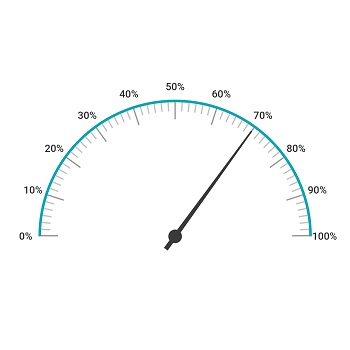
Labels customization
Customize the look and feel of the default labels using various font-customized properties. You can also add prefix or suffix text to a label.
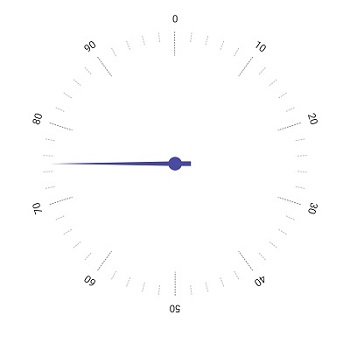
Ticks customization
Define your own style for minor and major ticks with the help of the Stroke and StrokeThickness properties.
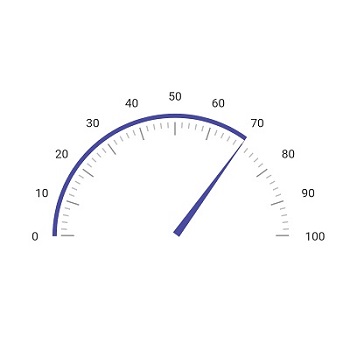
Offset
To enhance readability, change the default axis position by setting the offset value for labels, ticks, and the axis line.
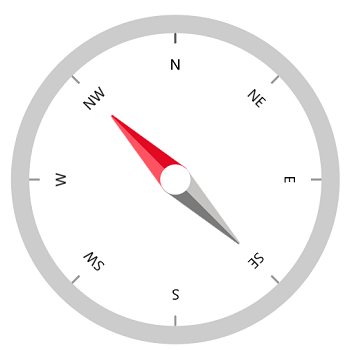
Axis line
The axis line is used to add a radial border to a gauge. You can customize the default axis line.
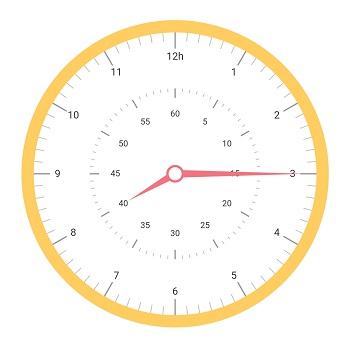
Multiple axis
Add multiple axes to the gauge to design it like a clock, dashboard, speedometer, etc.
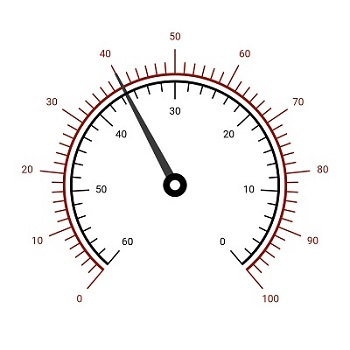
Direction
Set the axis direction to clockwise or counterclockwise.
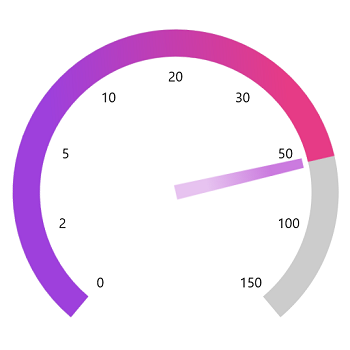
Custom axis
Display a set of values along a linear or custom scale.
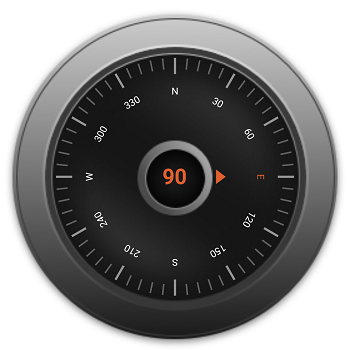
Background content
Set the background frame image or any content to a radial axis.
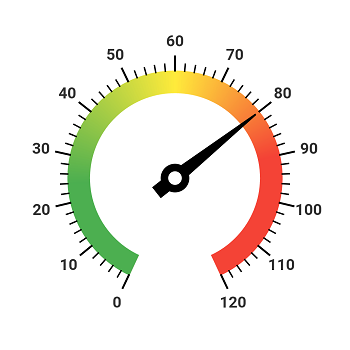
Color customization
Customize the default look and feel of an axis line’s appearance with a color gradient.
Gauge range
A range of the WinUI Radial Gauge is a visual element that helps you quickly visualize where a value falls on a radial axis.
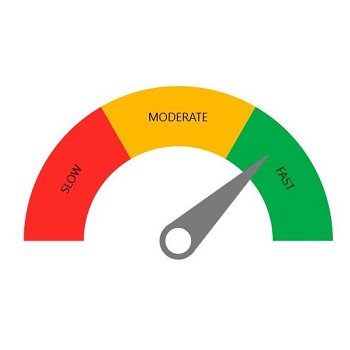
Range label
The range label is used to annotate the text in a range to improve readability.
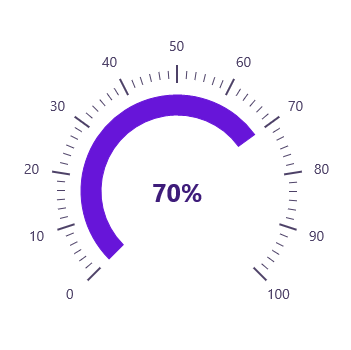
Range position
Change the range position to any place inside the gauge.
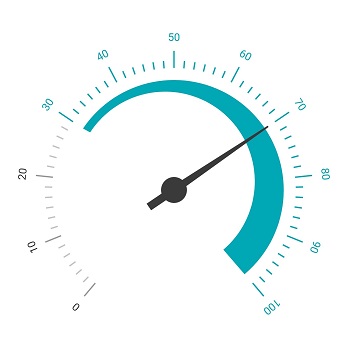
Range width
The range width varies based on the values to enhance usage and readability.
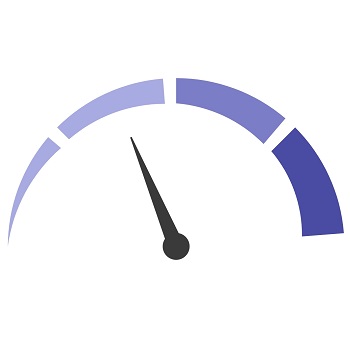
Multiple ranges
The WinUI Radial Gauge control allows you to add multiple ranges inside the radial axis to indicate color variation.
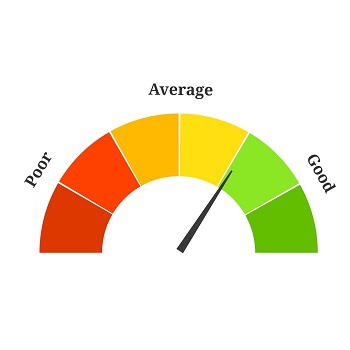
Range grouping
You can combine multiple ranges into a single group using the text pointer.
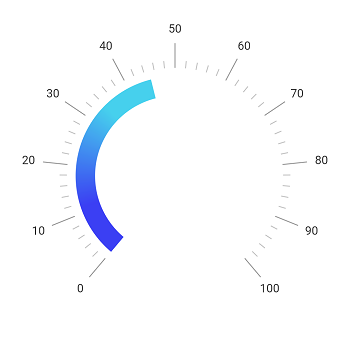
Gradient range
A range of colors can gradually change based on set values to create a smooth color transition.
Gauge pointer
Pointers contains a list of pointer elements, where you can add any number of gauge pointers such as needle pointer, range pointer, and marker pointer inside the axis to indicate a value.
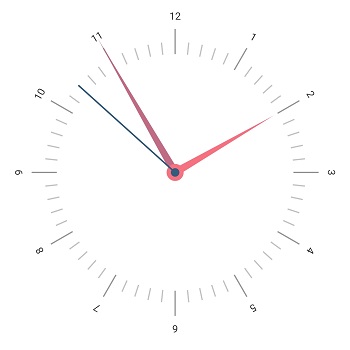
Needle pointer
Indicate a current value by using the highly customizable needle-type element.
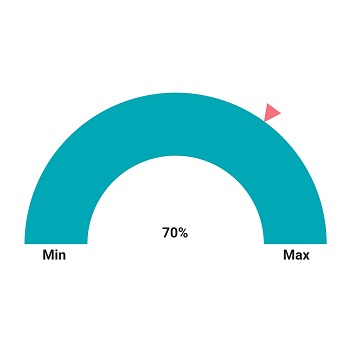
Marker pointer
To highlight values, set the marker pointer type to a built-in shape, such as a triangle, inverted triangle, square, or diamond.
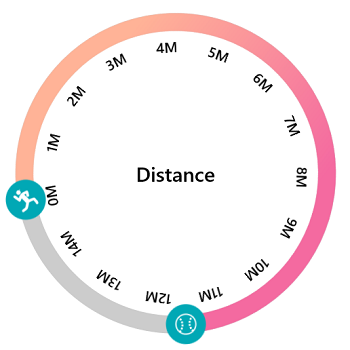
Image pointer
To highlight values using an image, set the marker pointer type to image.
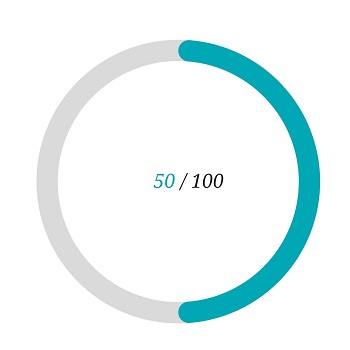
Range pointer
A range pointer is used to indicate the current value relative to the start value of a radial axis.
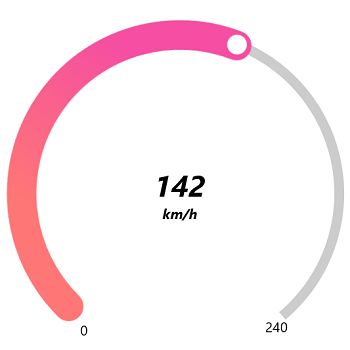
Gradient pointer
A range of colors can gradually change based on the set values to create a smooth color transition.
Annotations
Annotations display metadata about a WinUI Radial Gauge at specific points of interest in a plotting area.
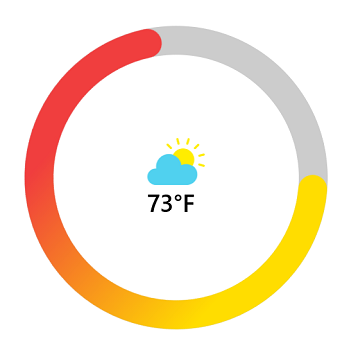
Image annotations
The annotations feature provides options to add any image over a gauge control with respect to angle or axis value. You can add multiple images in a single control.
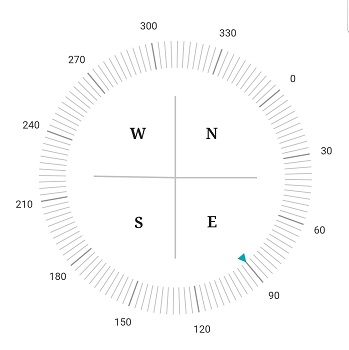
Text annotations
Add any text over the Radial Gauge control to enhance its readability. You can also add multiple text instances in a single control.
Pointer animation
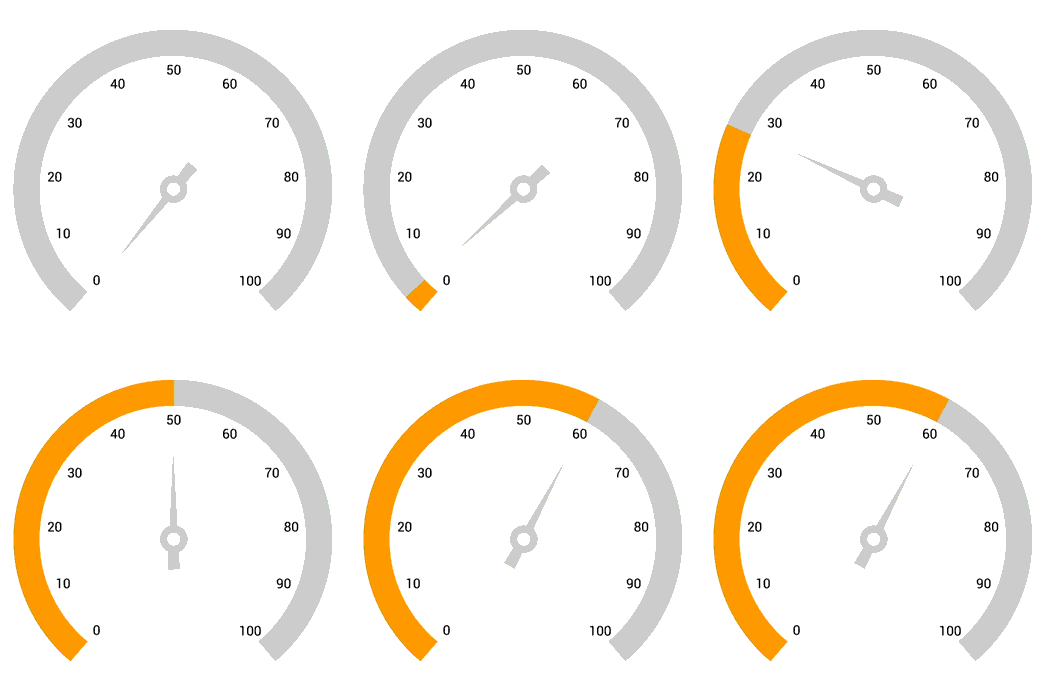
The WinUI Radial Gauge control provides visual appeal when the pointer moves from one value to another. Gauge supports various pointer animations.
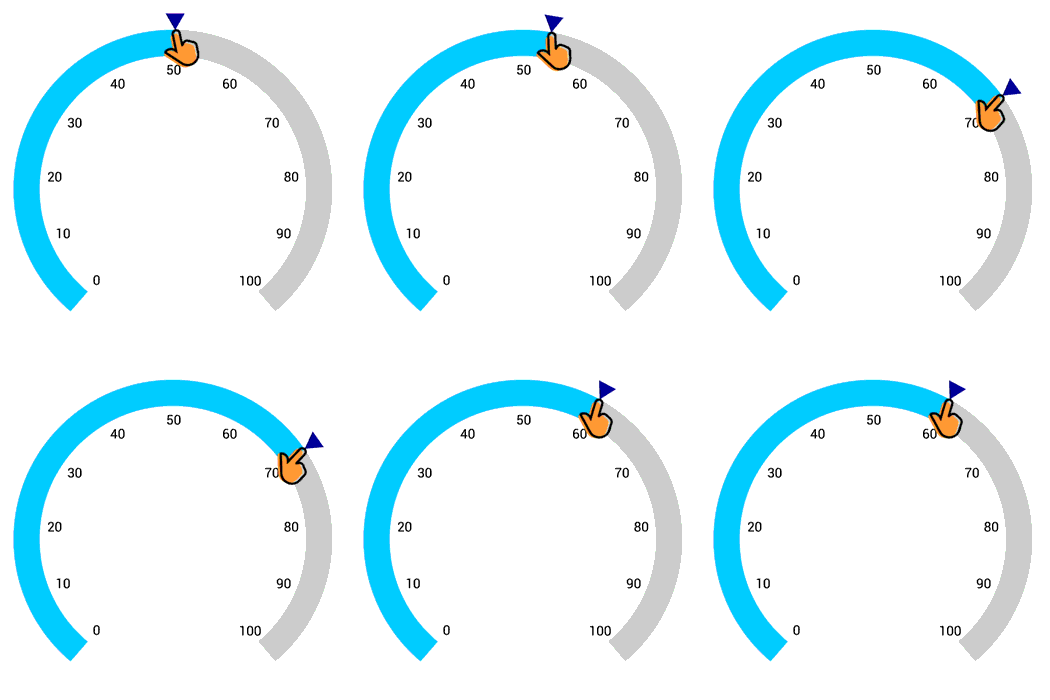
Pointer interaction
Drag a pointer from one value to another to change the value at run time.
Syncfusion WinUI DataViz & UI Controls
Standalone UI SDKs
Integrate the DataGrid, Chart, and Scheduler UI components into applications to enable rich interaction and visualization, delivering a seamless user experience.
Document Solutions
Integrate the PDF Viewer, DOCX Editor, Spreadsheet Editor, and document-processing libraries into the WinUI applications to enable a smooth user experience.
Our Customers Love Us





See Real Success Stories
Developers around the world trust Syncfusion’s Essential Studio to simplify complex projects and speed up delivery. With a vast library of UI controls, powerful SDKs, and reliable support, Essential Studio helps teams build enterprise-ready applications with confidence.
Read Our Customer StoriesIndustry
Software development
75% Cost reduction
50% Faster development

Industry
Utilities (oil and gas)

450+ hours saved
Streamlined processes and hours of development effort saved.

Advanced, flexible features
Empowered users through robust and versatile functionality.
Industry
Software and technology
1000+ of hours saved
Accelerated development with enterprise-ready UI components.

Efficient file management
Streamlined workflows with document libraries without building them from scratch.
Industry
Software and technology

2 Years of delay avoided
Two years of delays prevented with proactive planning.

On-time delivery
Projects delivered on schedule using trusted controls.
Industry
IT services and IT consulting

Improved performance
Large datasets handled with easy customization and quick debugging.

Highly customizable
Plug-and-play controls with quick template integration.
Industry
Professional services
Instant access
Quick availability of features and resources.
Reduced dependencies
Fewer dependencies for faster development.
Rated by users across the globe



Syncfusion WinUI Resources


Awards
Greatness—it’s one thing to say you have it, but it means more when others recognize it. Syncfusion® is proud to hold the following industry awards.









