Overview
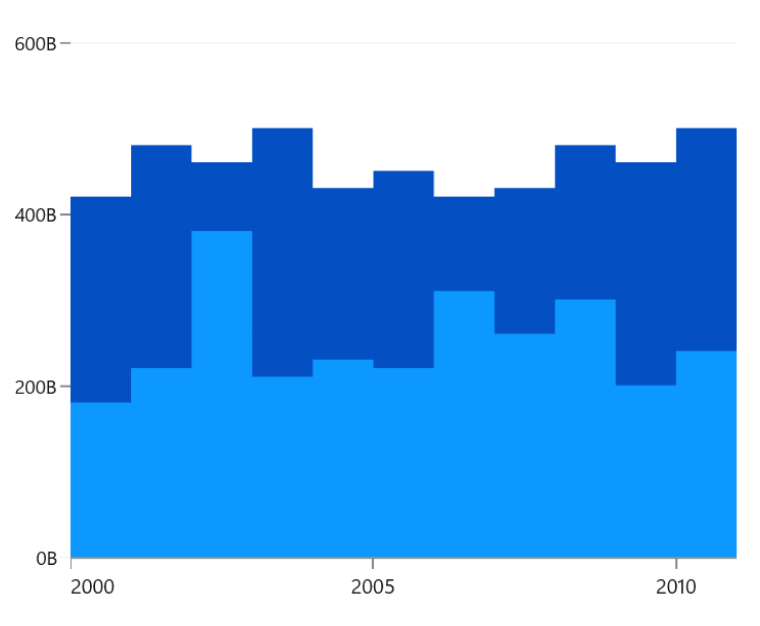
The WinUI Step Area chart is similar to the area chart, but it does not use the shortest distance to connect two data points with diagonal lines. Instead, the step area chart uses vertical and horizontal lines to connect the data points in a series forming a step-like progression. This chart supports numeric, category, date-time, and logarithmic axes. It also supports zooming, scrolling, trackball, tooltips, and selection.
Key features
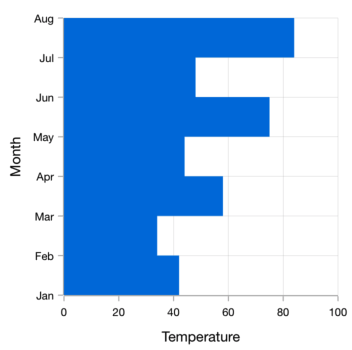
Vertical charts
Rotate the step area chart to plot data vertically and view data from a different perspective.
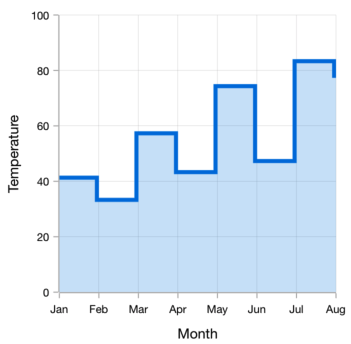
UI styling
Customize the color and dashes of step area charts using built-in APIs to make it visually unique.
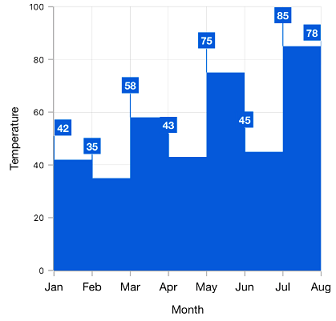
Data labels
Data labels display information about data points. Customize their foreground, border, and background colors. Use Template support to customize the default appearance with the desired view. Labels can be rotated by setting a specific angle.
Code guideline
Get started with the WinUI Step Area chart using a few simple lines of XAML and C# code, as demonstrated below.
<Window x:Class="ChartExample.MainPage"
        xmlns="http://schemas.microsoft.com/winfx/2006/xaml/presentation"
        xmlns:x="http://schemas.microsoft.com/winfx/2006/xaml"
        xmlns:local="using:ChartExample"
        xmlns:d="http://schemas.microsoft.com/expression/blend/2008"
        xmlns:mc="http://schemas.openxmlformats.org/markup-compatibility/2006"
        xmlns:chart="using:Syncfusion.UI.Xaml.Charts"
        mc:Ignorable="d"
        Title="WinUI Step Area Chart" Height="450" Width="700">

    <Grid>
        <chart:SfCartesianChart Height="300" Width="500">
            <!--Setting DataContext-->
            <chart:SfCartesianChart.DataContext>
                <local:ViewModel/>
            </chart:SfCartesianChart.DataContext>

            <!--Initialize the horizontal axis for the WinUI Chart-->
            <chart:SfCartesianChart.XAxes>
                <chart:CategoryAxis/>
            </chart:SfCartesianChart.XAxes>

            <!--Initialize the vertical axis for the WinUI Chart-->
            <chart:SfCartesianChart.YAxes>
                <chart:NumericalAxis/>
            </chart:SfCartesianChart.YAxes>

            <!--Adding Step Area Series to the WinUI Chart-->
           <chart:StepAreaSeries ItemsSource="{Binding Data}"
                        XBindingPath="Month"
                        YBindingPath="Target">
            </chart:StepAreaSeries>
        </chart:SfCartesianChart>
    </Grid>
</Window>
public class Model
{
public string Month { get; set; }
public double Target { get; set; }
public Model(string xValue, double yValue)
{
Month = xValue;
Target = yValue;
}
}
public class ViewModel
{
public ObservableCollection<Model> Data { get; set; }
public ViewModel()
{
Data = new ObservableCollection<Model>()
{
new Model("Jan", 50),
new Model("Feb", 70),
new Model("Mar", 65),
new Model("Apr", 57),
new Model("May", 48),
};
}
}Learning Resources

WinUI Step area chart GitHub code
Explore the WinUI Step Area Chart example from GitHub to learn how to render and configure charts.

Learn more about the available options to customize WinUI Step Area Charts.

Syncfusion WinUI DataViz & UI Controls







