
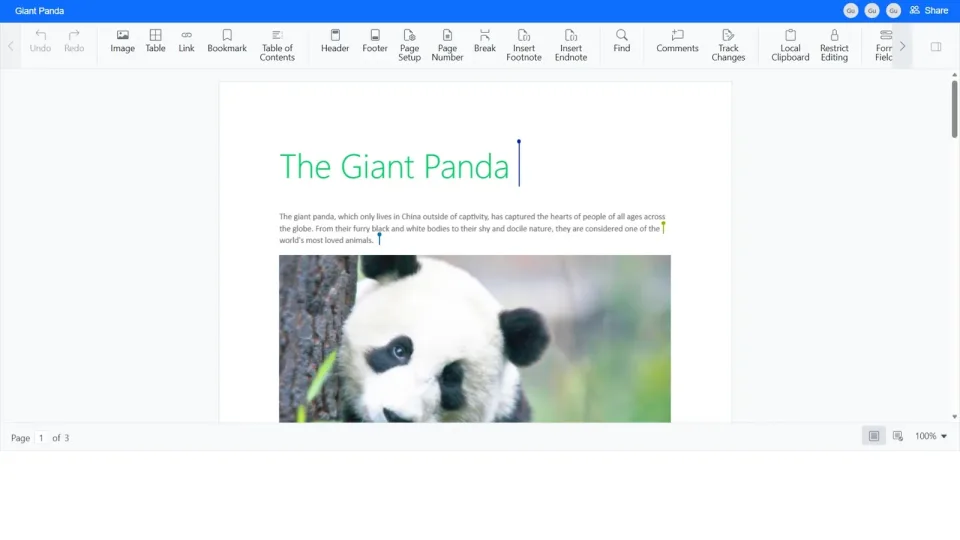
Collaborative Document Editing
Co-author Word documents with live presence, inline comments, and tracked changes in the browser.
AI-readyEssential Studio for Vue
The Syncfusion Vue UI component library gives you 140+ high-performance, lightweight, modular, and responsive UI components, shipped as separate npm packages so you include only what you use. The Syncfusion MCP Server and Agent Skills give your coding assistant the current docs and APIs, so the code it writes follows them more closely.
Trusted by the world’s leading companies

Popular Vue components
Ask your assistant for a grid, a chart, or a scheduler. It configures a tested component in a few lines instead of generating thousands of lines you would maintain.
No components match that search. Try another name, or browse the Vue demos.
Also available as standalone SDKs, licensed separately, so you can start with just what you need.
Standalone UI SDKs
See all Standalone UI SDKsDocument processing in Vue
Production-ready by default
When your coding assistant adds a Syncfusion Vue component, it brings tested support for large datasets, accessibility, theming, and localization, backed by a dedicated support team.
“This is a robust and fully featured package with a comprehensive set of components, allowing you to focus on developing business logic.”
AI-powered components
Conversational, assistive, and voice features as Vue components. Connect the AI model you already use; themes and accessibility come built in.
Prompts, streamed responses, prompt suggestions, toolbars, and custom views in one assistant interface, connected to the AI service you choose.
Explore AI AssistViewUsers copy text such as an email, and one click fills the matching form fields.
Explore Smart Paste ButtonSentence-level suggestions based on the user’s role and what they have typed.
Explore Smart TextAreaMessages, avatars, typing indicators, timestamps, and suggestions for conversations between people, bots, and agents.
Explore Chat UISummarize, fix grammar, or change the tone of text in place, then accept or discard the result.
Explore Inline AI AssistConverts spoken words to text with the browser’s speech recognition and shows interim results as people speak.
Explore Speech to TextAI-assisted tools
Two tools that work inside VS Code, Cursor, JetBrains, and BoldCreate, so your coding assistant writes Vue code that matches the docs instead of guessing.
Sample apps
Five complete Vue apps for document collaboration, diagramming, and building layouts. Run the demos in the browser, read the source, and see what your coding assistant can build with the same components.
Co-author Word documents with live presence, inline comments, and tracked changes in the browser.
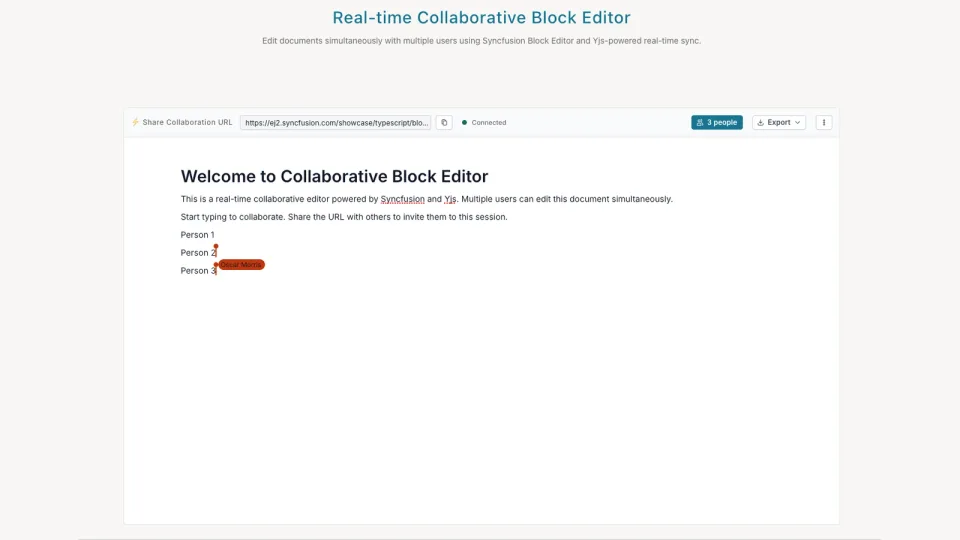
Collaborate on shared business documents in real time with a block-based editing workspace built with Syncfusion BlockEditor.
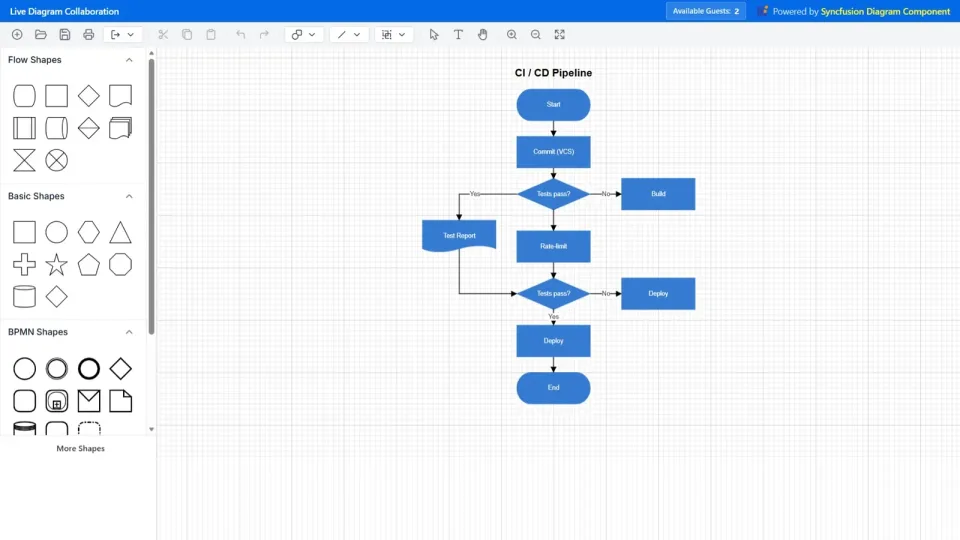
Co-edit flowcharts, org charts, and mind maps on a shared canvas with live presence and per-user cursors.
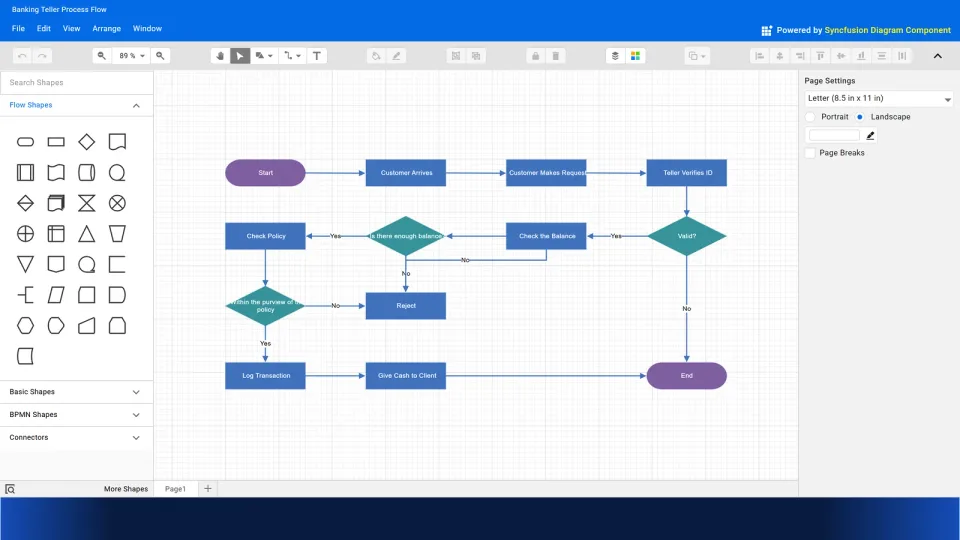
Create flowcharts, process models, mind maps, and org charts through drag-and-drop editing.
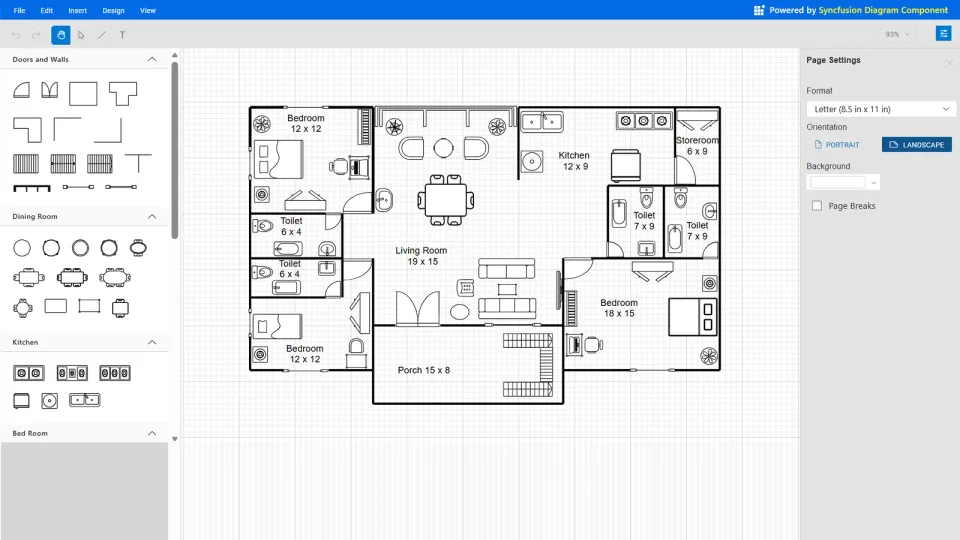
Design building layouts with precise walls, doors, windows, and furniture placement.
Questions and answers
Yes. The Syncfusion Vue MCP Server brings current documentation, APIs, and code examples into assistants such as GitHub Copilot in VS Code, Cursor, JetBrains AI Assistant, and BoldCreate. Agent Skills guide agents to generate Vue components with recommended patterns. The MCP Server needs a Syncfusion API key and an active license (commercial, Community, or trial). Agent Skills need no license. Set up your coding assistant.
Yes. Syncfusion Vue components support Vue 3, and Vue 2.6 and later. See the system requirements.
No, this is a commercial product and requires a paid license. A free community license is also available. It covers companies and individuals whose organizations have under $1 million USD in annual gross revenue, five or fewer developers, and 10 or fewer total employees.
Start with the getting started documentation.
Browse the Vue components demos to see every component running in the browser.
Yes, you can deploy an application that uses Syncfusion Vue components to unlimited clients. We only license on a per-developer basis and do not charge any runtime, royalty, or deployment fees. For details on our licensing model, see our licensing page.
Resources
Docs, demos, tutorials, and help for building with Syncfusion Vue.
Getting started guides, API reference, and answers for Vue.
Every Vue component running in the browser, with source.
Step-by-step videos and articles from the Syncfusion Vue team.
What shipped in each release and what is coming next.
Help from Syncfusion engineers and other developers.
UI kits for your design tools and prebuilt page blocks.
Essential Studio for Vue
Try all 140+ Vue components free for 30 days. The MCP Server is included with your trial, and Agent Skills are always free.