Annotate PDF files
Review and annotate PDF files using a rich set of annotating tools in the Angular PDF Viewer.
Highlight text
Highlight important text in ASP.NET Core PDF files. Also, customize the appearance of the highlight or remove it.

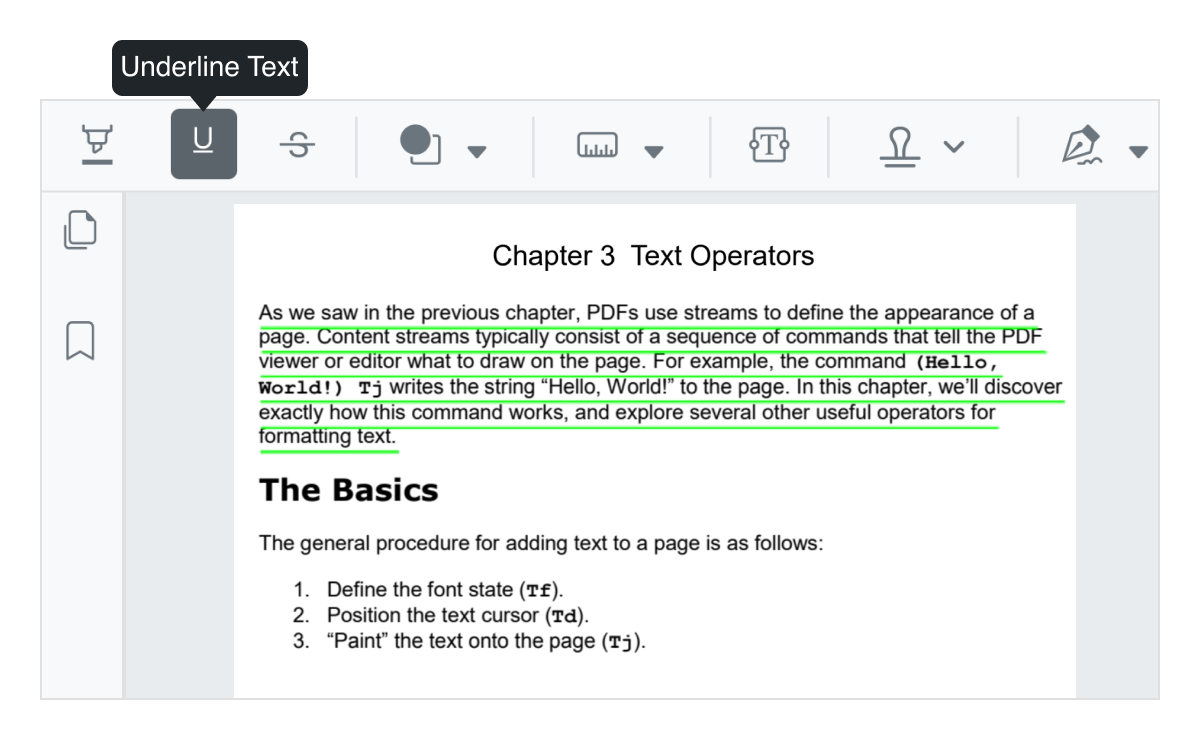
Underline text
Underline notable text in PDF files. You can customize the color of the underline or remove it.
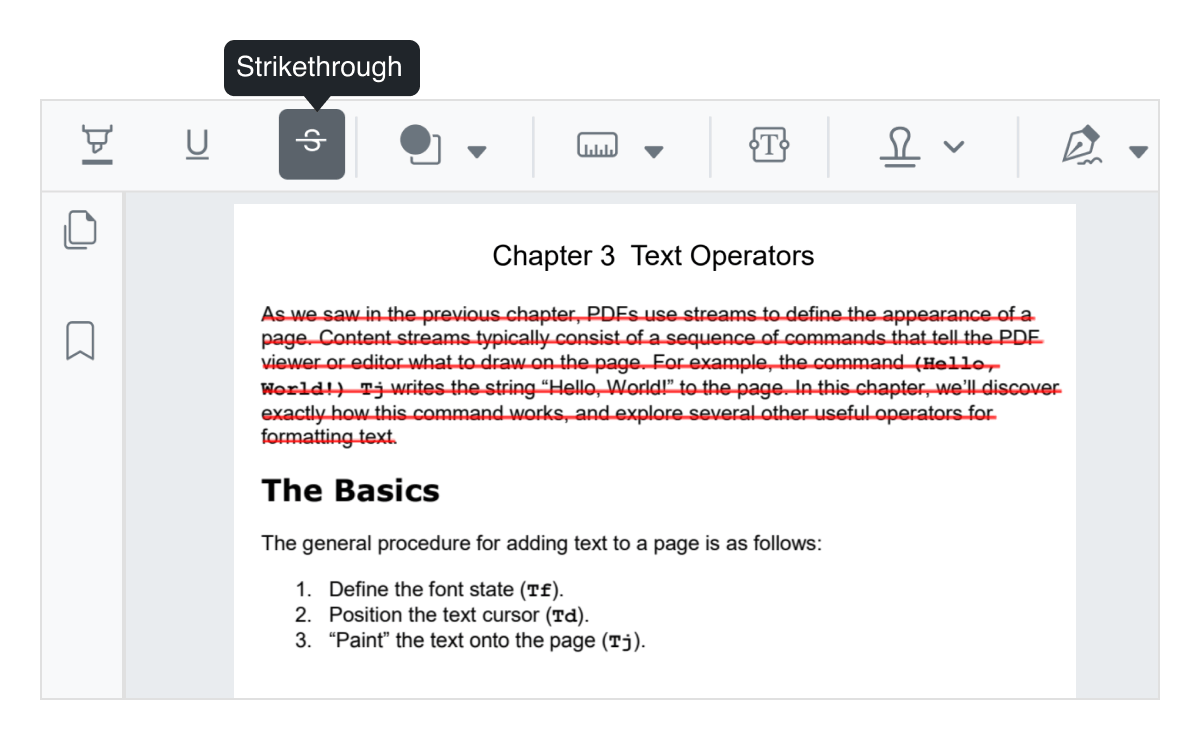
Strikethrough
Strikethrough unimportant text in PDF files. You can customize the color of the strikethrough or remove it.
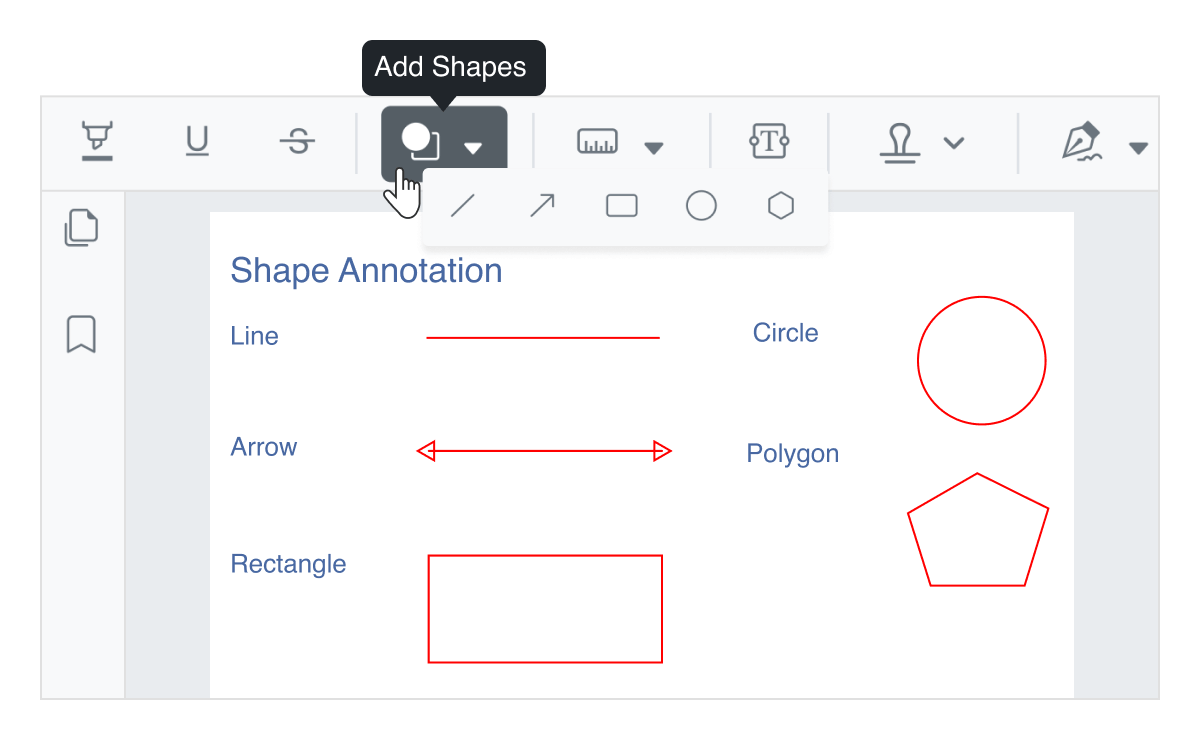
Shape annotations
Use drawing tools to add rectangles, circles, ellipses, lines, arrows, and polygons to a PDF file. The shapes can also be moved, resized, and customized.
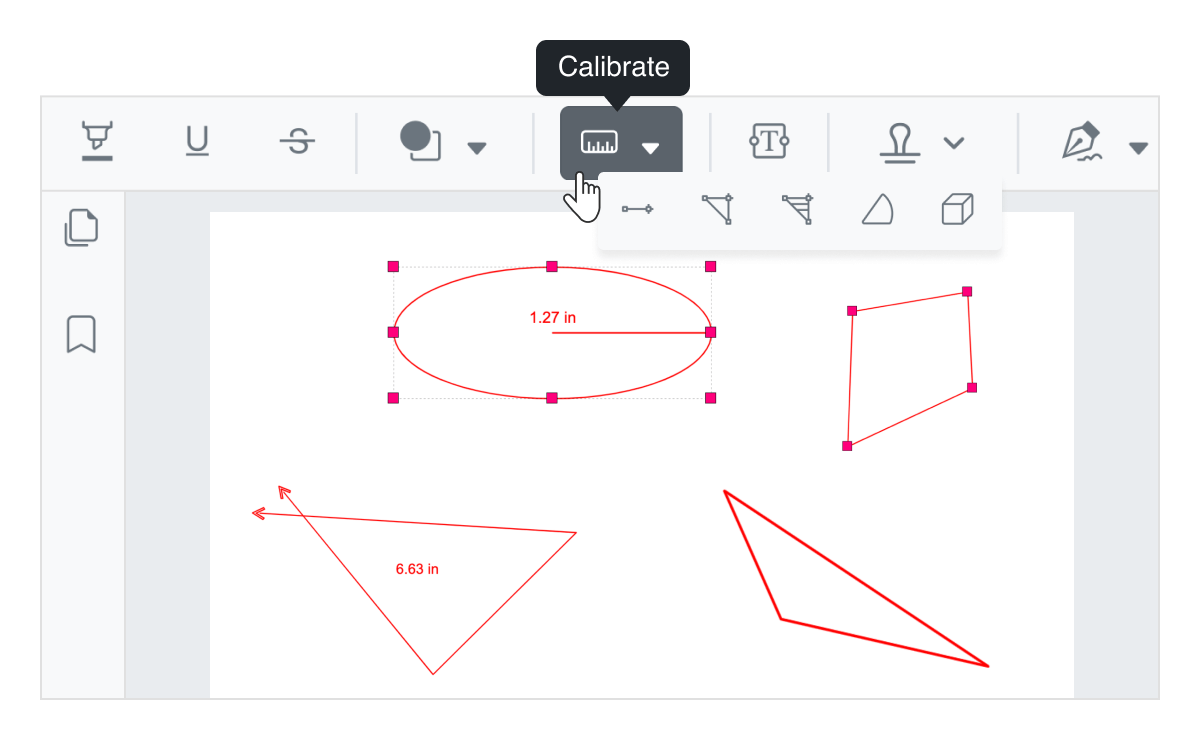
Calibrate - Measuring tools
Measure the distance, area, radius, volume, and perimeter of the objects using measurement tools.
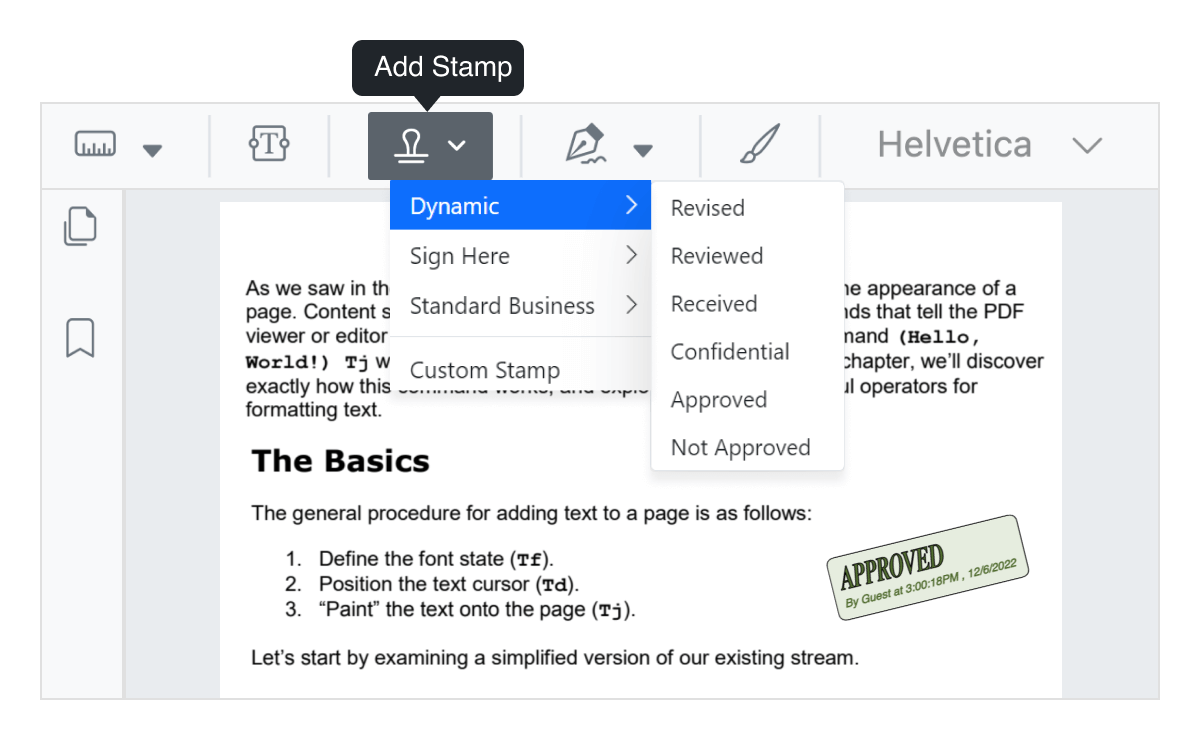
Stamp a document
Add stamps to a PDF file like applying rubber stamps to a paper document from the list of built-in stamps or create your own stamps.
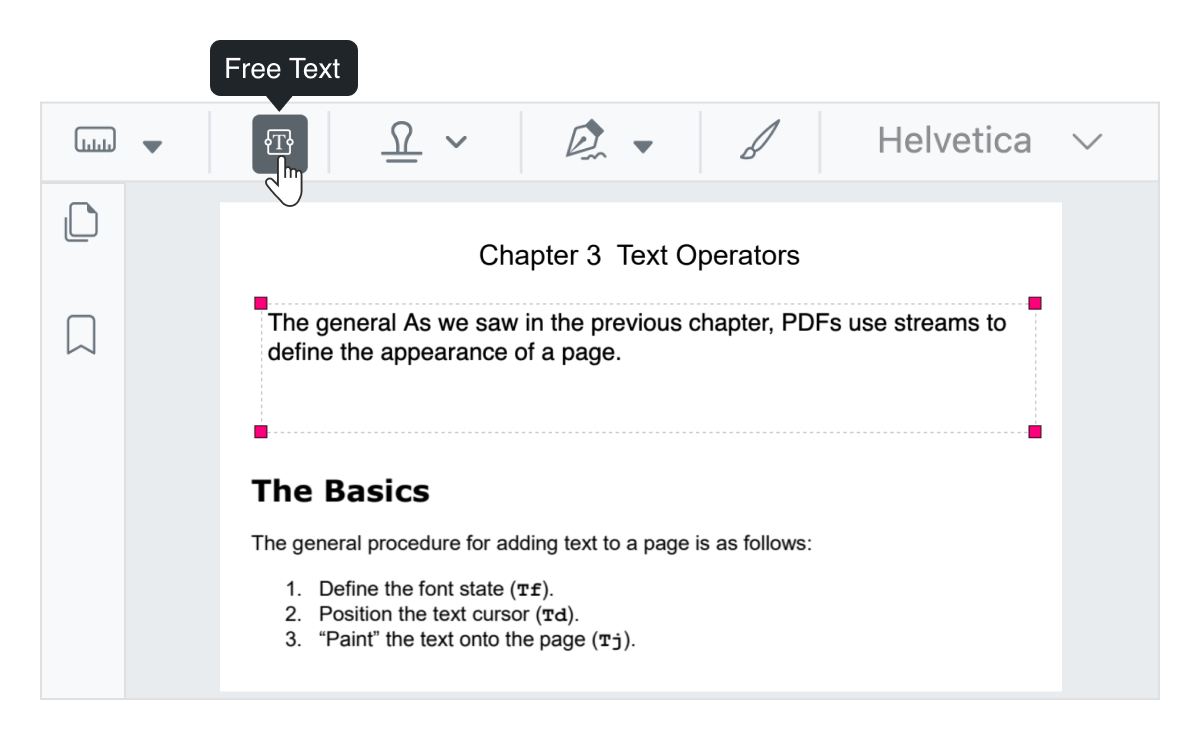
Free text annotation
Include free text in PDF files. You can move, resize, remove, or edit the appearance of free text.
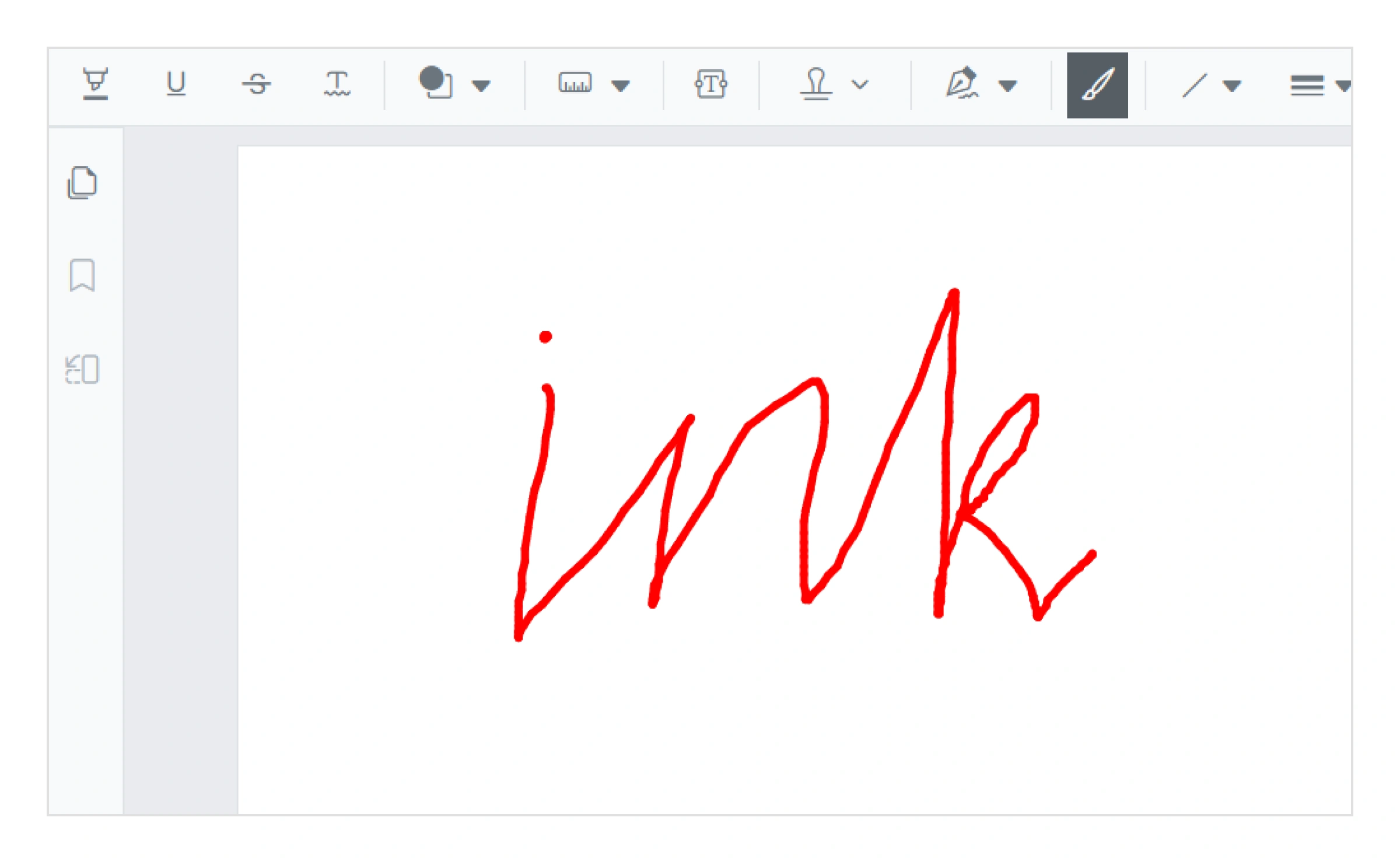
Ink annotation
Draw and annotate PDF files with freehand ink strokes. Move, resize, delete, or customize the appearance of ink annotations to capture handwritten input or signatures.
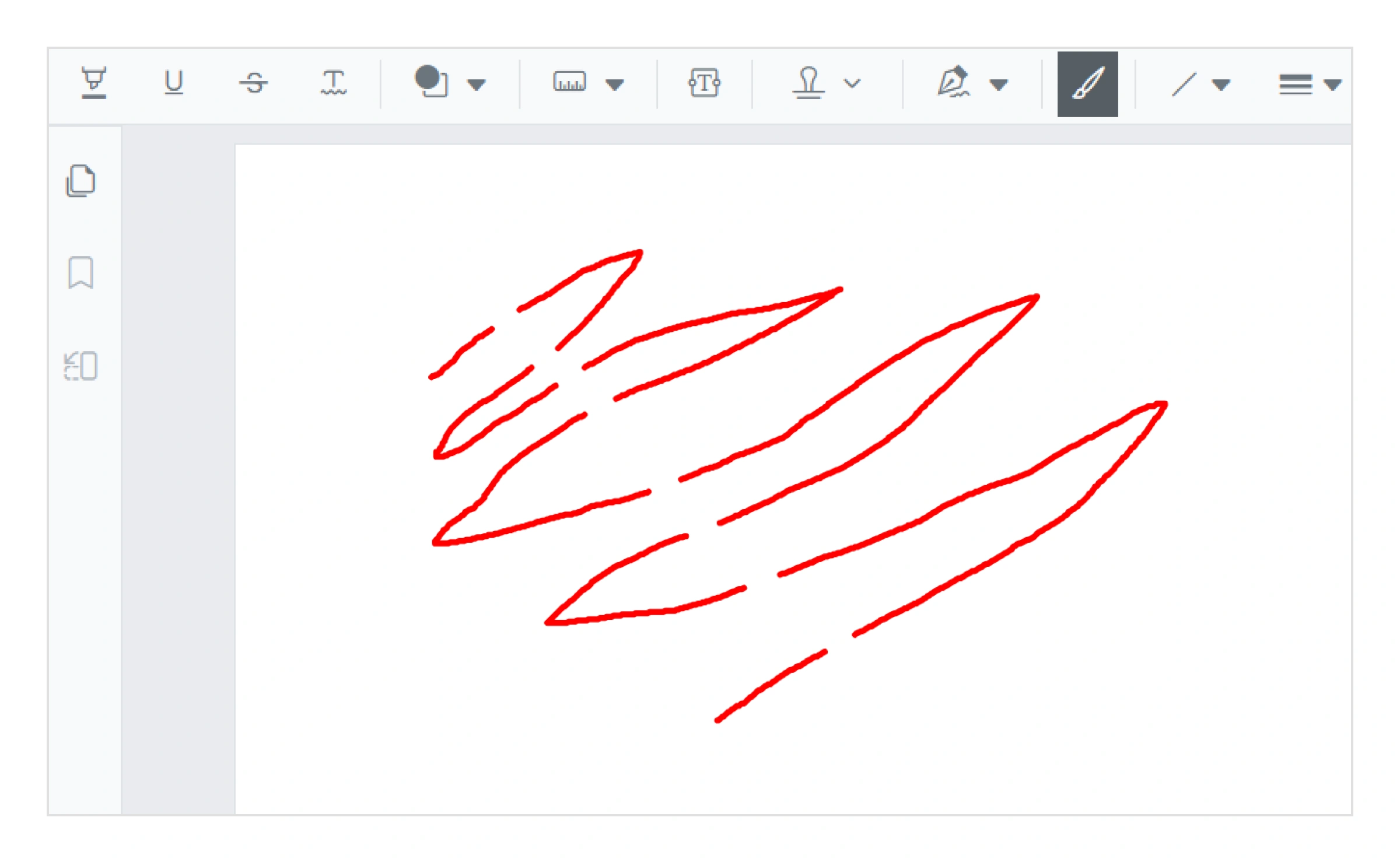
Erase ink annotations
Erase ink annotations in PDF files to correct or refine handwritten content. Users can remove specific portions of ink drawings or delete entire ink annotations as needed.
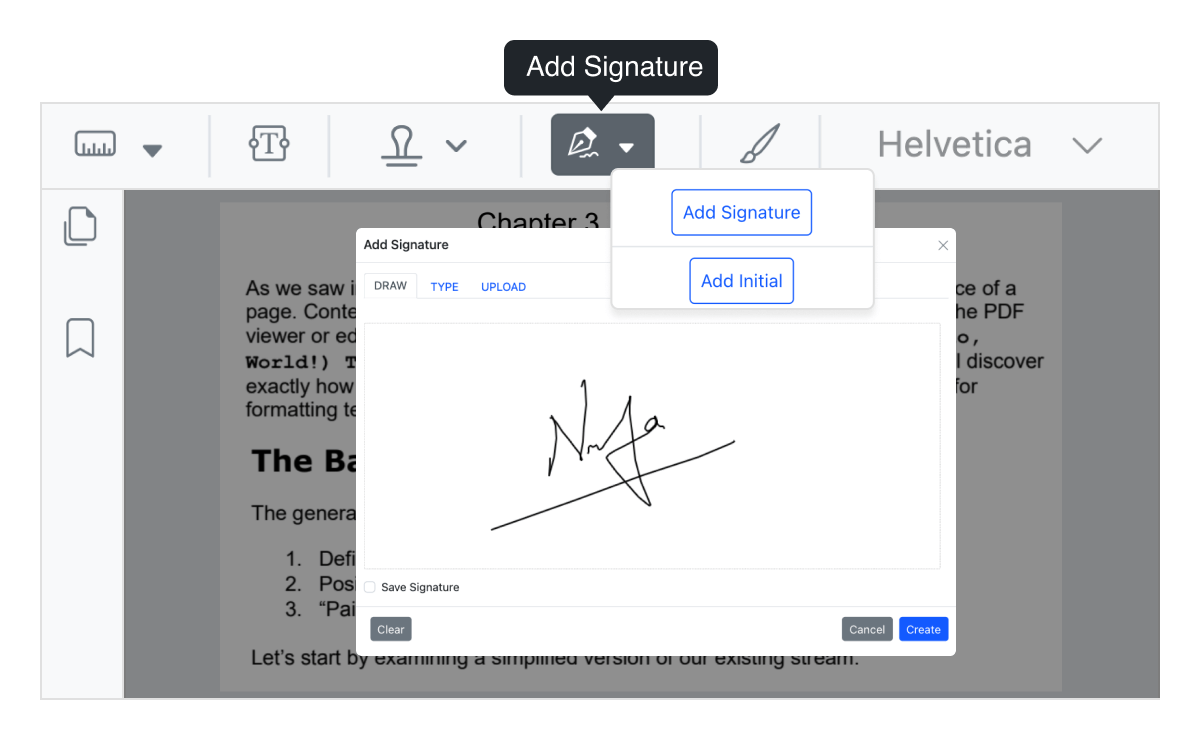
Handwritten signature
Add handwritten signature to PDF files. The signature can be resized, moved, removed, saved, and customized.
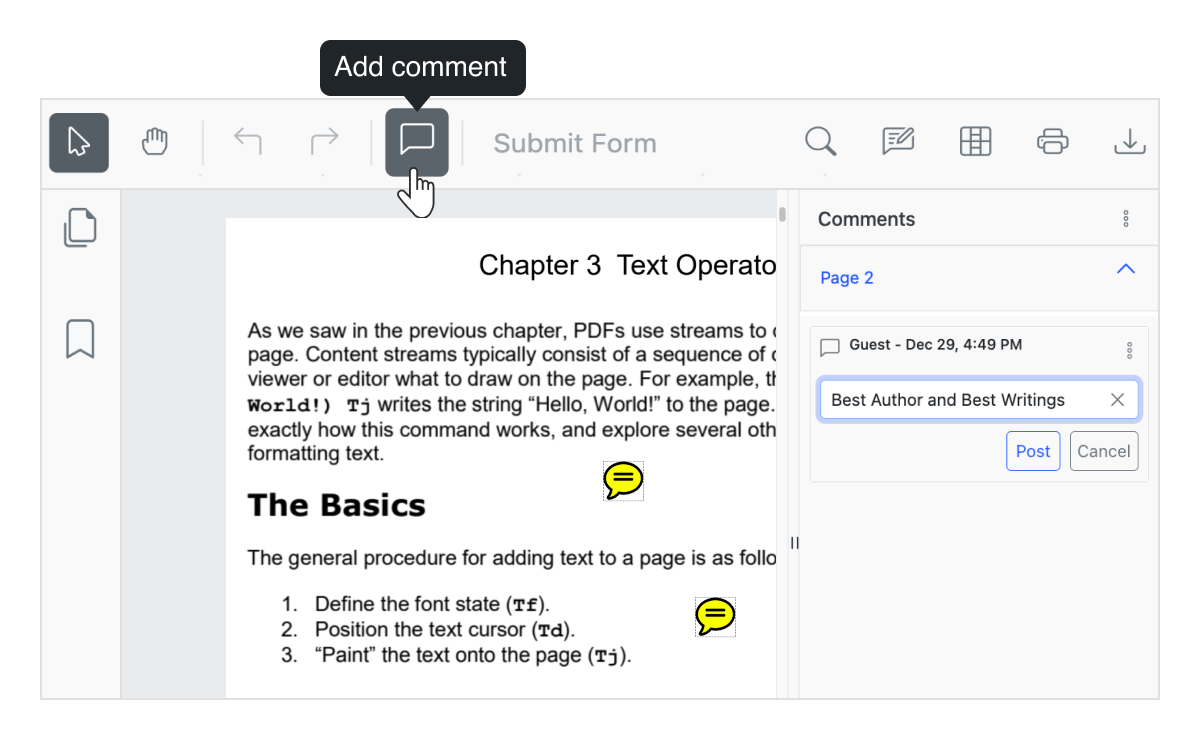
Sticky notes and comments
Add sticky notes and comments anywhere in a PDF file. It can be moved and removed.
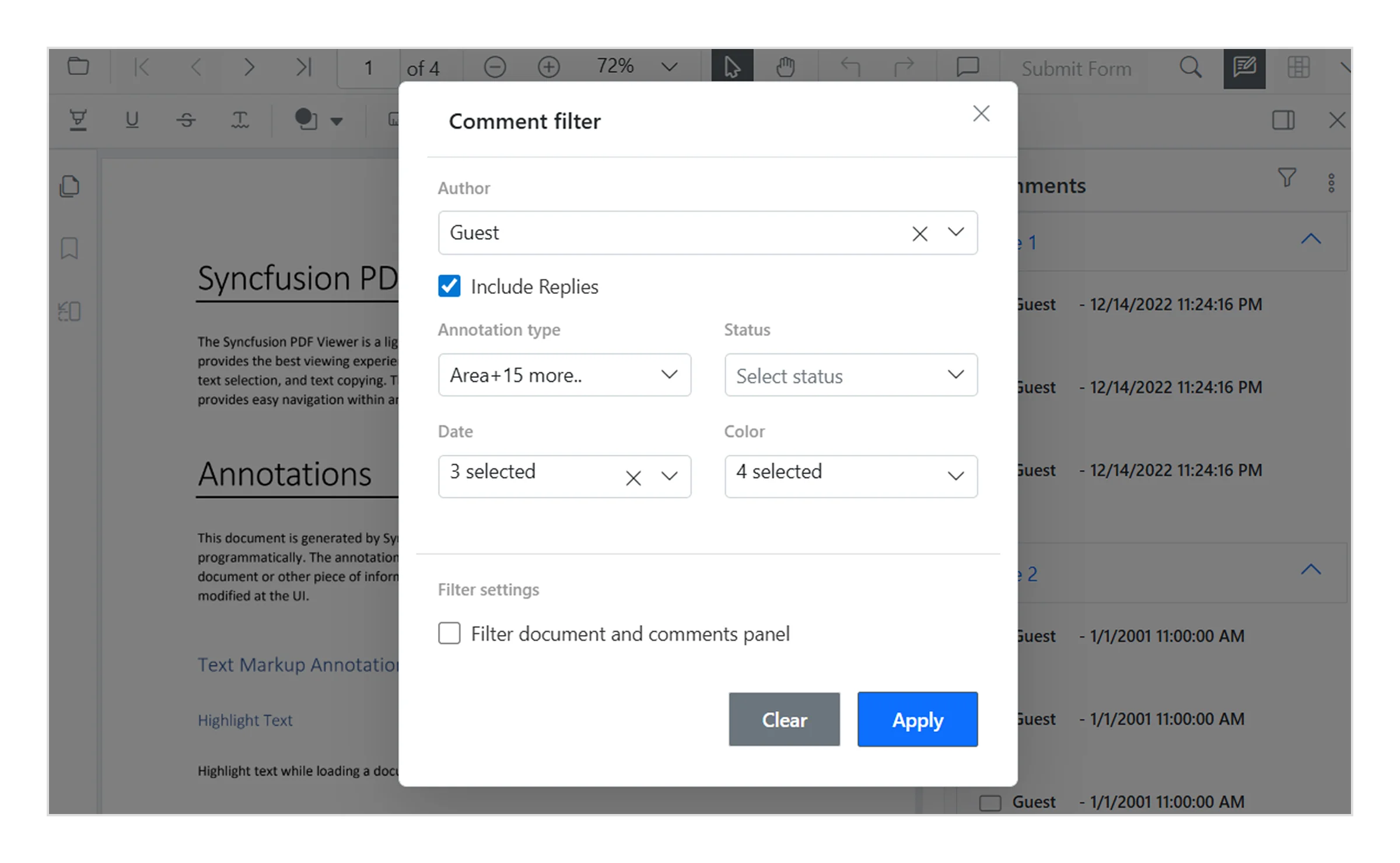
Filter annotation comments
Filter annotation comments in the PDF Viewer to quickly locate relevant feedback. Users can refine the comments panel based on criteria such as author, annotation type, or status, making it easier to review and manage annotations.
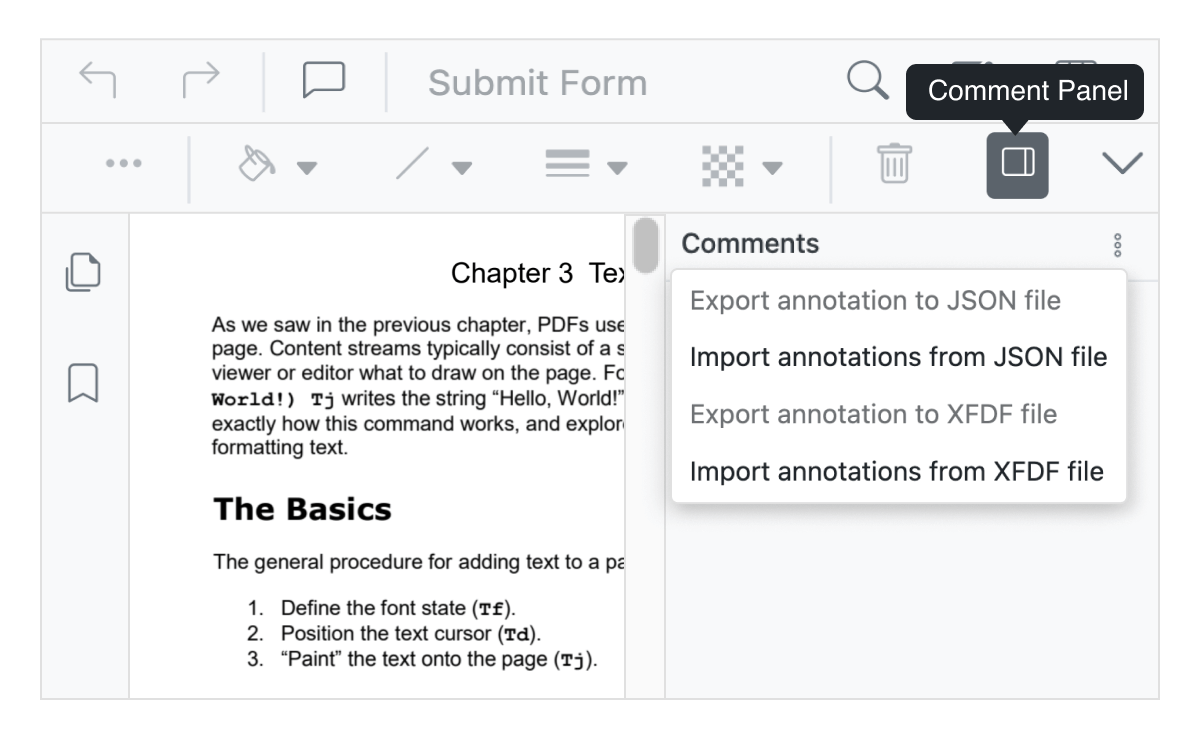
Import and export annotations
Annotations in a PDF document can be exported as JSON or XFDF and stored in the database. The annotations in JSON or XFDF formats can be imported back to the PDF document.
Our Customers Love Us
Here are some of their experiences.




See Real Success Stories
Developers around the world trust Syncfusion’s Essential Studio to simplify complex projects and speed up delivery. With a vast library of UI controls, powerful SDKs, and reliable support, Essential Studio helps teams build enterprise-ready applications with confidence.
Read Our Customer StoriesIndustry
Software development
75% Cost reduction
50% Faster development

Industry
Utilities (oil and gas)

450+ hours saved
Streamlined processes and hours of development effort saved.

Advanced, flexible features
Empowered users through robust and versatile functionality.
Industry
Software and technology
1000+ of hours saved
Accelerated development with enterprise-ready UI components.

Efficient file management
Streamlined workflows with document libraries without building them from scratch.
Industry
Software and technology

2 Years of delay avoided
Two years of delays prevented with proactive planning.

On-time delivery
Projects delivered on schedule using trusted controls.
Industry
IT services and IT consulting

Improved performance
Large datasets handled with easy customization and quick debugging.

Highly customizable
Plug-and-play controls with quick template integration.
Industry
Professional services
Instant access
Quick availability of features and resources.
Reduced dependencies
Fewer dependencies for faster development.







