Why do you need our PPTX Editor SDK?
The SDK enables high-performance PowerPoint viewing directly within your app, so users no longer jump between external tools or juggle scattered presentation files. Our PPTX Editor SDK delivers accurate slide rendering, smooth navigation, and a familiar PowerPoint-like interface, with slideshow mode, speaker notes, print, and export built in.
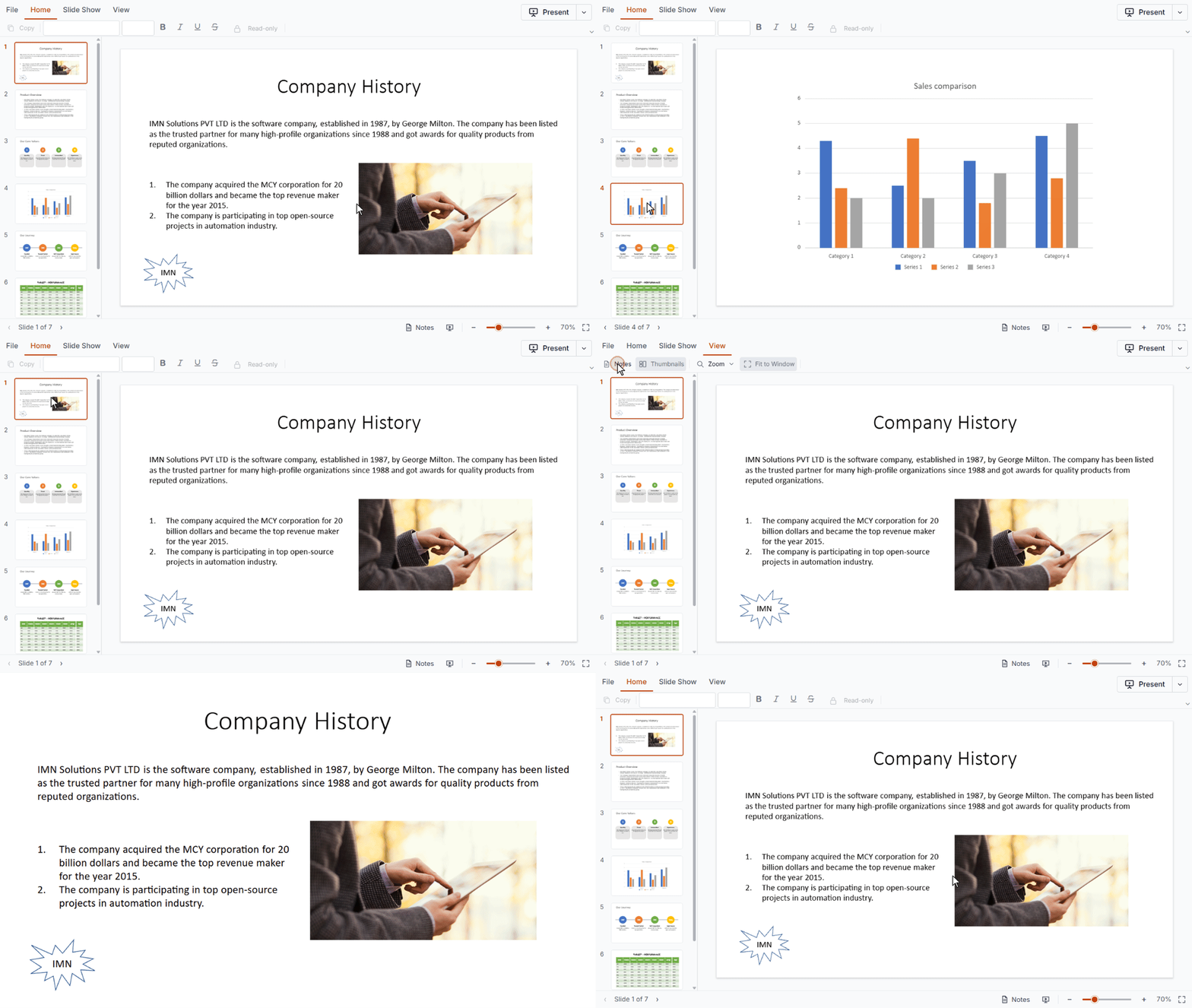
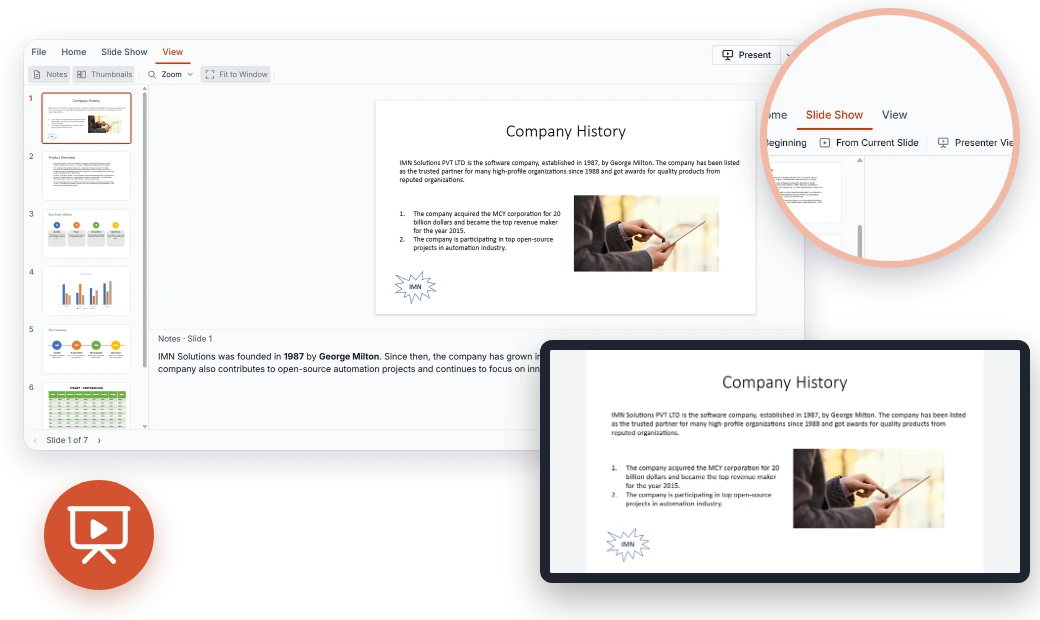
Experience a complete PowerPoint viewing experience in action. Open any PPTX, navigate slides using thumbnails, present in full screen, read speaker notes, and export presentations as PPTX files.
Enterprise-ready PPTX viewing power
Accurate viewing with the PPTX Editor SDK
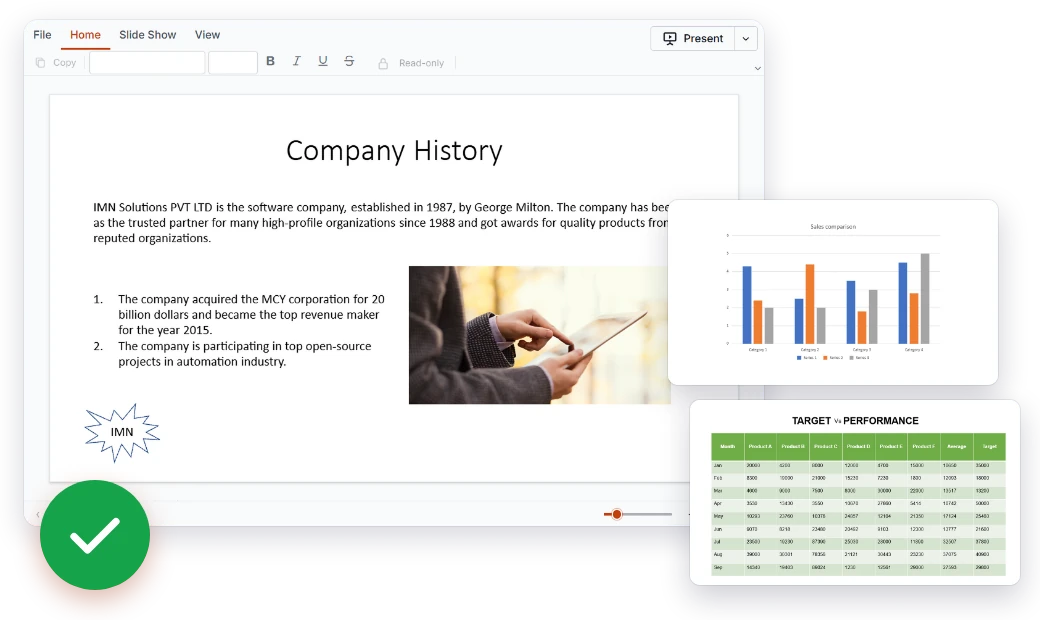
Built to show presentations the way they were authored. The PPTX Editor SDK renders the elements that make up real-world decks, so users see their content clearly without leaving your app.
- Text boxes, placeholders, and all auto shapes
- Images, tables, and charts rendered in place
- Paragraph and text formatting preserved
PowerPoint-like PPTX Editor SDK
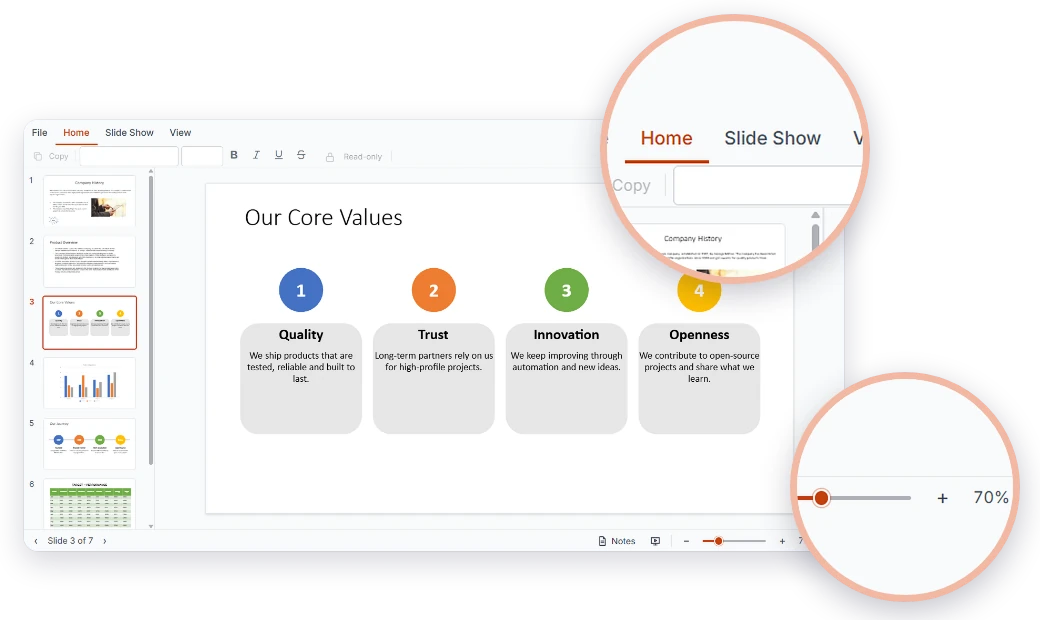
Give users an interface they already know. The built-in viewer ribbon groups common actions into clear tabs, and the UI adapts to your product and your audience.
- Home, Slide Show, and View tabs
- Zoom in and zoom out on any slide
- Built-in themes, localization, and RTL layouts
Blazing-fast PPTX Editor SDK
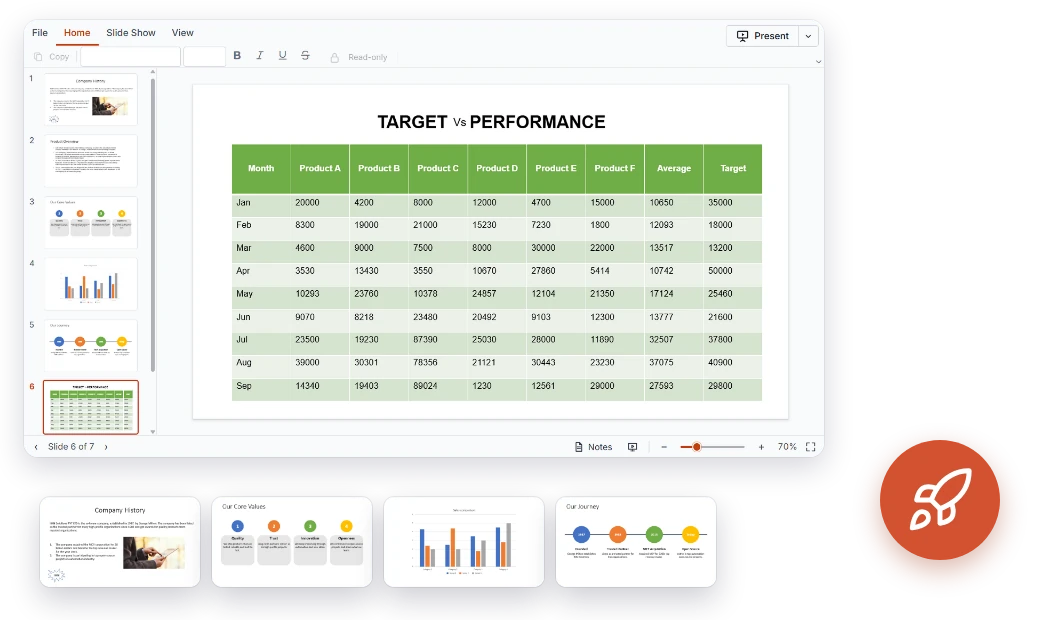
Built for speed and efficiency, the PPTX Editor SDK keeps even large presentations responsive. Slides are virtualized for better performance, and users can jump to any slide with a single click.
- Slide virtualization for large presentations
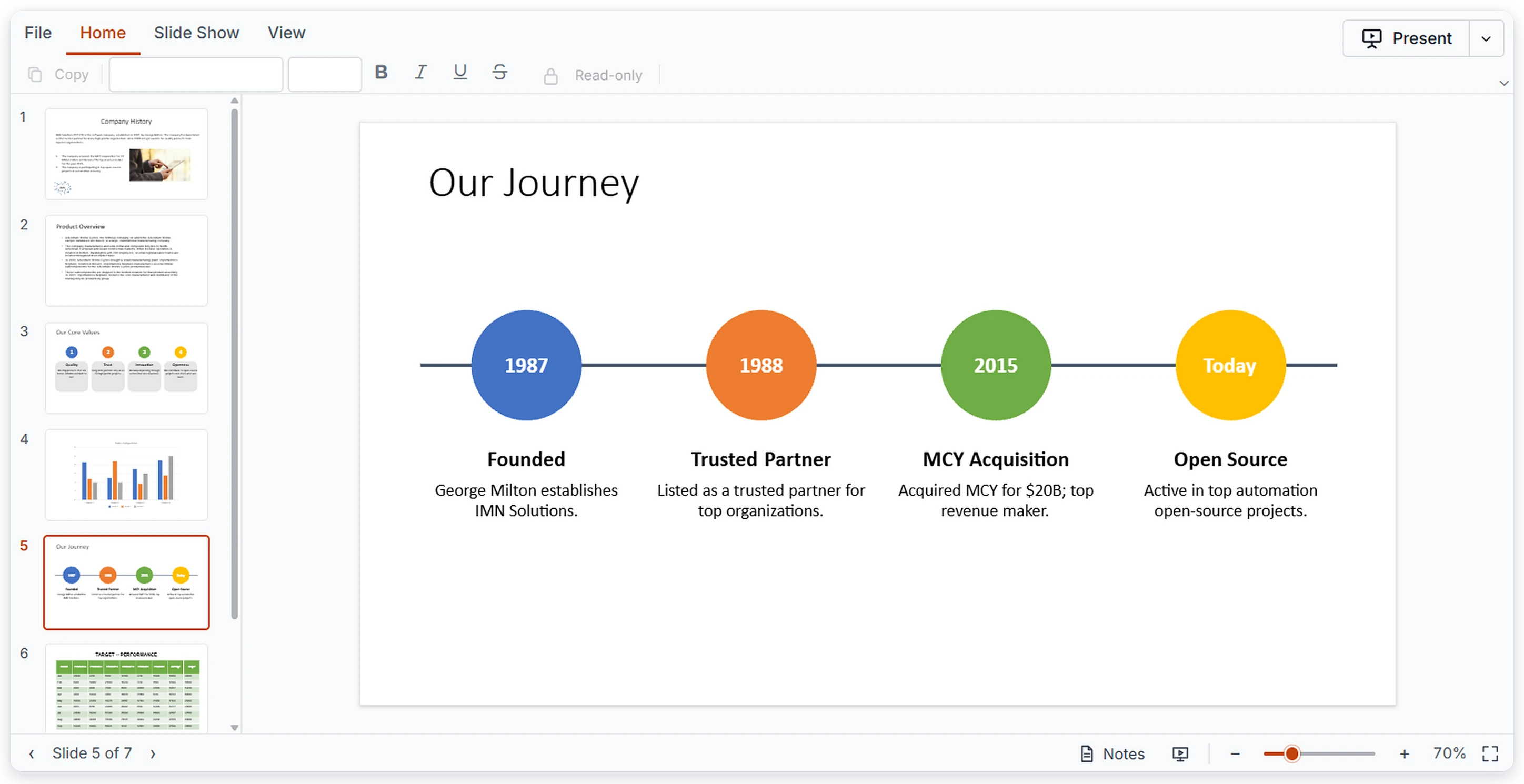
- Thumbnails for quick slide navigation
- Smooth navigation with touch, keyboard, and mouse
Present directly from your app
Take presentations beyond the viewer. Users can present in full screen, read their notes, and share the deck by printing or exporting it, all without switching tools.
- Full-screen slideshow mode
- Speaker notes viewing
- Print and export to PowerPoint (*.pptx)
Works across all major UI stacks
Add a complete PPTX viewer to your app with just a few lines of code. Our solution supports all major frameworks, making integration seamless regardless of the technology stack.
Comprehensive PPTX Editor SDK capabilities
Deliver a powerful, immersive PowerPoint viewing experience with features built for modern applications. From accurate slide rendering to smooth navigation, slideshow mode, and export, the Syncfusion® PPTX Editor SDK enables you to embed full-featured presentation viewing with ease.
Display the content of your slides faithfully.
Text Boxes and Placeholders – View text content in text boxes and layout placeholders.
Auto shapes – Display all auto shapes on your slides.
Images – View pictures placed on slides.
Tables – Read tabular data with its structure intact.
Charts – View charts embedded in presentations.
Text Formatting – Paragraph and text formatting is preserved.
Take presentations beyond the screen with built-in presenting and sharing options.
Slideshow Mode – Present slides in full-screen mode.
Speaker Notes – View the notes attached to each slide.
Print – Print presentations directly from the viewer.
Export – Export the presentation as a PowerPoint (*.pptx) file.
Accessibility and global readiness
Keyboard navigation
Move through slides using the keyboard alone. Navigate your presentation without a mouse, so every user can work comfortably.
Multilingual support
Localize the viewer UI for global audiences. Ribbon labels and controls can be presented in your users’ language.
RTL layouts
The SDK supports right-to-left rendering for global audiences. The viewer UI mirrors for a natural right-to-left reading experience.
Easy integration and customization
Built with developers in mind, the PPTX Editor SDK is easy to integrate, highly customizable, and scalable to fit your application’s needs.
- Fully customizable UI with support for themes, localization, and RTL layouts.
- The ability to load presentation data locally or integrate with your backend.
- Developer-friendly architecture with thorough documentation, live demos, and getting-started guides for smooth onboarding.
Industry-specific use cases
Our PPTX Editor SDK is tailored for industry-specific needs, enabling education, sales and marketing, finance, and healthcare teams to view, present, and share PowerPoint presentations with speed and clarity.
No credit card required.
Education
Teachers and students can view lecture decks and read speaker notes right inside learning platforms. Institutions can present slides in full-screen mode and print handouts without leaving the app.
Finance
Finance teams can open board decks, investor updates, and quarterly reports in the browser with charts and tables intact. Reviewers can navigate with thumbnails and print or export the deck for meetings.
Sales and marketing
Sales teams can browse, present, and print approved pitch decks from a customer or partner portal. Marketing teams can export the latest presentation for quick sharing.
Healthcare
Healthcare organizations can show training decks, clinical education material, and case presentations inside internal portals. Presenters can use slideshow mode with speaker notes, and staff can review large decks smoothly.
Trusted by the world’s leading companies

Endless possibilities with one viewer
From showcasing lecture decks and sales pitches to reviewing board reports and training material, our PPTX Editor SDK is built to handle it all. Bring fast, familiar PowerPoint viewing to your web application and give your users a smooth way to view, present, print, and export presentations without leaving your app.
No credit card required.
PPTX Editor SDK FAQs
If you’re new or looking for answers to your questions, this guide will help you learn more about our PPTX Editor SDK and its features.
What is the Syncfusion PPTX Editor SDK used for?
It is a component for viewing, navigating, presenting, printing, and exporting PowerPoint presentations in web applications. It is currently available as a viewer.
Which PowerPoint elements can the PPTX Editor SDK display?
Text boxes, placeholders, all auto shapes, images, tables, charts, and basic paragraph and text formatting.
Can I present PowerPoint slides in full-screen mode with speaker notes?
Yes. Users can present in full-screen slideshow mode and view speaker notes.
Can I use the PPTX Editor SDK with React, Angular, Vue, or ASP.NET?
Yes. The PPTX Editor SDK is available for React, Angular, Vue, JavaScript (ES6 and ES5), ASP.NET Core, and ASP.NET MVC.
Can I edit PPTX files with the PPTX Editor SDK?
Not yet. The first release is viewer-only, and editing will be considered in a future phase.
How does the PPTX Editor SDK handle large PowerPoint presentations?
Slides are virtualized for better performance, and thumbnails provide quick navigation.
Can users print or export PowerPoint presentations as PPTX files?
Yes. Users can print presentations or export them as PowerPoint (*.pptx) files.
Where can I find PPTX Editor SDK demos and documentation?
Try the live demos and read the documentation.
Resources
Learn more about our PPTX Editor SDK
Explore demos, KB articles, and documentation to get the most out of our PPTX Editor SDK.
Explore guides, APIs, and quick-start tips
See live use cases in action
Ask, share, and connect with peers
Find solutions and best practices fast
Get expert help when you need it
Feature requests and bug reports
Track issues and suggest improvements