Overview
Columns define the schema of a data source in the Angular Tree Grid component. The component supports formatting, column definitions, a column chooser, a column menu, column reordering, and other important features. Operations such as sorting, filtering, and searching can be performed based on column definitions.
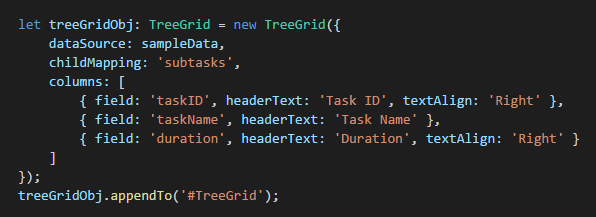
Define columns
You can define the needed columns explicitly in a Tree Grid. You can also enhance the appearance of columns by setting the header text, text alignment, cell value format, and width.
Auto-size
Users can auto-size a column’s width to show its full content by double clicking on the column’s borders. The component also supports triggering auto-sizing in the required columns programmatically.
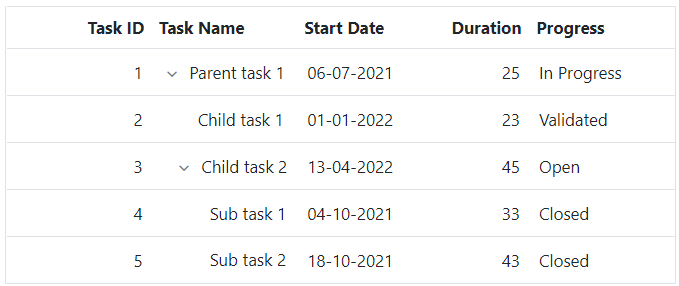
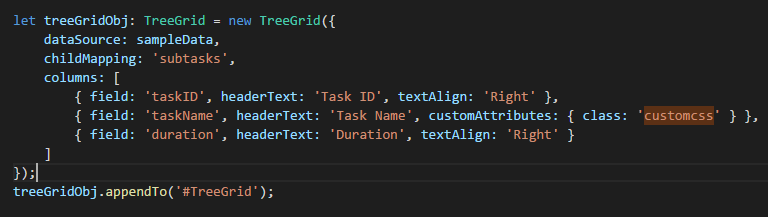
Cell attributes
Users can decorate each cell element of a Tree Grid with their own attributes by customizing styles, adding additional class names, etc.
Text wrap
Wrap the Tree Grid cell text into the next line when it is too large to fit inside a cell. Users can wrap the header’s or content cell’s text by setting the available wrap mode options.

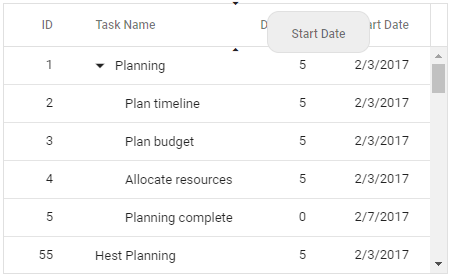
Reorder
Reorder Tree Grid columns either through user interaction or programmatically. Simply dragging a column header into the desired column position will reorder the columns.
Resize
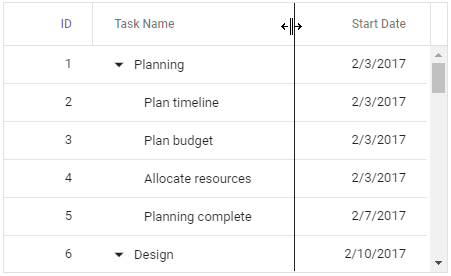
Resize the column width by simply dragging the right corner of the column’s header. A scroll bar appears when the Tree Grid content width exceeds the element width.

Column menu
Perform various column-based actions with the help of the Tree Grid’s column menu. Menus can also be customized to list only the preferred actions.
Value accessors
The value accessors specify how the cell value is to be retrieved from the data. The preferred value accessors can be used when the row data is not just a simple object.
Cell styling
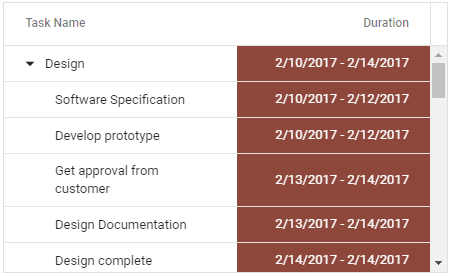
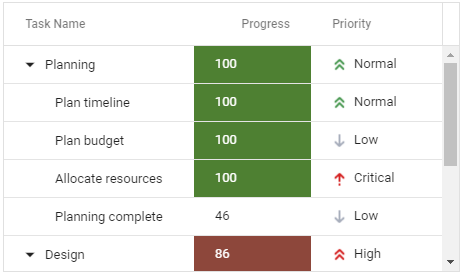
The Angular Tree Grid supports customization of cell styles programmatically or by using CSS.
Column chooser
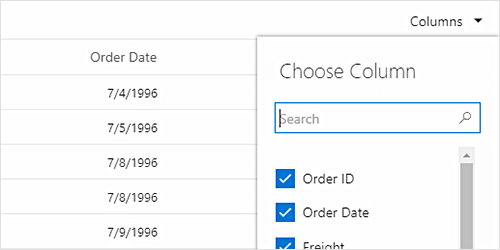
The column chooser provides a list of column names paired with checkboxes that allows the user to toggle visibility. This helps users to control the column visibility through an interactive UI.
140+ ANGULAR UI COMPONENTS







