



Why choose our .NET PDF Library?
Build enterprise document workflows with Syncfusion’s native .NET PDF Library and C# PDF API. Create, edit, generate, merge, split, and secure PDF files without Adobe or external services. Automate forms, redaction, digital signatures, encryption, and PDF/A compliance for scalable .NET applications.
Edit and run real C# code directly in your browser to explore PDF operations in action. Test features like creating, merging, and converting PDFs instantly, and experience how easy it is to integrate robust PDF functionality into your .NET applications.
Powerful PDF processing APIs in .NET
Create, edit, secure, convert, and extract data from PDF documents using a high‑performance set of APIs in .NET. This .NET PDF library supports a variety of features, including digital signatures, redaction, form handling, OCR, file conversions, and data extraction from structured PDF content. This library helps build scalable, enterprise‑grade PDF processing and document automation workflows within the application.
Create & Edit APIs
Real-world document workflows built with .NET PDF Library
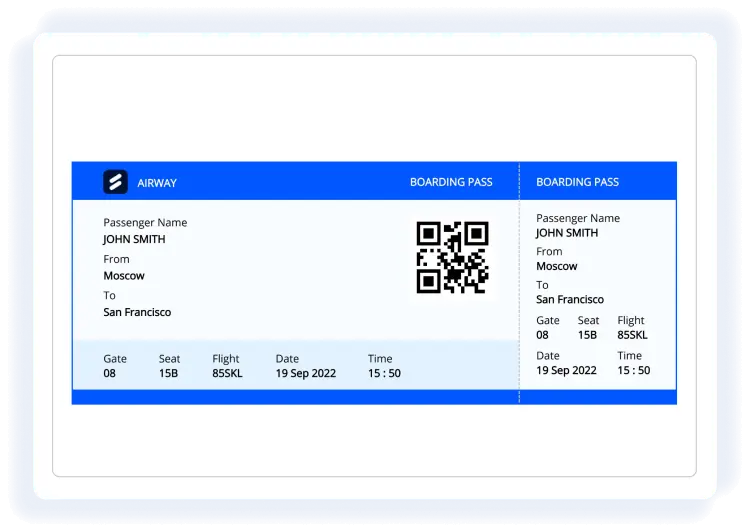

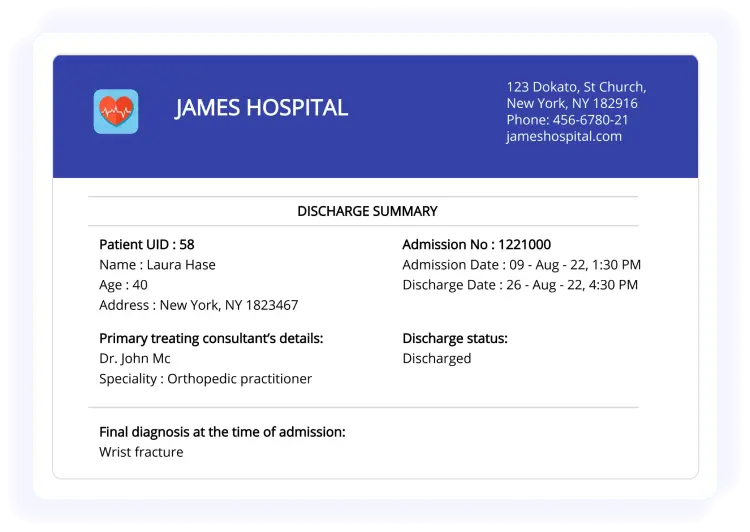
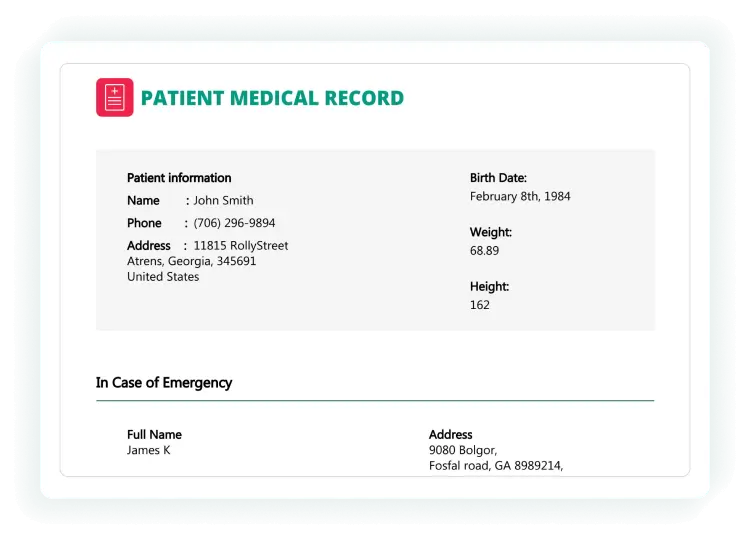
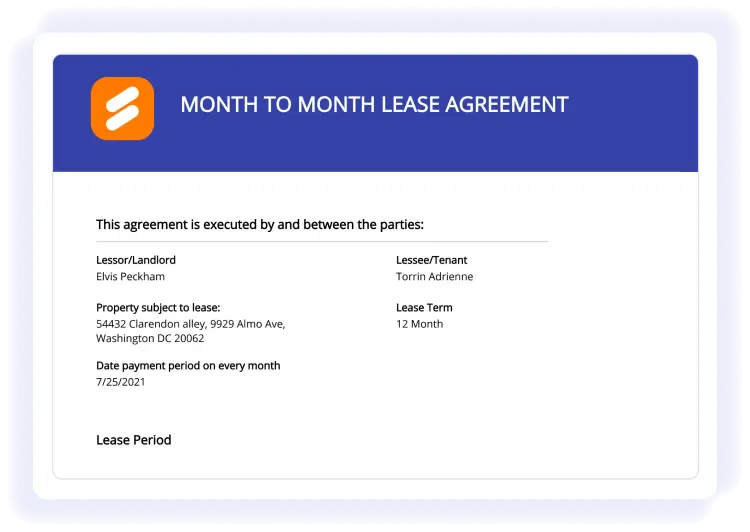
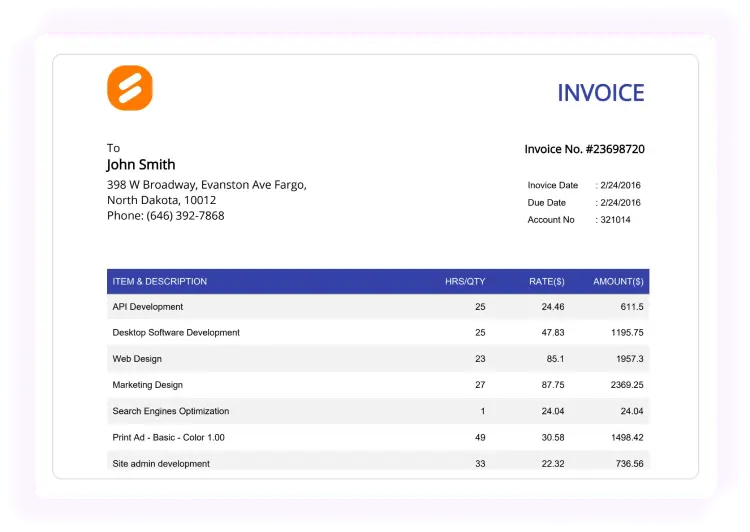
Enterprise-ready PDF processing
Create and edit with precision
Empower your .NET applications with our comprehensive PDF Library designed for precision and flexibility. Create and edit PDFs programmatically with full control over document structure and content without relying on external tools or Adobe products.
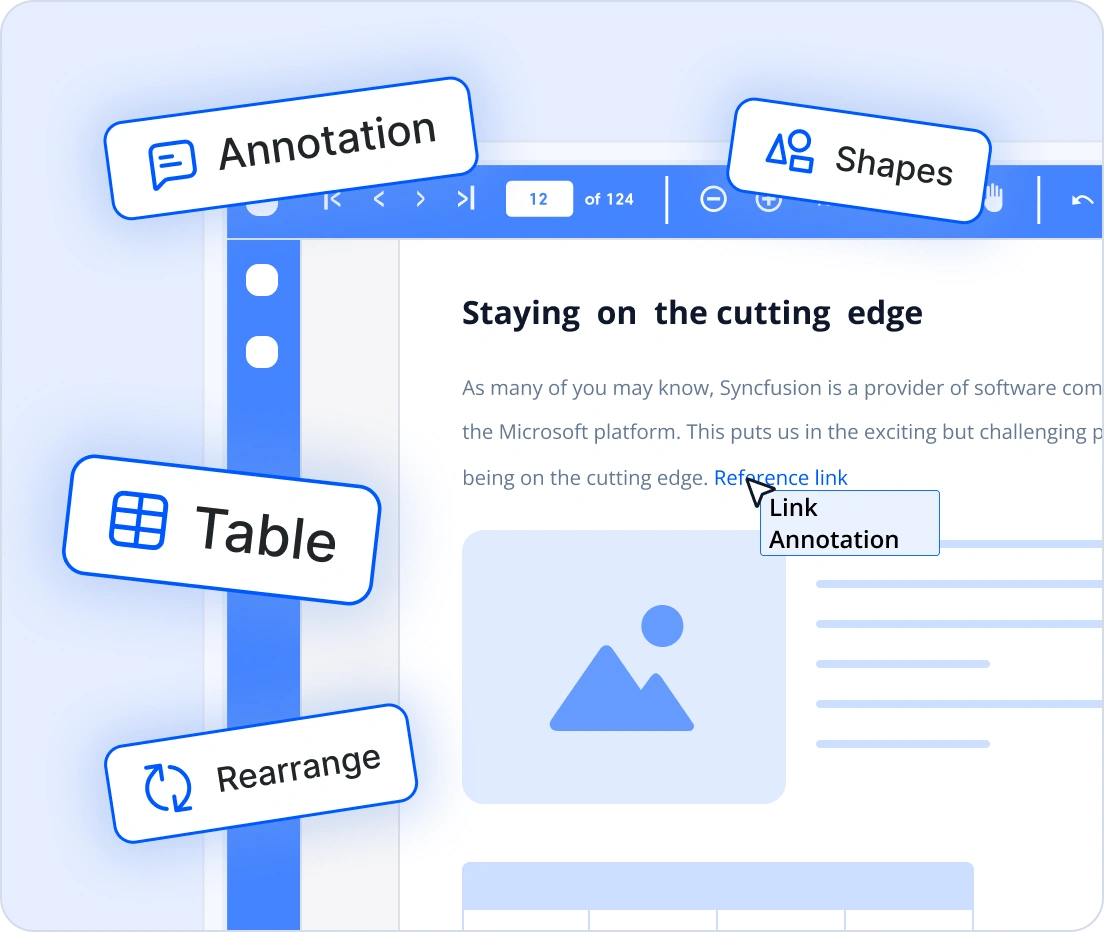
- Build richly formatted PDFs with tables, images, shapes, and annotations
- Convert HTML, Word, Excel, and images to high-fidelity PDF
Speed up document operations
Orchestrate complex PDF tasks programmatically. You can generate templates, convert formats, merge and split files, fill and flatten forms, apply signatures, redact sensitive content, and perform OCR at scale with server-grade performance.
- Automates repetitive PDF operations to reduce turnaround time in batch pipelines
- Integrates with enterprise systems to convert, form-fill, sign, redact, and extract data reliably
Handle high-volume PDFs, fast
Deliver blazing-fast PDF generation and manipulation with a fast, reliable PDF SDK, even with complex layouts and high-volume workloads. Ideal for enterprise reporting engines, automated pipelines, and document-heavy applications where speed and reliability matter most.
- Handles large PDFs without performance bottlenecks
- Scales for batch operations and server-side processing
Confidentiality and control
Syncfusion’s .NET PDF Library provides advanced PDF security and compliance for enterprise workflows. Encrypt files with AES-256 and AES-GCM (PDF 2.0), apply granular permissions, and meet PDF/A and PDF/UA standards for archiving and accessibility without sacrificing usability.
- Complete control over document access and permissions
- GDPR-ready redaction for privacy compliance

using Syncfusion.Pdf.Graphics;
using Syncfusion.Pdf;
using Syncfusion.Drawing;

//Create a new PDF document
using (PdfDocument document = new PdfDocument())
{
    //Add a page to the document
    PdfPage page = document.Pages.Add();
    // Create a standard font
    PdfFont font = new PdfStandardFont(PdfFontFamily.Helvetica, 20);
    //Draw the text using page graphics
    page.Graphics.DrawString("Hello World!!!", font, PdfBrushes.Black, new PointF(0, 0));
    //Save the PDF document
    document.Save(Path.GetFullPath(@"Output/Output.pdf"));
}
Cross-platform and scalable architecture
Build and deploy PDF workflows across diverse platforms and environments with confidence. The library is designed for flexibility, scalability, and modern deployment needs.
- Supports the .NET framework, .NET Core, .NET, and .NET MAUI
- Runs on Windows, Linux, macOS, and Docker containers
- Cloud-ready compatibility with Azure, AWS, and Google Cloud
- Ideal for web apps, desktop clients, microservices, and serverless functions
Comprehensive PDF Library capabilities
Create PDFs with text, images, tables, forms, and annotations. Add watermarks, metadata, compression, and organize pages securely.
Create well-structured and interactive PDF documents with essential content and design components.
Text and images - Create and edit fonts and text styles and place various image formats within pages programmatically.
Tables and shapes - Generate styled tables and draw vector shapes or graphics as part of page content.
Headers and footers - Add and customize page‑level headers and footers for a consistent layout across the document.
Barcodes - Add one-dimensional and two-dimensional barcodes to PDFs for identification, tracking, and data encoding.
Attachments - Embed external files inside a PDF and manage them through the document structure.
Add interactive elements to PDFs for better navigation and dynamic user interaction.
Bookmarks - Add, edit, and organize document bookmarks for quick navigation to sections or pages.
Actions - Add interactive actions like opening URLs or executing JavaScript in PDFs for dynamic user experiences.
Layers - Create, manage, and flatten PDF layers to organize content into toggleable sections for complex documents like CAD drawings or multilingual files.
Hyperlinks - Add web and document links for external navigation or intra‑document jumps.
Page numbering - Modify or customize page numbering in PDFs to maintain proper sequence and layout.
Optimize, standardize, and refine PDFs to ensure a clean layout, consistent formatting, and reliable final output.
Metadata - Read and edit document metadata like title, author, and keywords for proper identification and indexing
Watermarks - Apply text and image watermarks, including watermark annotations, to existing PDFs.
Organize pages - Rearrange pages across documents or import specific page ranges.
Font embedding - Embed fonts to ensure text displays correctly everywhere.
PDF Security, Privacy, and Optimization
The .NET PDF library provides the securing, optimizing, and management of PDFs using digital signatures, encryption, redaction, and compression to protect sensitive content, reduce file size, and meet performance and compliance requirements.
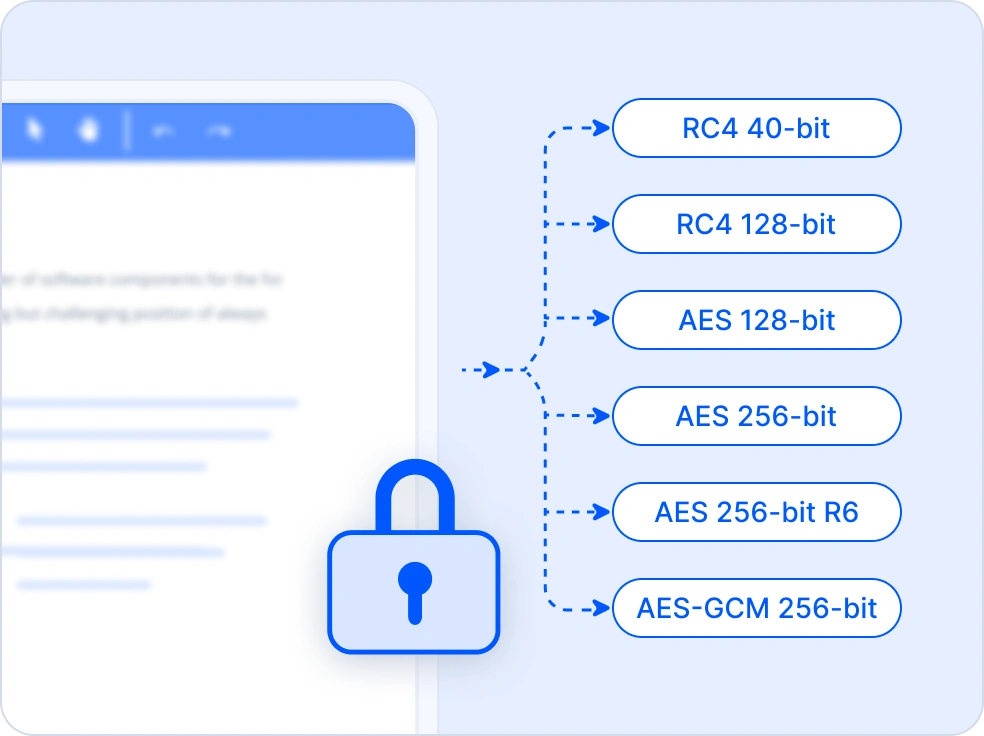
Encrypt
The PDF encryption feature secures documents using algorithms like RC4, AES 128-bit, AES 256-bit Revision 5, Revision 6, and AES-GCM 256-bit. Documents can be protected with passwords and permission settings to control access and restrict actions. It also supports Unicode passwords for enhanced security.
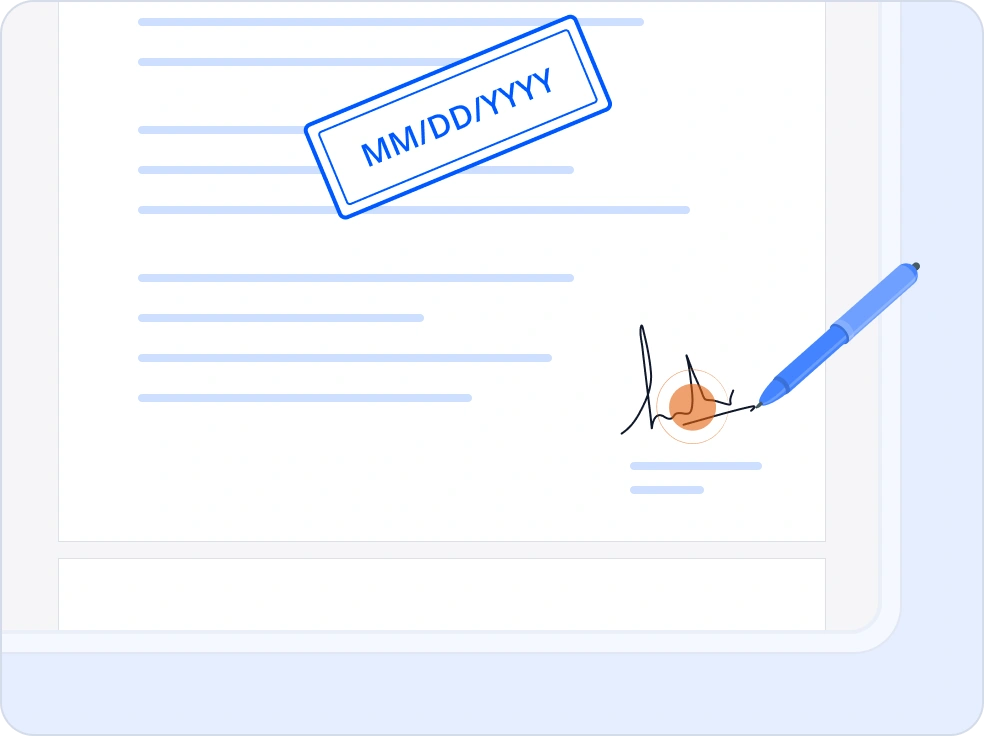
Digital Signature
The .NET PDF Library enables easy digital signing with X509 certificates, HSMs, and the Windows certificate store, with support for OCSP, CRL, and ECDSA. It also provides full signature validation, including checks for integrity, certificate validity, revocation, timestamps, and standards compliance to ensure long-term document trustworthiness.
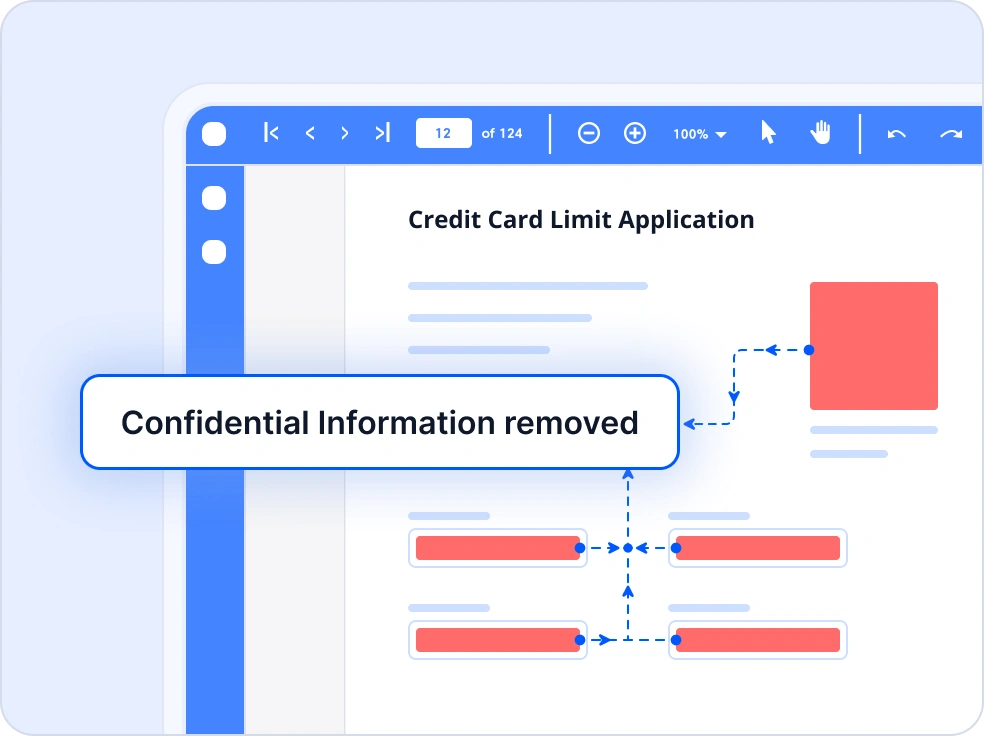
Redact
Permanently remove confidential or sensitive content from PDF documents with ease. This feature ensures compliance with privacy regulations like GDPR, helping you protect personal data and maintain document integrity. Ideal for legal, healthcare, and enterprise workflows where data privacy is critical.
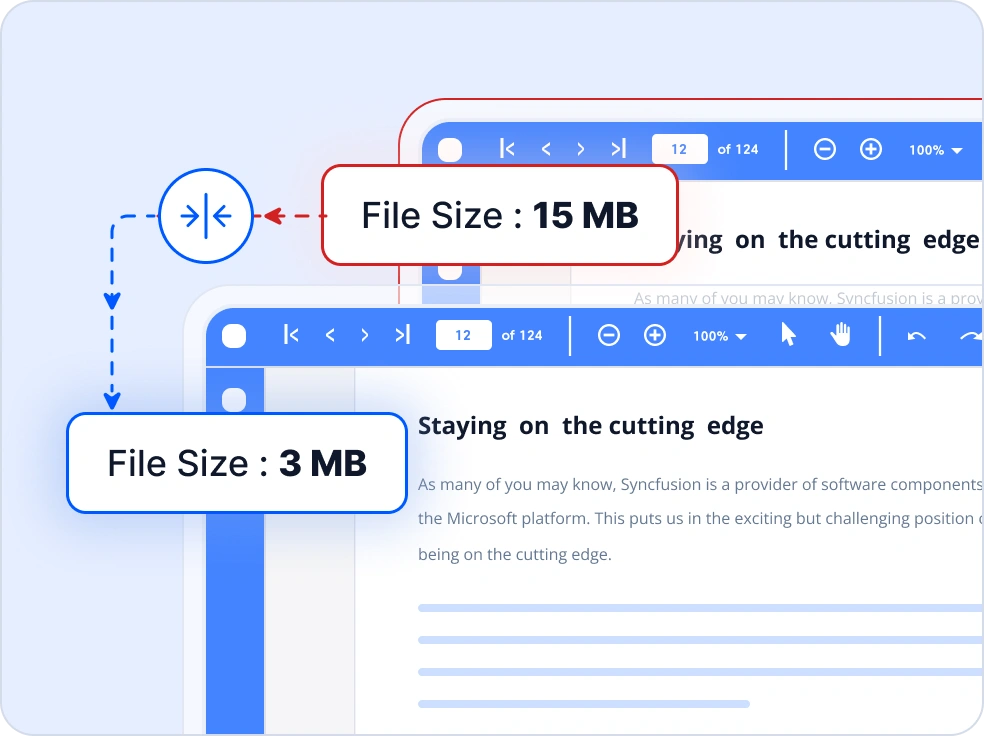
Compress
Reduce PDF file size without compromising quality using advanced optimization methods. Techniques include, downsampling images, subsetting fonts, removing unused resources, and compressing content streams for faster web delivery, lower storage costs, and improved performance on mobile and cloud applications.
PDF Content & Accessibility
Provides tools for creating accessible PDFs and working with structured tables and high-quality images for rich content generation.
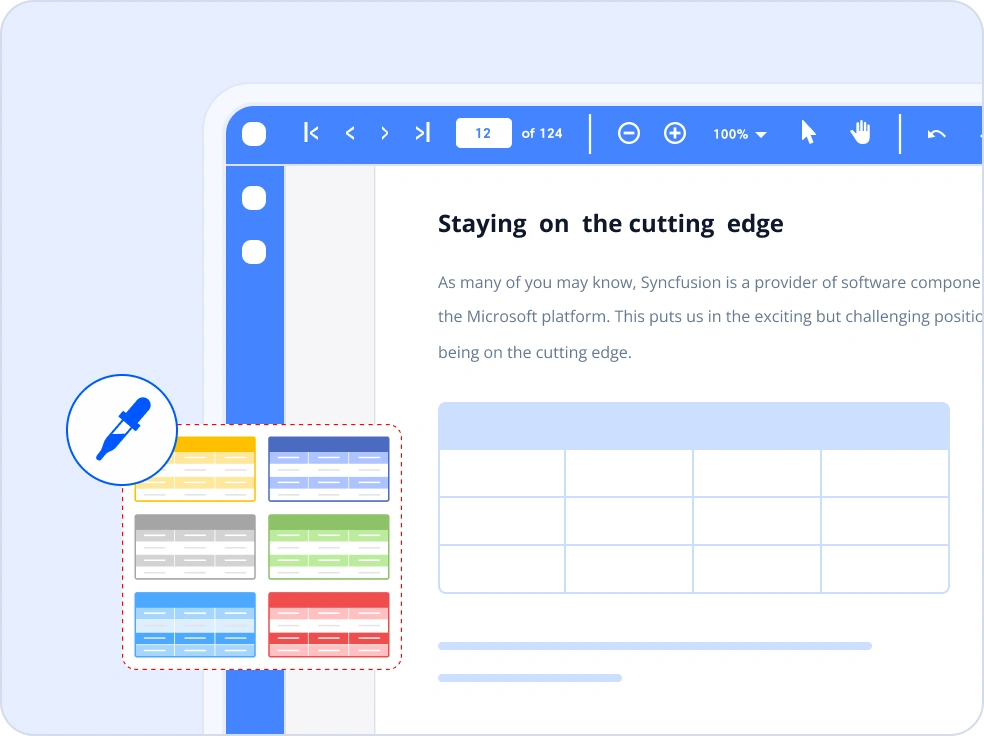
Tables
Create structured and customizable PDF tables with data binding support from sources like arrays, data sets, and collections. It offers rich formatting, built-in styles, pagination, and advanced features such as cell spanning, nested tables, and embedded images or graphics.
Image
Work with a wide range of raster and vector images in PDF documents, including JPEG, PNG, BMP, GIF, TIFF, and metafiles. It lets you insert images into new or existing PDFs from files, streams, or bitmap objects, with support for precise placement and high-quality rendering across platforms.
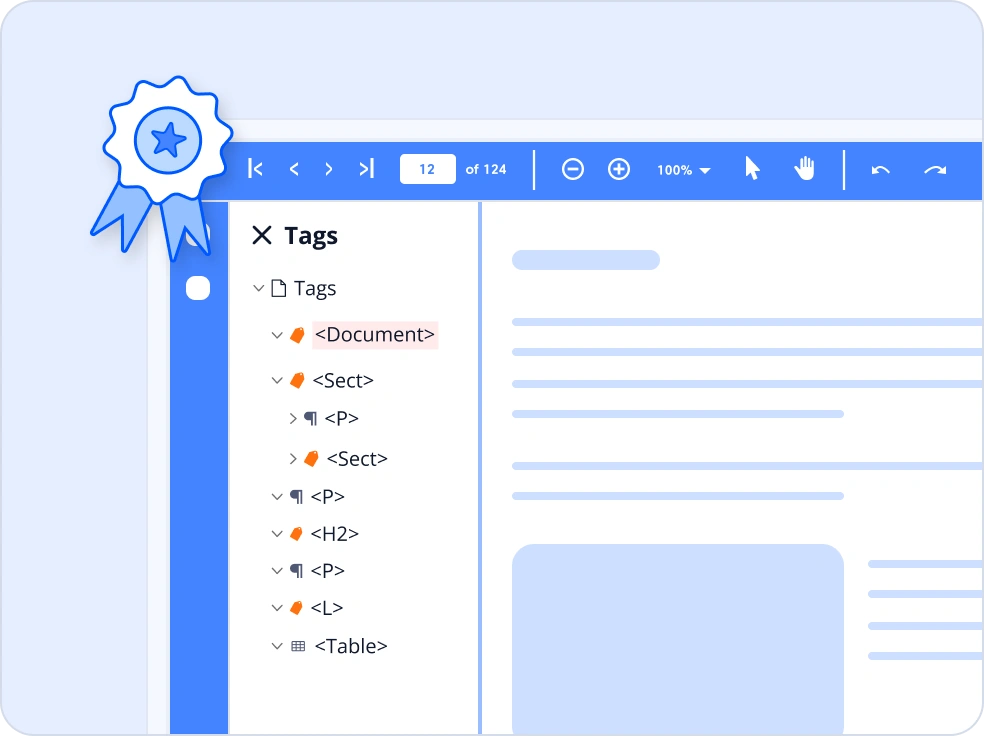
Accessible PDF
Create accessible PDFs that meet WCAG 2.0, PDF/UA-1 & 2, and WTPDF standards. The library adds proper structure and reading order for elements like headings, images, lists, and tables, ensuring support for assistive technologies. It also converts Word, Excel, PowerPoint, and HTML files into tagged PDFs
PDF Interaction and Editing
Supports annotations, interactive forms, and form field editing to enable reviewing, collaboration, and data entry workflows.
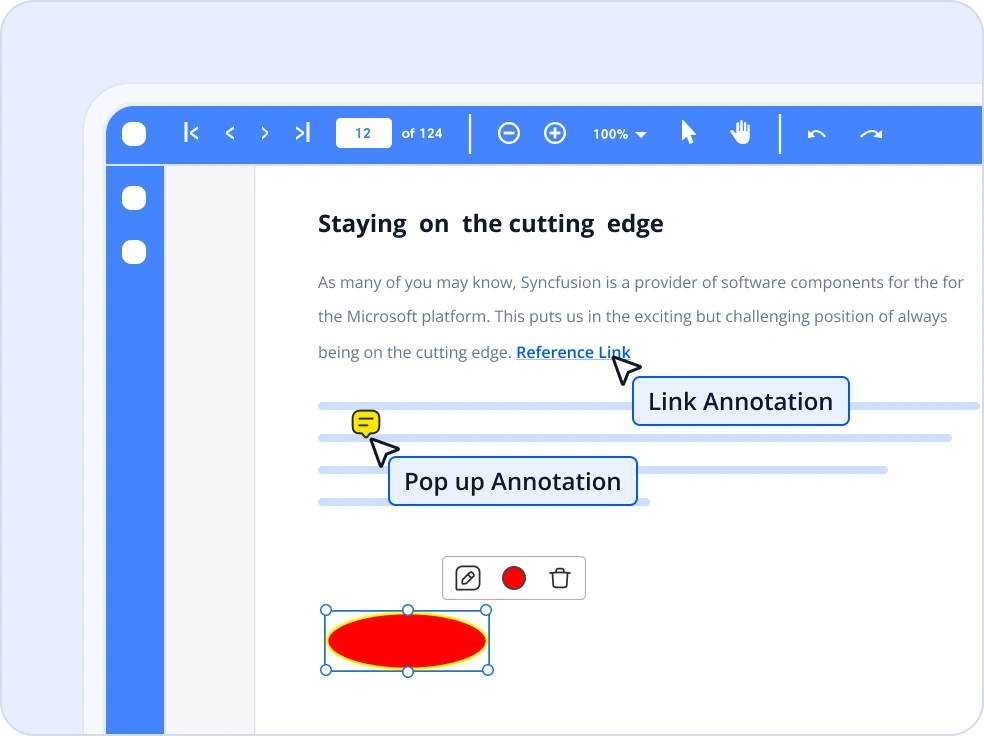
Annotations
Add and manage a wide variety of PDF annotations such as text markups, stamps, popups, links, shapes, ink, and attachments. The library supports creating, editing, deleting, and importing or exporting annotations for interactive PDF workflows across .NET platforms.
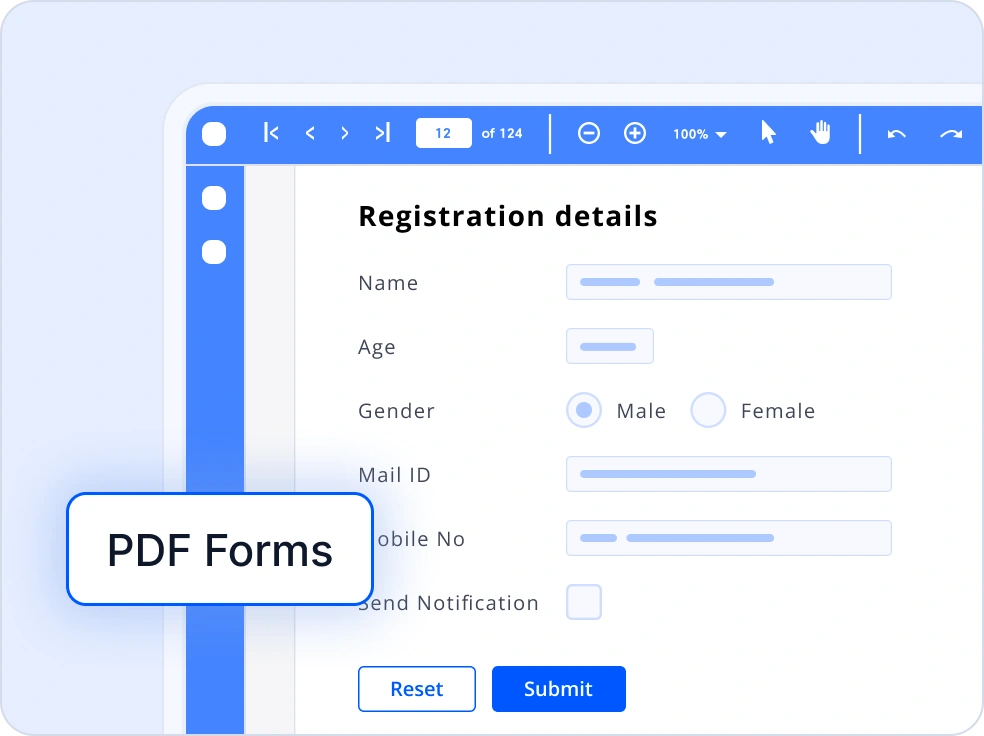
Forms
Create and manage interactive PDF forms with support for text boxes, checkboxes, radio buttons, dropdowns, and signature fields. The library lets you fill, read, modify, flatten, import, and export form data, making it easy to build and automate dynamic PDF workflows across .NET platforms.
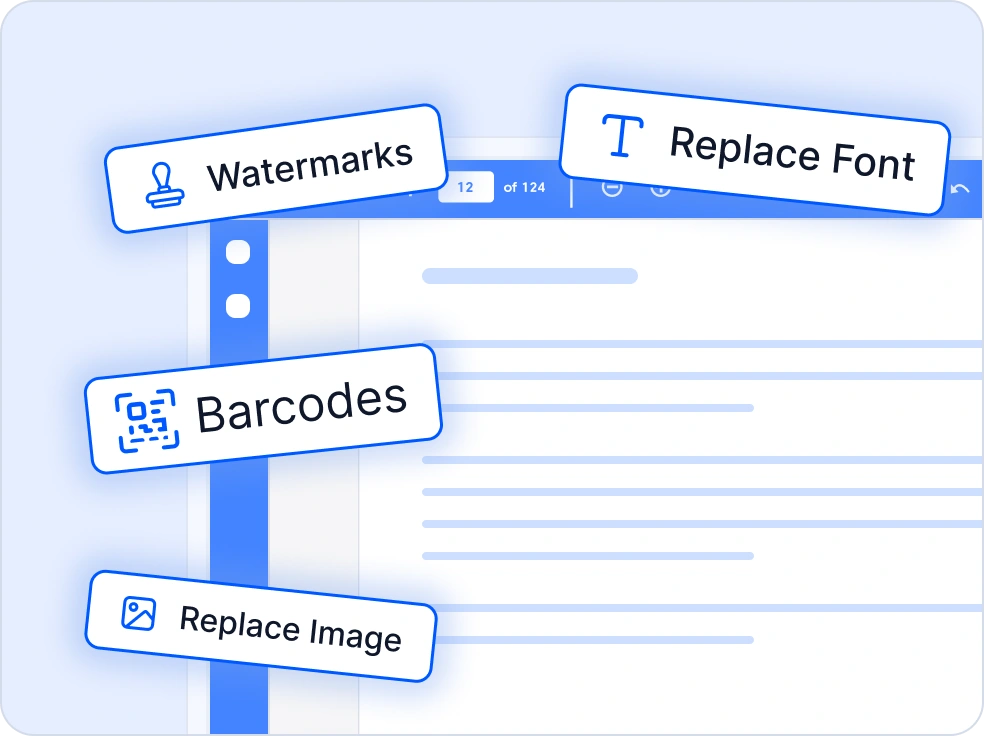
Edit PDF
The edit PDF feature allows modifying existing PDF documents by adding or updating text, images, graphics, and shapes. It supports applying watermarks and stamps, replacing fonts and images, and extracting text and images for reuse.
PDF data extraction
The .NET PDF library offers comprehensive capabilities for extracting data from PDF documents, including smart data extraction from unstructured PDFs and scanned images, OCR for raster‑based documents, and structured content extraction for automated document processing and data‑driven workflows.
Structured PDF data extraction
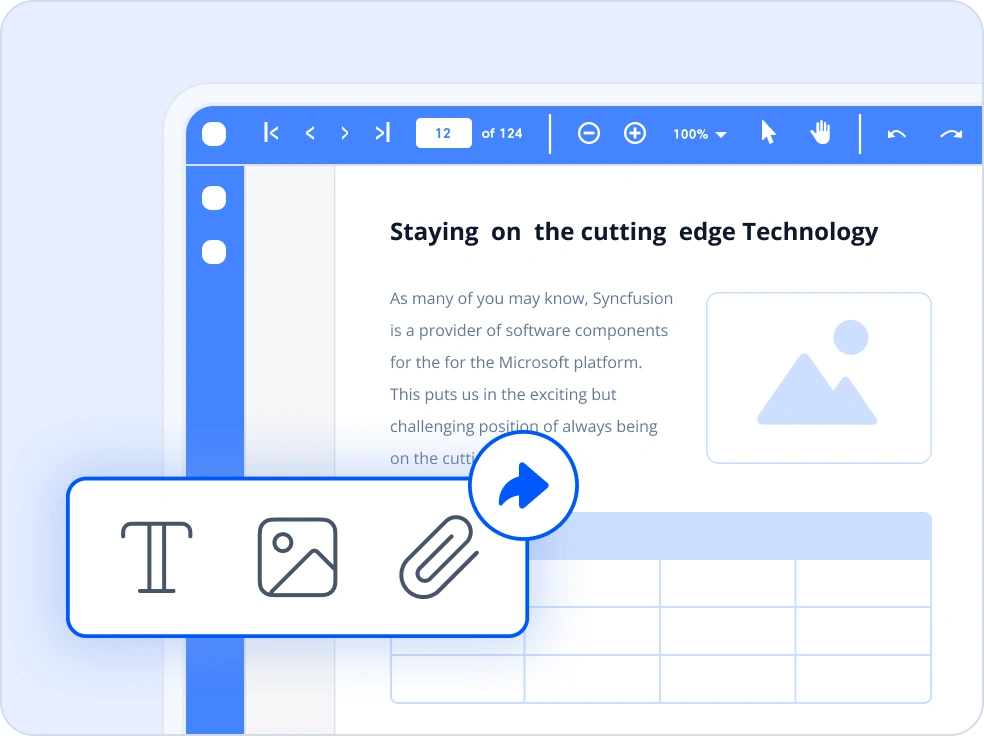
Effortlessly extract text, images, attachments, and form data from structured PDF documents with precision. Streamline data extraction workflows for document automation, content analysis, and data-driven applications by reusing embedded content and seamlessly integrating form inputs into your systems.
OCR
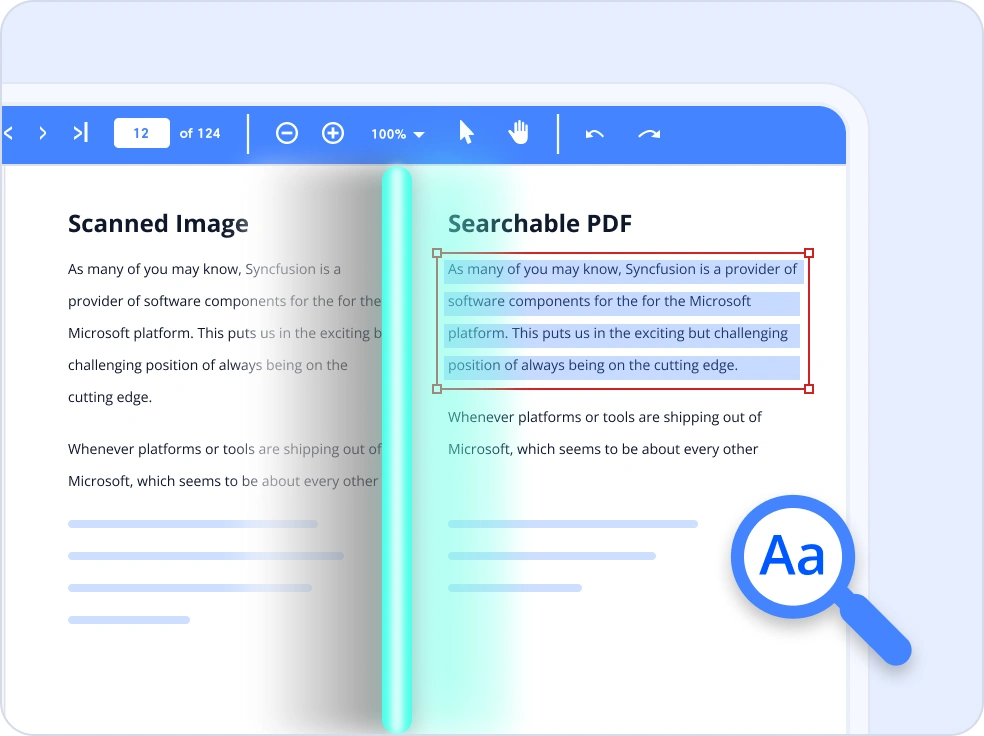
Utilize built-in OCR capabilities powered by the Tesseract engine, to extract text from scanned PDFs and images with high accuracy. Easily convert raster-based documents into searchable and selectable PDFs or export the recognized text as plain or structured data. This feature is ideal for digitizing archives, enabling document search, and integrating scanned content into data-driven applications.
Smart data extraction
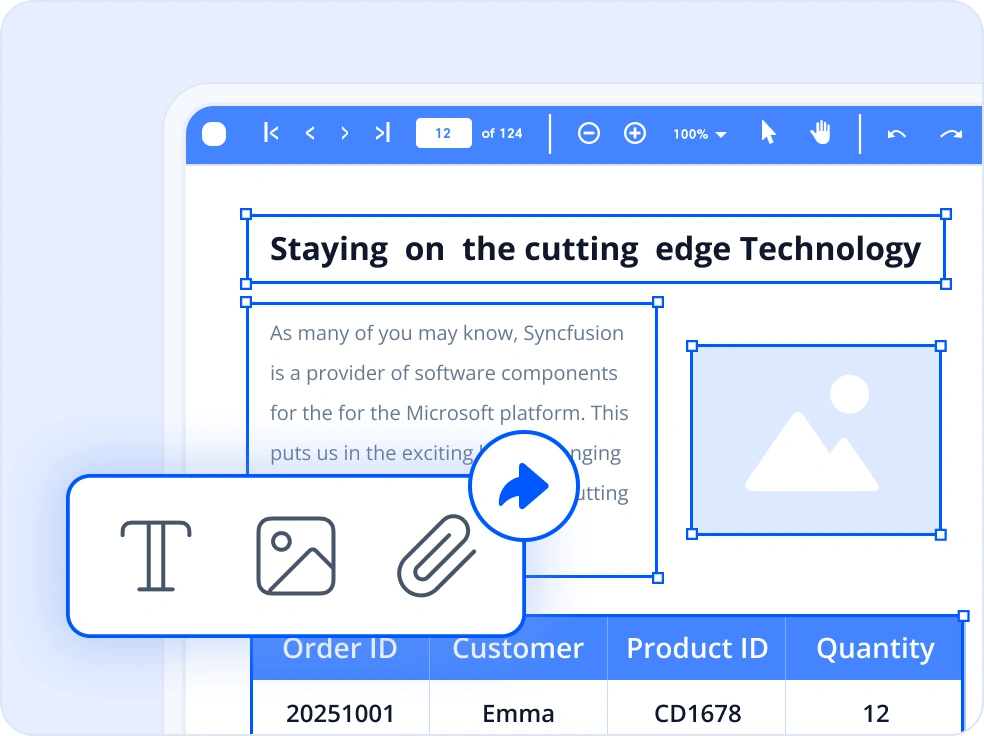
Extract data seamlessly from unstructured PDFs and scanned images using advanced machine learning for data–driven layout analysis. Accurately identify tables, form fields, document structures, and custom-defined regions, and convert complex content into structured JSON with confidence scores to enhance scalable and automated document processing workflows.
PDF Page Management and Organization
Includes features for merging, splitting, and organizing PDF pages, enabling flexible document assembly and restructuring.
Merge PDF
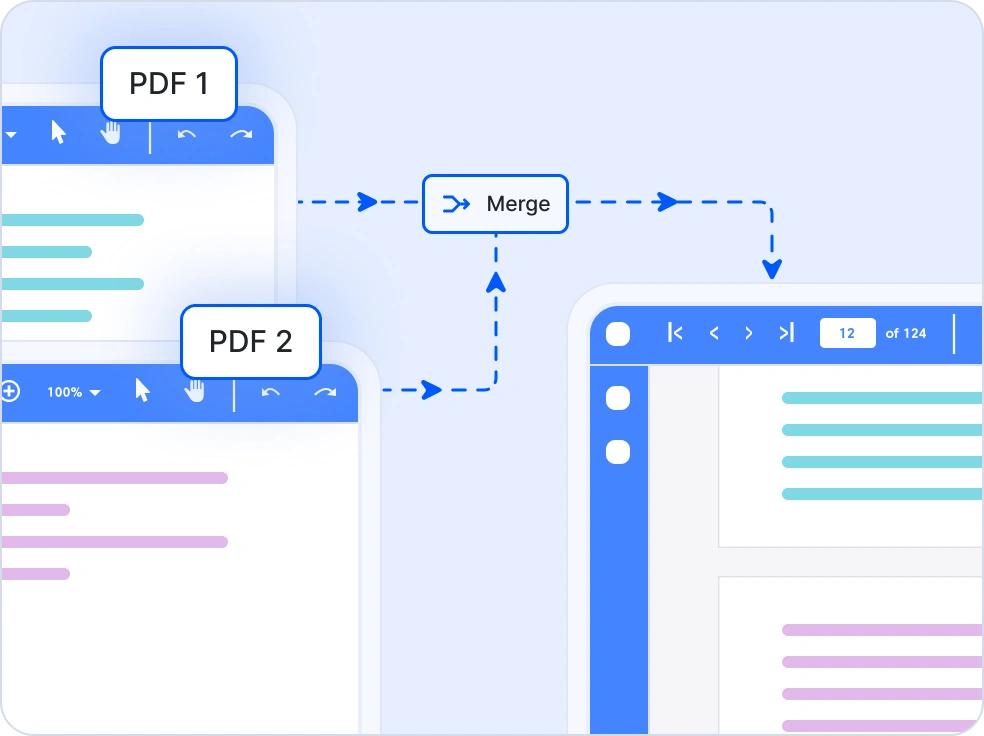
Merge multiple PDF files or selected page ranges into a single PDF document using the Syncfusion .NET PDF Library. The merge process preserves the original layout, formatting, bookmarks, annotations, and form fields, enabling seamless document consolidation across .NET applications.
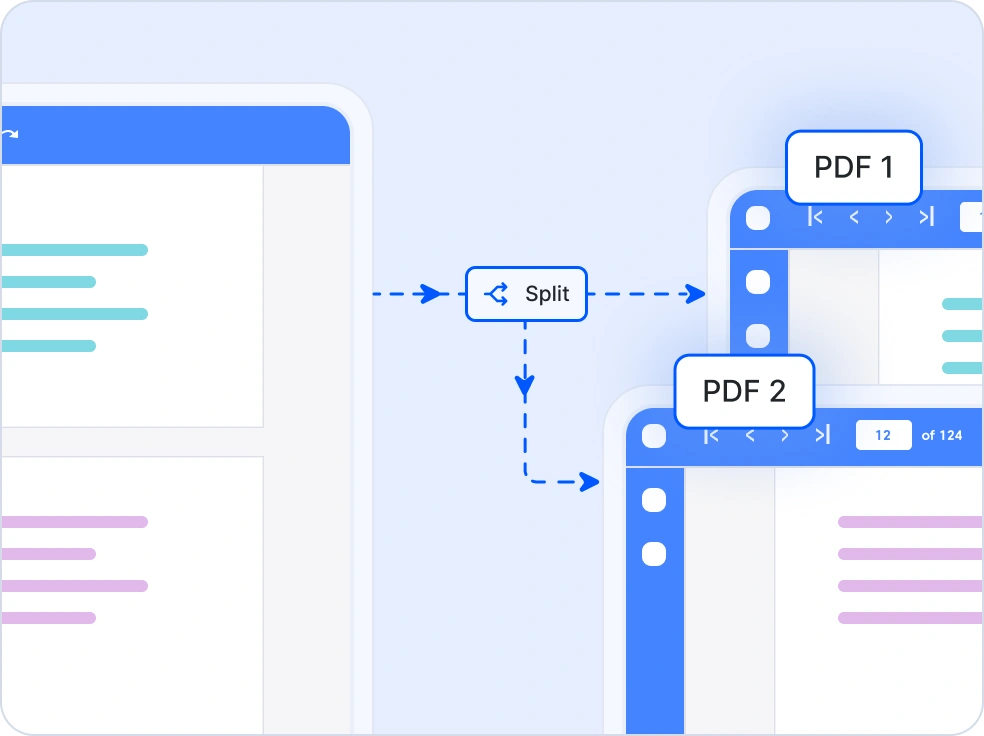
Split PDF
Split large PDF documents into smaller PDF files by individual pages, specific page ranges, fixed page counts, or bookmarks using the Syncfusion .NET PDF Library. This feature maintains document structure, accessibility tags and optimizing resources for efficient document management in .NET applications.
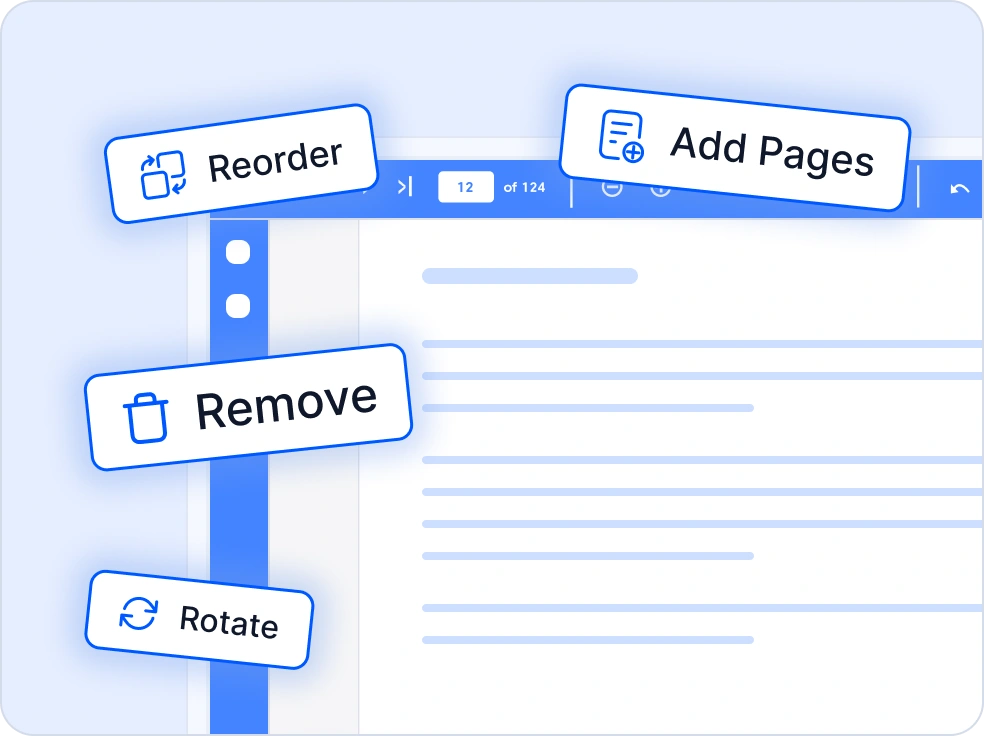
Organize Pages
The .NET PDF Library provides an intuitive and efficient way to manage and reorganize pages within PDF files. Developers can easily reorder, rotate, insert, extract, split, or delete pages using simple and flexible APIs. Whether you’re assembling documents, creating custom page flows, or preparing PDFs for distribution, the library ensures precise control over page manipulation with high performance.
Comprehensive Document Conversions
Easily convert documents and images to and from PDF formats for secure sharing, printing, compliance, and long term archiving needs.
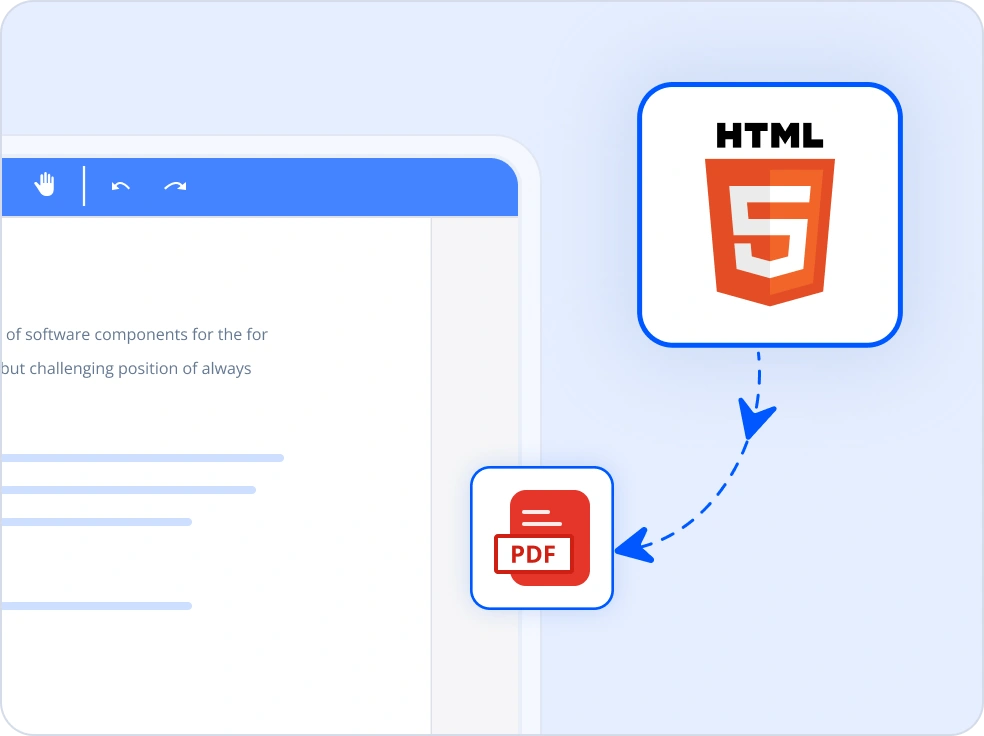
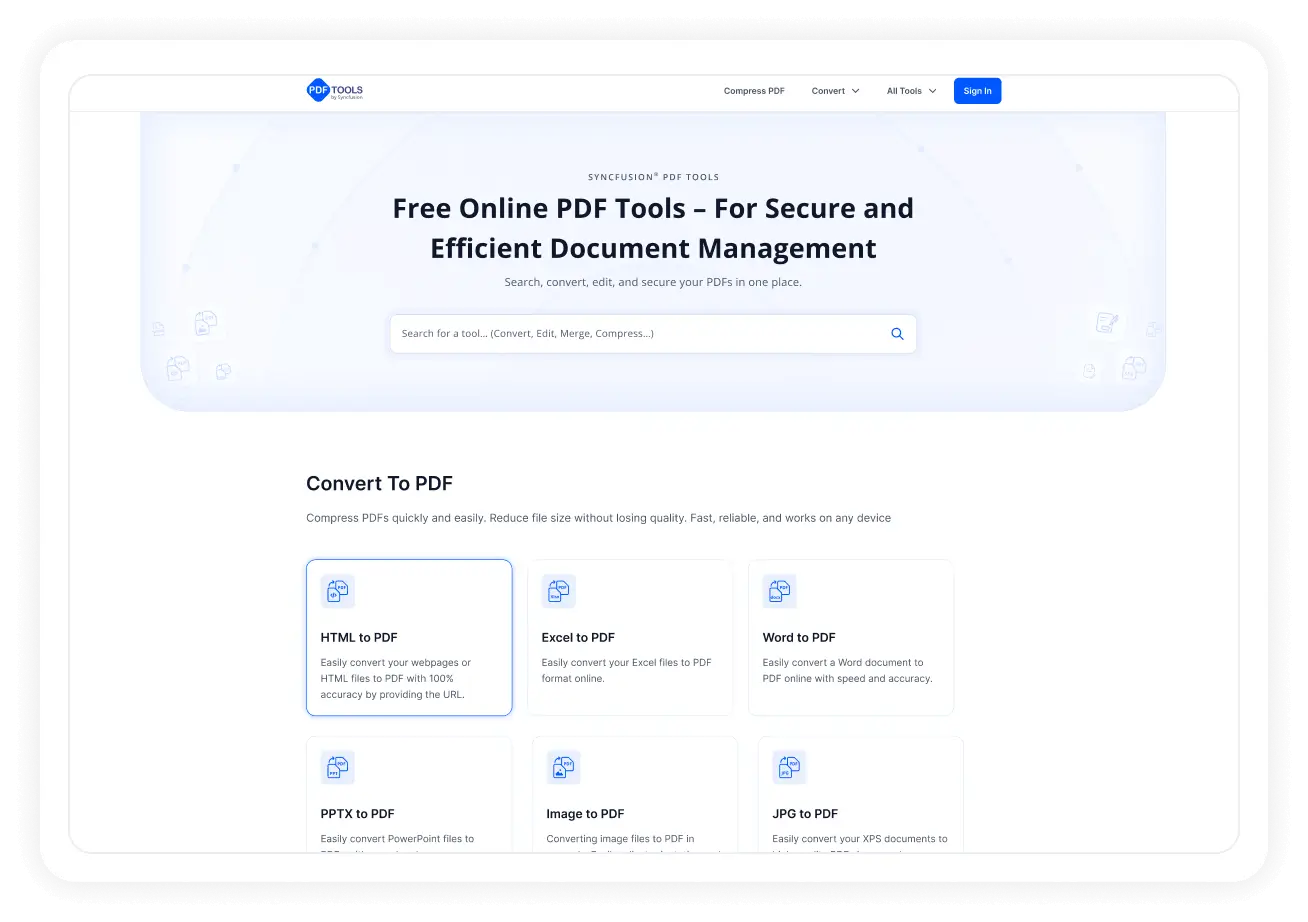
HTML to PDF
Convert web or HTML content into highquality PDFs while preserving layout, CSS styling, fonts, and responsive rendering accuracy.
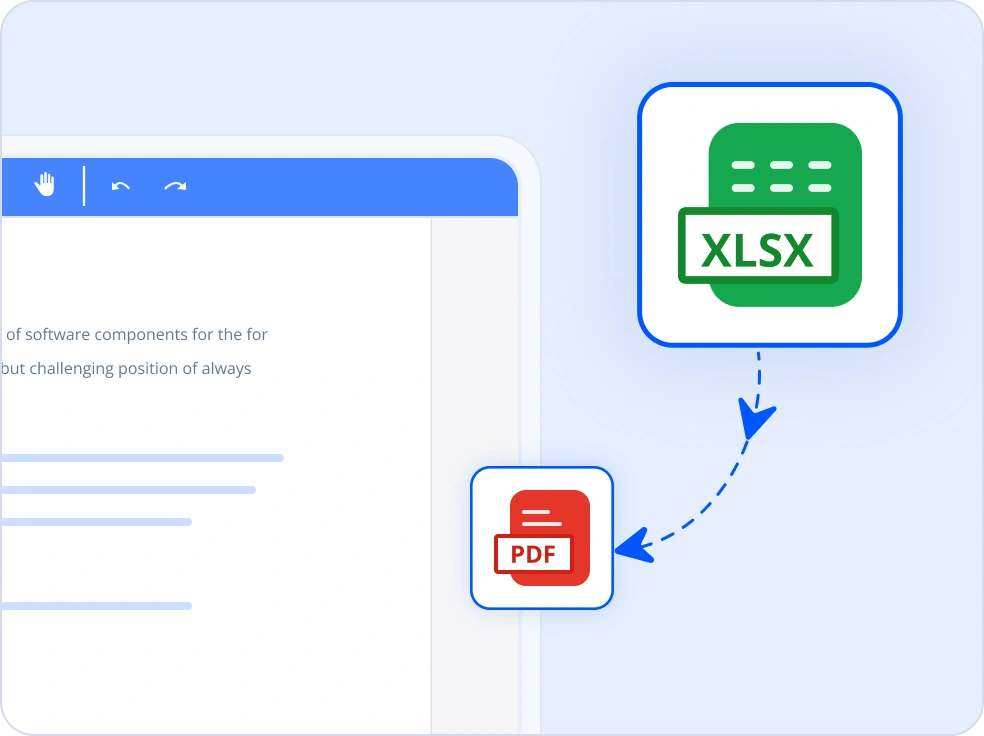
Excel to PDF
Transform Excel spreadsheets into print ready PDFs with preserved formulas, cell formatting, page setup, and scalable layouts.
Word to PDF
Convert Word documents (DOCX, RTF) to PDF with advanced options for layout control and formatting accuracy.
PowerPoint to PDF
Export PowerPoint presentations to PDF while maintaining slide structure, visuals, embedded fonts, and notes pages.
XPS to PDF
Convert XPS documents into widely supported PDF files for improved accessibility, portability, and cross-platform compatibility.
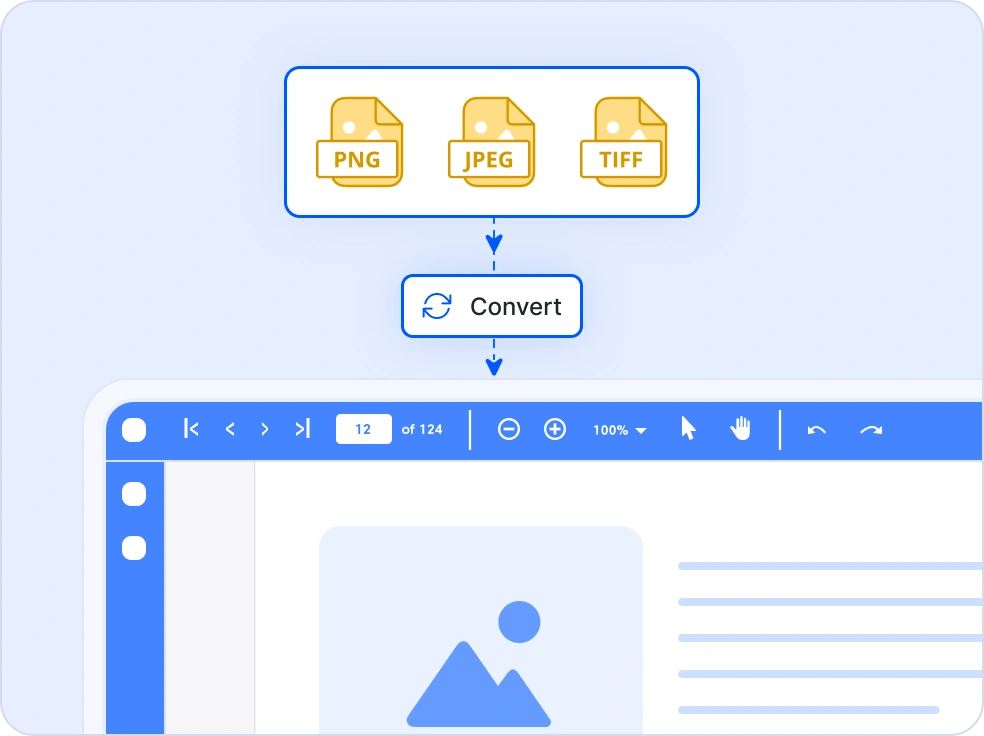
Images to PDF
Create single or multi-page PDF documents from JPG, PNG, and TIFF images to simplify sharing, organization, and document workflows.
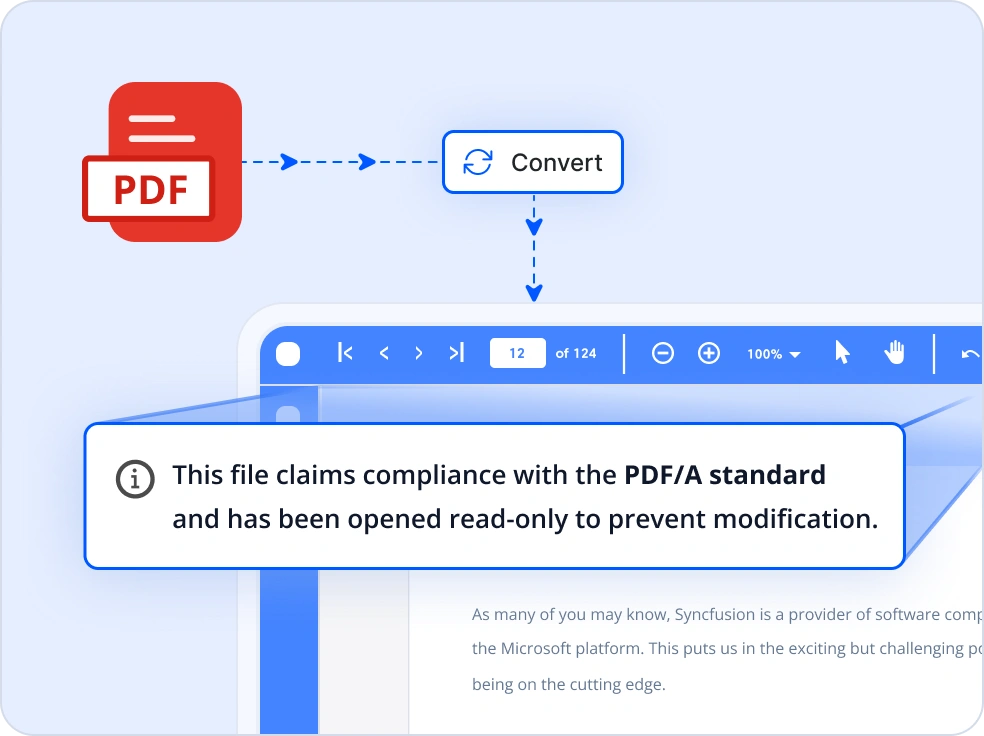
PDF to PDF/A
Convert standard PDFs into PDF/A-1, A-2, A-3, or A-4 formats for compliant long-term document archiving.
Structured and Accessible PDFs with ISO Compliance
Fully accessible PDFs
Generate accessible PDFs that comply with WCAG 2.0 and PDF/UA standards, ensuring full compatibility with screen readers and assistive technologies for an inclusive experience.
Automatic tagging
Automatically organize PDFs with semantic structure for clear document hierarchy and logical reading flow, improving consistency and usability across platforms.
ISO-compliant archiving
Convert PDFs to PDF/A and PDF/X formats for long-term preservation and regulatory compliance. The .NET PDF library supports multiple conformance levels and ZUGFeRD e-invoicing.
Easy integration and customization
Seamlessly integrate powerful PDF capabilities into your .NET applications. Enjoy flexible customization, cloud-ready storage options, and developer-focused tools for building scalable solutions.
- Save PDFs locally or in the cloud with support for Azure Blob, Amazon S3, and other storage providers.
- Create PDFs with personalized layouts, branded templates, interactive features, and advanced styling for a polished, professional finish.
- Comprehensive APIs, detailed documentation, and enterprise-grade support ensure smooth onboarding and reliable implementation.
Industry-specific use cases
The .NET PDF Library supports diverse industry needs, enabling teams across multiple sectors to create, secure, and automate PDF documents with speed, accuracy, and compliance.
No credit card required.
Legal
Generate, redact, and digitally sign contracts and case documents with encryption, version control, and compliance-ready formatting.
Finance
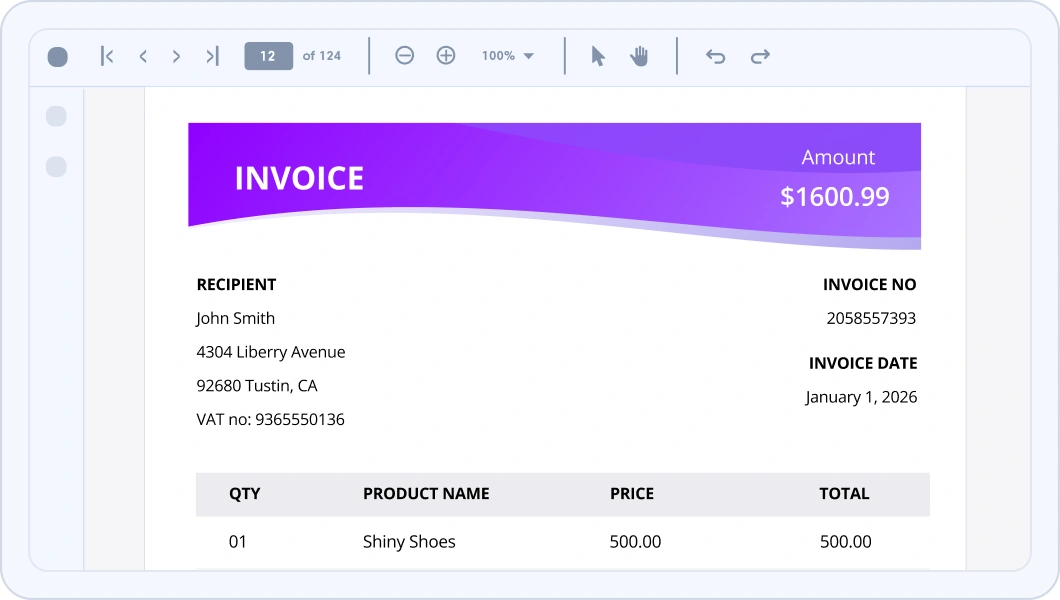
Automate invoices, statements, and audit reports in PDFs with embedded barcodes, metadata, and digital signatures for accuracy and regulatory compliance.
Healthcare
Create and manage patient records, prescriptions, and lab reports as secure, encrypted PDFs with OCR and HIPAA-compliant handling.
Government
Generate accessible, tagged PDFs for public records and policy documents, supporting PDF/UA-2 standards and secure redaction for sensitive data.
AI-assisted development
Build document processing solutions faster
Accelerate PDF workflows with Syncfusion AI tools that streamline document processing and enable faster, more efficient handling.
Agent Skills
Generate accurate document processing code using Syncfusion Agent Skills for faster implementation.
Example Prompt How do I create a PDF document using Syncfusion PDF library in .NET?
AI Coding Assistant
Generate, configure, and troubleshoot code for Syncfusion Document SDK directly in your IDE
Example Prompt Show me how to process PDFs using Syncfusion .NET PDF library?
AI Agent Tools
Automate document workflows with Syncfusion AI Agent Tools to create, process, convert, and extract data from documents.
Example Prompt Create a PDF document and save it as output/sample.pdf.
Trusted by the world’s leading companies

See Why Developers Love Syncfusion
These real-world examples highlight the impact of our .NET PDF Library
The best way to showcase our commitment is through the experiences and stories of those who have used our PDF Library.




Endless possibilities with one PDF library
From generating secure contracts and archiving financial records to creating dynamic reports and interactive forms, the .NET PDF Library is designed for every scenario. Join 1M+ developers who trust Syncfusion for enterprise-grade PDF processing and discover why it consistently leads in performance and reliability.
No credit card required.
PDF Library FAQs
If you’re new to the PDF Library or have questions, our FAQs will help you explore its features and capabilities.
Why should I choose the Syncfusion PDF Library?
Create and edit PDF files with text and graphics with just a few lines of code.
Open, modify, save, and compress files in the .NET PDF Library.
Redact text and images, encrypt and decrypt documents, merge multiple documents, and split PDF files using advanced standards.
- Easily view PDF files within your application.
- Convert HTML, Word, Excel, PowerPoint, and image files to PDF. Convert .NET PDFs to more than 20 of the most common file formats.
- Convert PDF to Excel by using the Tabula extractor.
Easily ensure your files adhere to PDF/X-1A, PDF/A-1B, PDF/A-2B, and PDF/A-3B requirements.
- Use a rich set of APIs to interact with the software.
Digitally sign and validate signatures in PDF files.
- Interactively view PDF files, annotate them, and fill out fields in PDF forms within an application.
Take advantage of extensive demos, documentation, and videos to get started quickly with the .NET PDF Library.
Can I download and use the Syncfusion PDF Library for free?
No, this is a commercial product and requires a paid license. However, a free community license is available for companies and individuals whose organizations have less than $1 million in annual gross revenue, 5 or fewer developers, and 10 or fewer total employees.
How do I get started with the Syncfusion PDF Library?
A good place to start would be our comprehensive getting started documentation.
Can I restrict editing in PDFs?
Yes, you can control whether the users are allowed to perform specific actions, such as copying content, printing, editing the document, and filling form fields.
Can I recover any redacted information?
No, you can’t recover redacted content from the PDF document because it is deleted permanently.
Will compressing a PDF affect its quality?
PDF compression should not significantly affect the visual quality or readability of the document. However, extreme compression settings or aggressive compression methods may result in some loss of quality, particularly for images.
What platforms are supported by the Syncfusion PDF Library?
The Syncfusion PDF Library supports platforms for web (Blazor, ASP.NET Core, ASP.NET MVC) mobile (.NET MAUI, and UWP), and desktop (Windows Forms, WPF, WinUI, .NET MAUI, and UWP).
Where can I find the Syncfusion PDF Library demo?
Check out PDF library demo, which demonstrates how to render and configure the .NET PDF.
Can I sign a PDF form digitally?
Yes, you can digitally sign a PDF form using the Syncfusion PDF Library.
Can I validate a digital signature in a PDF using C#?
Yes, you can validate a digital signature in a PDF using C# by extracting the signature from the PDF file and then verifying it using the public key associated with the signer’s certificate.
Can I annotate images within a PDF?
Yes, the Syncfusion PDF Library allows you to annotate both text and images within PDF documents.
Is it possible to undo PDF compression?
Once a PDF has been compressed, it may not be possible to fully revert it to its original uncompressed state.
Resources
Learn more about our PDF Library
Explore demos, KB articles, and documentation to get the most out of our PDF Library.
Explore guides, APIs, and quick-start tips
See live use cases in action
Ask, share, and connect with peers
Find solutions and best practices fast
Get expert help when you need it
Feature requests and bug reports
Track issues and suggest improvements







