


Why choose our .NET MAUI Smart PDF Viewer?
Built on Syncfusion’s .NET MAUI PDF Viewer, it combines core viewing and document interaction capabilities with AI-assisted workflows. Ask questions, generate summaries, automatically identify and redact sensitive information, and complete PDF forms with minimal effort. Deliver secure, efficient, and intelligent document experiences across Android, iOS, macOS, and Windows from a single .NET MAUI application.
AI-Powered PDF experiences for .NET MAUI
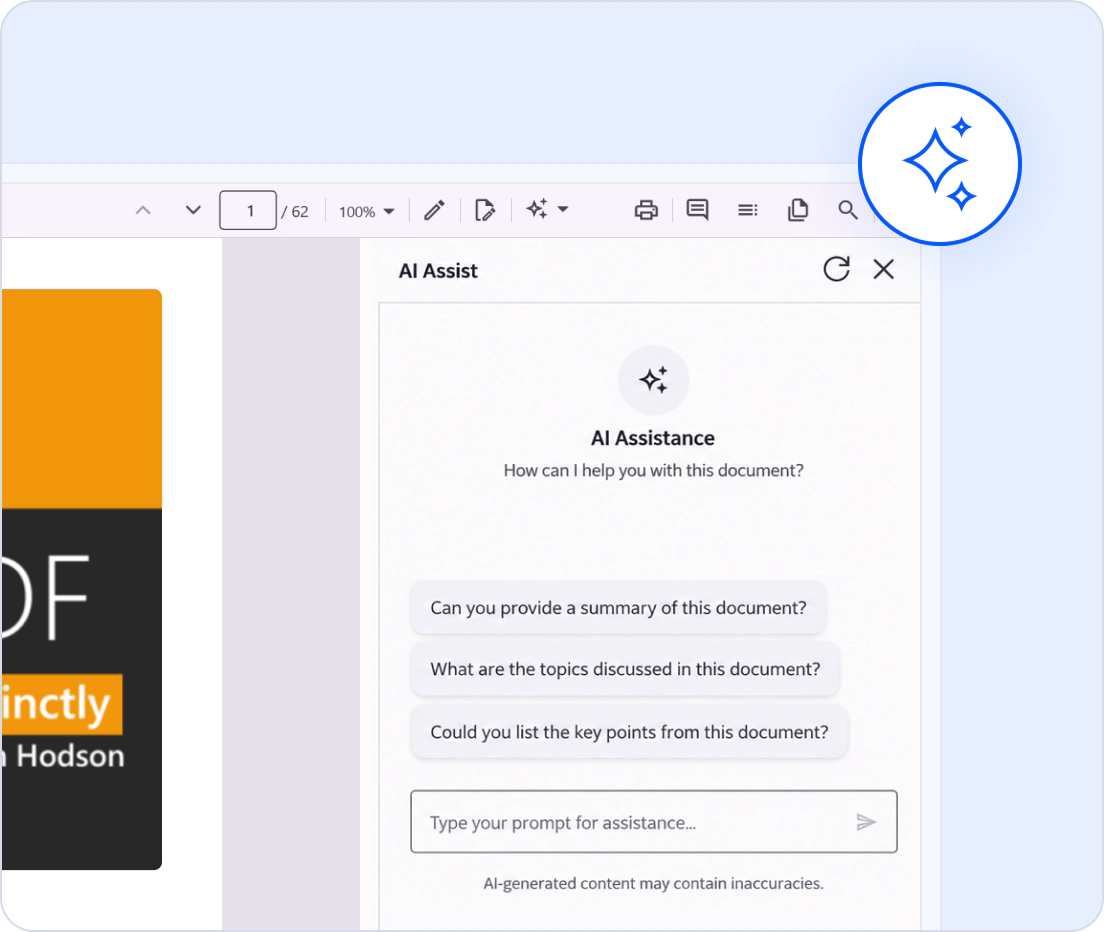
Interact with PDF documents using AI
Enhance PDF experiences with AI-assisted capabilities by connecting the Smart PDF Viewer to a supported or custom AI service. From answering questions and generating summaries to identifying sensitive information and automating form completion, AI-powered assistance reduces manual effort and simplifies everyday document workflows.
- Ask questions and generate summaries using natural language interactions.
- Identify and redact sensitive information to support privacy and compliance requirements.
- Automatically populate PDF forms using information extracted from copied content.
- Connect to OpenAI, Claude, Gemini, Groq, DeepSeek, and custom AI services.
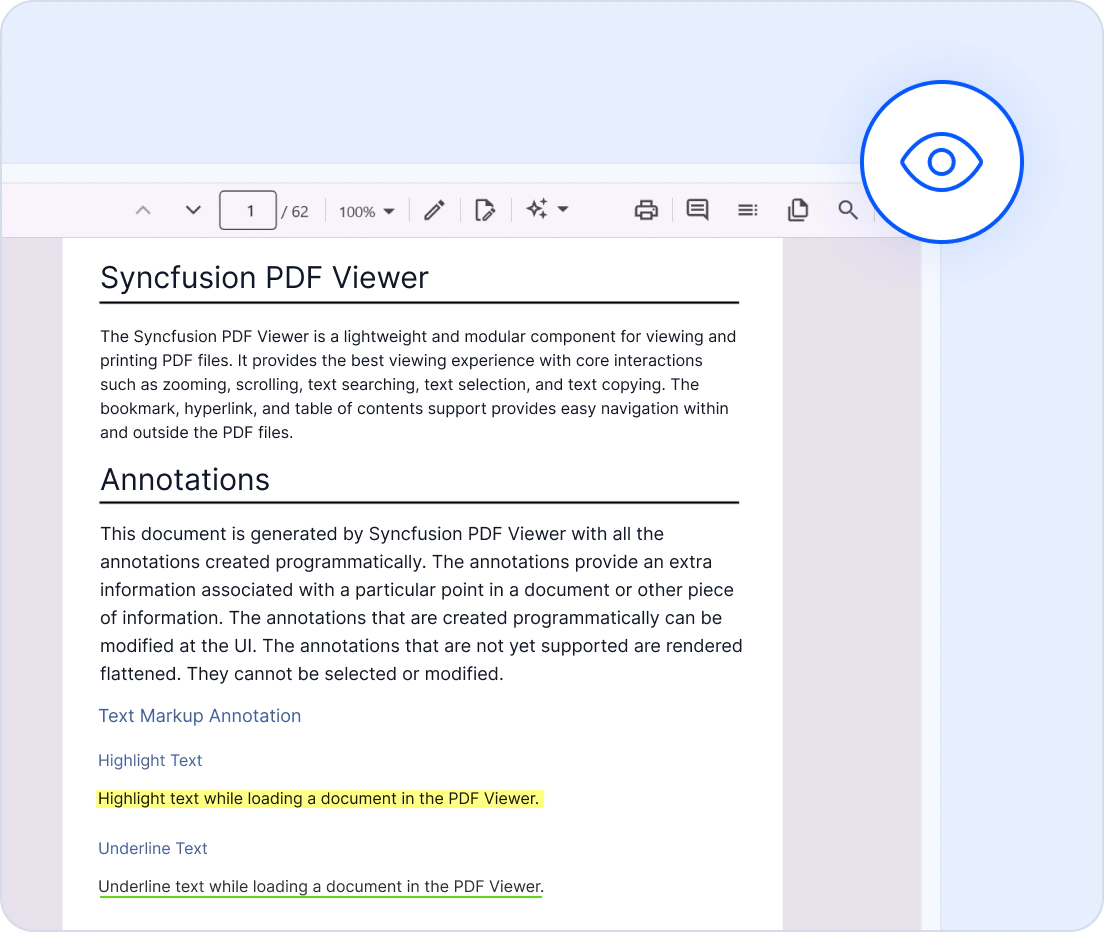
Delievers true-to-source accuracy
The AI-Powered PDF Viewer ensures accurate and consistent rendering across supported .NET MAUI platforms and devices.
- Maintains full layout and font fidelity.
- Delivers consistent PDF rendering across Android, iOS, macOS, and Windows devices.
- Supports accurate display of complex layouts and structured documents.
- Preserves visual consistency across different screen resolutions.
- Handles diverse document types with consistent output quality.
Optimized for large documents
Provides fast loading and smooth interaction, ensuring responsive performance for both small and large documents.
- Lazy loading and virtualization render only the minimum required pages at runtime to reduce memory consumption.
- Load PDF files with thousands of pages instantly with accuracy and reliability.
- Render pages on demand to help reduce initial load time when working with large documents.
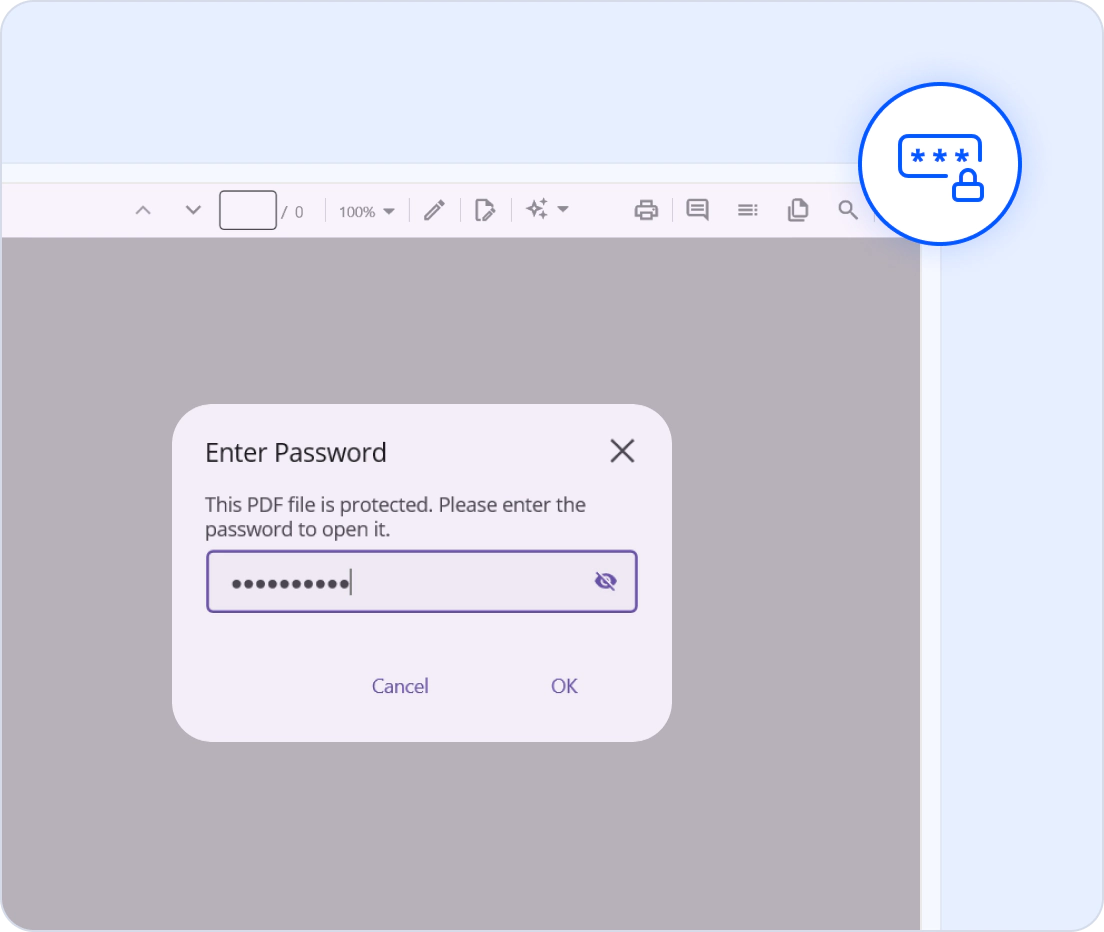
Control how document data is processed
Integrate AI services based on your application requirements while maintaining control over how document content is processed and shared.
- Control when document content is sent for AI processing.
- Ensures secure handling of confidential and business-critical documents.
- Gives full control over document processing and storage workflows.
- Minimizes security risks by avoiding unnecessary external dependencies
Comprehensive PDF Viewer capabilities
PDF annotation tools
Enable document review and collaboration within .NET MAUI applications. Add annotations, comments, highlights, and markups to review PDF content without leaving the application.
PDF form filling
Fill interactive PDF forms with text fields, checkboxes, radio buttons, and dropdown lists. Edit and save form data in real time to streamline data collection workflows.
Digital signature
Supports digital signatures with certificate-based signing, validation, signature navigation, certificate inspection, and custom signing workflows.
Redaction
Protect sensitive information in PDF documents using built-in redaction tools. Permanently remove text, images, or regions to meet compliance and data security requirements.
Text search and selection
Find specific words or phrases instantly using full-text search, helping users locate information within large files. Select and copy text from PDFs to improve content accessibility.
PDF navigation
Navigate to any page, browse document sections through bookmarks, and preview content with thumbnails. Use table of contents or hyperlinks to access relevant information instantly.
Seamless AI-powered capabilities for modern PDF workflows
Reduce the time spent on document review, data protection, and form completion. AI-powered capabilities help users accomplish more with less effort, enabling faster, smarter, and more productive document workflows.
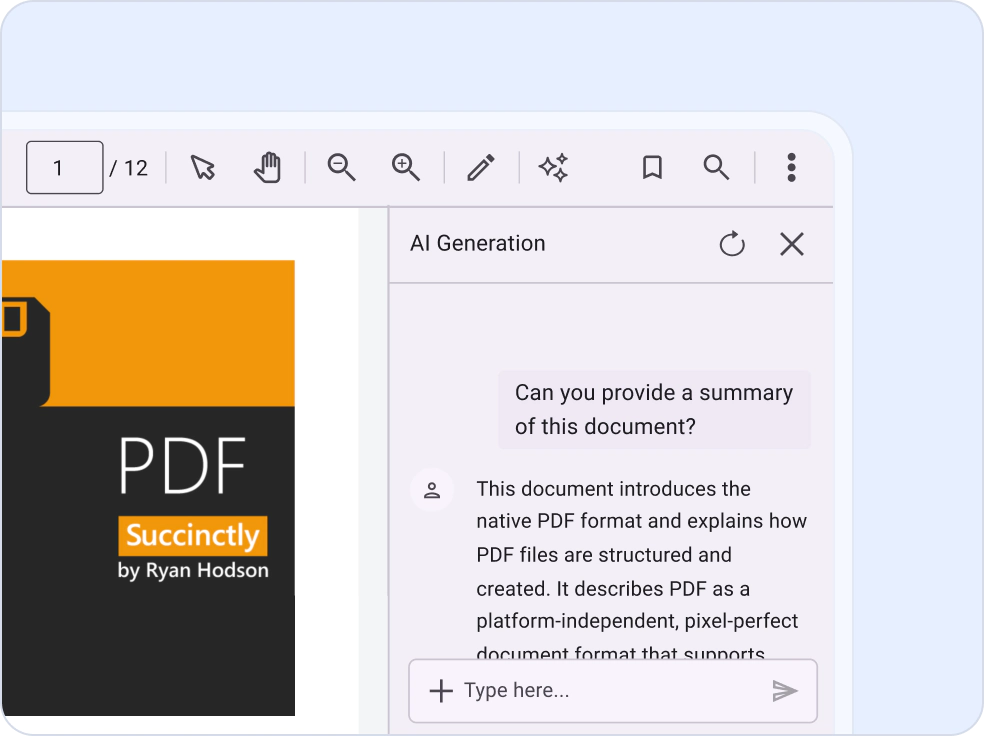
AI-Assisted Document Summarization
Interact with PDF documents using natural language and receive AI-powered assistance instantly. Ask questions, generate summaries, uncover key insights, and quickly locate important information without manually reviewing pages, helping users understand complex documents faster.
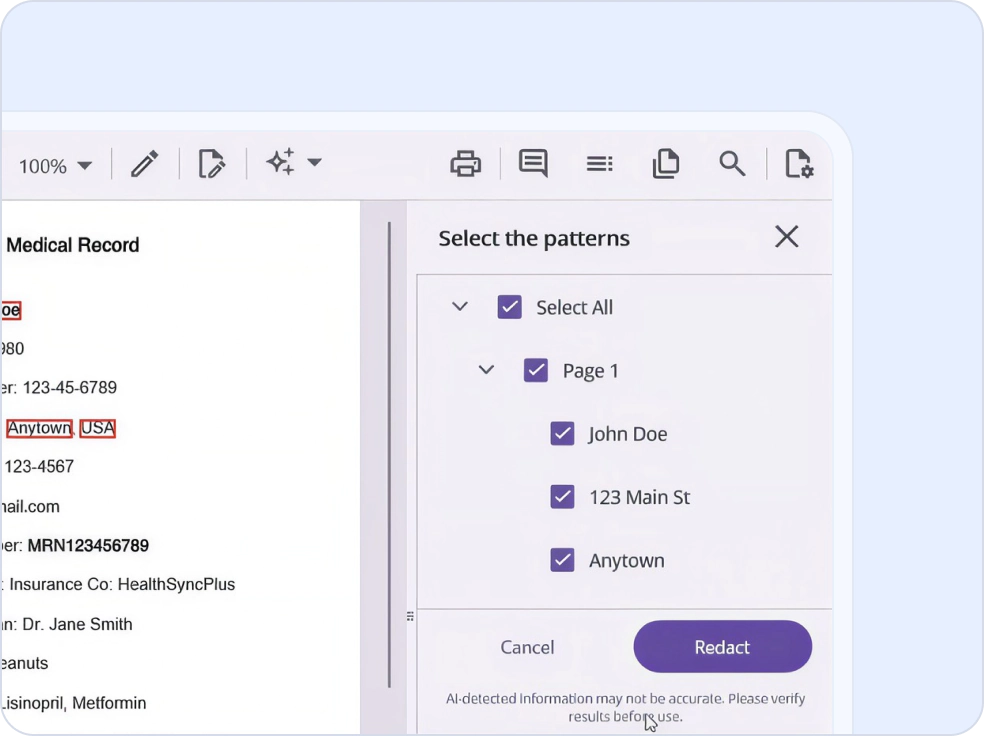
AI-Powered Data Redaction
Protect confidential information with intelligent redaction workflows. Automatically identify sensitive content such as names, email addresses, phone numbers, and personal information, review detected results, and securely redact selected data to support your organization’s privacy and compliance workflows.
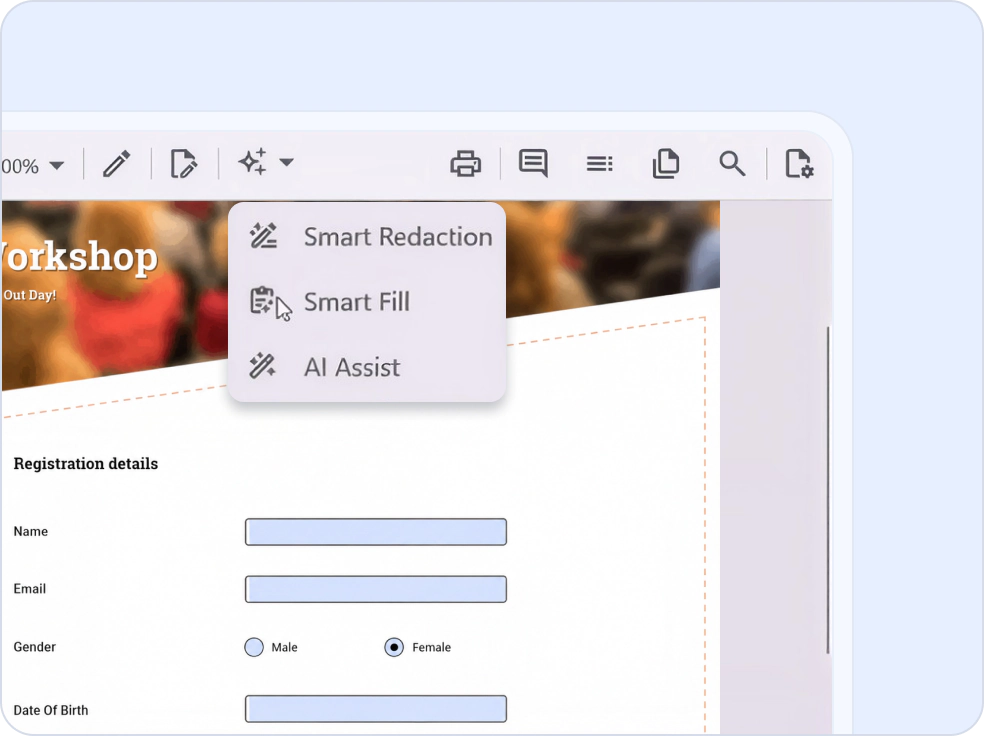
Smart Form Filling
Accelerate form completion with AI-driven automation. Extract relevant information from copied content and intelligently populate matching PDF form fields, reducing repetitive data entry, improving accuracy, and saving valuable time.
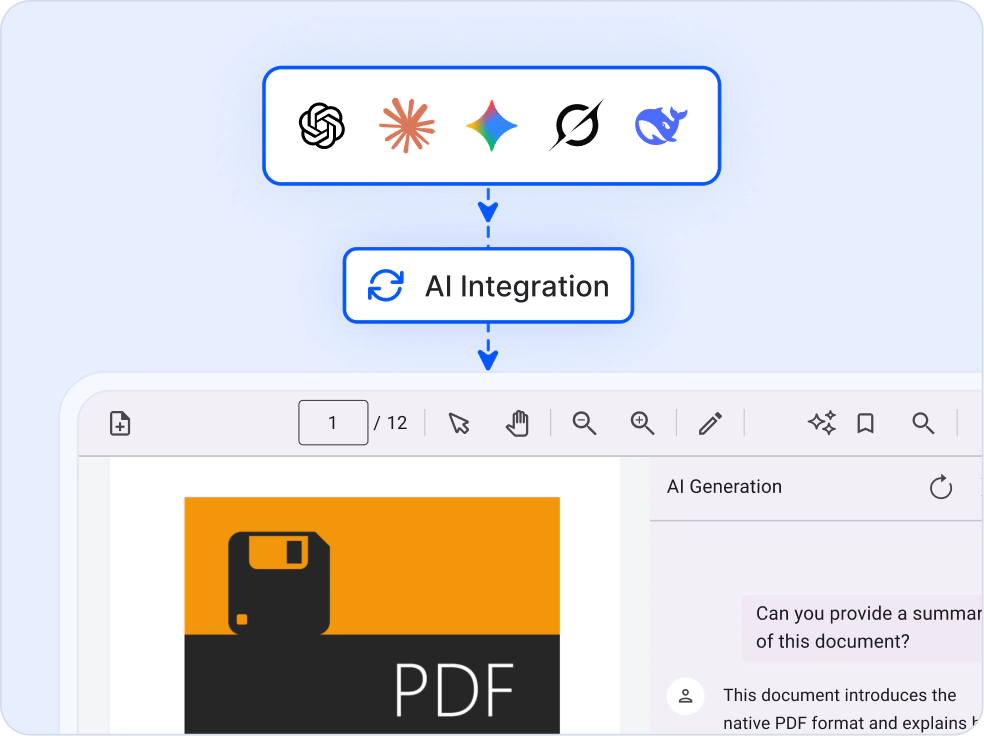
Flexible AI Integration
Connect to the AI services that best fit your application requirements. Integrate with Azure OpenAI, Claude, Google Gemini, Groq, DeepSeek, or custom AI solutions to build personalized and intelligent document experiences with full deployment flexibility.
Accessibility and global readiness
Accessible PDF viewing
Support accessible PDF viewing experiences with keyboard interaction, platform accessibility features, and high-contrast UI support.
Multilingual and RTL support
Provides complete localization capabilities, including right-to-left (RTL) rendering, for seamless adaptation to global languages and regional workflows.
Screen reader compatibility
Support screen reader interaction with viewer controls and accessible PDF content where the document provides the required accessibility structure.
Flexible integration and customization
Flexible AI integration and cross-platform support for customized PDF viewing experiences. Connect with preferred AI providers, tailor UI experiences, and deliver consistent PDF viewing across Android, iOS, macOS, and Windows.
- Integrate with supported providers such as OpenAI, Azure OpenAI, Claude, Google Gemini, Groq, and DeepSeek, or connect a custom AI service
- Customize toolbar layouts and command visibility for desktop and mobile experiences
- Build once and deploy a consistent PDF experience across Android, iOS, macOS, and Windows
- Adapt viewer functionality and UI workflows to match application-specific requirements
Industry-specific use cases
The AI-powered PDF Viewer enables intelligent document experiences across business applications with AI-powered assistance, automated data protection, and smart workflow automation.
No credit card required.
Healthcare
Improve handling of patient records, claims, consent forms, and medical documentation. Protect confidential information through AI-powered redaction while reducing administrative effort with intelligent form completion.
Legal and compliance
Review contracts, agreements, and regulatory documents faster using AI-powered summaries and document Q&A. Automatically identify and redact confidential information to support compliance and data privacy requirements.
Education
Simplify the consumption of learning materials, research papers, policies, and course documents. Generate summaries, answer student questions, and improve knowledge discovery through AI-assisted document interactions.
Financial services
Accelerate processing of reports, statements, applications, and customer documents. Use AI summaries for faster review, smart form filling for data entry automation, and redaction to protect sensitive financial information.
Trusted by the world’s leading companies

See Why Developers Love Syncfusion
These customer stories show the impact of our PDF Viewer SDK
The best way to showcase our commitment is through the experiences and stories of those who have used our PDF Viewer.



Unlock endless possibilities with smarter PDF Viewer
Whether you’re building document-driven business applications, automating PDF workflows, or enabling AI-powered document interactions, the .NET MAUI Smart PDF Viewer delivers intelligent and interactive PDF experiences. Join over 1M developers who trust Syncfusion® for secure, enterprise-grade PDF viewing, annotation, form filling, and AI-assisted document processing across Android, iOS, macOS, and Windows.
No credit card required.
AI-Powered .NET MAUI Smart PDF Viewer FAQ
If you’re new to the .NET MAUI PDF Viewer or have questions, our FAQs will help you explore its features and capabilities.
Can sensitive information be reviewed before redaction?
Yes. The Smart PDF Viewer identifies potentially sensitive information and allows users to review detected content before applying redactions, helping ensure accuracy and compliance.
How does smart form filling work?
The Smart PDF Viewer extracts relevant information from copied content and intelligently maps it to matching PDF form fields, reducing manual entry and improving data accuracy.
Can AI features be used alongside annotations and form editing?
Yes. AI-powered capabilities work alongside PDF viewing, annotations, document review tools, and form-filling functionality, creating a seamless document workflow experience.
How does AI-powered document summarization help users?
AI-generated summaries help users quickly understand lengthy or complex documents by highlighting key information, reducing reading time, and accelerating document review workflows.
Which AI providers can I use with the .NET MAUI Smart PDF Viewer?
The .NET MAUI Smart PDF Viewer can integrate with supported AI services such as OpenAI, Azure OpenAI, Claude, Google Gemini, Groq, and DeepSeek, as well as custom AI providers.
Why choose an AI-powered PDF Viewer over a traditional PDF Viewer?
Traditional PDF viewers help users read documents. The Smart PDF Viewer helps users understand, protect, and interact with documents more efficiently using AI-powered assistance.
Resources
Learn more about our AI-Powered .NET MAUI Smart PDF Viewer
Explore demos, KB articles, and documentation to get the most out of our AI-Powered .NET MAUI Smart PDF Viewer.
Explore guides, APIs, and quick-start tips.
See live use cases in action.
Ask, share, and connect with peers.
Find solutions and best practices fast.
Get expert help when you need it.
Feature requests and bug reports
Track issues and suggest improvements.







