Overview
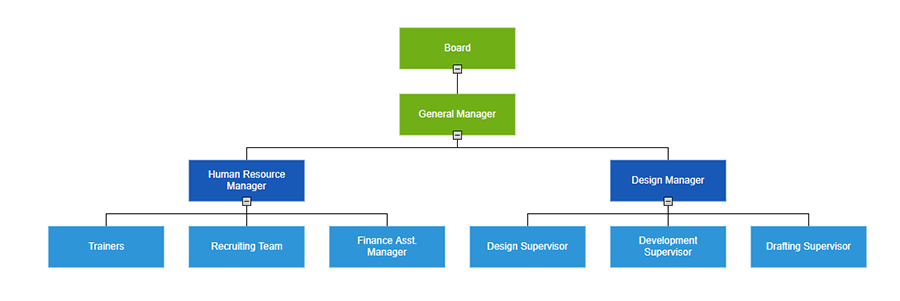
The traditional organizational chart (a.k.a. org chart or organization chart) is the graphical representation of an organization’s structure. Its purpose is to illustrate the relationships between and relative ranks of positions within the organization. The Syncfusion ASP.NET Core Diagram control offers a variety of features help you create organizational charts.
Visualize organizational charts from data sources
The Syncfusion ASP.NET Core Diagram control supports visualizing an organizational chart from an external data source. In addition, data in any format can be easily converted, mapped, and consumed in the Diagram by setting a few properties.
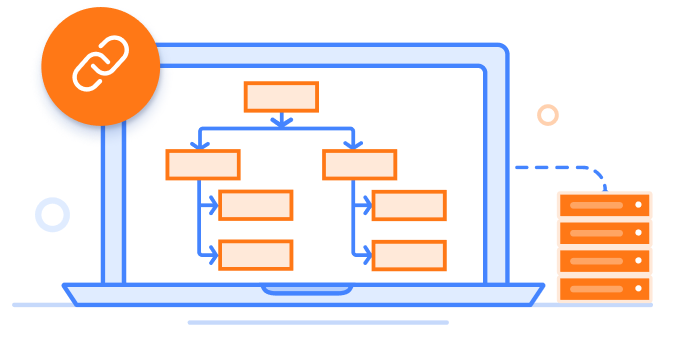
Automatic layout algorithm
The built-in layout algorithm is specifically designed to arrange the parent and child node positions automatically for organizational charts.
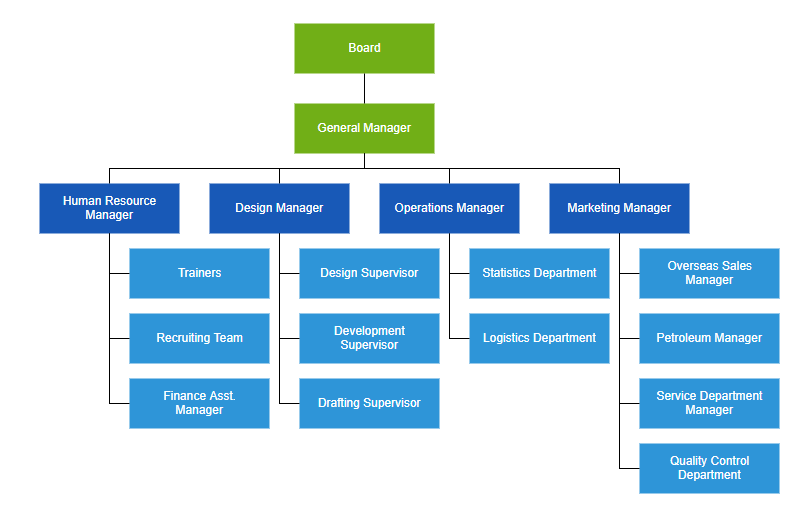
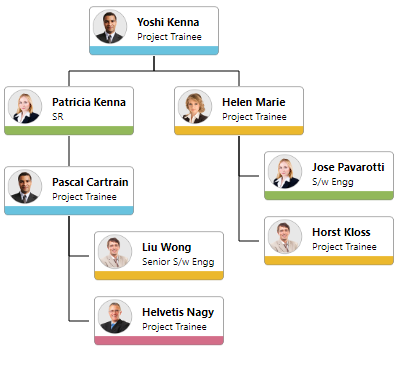
Templates
You can easily create different types of organizational chart templates and visualize them with a better UI design.
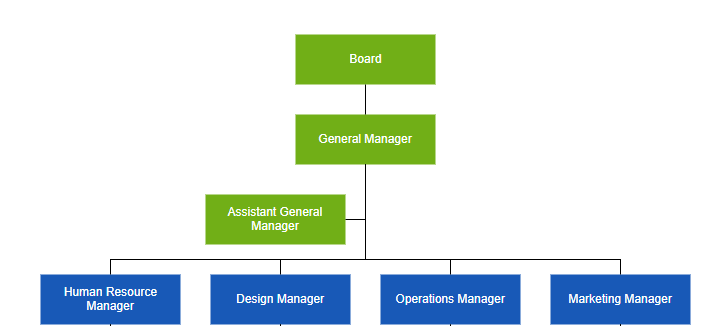
Assistants
The Syncfusion ASP.NET Core Diagram control supports defining assistants in an organizational chart. Assistants are child items that have a different relationship with the parent node. They are laid out in a dedicated part of the tree.
Orientation
Use top-to-bottom, left-to-right, right-to-left, and bottom-to-top orientation options to arrange an organizational chart.
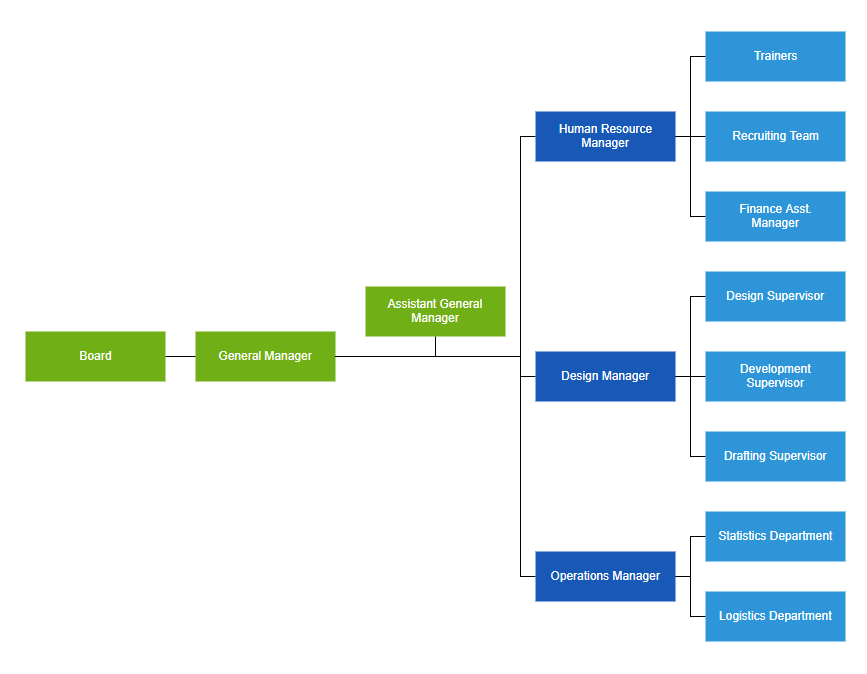
Leaf-level alignment
Arrange the leaf-level nodes in an organization chart to be aligned to the left, right, or center horizontally, or to the top, bottom, or middle vertically.
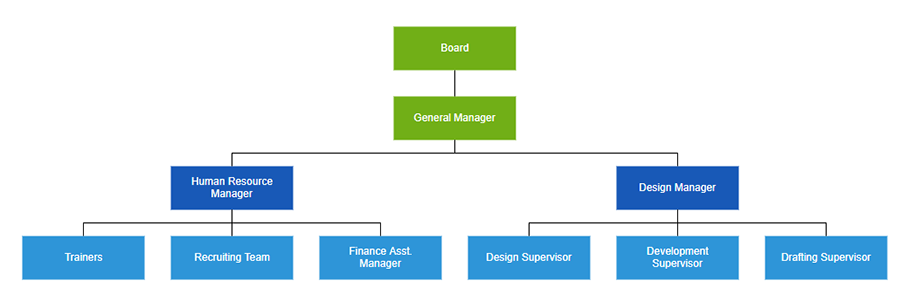
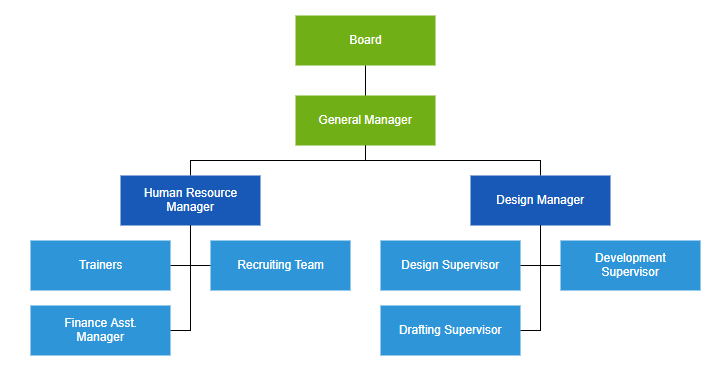
Spacing
The Syncfusion ASP.NET Core Diagram control supports customizing the spacing between each level in both horizontal and vertical directions and allows you to define a margin around the organizational chart.
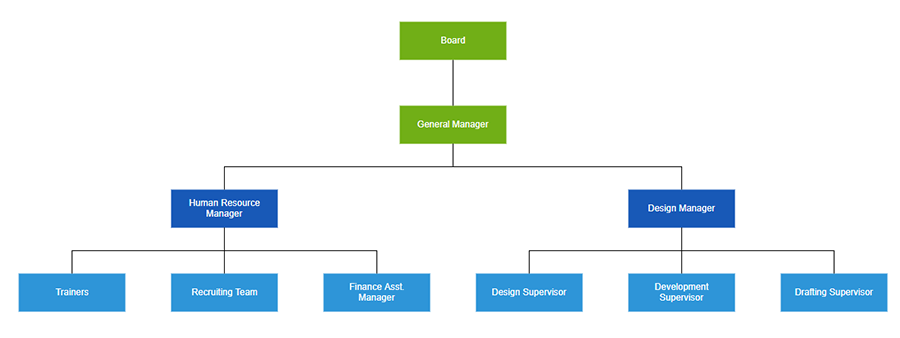
Expand and collapse children
You can show or hide the children nodes to view only relevant nodes in the Diagram.
Drag and drop
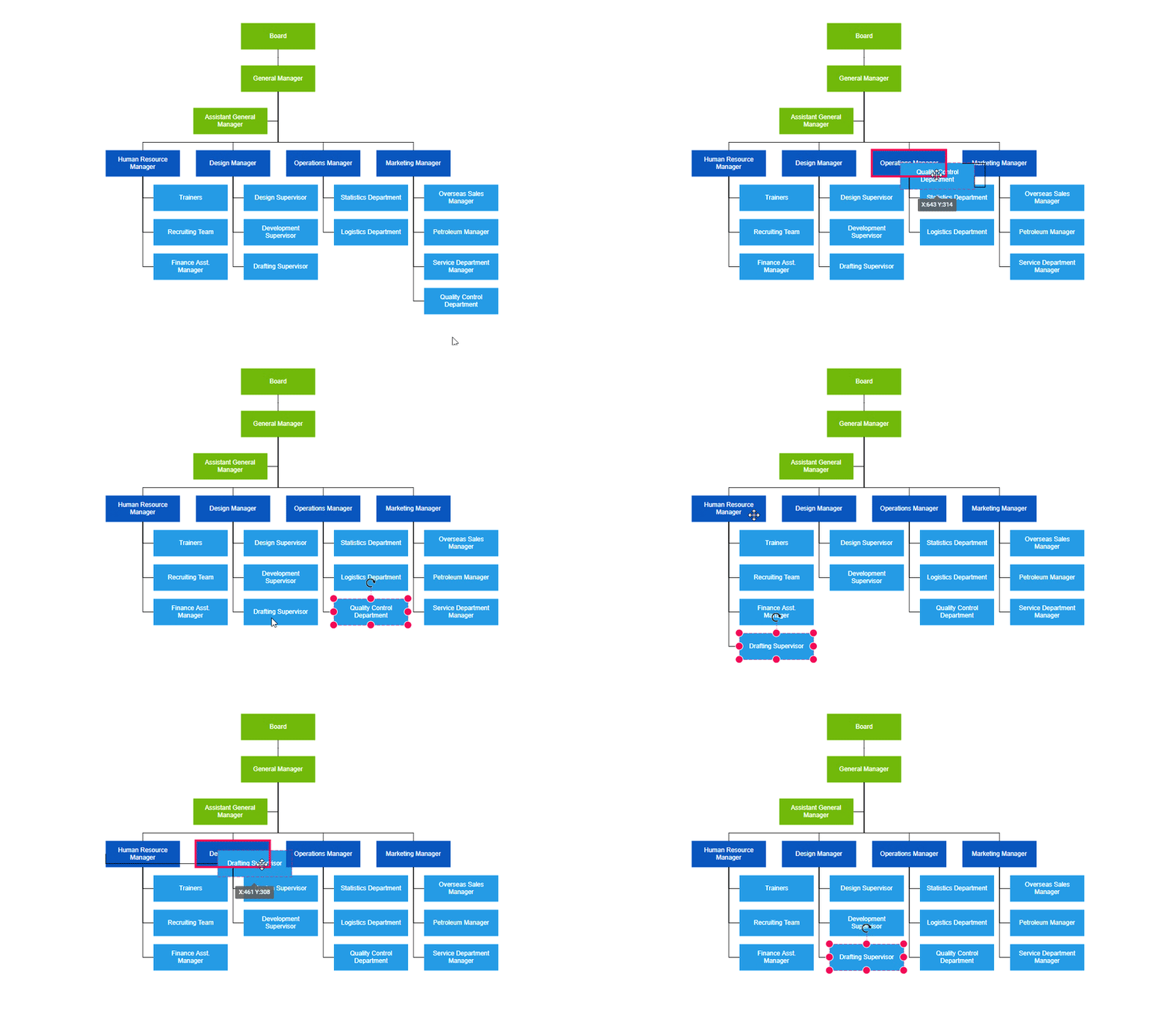
You can modify an organizational chart’s structure interactively by dragging the child or parent nodes and then dropping them at the required locations.
Our Customers Love Us
Here are some of their experiences.




See Real Success Stories
Developers around the world trust Syncfusion’s Essential Studio to simplify complex projects and speed up delivery. With a vast library of UI controls, powerful SDKs, and reliable support, Essential Studio helps teams build enterprise-ready applications with confidence.
Read Our Customer StoriesIndustry
Software development
75% Cost reduction
50% Faster development

Industry
Utilities (oil and gas)

450+ hours saved
Streamlined processes and hours of development effort saved.

Advanced, flexible features
Empowered users through robust and versatile functionality.
Industry
Software and technology
1000+ of hours saved
Accelerated development with enterprise-ready UI components.

Efficient file management
Streamlined workflows with document libraries without building them from scratch.
Industry
Software and technology

2 Years of delay avoided
Two years of delays prevented with proactive planning.

On-time delivery
Projects delivered on schedule using trusted controls.
Industry
IT services and IT consulting

Improved performance
Large datasets handled with easy customization and quick debugging.

Highly customizable
Plug-and-play controls with quick template integration.
Industry
Professional services
Instant access
Quick availability of features and resources.
Reduced dependencies
Fewer dependencies for faster development.







