.NET PDF Examples
Extract Data from PDFs in C# with the .NET PDF Library
The Syncfusion® .NET PDF Library offers powerful capabilities for creating, reading, and editing PDF documents. One of its robust features is the ability to extract data from PDF documents, enabling automated information retrieval, structured data processing, and efficient content analysis.
Watch this video to see how to extract data from PDF files using the Syncfusion .NET PDF Library.
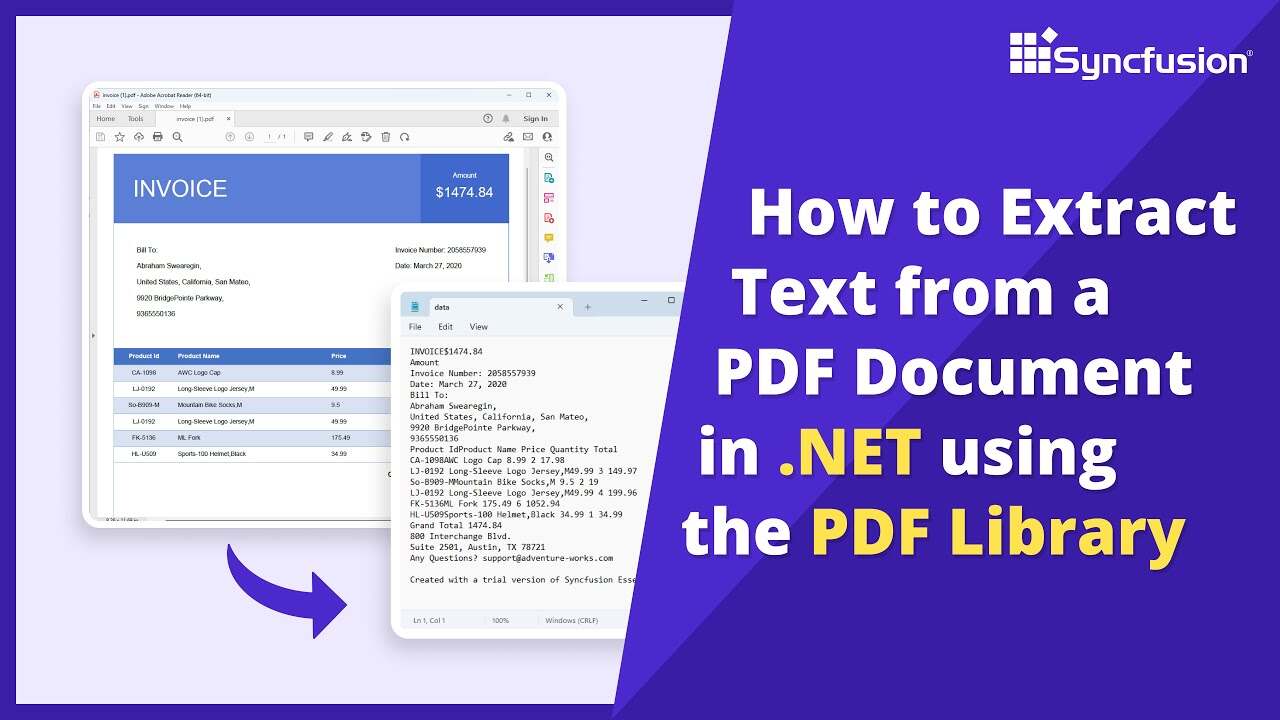
Extract text and data from PDF documents in C#
Learn how to programmatically extract text, images, and structured data from PDF documents in C# using the Syncfusion .NET PDF Library. This guide demonstrates automated text extraction and content analysis.
Step 1: Create a new C# Console Application project
Begin by creating a new C# Console Application project in Visual Studio or your preferred IDE to implement PDF data extraction functionality.
Step 2: Install Syncfusion PDF NuGet package
Install the Syncfusion.Pdf.Net.Core NuGet package in your C# project from NuGet.org. This package provides APIs for text and data extraction from PDF documents.
Step 3: Add required namespaces for PDF data extraction
Import the following namespaces in your Program.cs file to access PDF parsing and text extraction classes:
using Syncfusion.Pdf;
using Syncfusion.Pdf.Parsing;
Step 4: Load the PDF document for text extraction
Use the PdfLoadedDocument class to load your existing PDF file from which you want to extract text and data.
// Load the PDF document
using (PdfLoadedDocument loadedDocument = new PdfLoadedDocument(Path.GetFullPath(@"Data/Input.pdf")))
{
}
Step 5: Extract text from the PDF
Initialize a string variable to store the extracted text. Iterate through all pages and extract text from each page using the ExtractText method. You can then save it to a file or perform text analysis.
// Initialize an empty string to store extracted text
string extractedText = string.Empty;
// Extract text from each page in the document
foreach (PdfLoadedPage page in loadedDocument.Pages)
{
    extractedText += page.ExtractText();
}
// Display the extracted text in the console
Console.WriteLine("Extracted text from the entire document: " + extractedText);
GitHub project
NuGet installation
Get started quickly by downloading the installer and checking license information on the Downloads page.
Syncfusion .NET PDF Library Resources
Explore these resources for comprehensive guides, knowledge base articles, insightful blogs, and ebooks.
Learning


Technical Support








