





Transform your applications today by downloading our free evaluation version
Overview
The .NET MAUI Diagram control is used to build interactive diagramming applications. It renders nodes, connectors, annotations, and ports on a single interactive surface and provides built-in support for diagram interactions, serialization, exporting, and printing in cross-platform mobile and desktop applications.
.NET MAUI Diagram code example
Get started with the .NET MAUI Diagram using a few simple lines of XAML and C# code, as shown in the following example. Also, explore this .NET MAUI Diagram example, which shows you how to render and configure the Diagram control.
<ContentPage
    . . .
    xmlns:diagram="clr-namespace:Syncfusion.Maui.Diagram;assembly=Syncfusion.Maui.Diagram">

    <diagram:SfDiagram x:Name="diagram" />
</ContentPage>
using Syncfusion.Maui.Diagram;
. . .
public partial class MainPage : ContentPage
{
public MainPage()
{
InitializeComponent();
SfDiagram diagram = new SfDiagram();
this.Content = diagram;
}
}Nodes
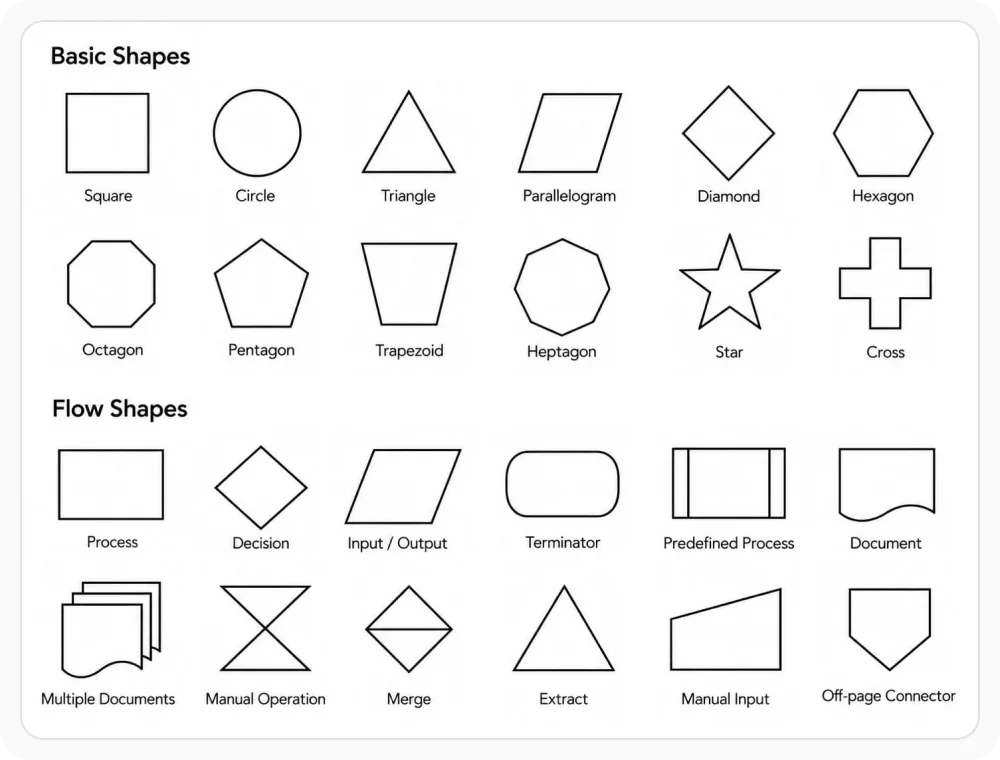
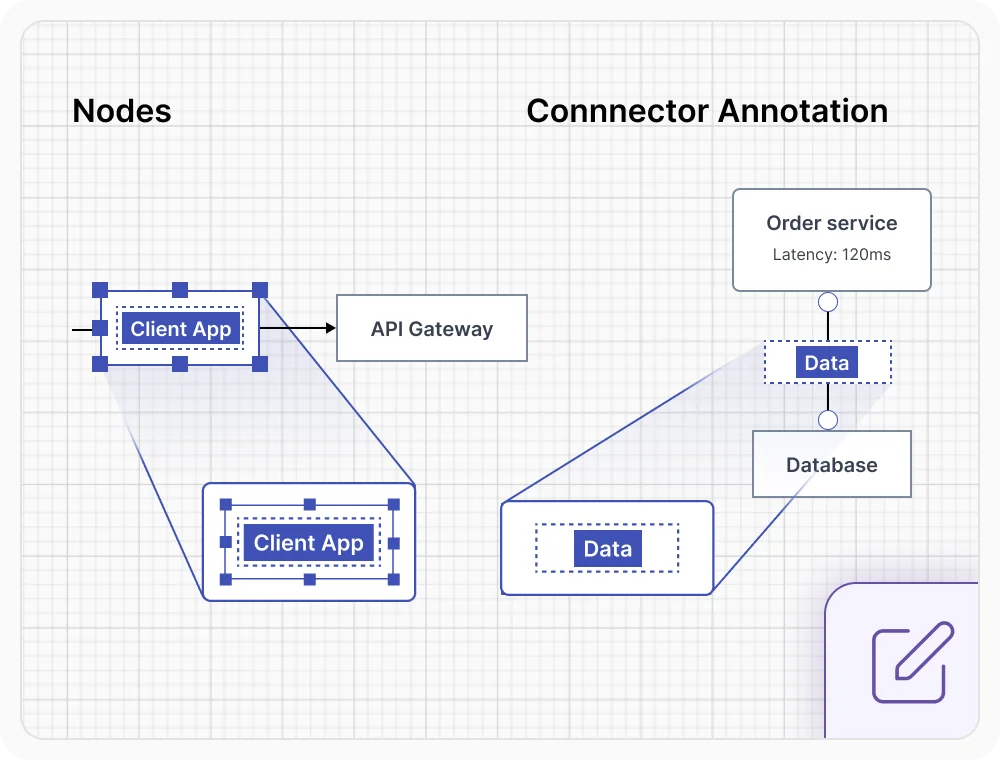
Nodes represent elements such as tasks, decisions, and documents, each with position, size, rotation, shape, and styling.
Connectors
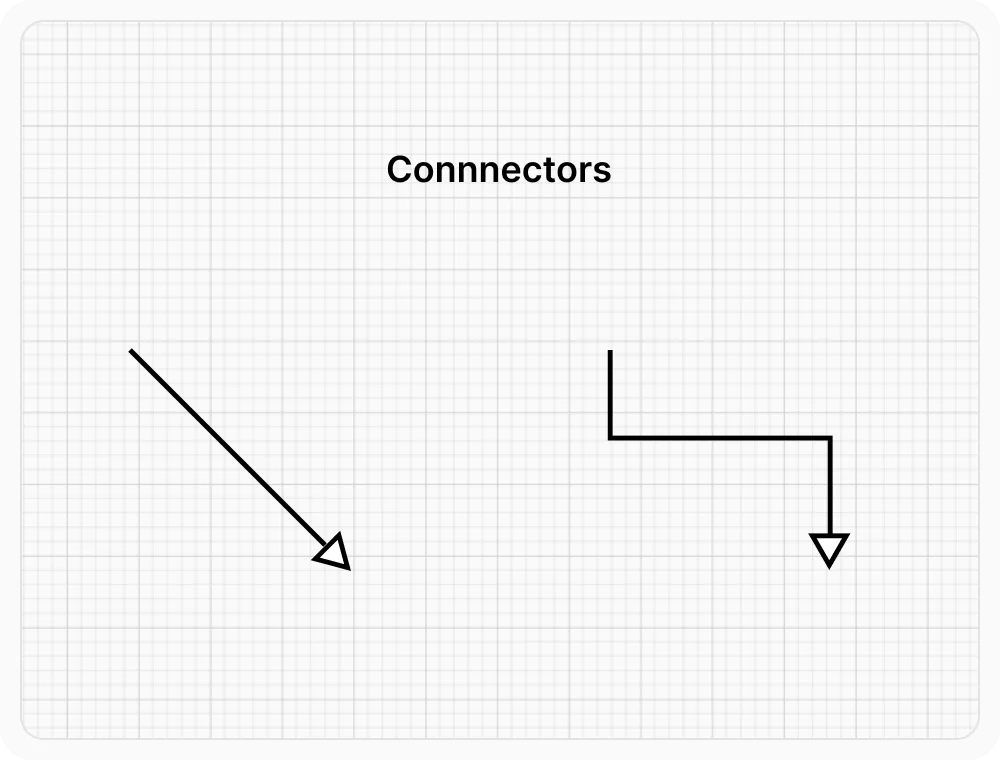
Define flow and relationships between nodes using straight or orthogonal lines with customizable decorators.
Annotations
A note or label can be added to nodes and connectors to explain or clarify the context of the object.
Symbol palette
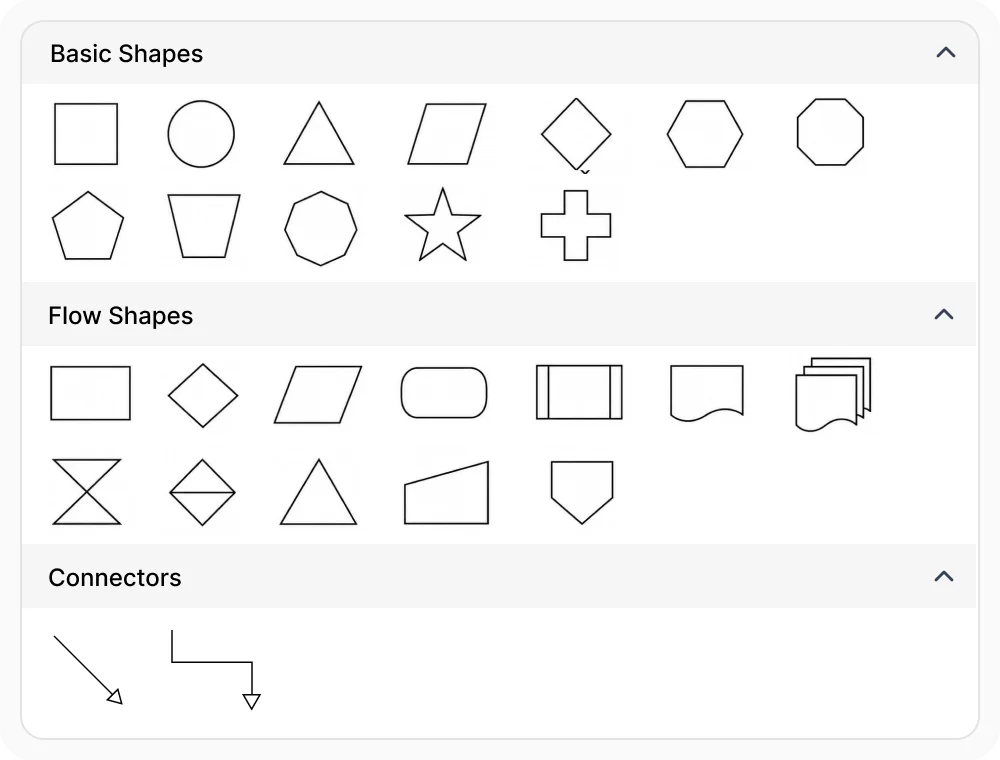
The symbol palette displays reusable symbols organized into categories, such as basic shapes and flowchart shapes. Users drag a symbol from the palette and drop it onto the diagram surface to instantly create a node.
Save and load
Save the diagram state using serialization and restore it later, preserving nodes, connectors, ports, and annotations.
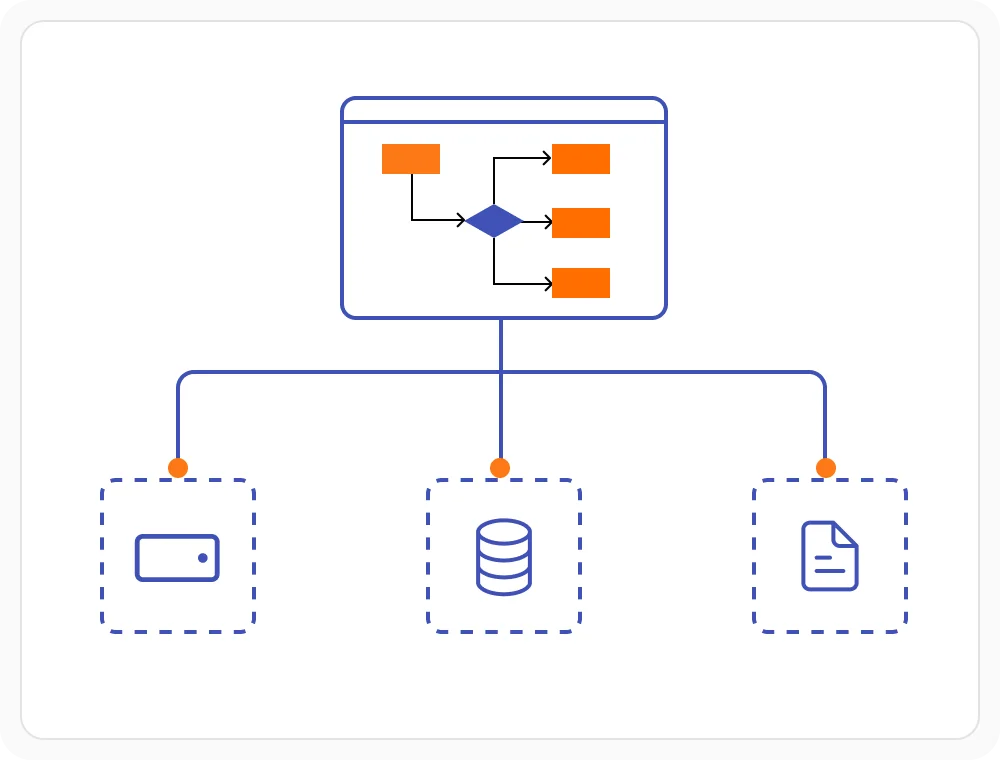

Export and print
Export your diagram to different file formats or print it to share and keep a copy of it for future reference.
Frequently Asked Questions
Why should you choose the Syncfusion .NET MAUI Diagram control?
The Syncfusion .NET MAUI Diagram gives users:
A seamless diagramming experience with nodes, connectors, annotations, and ports.
- Native rendering for Android, iOS, macOS, and Windows from a single codebase.
Drag-and-drop support from the symbol palette to build diagrams quickly.
The ability to save and load the diagram state, plus export and print the diagram to share work.
- A touch-friendly, responsive design for mobile and desktop applications.
Extensive demos and documentation to get started quickly with the .NET MAUI Diagram.
Where can I find the Syncfusion .NET MAUI Diagram demo?
You can find our .NET MAUI diagram demo here.
What is the .NET MAUI Diagram?
The .NET MAUI Diagram is a diagramming control for creating and visualizing interactive diagrams using nodes, connectors, annotations, ports, and reusable symbols. It provides the core capabilities needed to build diagramming applications from a single .NET MAUI codebase.
Can I download and utilize the Syncfusion .NET MAUI Diagram for free?
No, this is a commercial product and requires a paid license. However, a free community license is also available for companies and individuals whose organizations have less than US $1 million in annual gross revenue, 5 or fewer developers, and 10 or fewer total employees.
How do I get started with the Syncfusion .NET MAUI Diagram?
A good place to start would be our comprehensive getting started documentation.
Is the .NET MAUI Diagram available for all platforms?
Yes. The .NET MAUI Diagram renders natively on Android, iOS, macOS, and Windows, so a single project configuration deploys the same diagramming experience to every platform supported by .NET MAUI.
Our Customers Love Us
Having an excellent set of tools and a great support team, Syncfusion® reduces customers’ development time.Here are some of their experiences.

Syncfusion a complete development solution
The diagram controls can be easily changed to use for other purposes. Many controls to choose from, fast update schemes. Support requests are answered quickly.

Eddy T,

Co-Owner Tagma
It has more tools and support than its competitors.
Syncfusion essential studio samples are really helpful. Docking Manager, Diagram, Undo-Redo, Mapping, Themes.

HALİT A.

Software Developer
See Real Success Stories
Developers around the world trust Syncfusion’s Essential Studio to simplify complex projects and speed up delivery. With a vast library of UI controls, powerful SDKs, and reliable support, Essential Studio helps teams build enterprise-ready applications with confidence.
Read Our Customer StoriesIndustry
Software development
75% Cost reduction
50% Faster development
Industry
Utilities (oil and gas)

450+ hours saved
Streamlined processes and hours of development effort saved.

Advanced, flexible features
Empowered users through robust and versatile functionality.
Industry
Software and technology
1000+ of hours saved
Accelerated development with enterprise-ready UI components.

Efficient file management
Streamlined workflows with document libraries without building them from scratch.
Industry
Software and technology

2 Years of delay avoided
Two years of delays prevented with proactive planning.

On-time delivery
Projects delivered on schedule using trusted controls.
Industry
IT services and IT consulting

Improved performance
Large datasets handled with easy customization and quick debugging.

Highly customizable
Plug-and-play controls with quick template integration.
Industry
Professional services
Instant access
Quick availability of features and resources.
Reduced dependencies
Fewer dependencies for faster development.
Rated by users across the globe
Syncfusion .NET MAUI Diagram resources


UI Kits
 .NET MAUI UI Kit
.NET MAUI UI Kit
Awards
Greatness—it’s one thing to say you have it, but it means more when others recognize it. Syncfusion® is proud to hold the following industry awards.









