
Column definitions
The React Data Grid allows users to configure columns to meet specific application requirements by setting properties such as header text, text alignment, cell value formatting, and column width.
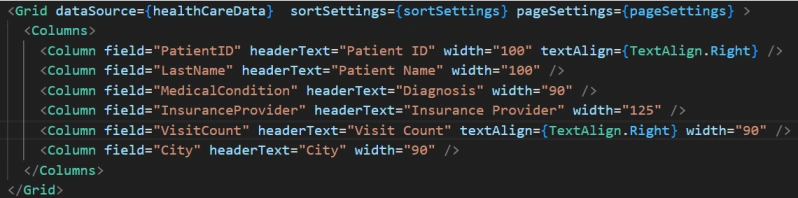

Automatic column generation
When a column collection is not explicitly defined, the React Data Grid automatically generates column definitions based on the structure of the data source.
Cell attributes
The React Data Grid component allows users to customize individual cell elements by applying custom attributes such as styles, additional class names, and more.
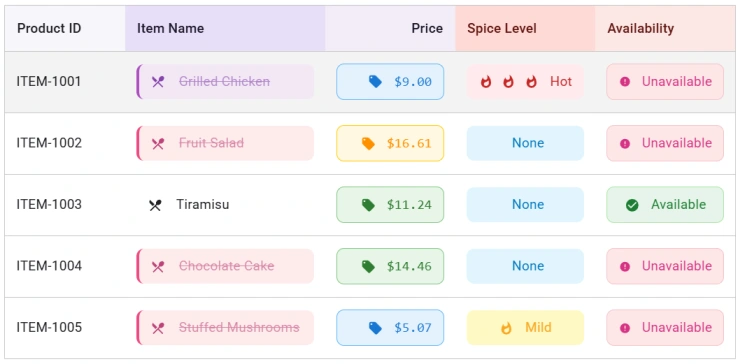
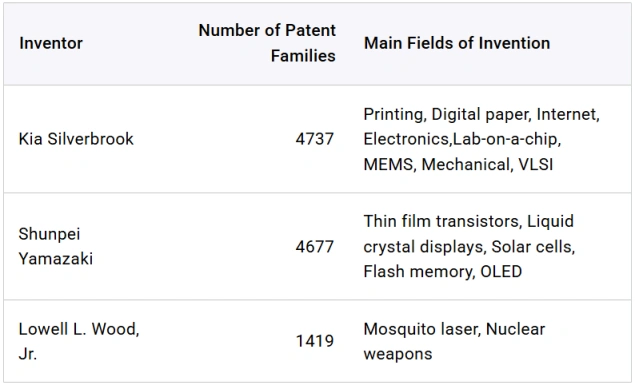
Cell text wrapping support
The React Data Grid automatically wraps cell text to the next line when it exceeds the column width. Text wrapping for header and content cells can be enabled by configuring the appropriate wrap mode settings.
Value accessors
Value accessors in the React Data Grid specify how cell values are retrieved from the data source. They are particularly effective for handling complex row data beyond simple objects.
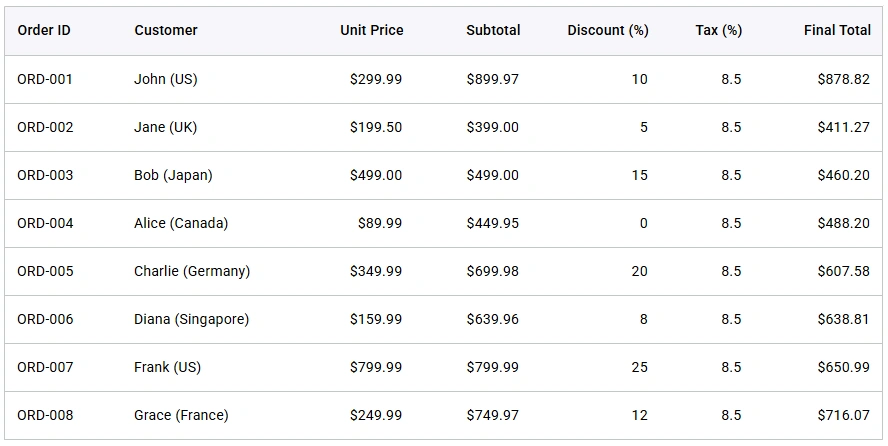
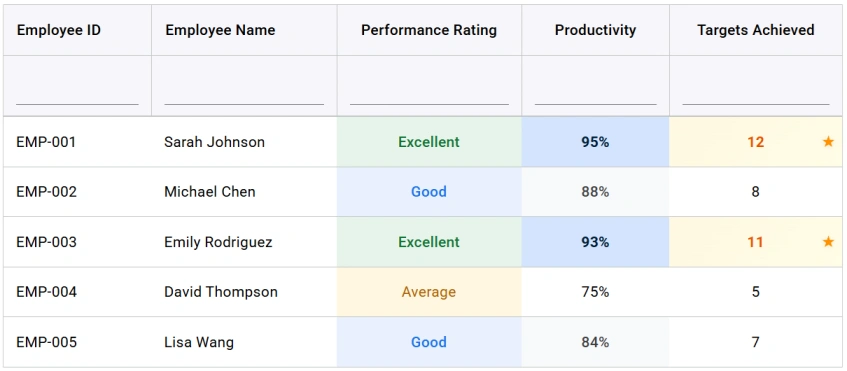
Customizable cell
The React Data Grid enables flexible cell style customization through programmatic methods or CSS.
Pure React Components
Developed using React’s core principles, this library employs functional components and hooks without any external dependencies.







