
Overview
The end-user experience of the React Charts component is greatly enhanced by interactive features like zooming, panning, trackball, drill-down, events, tooltips, crosshairs, and highlight and selection. These features can be easily configured with the built-in APIs.
Zooming
Zoom into any region of the chart to clearly visualize the data points within that area.
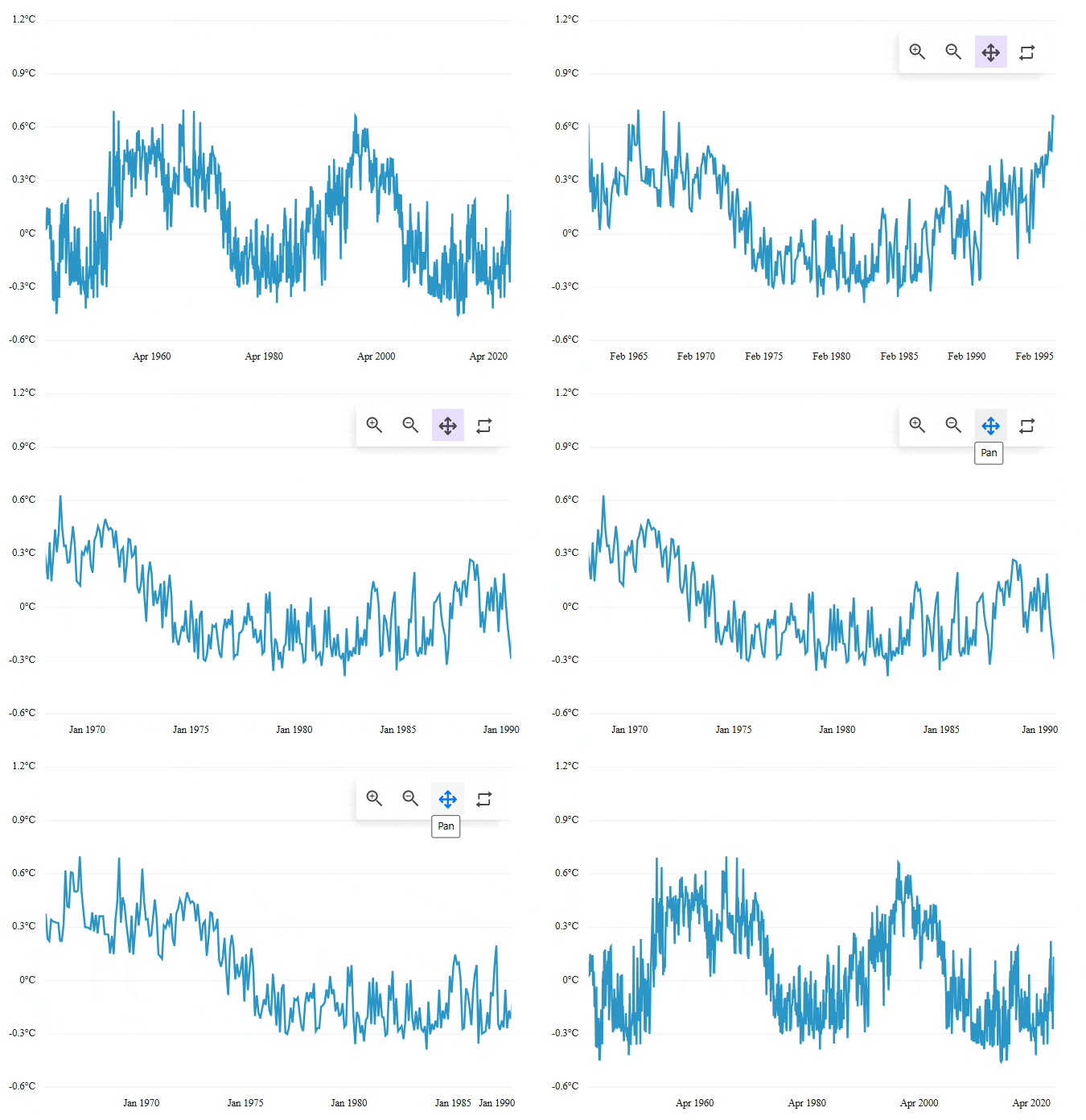
Zooming mode
Zoom in and out of the chart using mouse wheel scrolling, pinch gestures on touch-enabled devices, or by selecting a region with the rubber band.
Zoom toolbar
Zoom in, zoom out, pan, and reset using the zoom toolbar commands. The toolbar can be configured to appear by default or be displayed on demand.
Crosshairs
Use crosshairs to inspect any data point as you move the mouse. They display as thin horizontal and vertical lines intersecting at the data point, along with an interactive tooltip showing detailed information.
Trackball
Identify data points near the mouse pointer or touch contact using the trackball. This displays detailed pop-up information and can be customized.
Tooltips
Use interactive chart tooltips to display information about data points when hovering over them with a mouse or tapping them on touch-enabled devices.
Selection
Select data points within a series to focus on specific information easily. Applying patterns and colors to the selected data makes charts more visually engaging.
Point selection
Select an individual data point within a series. Apply a pattern or color to the selected point to make it stand out.
Series selection
Select an entire series from the chart’s collection. Adding patterns and colors to the selected series provides visual distinction.
Cluster selection
Select a group of data points (a cluster) within a series, making it easier to analyze related values together.
Multiple selection
Select multiple data points and series within a chart simultaneously. Apply a pattern or color to distinguish them.
Pure React Components
Developed using React’s core principles, this library employs functional components and hooks without any external dependencies.







