Overview
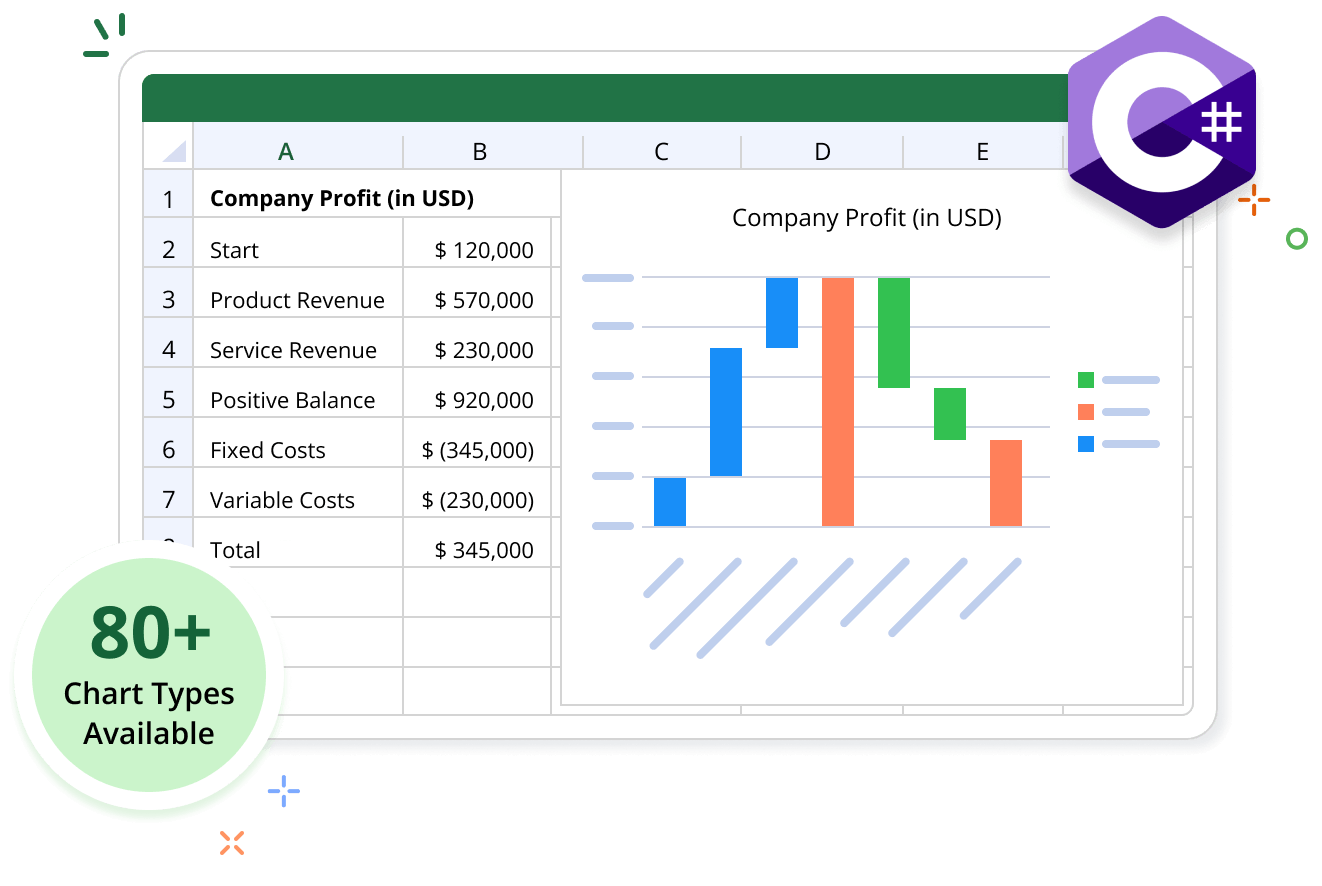
The Syncfusion .NET Excel (XlsIO) Library supports creating charts from Excel data, empowering users to generate visual representations of their data effortlessly. With XlsIO, users can create and customize charts using over 80+ Excel chart types, including Excel 2016 charts.
Chart Code Example
This example code shows how to create a chart in Excel using the Syncfusion .NET Excel Library with just a few lines of code in C#.
Key features of charts
Discover how the charting capabilities in the Excel Library enable the easy creation, customization, and integration of charts within Excel worksheets.
Creating a Chart from Directly Entered Values
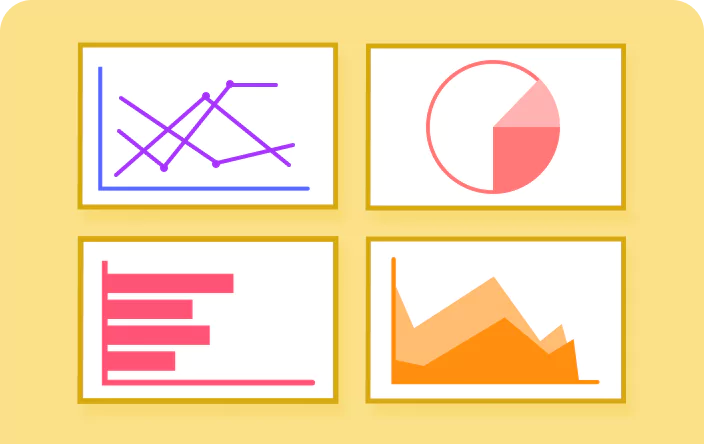
Generate charts using data directly entered into Excel cells, allowing for quick visualization without pre-existing datasets.
Creating a Chart by Adding Series
Create charts by adding data series, enabling greater flexibility and customization for comparing multiple datasets.
Excel 2016 Charts
Includes the new chart types introduced in Excel 2016, emphasizing advanced data visualization options like funnel, box and whisker, waterfall, histogram, Pareto, Treemap, and sunburst charts and treemaps. This is relevant for users looking to leverage modern chart types.
Chart Element Customization
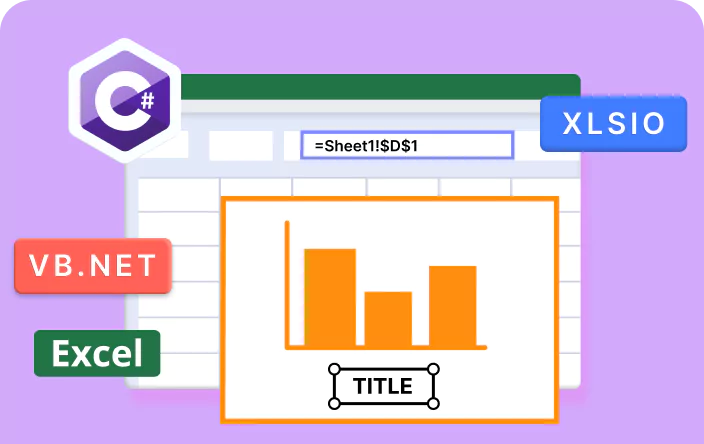
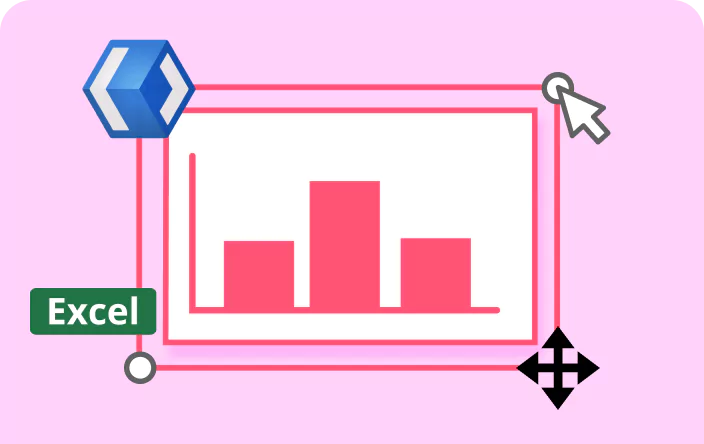
Configure key chart components (plot area, chart area, axis, legends, data labels, and series) for clear and effective data representation.
Explore Chart references
Discover valuable resources in our blog and knowledge base to enhance your skills in using Excel charts.
Syncfusion .NET Excel Library Resources
Explore these resources for comprehensive guides, knowledge base articles, insightful blogs, and ebooks.


Product Updates


Technical Support


Frequently Asked Questions
Is it possible to apply custom styles and formatting to Excel charts using the Syncfusion library?
Yes. Syncfusion Excel Library provides extensive formatting options for charts, enabling users to customize chart elements such as axis, chart area, plot area, data labels, data series, titles, and legends.
Does the Syncfusion Excel Library supports 3D formatting settings in charts?
Yes, the Syncfusion Excel Library supports 3D settings like rotation, side wall, back wall, and floor settings for charts in Excel.
Is it possible to export a chart as an image using the Syncfusion Excel Library?
Yes, you can export charts as images in formats like PNG, JPG, and BMP.
Can I fill the plot area and chart area with pictures in Excel?
Yes, the Syncfusion Excel Library allows users to fill the plot area and chart area with images, enhancing visual representation in Excel.
Is it possible to add a data table to a chart in Excel using the Syncfusion Library?
Yes, the Syncfusion Excel Library supports the addition of a data table to a chart in Excel. The data table, which is located beneath the chart, presents the chart content in table format.
Trusted by the world’s leading companies
Our Customers Love Us




Want to create, View, and edit Excel files in C# or VB.NET?
No credit card required.