Trusted by the world’s leading companies

Overview
The PDF library allows developers to integrate security into their applications, spanning a range of low to high encryption standards to secure or protect PDF documents against unauthorized access. It complies with the improved security of PDF 2.0, which provides AES (Advanced Encryption Standard) 256 Revision 6 with Unicode (non-Roman characters) password support.
As per Europe’s GDPR 2018, it is mandatory to protect customers’ data. The Syncfusion Flutter PDF library helps you to protect your PDF containing customers’ data by encrypting with the latest standards.
Encryption standards
The Syncfusion Flutter PDF library provides support for basic to advanced encryption standards:
- RC4 40-bit and 128-bit
- AES 128-bit, 256-bit Revision 5 and 256-bit Revision 6 (PDF 2.0)
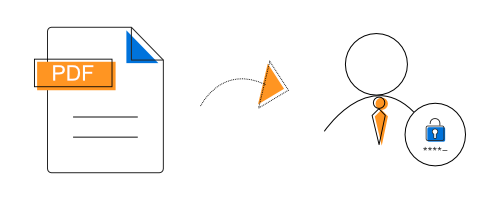
Protect with owner password
The owner or master password is used to change the password and to set or restrict access rights of the PDF document. Owner password is necessary to open and view PDF documents.
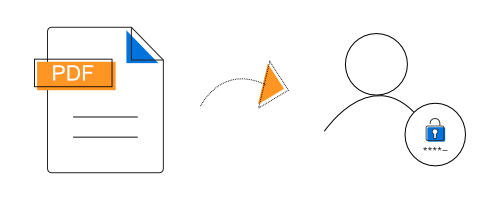
Protect with user password
The user or open password is required to open and view PDF documents with allowed permissions. Only PDFs with user password are safe from cracking.
Document permission
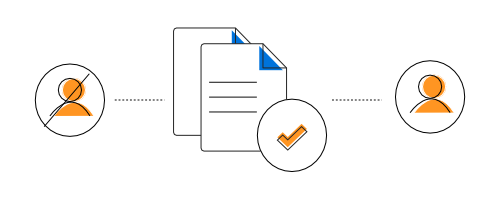
By customizing the permission settings, allow or restrict users from performing certain actions such as content copying, printing, editing the document, filling form fields, and more. In addition, it is possible to change or remove PDF permissions and passwords.
Syncfusion Flutter PDF Library Resources


Awards
Greatness—it’s one thing to say you have it, but it means more when others recognize it. Syncfusion® is proud to hold the following industry awards.









