Try Our Live Demo
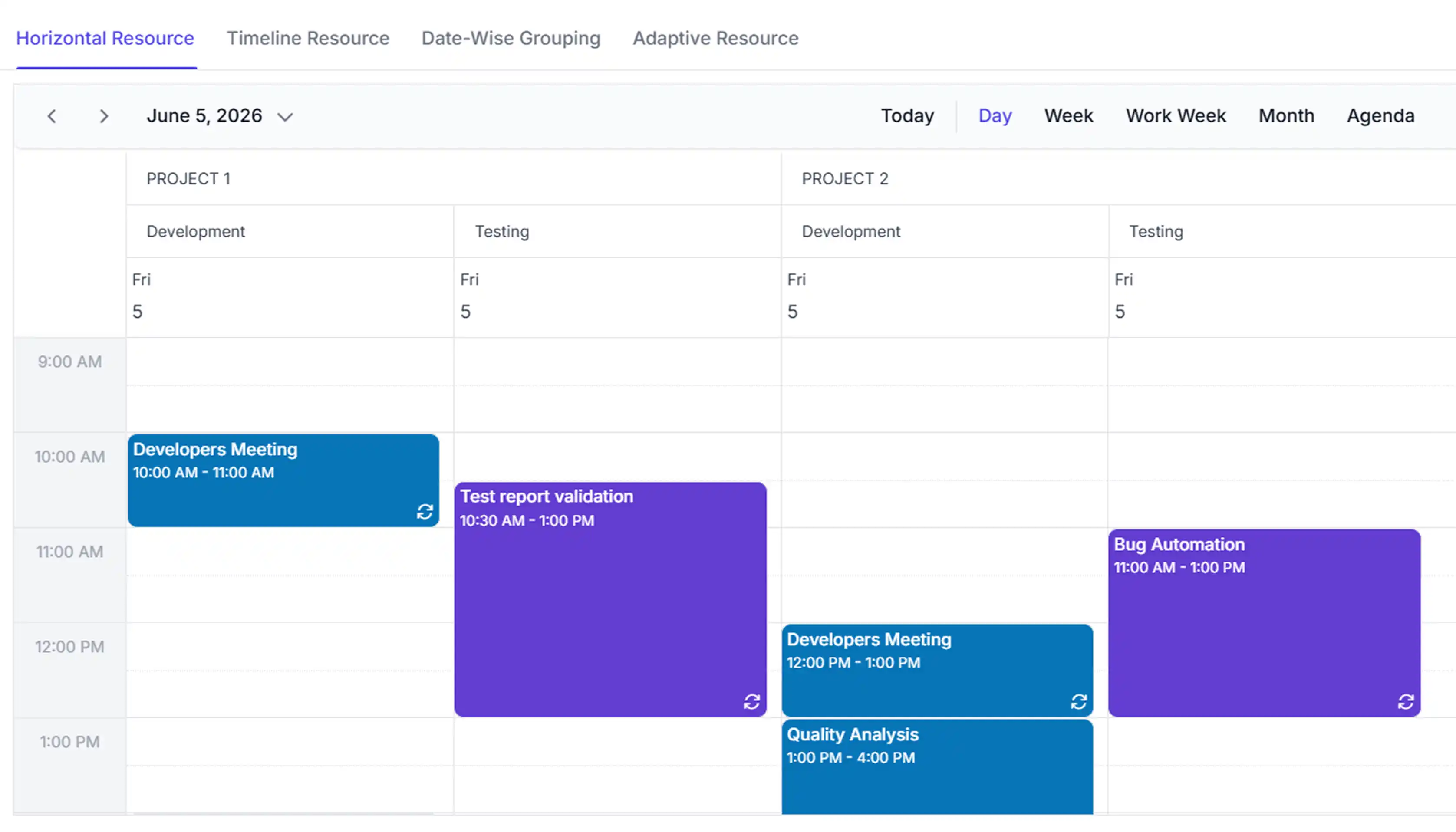
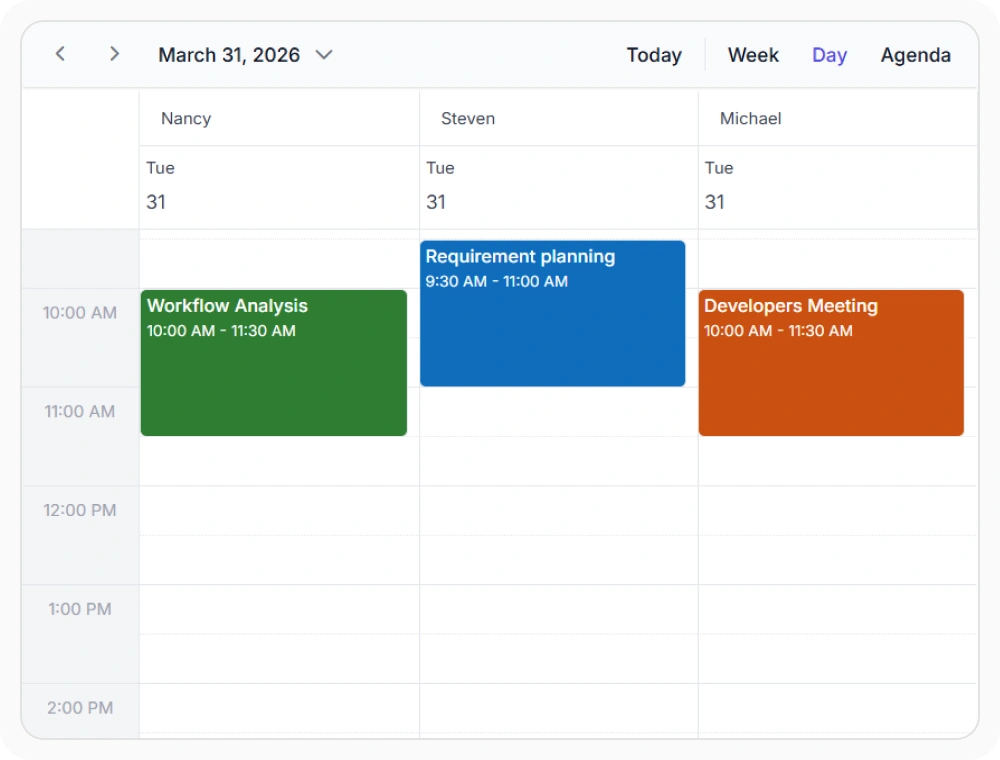
Group resources side by side
Arrange resources as side-by-side columns in day, week, or month views with horizontal grouping. Compare resource availability and appointments without switching between calendars. Use the side-by-side layout when multiple resource schedules need to be reviewed together.
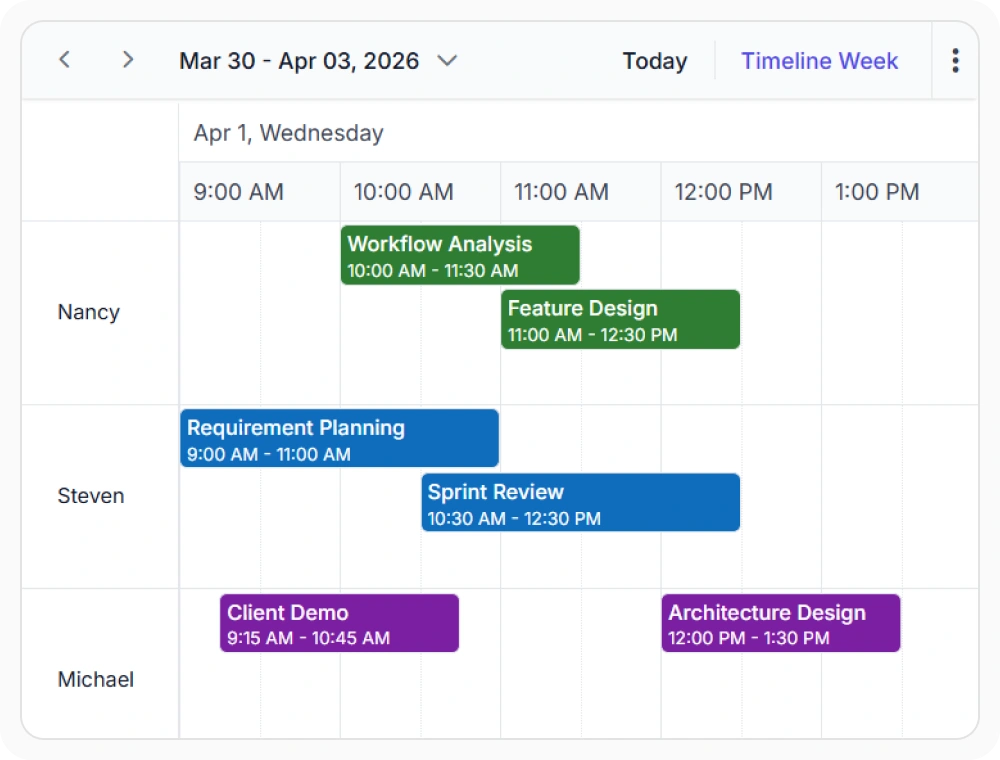
Visualize resources across a timeline
Display resources as horizontal rows in the calendar grid with the timeline view. The consolidated layout presents schedules for multiple resources in one place, supporting activity planning for staff, rooms, or equipment over time.
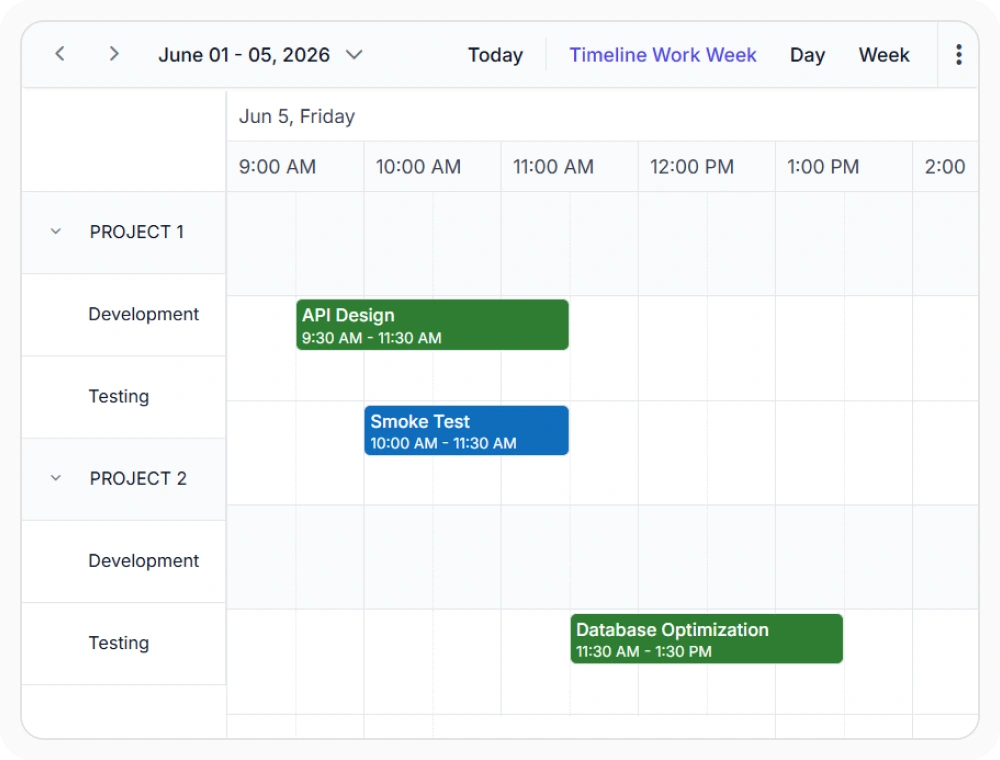
Group resources into nested levels
Organize resources into parent-child hierarchies based on departments, teams, regions, or other organizational levels. Resource nesting supports schedule navigation when managing complex resource structures.
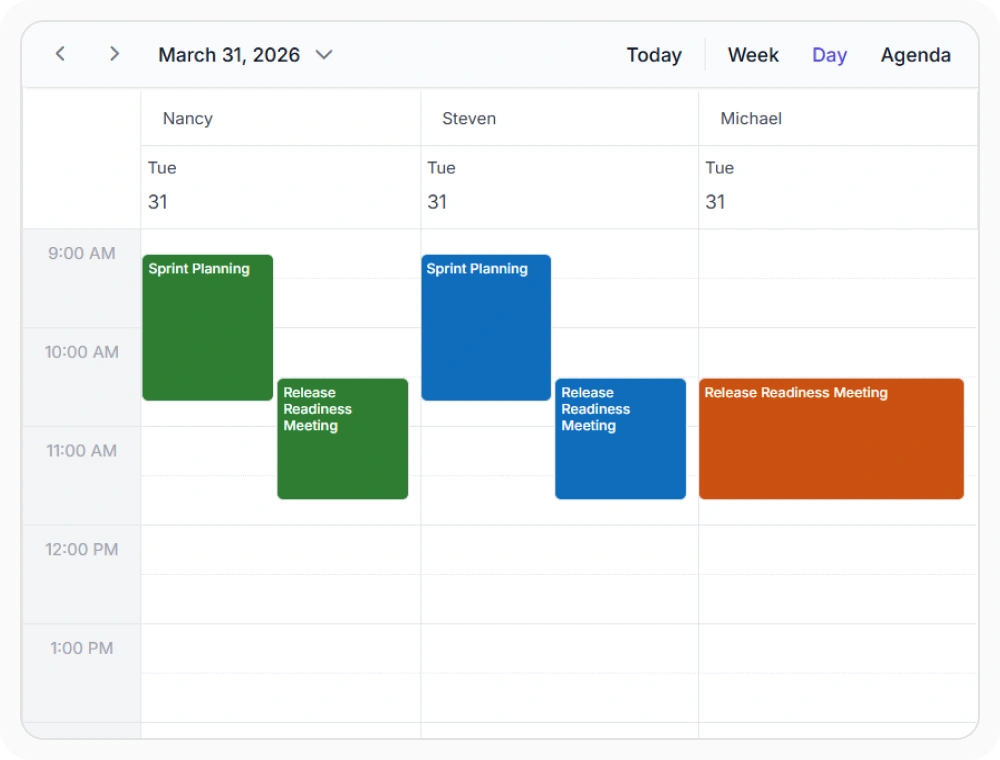
Multiple resource assignment
Assign a single appointment to multiple resources while keeping schedules aligned across participants and assets. Use multiple resource assignment for meetings, training sessions, or shared resources.
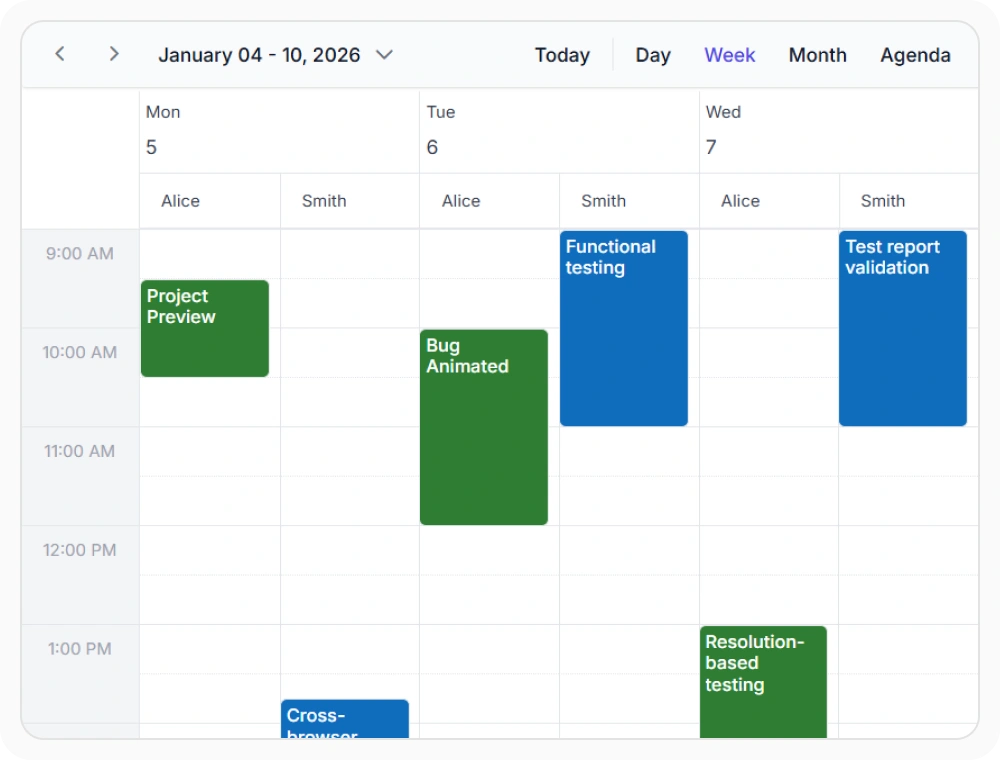
Visualize resources by date
Organize resources under date columns instead of resource groups with the group-by-date layout. Review resource activity for a specific day within the date-based structure. Choose the group-by-date layout when monitoring daily schedules across multiple resources.
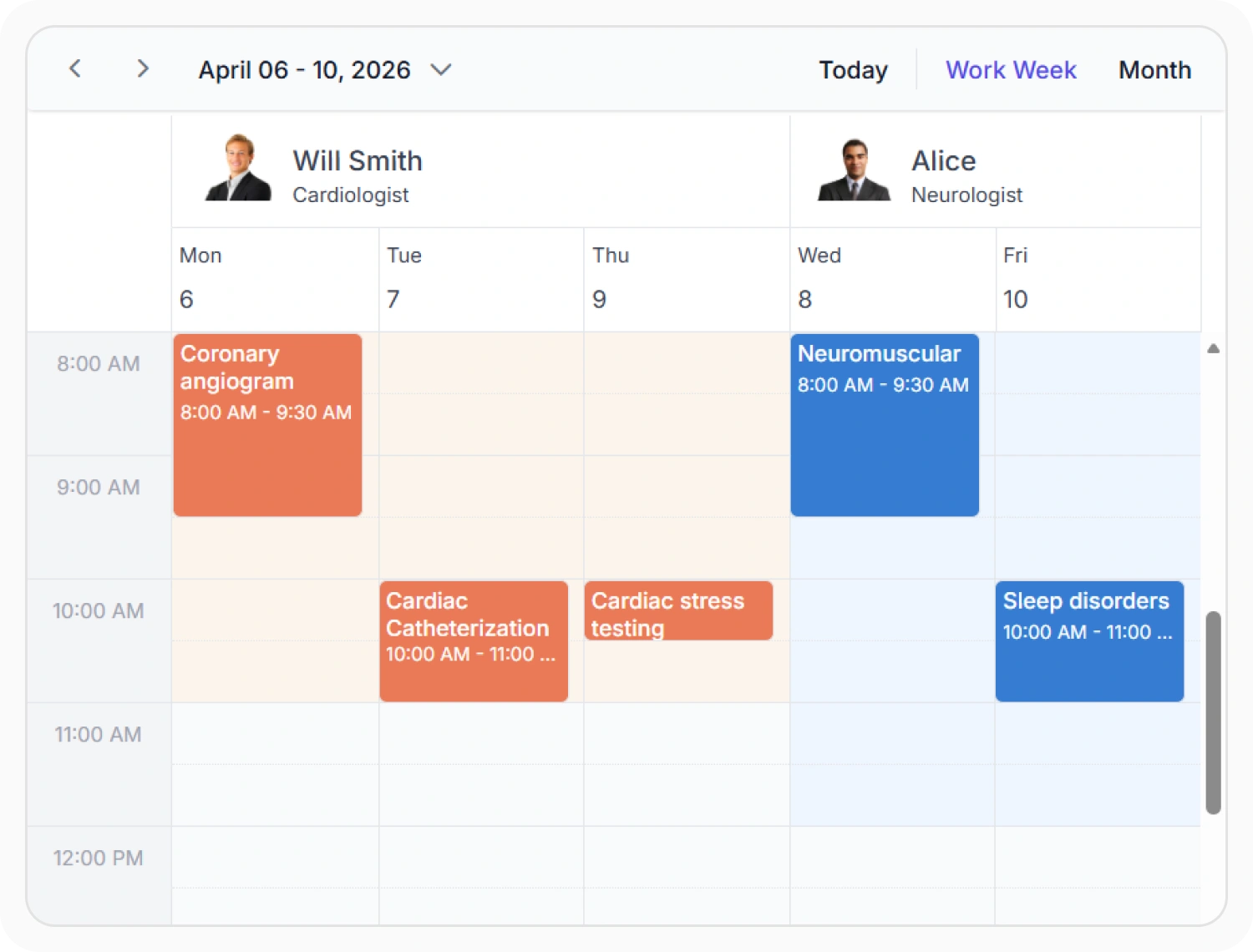
Different working days for resources
Configure separate working days for each resource based on individual schedules and availability rules. Resource-specific calendars are suitable for employees, rooms, equipment, or teams that operate on different days or shifts.
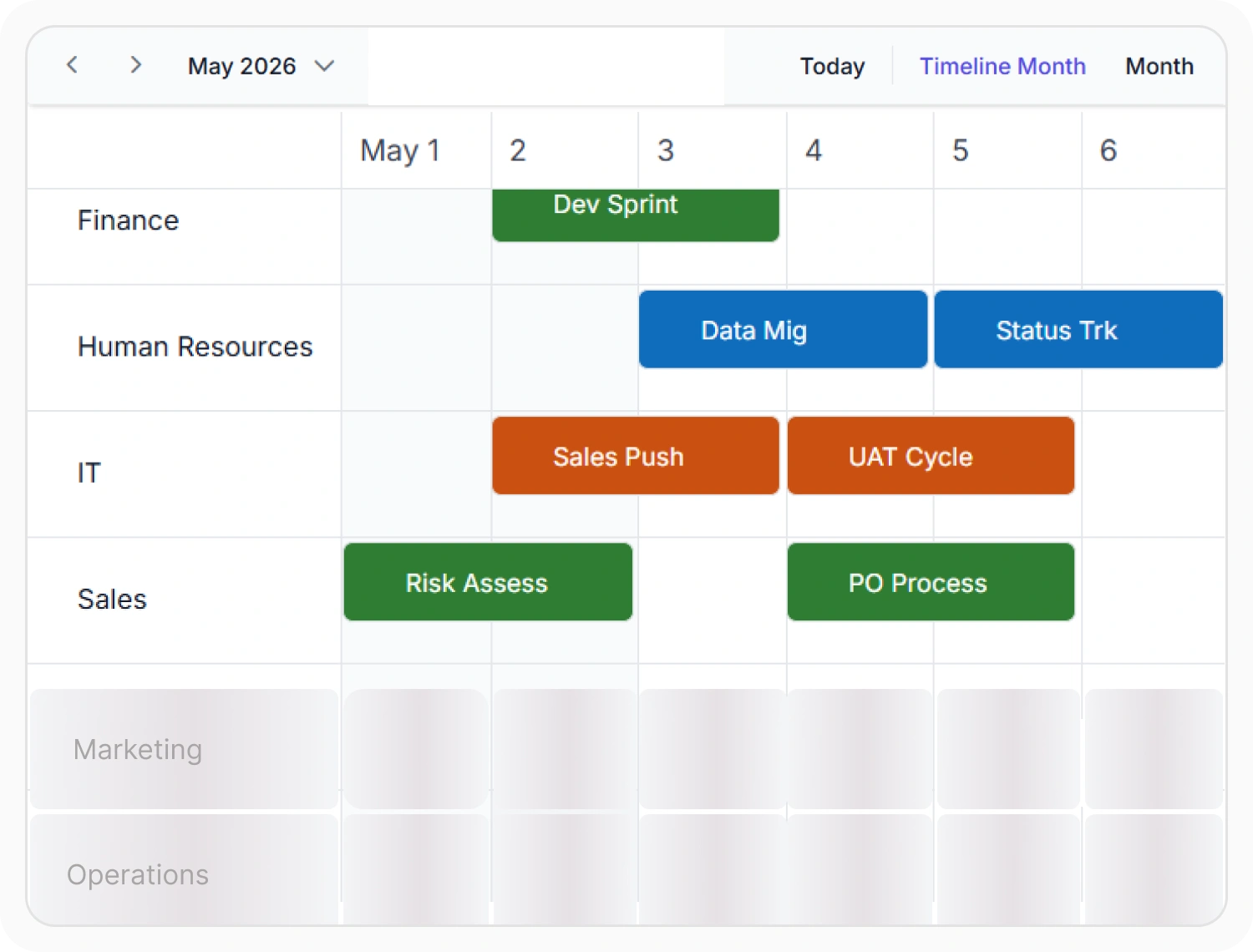
Virtual scrolling
Virtual scrolling loads and renders only the resources and appointments visible within the current Scheduler view. Viewport-based rendering is suitable when schedules contain many resources, appointments, or extended date ranges.
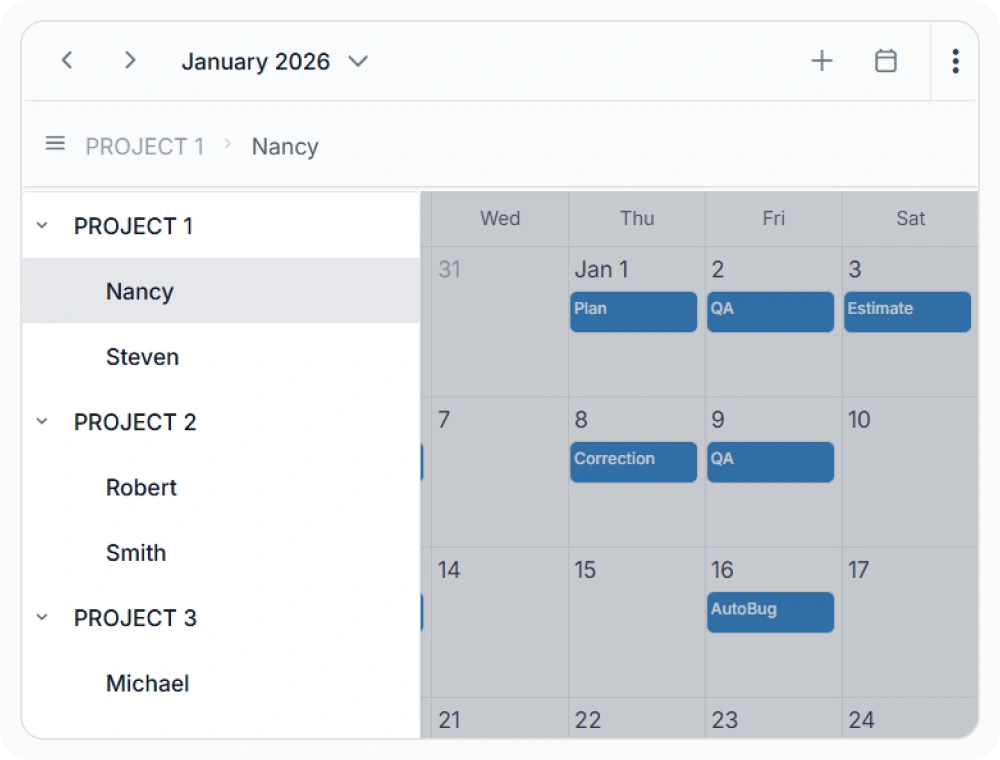
Compact resource views
Display one resource and its events at a time with the compact layout on smaller screens. Improved schedule visibility supports reviewing resource schedules in space-constrained mobile interfaces.
Frequently Asked Questions
Does Syncfusion React Scheduler allow displaying resource images and additional details?
Yes. Resource header templates allow customization of resource displays with images, names, roles, and business-specific information.
Can Syncfusion React Scheduler assign one appointment to multiple resources?
Yes. One appointment can be associated with multiple selected resources, such as employees, rooms, or equipment.
Does Syncfusion React Scheduler support hierarchical resource organization?
Yes. Resource nesting organizes resources into multiple levels such as department, region, or team, reflecting real-world structures while supporting appointments at any hierarchy level.
How does Syncfusion React Scheduler manage resource conflicts?
React Scheduler supports resource-specific working days and availability rules for each resource.
Which view displays many Syncfusion React Scheduler resources?
Timeline resource views display resources as horizontal rows across a shared time range, making many assignments available within one scrollable layout.
Can Syncfusion React Scheduler resource data be loaded from a backend service?
Yes. React Scheduler resource data can be supplied from local collections or remote data services.
Resources
Learn more about the React Scheduler
Explore demos, KB articles, and documentation to get the most out of our React Scheduler.
Explore guides, APIs, and quick-start tips
See live use cases in action
Ask, share, and connect with peers
Find solutions and best practices fast
Get expert help when needed
Feature requests and bug reports
Track issues and suggest improvements
Awards
Greatness—it’s one thing to say you have it, but it means more when others recognize it. Syncfusion® is proud to hold the following industry awards.