Try Our Live Demo
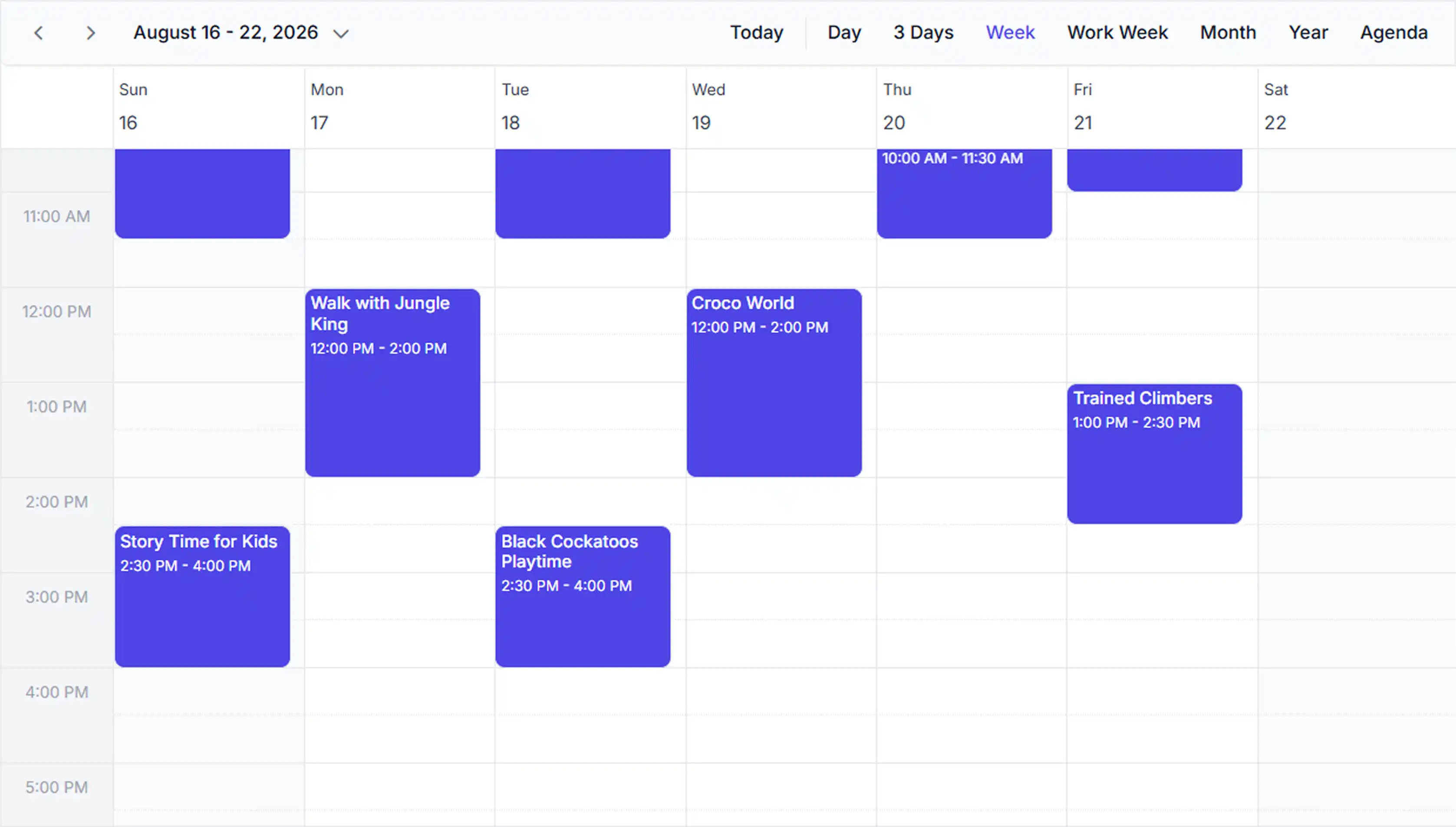
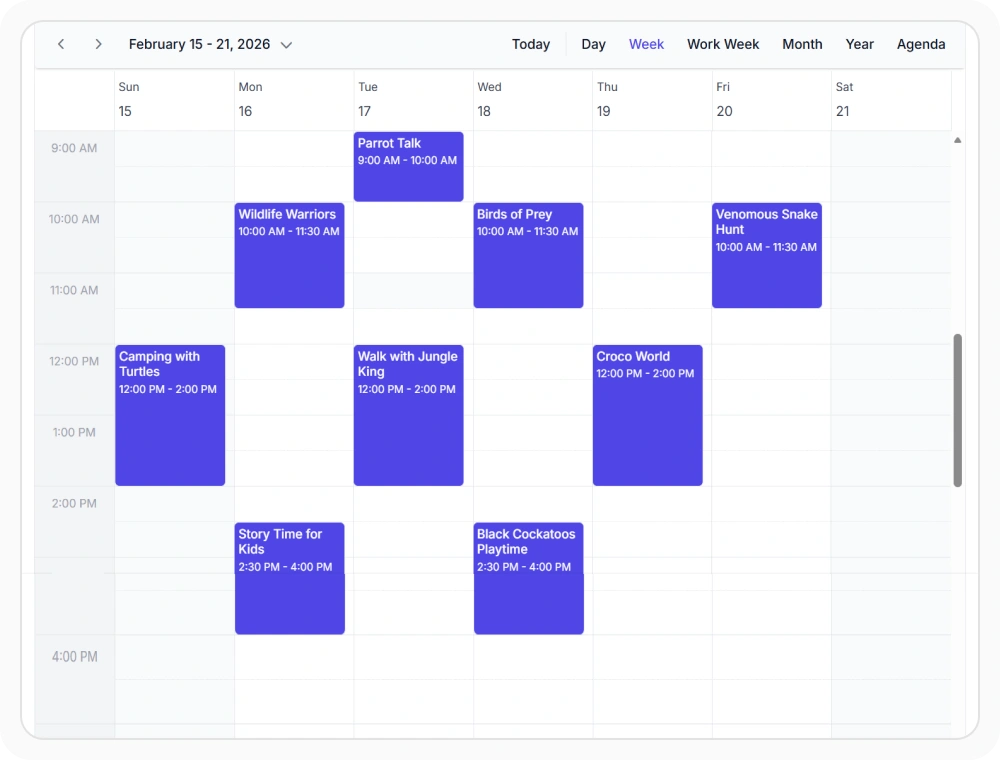
Plan day and week schedules
Day, week, and work week views display appointments in hourly time slots for reviewing start times, end times, and availability. Use these views when schedules require hour-by-hour visibility and precise time-slot availability.
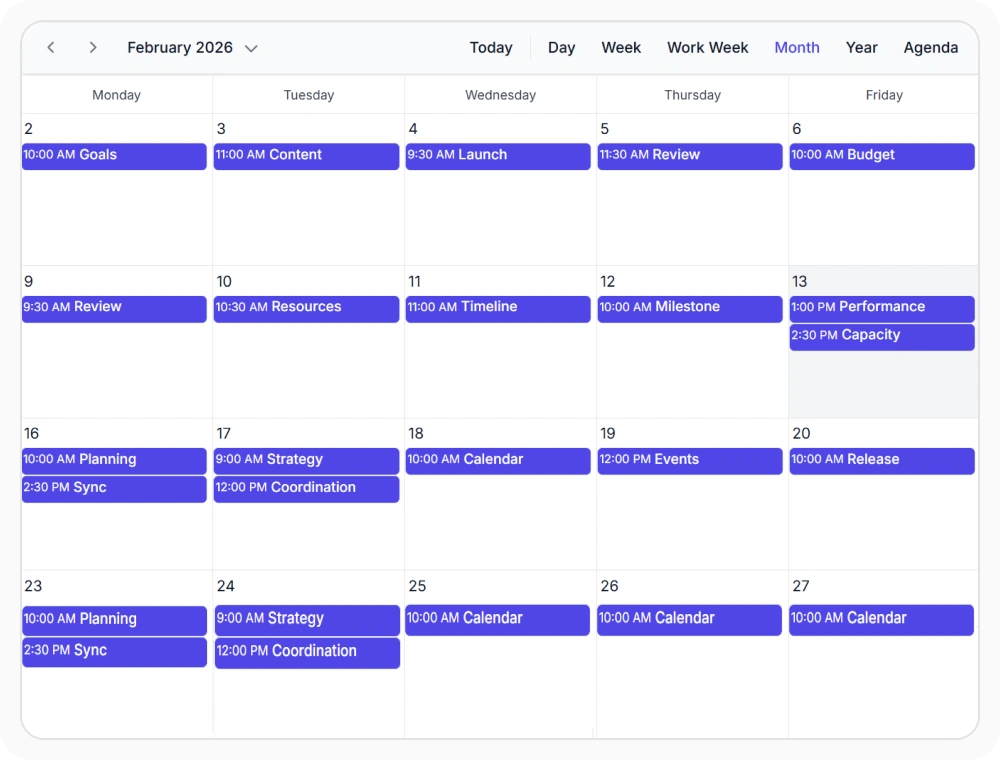
Month view for monthly planning
Month view displays appointments across the month without hourly time slots. It helps identify busy dates, open periods, and overlaps. Use this view when schedules must be planned across several weeks.
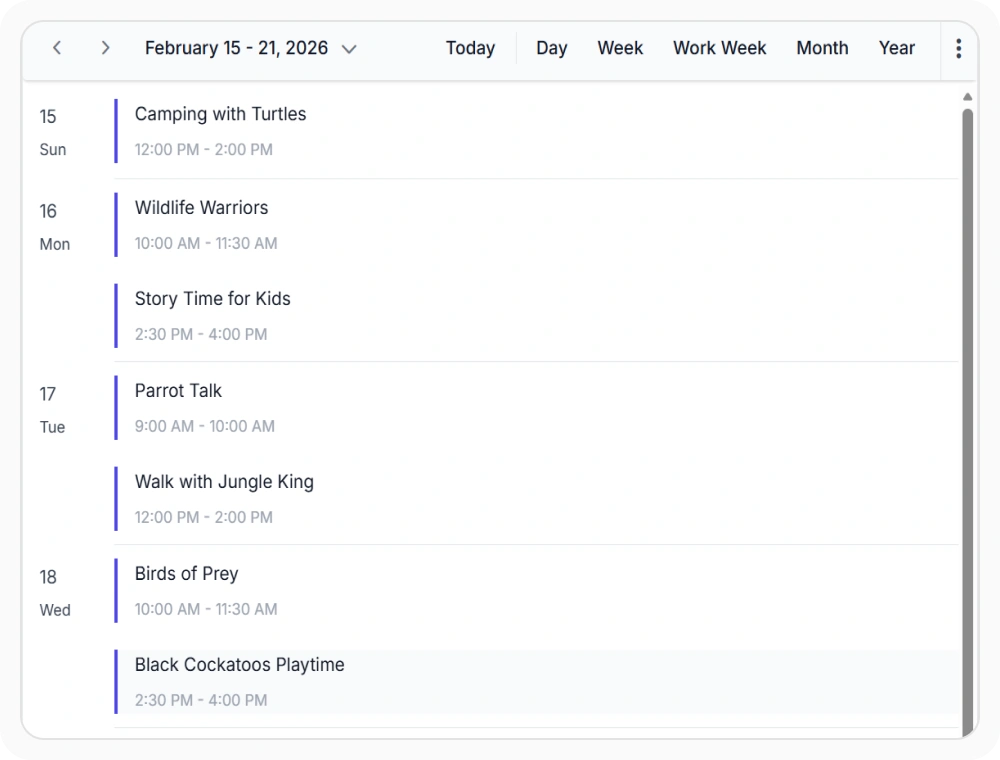
Agenda view for upcoming events
Agenda view lists upcoming appointments in chronological order instead of a calendar grid. It helps readers scan dates, times, and event details in one continuous list. Use this view when upcoming schedules must be reviewed in sequence.
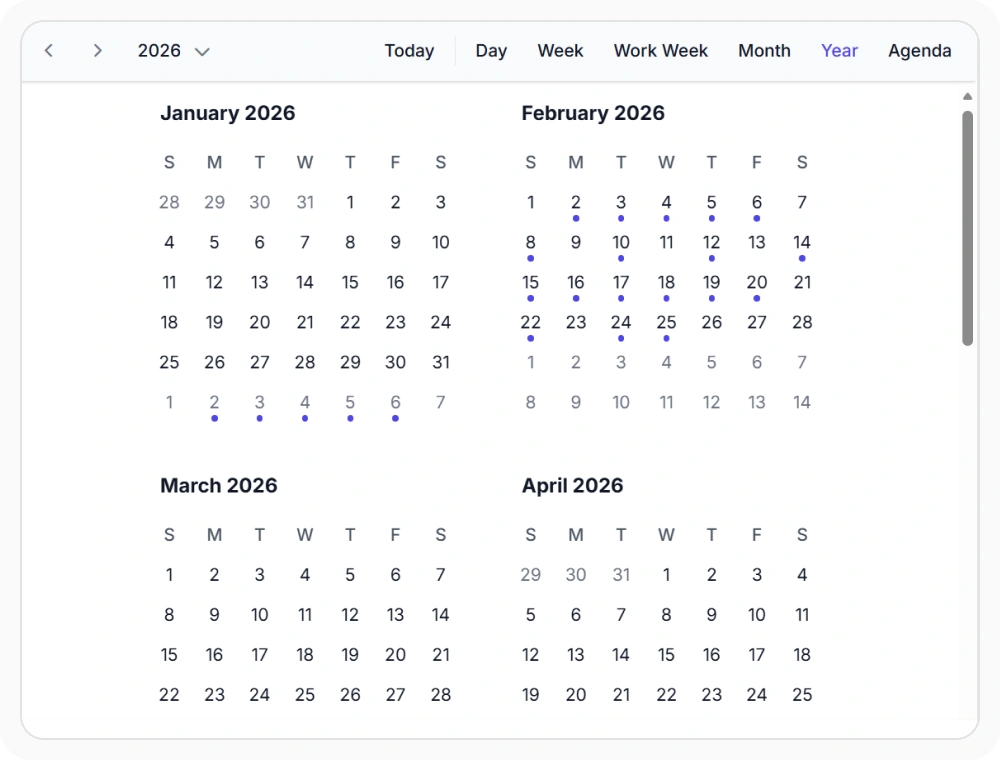
Year view for annual planning
Year view shows all twelve months in one calendar and highlights dates with appointments. It helps identify busy periods and available dates throughout the year. Use this view when schedules must be reviewed or planned across several months.
Frequently Asked Questions
Can a default calendar view be configured in the React Scheduler?
Yes. The React Scheduler allows configuration of a default view so the most relevant layout, such as day, Week, or month displays when the component loads. This setting reduces initial navigation steps for common workflows.
Can appointment styling be customized in different React Scheduler views?
Yes. The React Scheduler supports customization of appointment templates, colors, indicators, and styling to match branding requirements and improve schedule visibility across all views.
Are React Scheduler views responsive on mobile devices?
Yes. The React Scheduler provides responsive calendar views that adapt layouts and touch interactions for desktops, tablets, and mobile devices, ensuring consistent scheduling capability across screen sizes.
Does switching between React Scheduler views affect underlying schedule data?
No. Switching between views changes only the visual presentation of appointments. The underlying scheduling data, appointment details, and metadata remain identical across all views.
Resources
Learn more about our React Scheduler
Explore demos, KB articles, and documentation to get the most out of our React Scheduler.
Explore guides, APIs, and quick-start tips
See live use cases in action
Ask, share, and connect with peers
Find solutions and best practices fast
Get expert help when you need it
Feature requests and bug reports
Track issues and suggest improvements
Awards
Greatness—it’s one thing to say you have it, but it means more when others recognize it. Syncfusion® is proud to hold the following industry awards.









