Try Our Live Demo
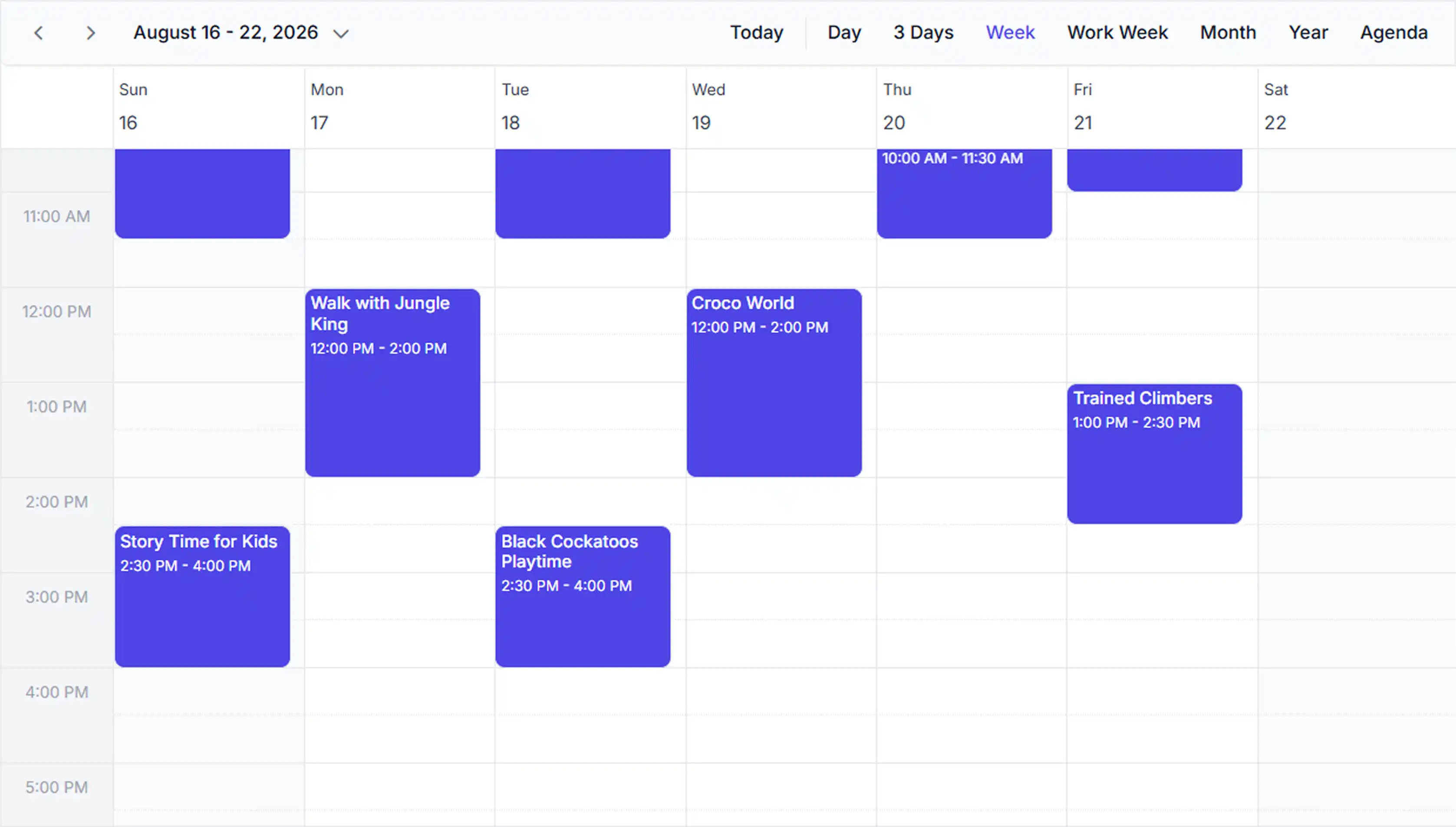
![[React Scheduler with local JSON appointment data]](https://ft.syncfusion.com/featuretour/scheduler-sdk/images/react-scheduler/local-data-binding.webp)
Bind appointment data from JSON arrays
Local JavaScript object binding connects appointments directly to in-memory data collections. This provides quick access to scheduling data already available in the application. Use it when appointment data does not require server-side retrieval.
![[React Scheduler pulling data from a remote API endpoint]](https://ft.syncfusion.com/featuretour/scheduler-sdk/images/react-scheduler/remote-data-binding.webp)
Connect to remote data sources
Remote data binding retrieves appointments from APIs, databases, and backend services using Syncfusion DataManager. This keeps scheduling data synchronized with server-managed records. Use it when appointment information is maintained in external applications or services.
![[React Scheduler with custom field mapping displaying additional appointment metadata]](https://ft.syncfusion.com/featuretour/scheduler-sdk/images/react-scheduler/react-scheduler-custom-field.webp)
Map custom fields to appointments
Field mapping connects Scheduler appointments to existing data fields without requiring data model changes. This simplifies integration with existing scheduling data sources. Use it when working with custom field names or data schemas.
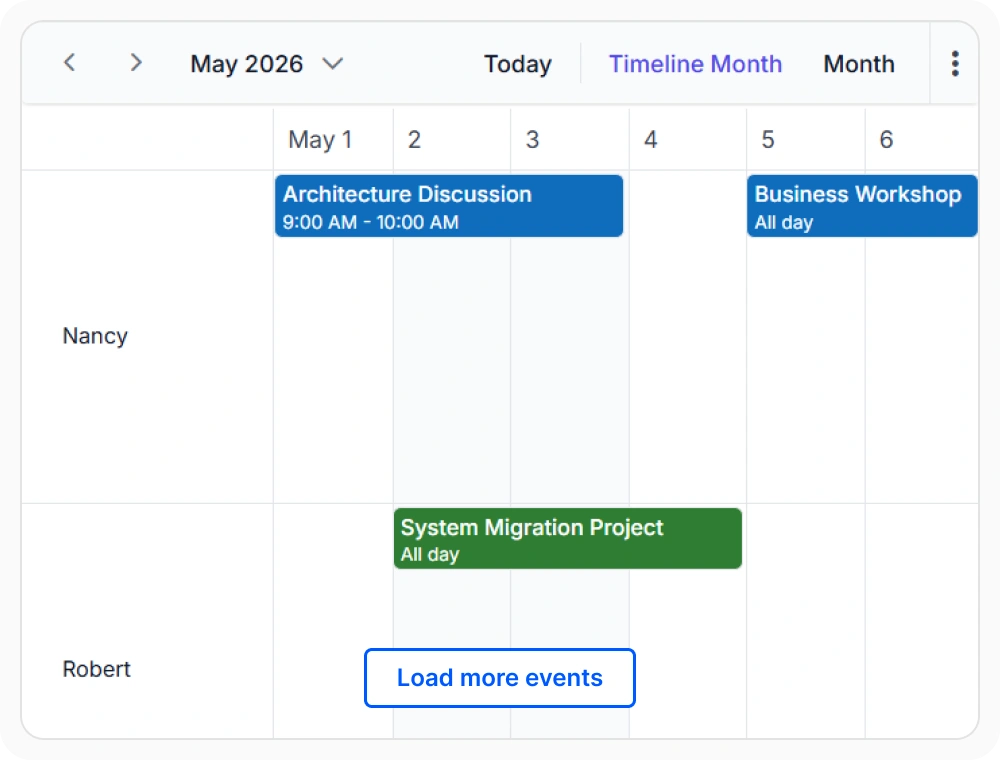
Load appointment data on demand
On-demand loading retrieves appointment data only for the currently displayed date range. This reduces unnecessary data processing and data transfer. Use it when scheduling applications handle large datasets across extended time periods.
Frequently Asked Questions
How do I bind local data to the React Scheduler?
The React Scheduler supports multiple data binding approaches, including direct binding to local JSON arrays and dynamic binding to remote APIs and backend services. The Scheduler automatically fetches and renders appointments from the connected data source.
Can React Scheduler integrate with WebSocket data sources?
Yes. React Scheduler can receive appointment updates through WebSocket connections. This enables schedules to update automatically when data changes in real time.
Can I map existing data fields to React Scheduler appointments?
Yes. Field mapping allows existing data structures to be connected directly to Scheduler appointment fields such as subject, start time, end time, location, and description without restructuring the data model.
Does the React Scheduler data binding support real time updates?
Yes. The Scheduler can reflect changes from connected data sources immediately. When appointments are added, updated, or deleted in the source system, the Scheduler automatically synchronizes those changes and updates the view.
How does lazy loading work with React Scheduler data binding?
Lazy loading retrieves appointment data only for the currently visible date range. When navigating to a different date range, the Scheduler requests only the appointments needed for that period, reducing data transfer and improving performance with large historical appointment volumes.
What data sources can the React Scheduler connect to?
The React Scheduler connects to JSON arrays, REST APIs, databases, OData services, custom data adaptors, cloud services, and enterprise systems such as CRM and ERP platforms through flexible binding and integration mechanisms.
Resources
Learn more about our React Scheduler
Explore demos, KB articles, and documentation to get the most out of our React Scheduler.
Explore guides, APIs, and quick-start tips
See live use cases in action
Ask, share, and connect with peers
Find solutions and best practices fast
Get expert help when needed
Feature requests and bug reports
Track issues and suggest improvements
Awards
Greatness—it’s one thing to say you have it, but it means more when others recognize it. Syncfusion® is proud to hold the following industry awards.









