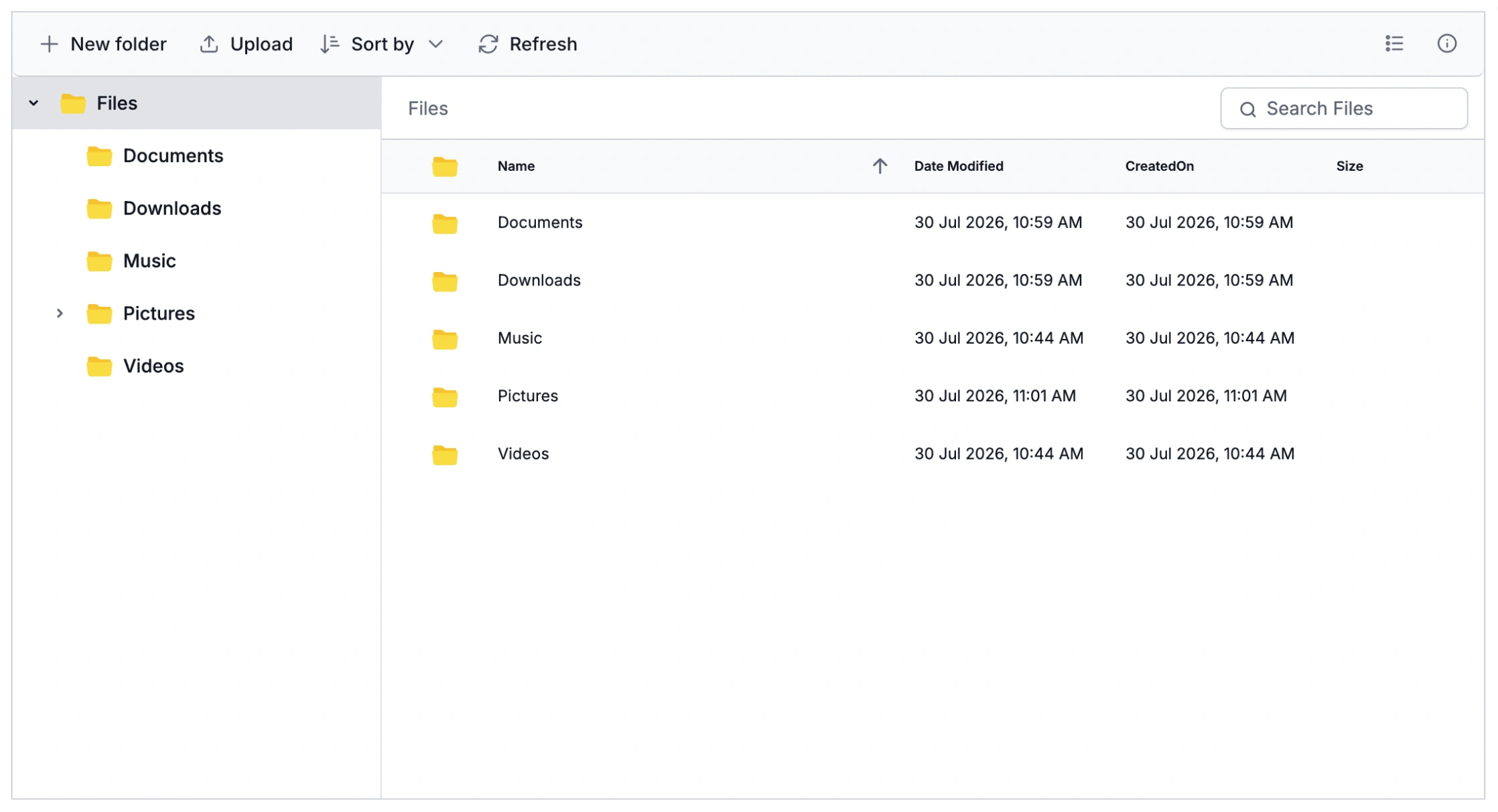



Built-In Viewers for Document and Spreadsheet Formats
Each supported file type opens in a purpose-built viewer component, so teams can review documents, text files, and spreadsheets without leaving the File Manager interface.
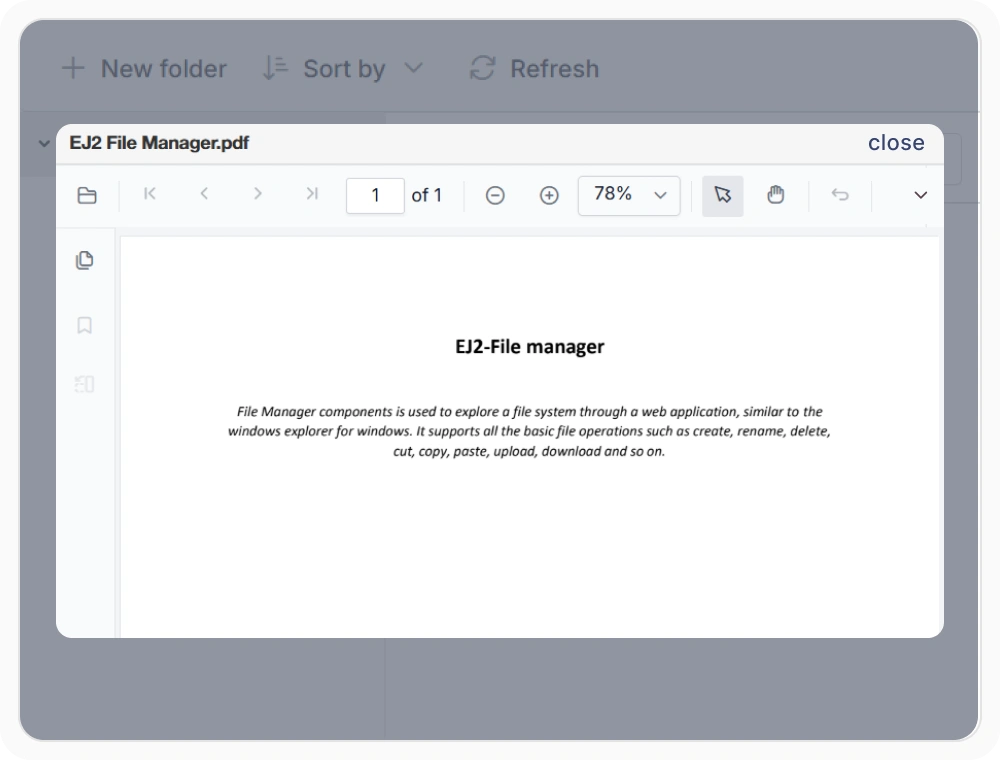
Preview PDF documents
Preview PDF documents directly within the File Manager using the integrated PDF Viewer. Navigate pages, zoom, and search document content without leaving the workspace. Use this feature when reviewing contracts, reports, manuals, or reference documents during everyday workflows.
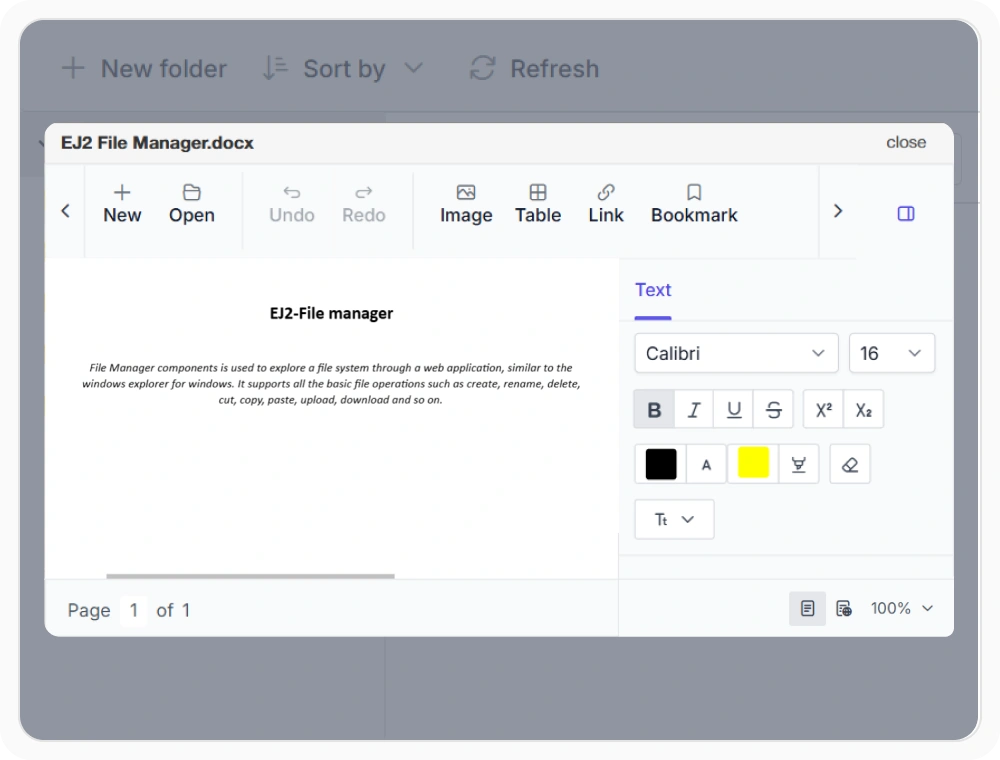
Preview Word documents
Preview Word and text documents directly within the File Manager using the integrated Document Editor. Scrolling and searching content stay available while the document remains in place. Use this feature when reviewing proposals, reports, letters, or other business documents.
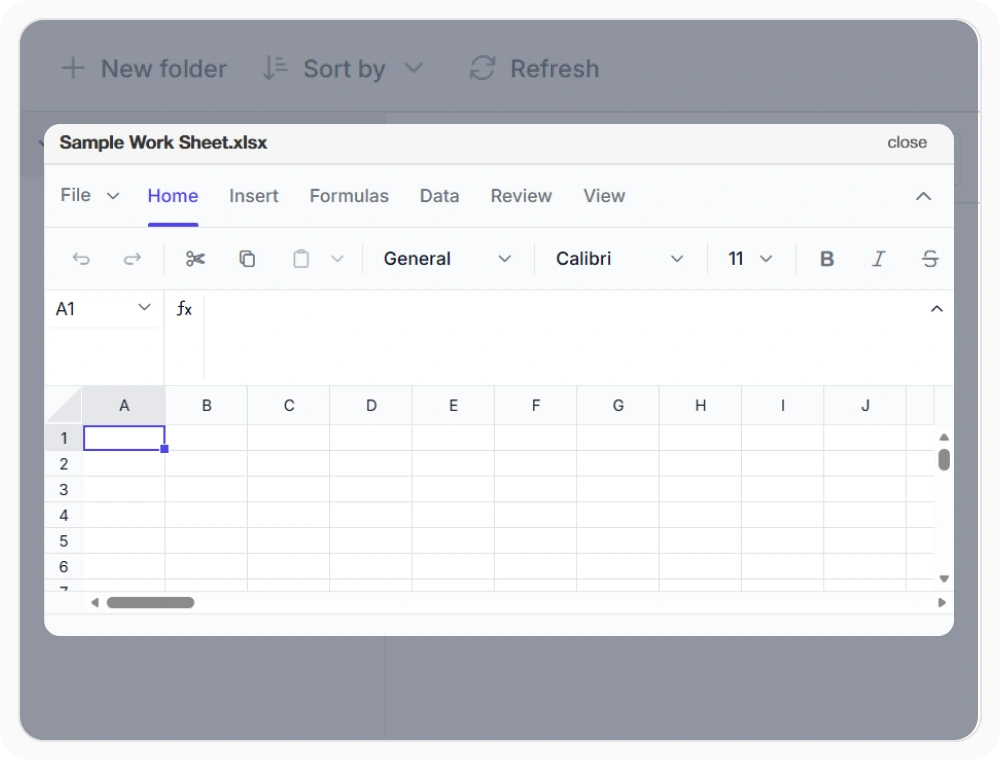
Preview Excel spreadsheets
Preview Excel spreadsheets directly within the File Manager using the integrated Spreadsheet component. Preserve formulas, formatting, and worksheet data while reviewing content in the same view. Use this feature when analyzing budgets, reports, inventory, or business data.
Frequently Asked Questions
How does file preview work in React File Manager?
React File Manager opens previews based on file type. PNG and JPEG images display directly, while PDF, Word, and Excel files use integrated Syncfusion viewers for optimal rendering.
What file formats can React File Manager preview?
React File Manager previews PNG and JPEG images directly. With integrated Syncfusion viewers, it also supports PDF, DOCX, DOC, TXT, and XLSX file formats for comprehensive document viewing capabilities.
Which components enable React File Manager preview?
React File Manager previews files by type. PNG and JPEG show directly, while PDF, Word, and Excel use Syncfusion PDF Viewer, Document Editor, and Spreadsheet.
Does React File Manager need a backend for preview?
Yes. React File Manager requires a backend service to retrieve and prepare files for the viewer components. The backend can also enforce your own security and access rules before returning file data to the viewer.
Resources
Learn more about our React File Manager
Explore demos, KB articles, and documentation to get the most out of the File Manager.
Explore guides, APIs, and quick-start tips
See live use cases in action
Ask, share, and connect with peers
Find solutions and best practices fast
Get expert help when needed
Feature requests and bug reports
Track issues and suggest improvements
See Real Success Stories
Developers around the world trust Syncfusion’s Essential Studio to simplify complex projects and speed up delivery. With a vast library of UI controls, powerful SDKs, and reliable support, Essential Studio helps teams build enterprise-ready applications with confidence.
Read Our Customer StoriesIndustry
Software development
75% Cost reduction
50% Faster development

Industry
Utilities (oil and gas)

450+ hours saved
Streamlined processes and hours of development effort saved.

Advanced, flexible features
Empowered users through robust and versatile functionality.
Industry
Software and technology
1000+ of hours saved
Accelerated development with enterprise-ready UI components.

Efficient file management
Streamlined workflows with document libraries without building them from scratch.
Industry
Software and technology

2 Years of delay avoided
Two years of delays prevented with proactive planning.

On-time delivery
Projects delivered on schedule using trusted controls.
Industry
IT services and IT consulting

Improved performance
Large datasets handled with easy customization and quick debugging.

Highly customizable
Plug-and-play controls with quick template integration.
Industry
Professional services
Instant access
Quick availability of features and resources.
Reduced dependencies
Fewer dependencies for faster development.
Awards
Greatness—it’s one thing to say you have it, but it means more when others recognize it. Syncfusion® is proud to hold the following industry awards.









