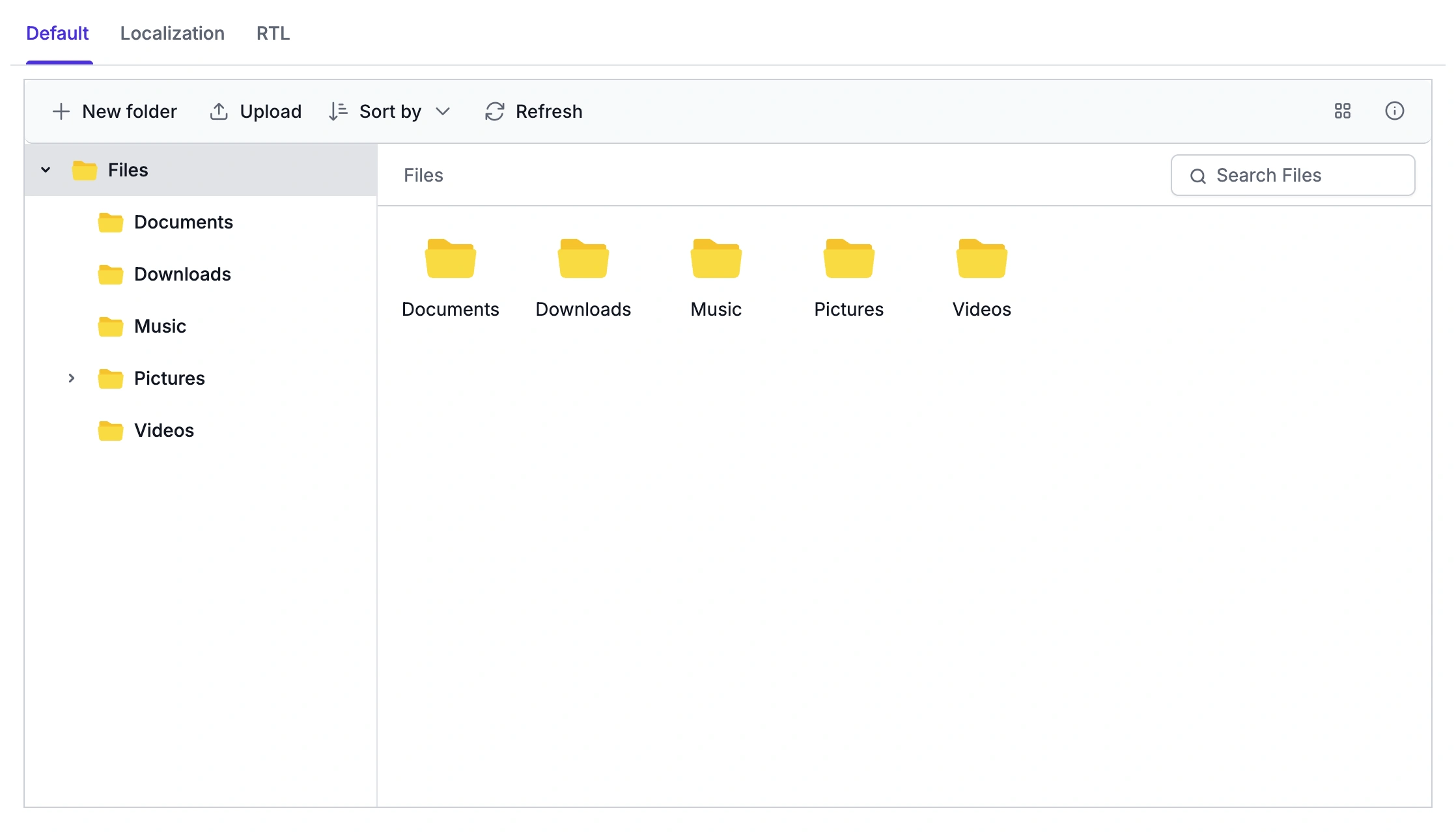



Universal File Access for Every User and Device
Accessibility support, localization, and responsive design help teams deliver inclusive file management that adapts to different abilities, languages, and screen sizes without extra custom development.
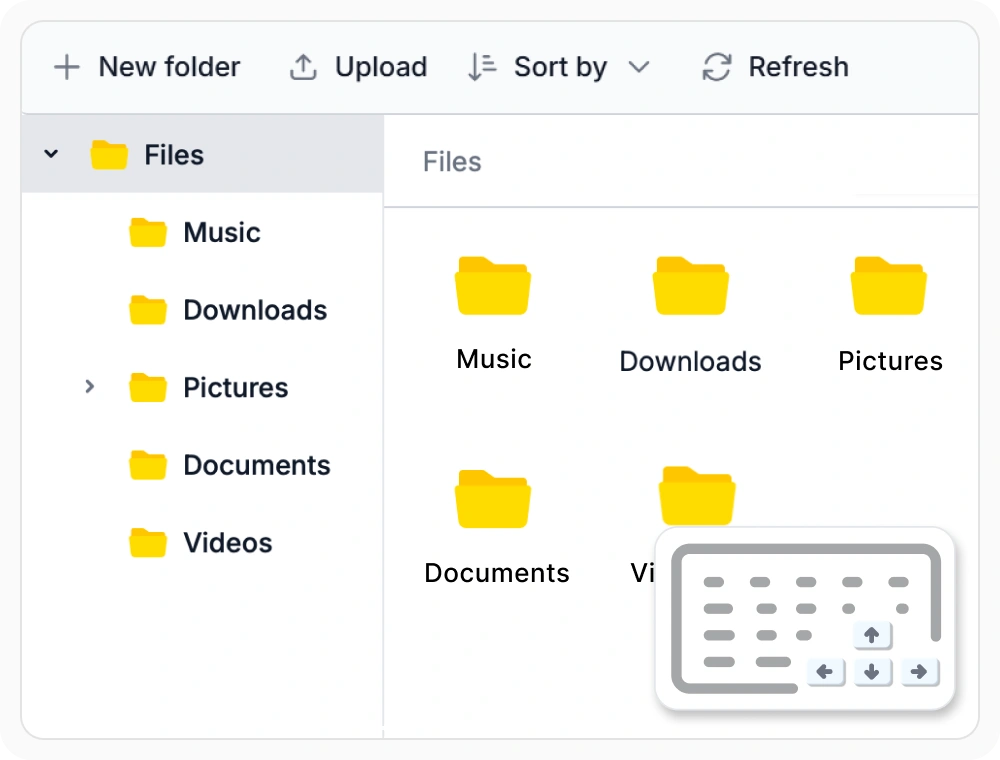
Keyboard navigation for browsing
Keyboard navigation lets users browse folders, select files, and run file operations using standard shortcuts instead of a mouse. Teams building accessible internal tools or compliance-driven application use this to support keyboard-only workflows and meet accessibility requirements.
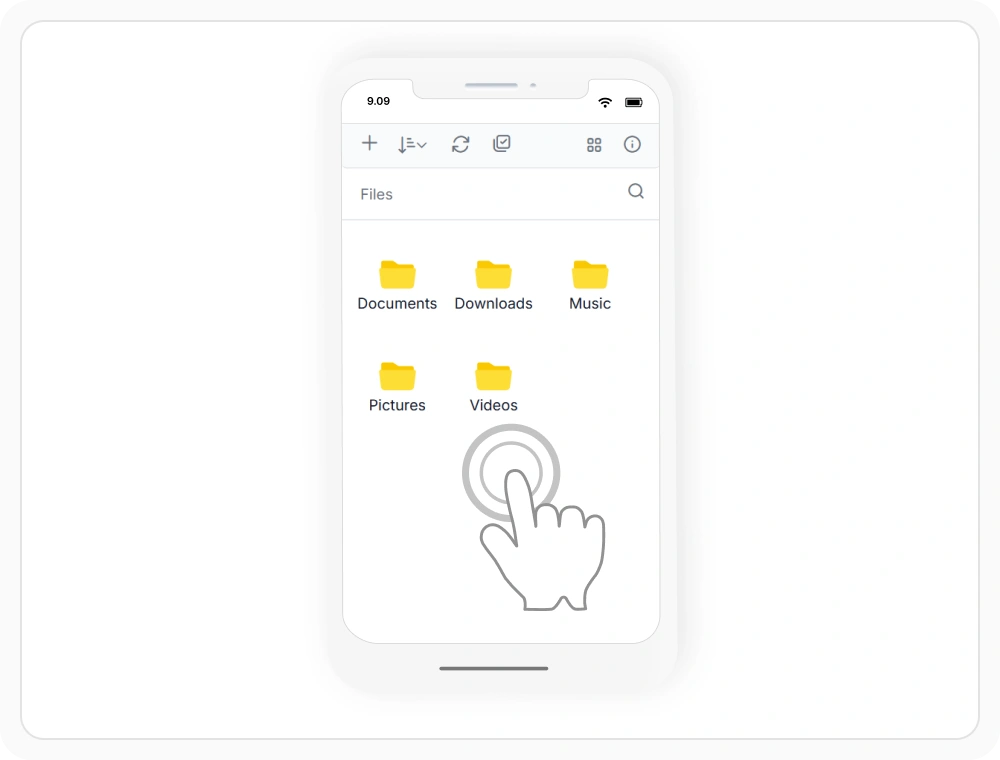
Touch support for mobile browsing
Touch support lets users browse, select, and organize files with tap, swipe, drag, and pinch gestures on phones and tablets. Teams building field-service, healthcare, or logistics application use this to deliver consistent file management across desktop and mobile devices.
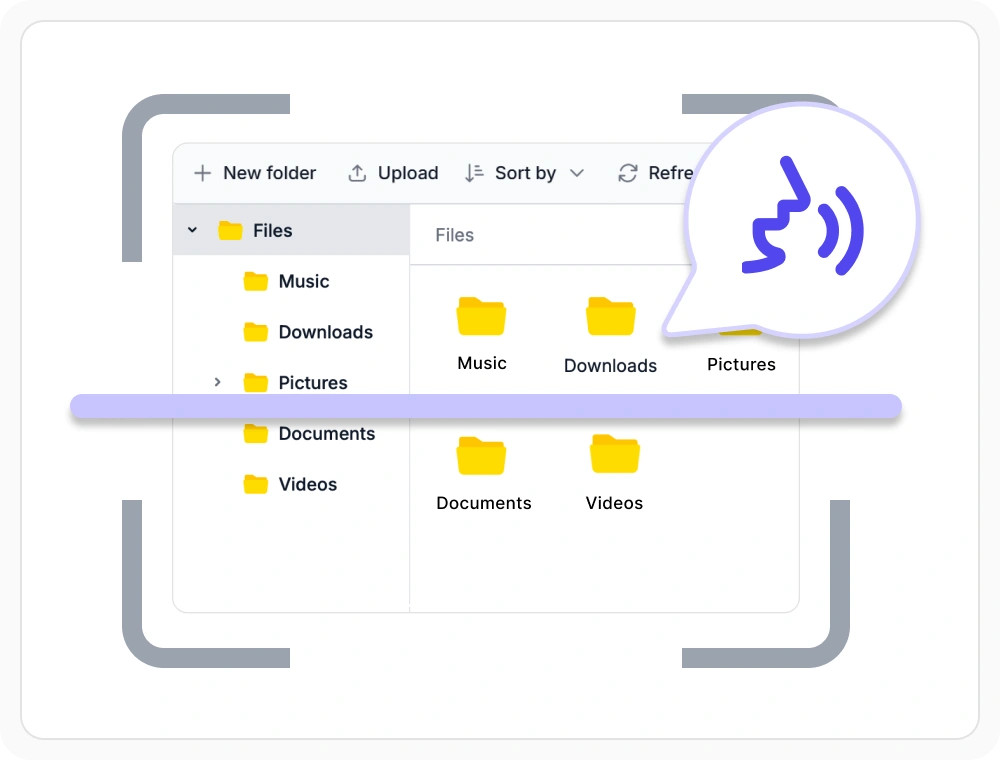
Screen reader support for files
Screen reader support uses ARIA attributes so assistive technologies announce files, folders, and commands as users navigate. Government, education, and healthcare portals use this to meet WCAG and Section 508 compliance requirements without extra development.
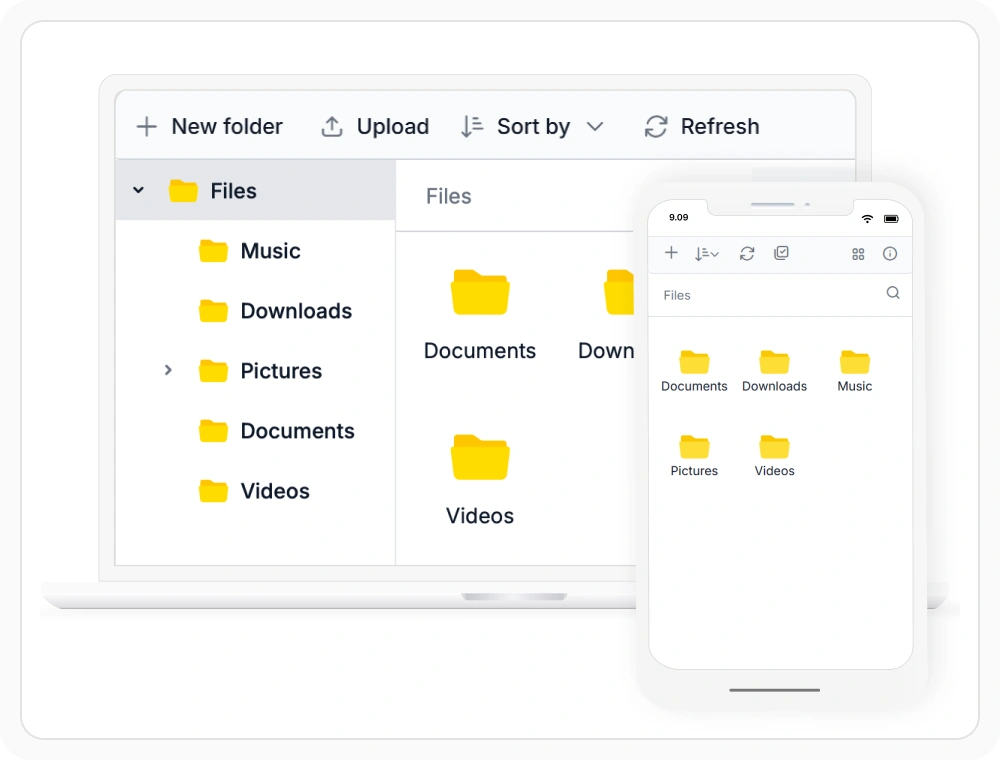
Responsive layouts for any device
Responsive layouts automatically resize the File Manager’s navigation pane, toolbar, and file list across desktop, tablet, and mobile screens. Teams embedding file management in customer portals or admin dashboards use this to keep every operation accessible on any device.
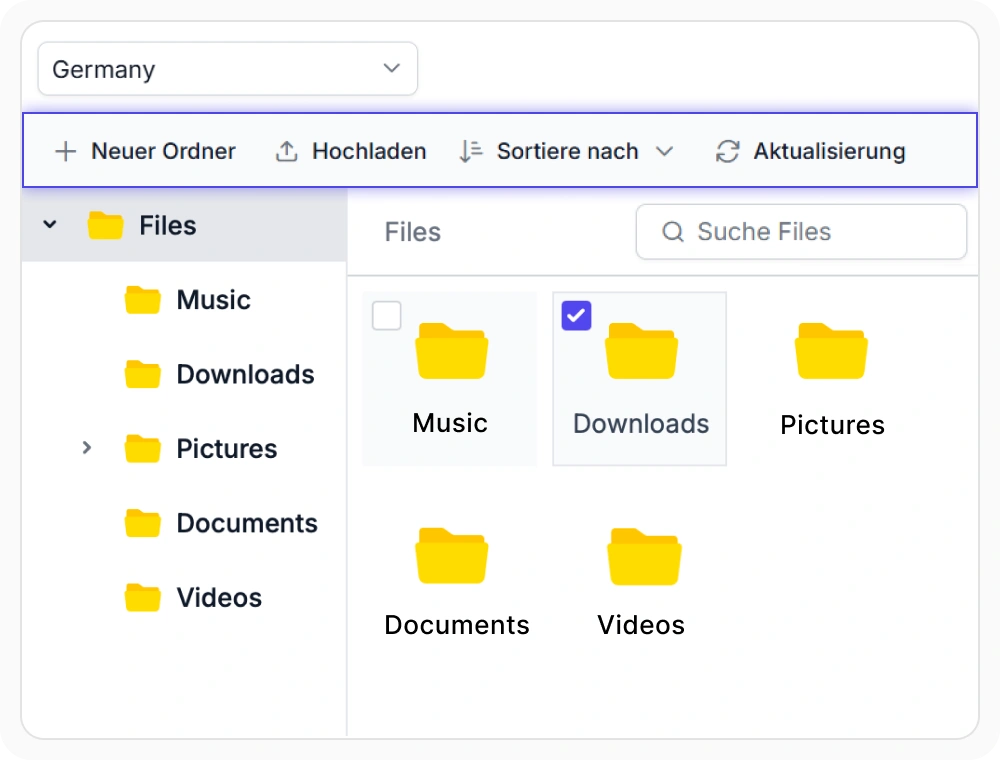
Localize labels and formats
Localization translates menus, dialogs, and labels while applying culture-specific date, time, number, and file size formats. Enterprises deploying to global customers use this to deliver a native-feeling interface without maintaining separate builds per region.
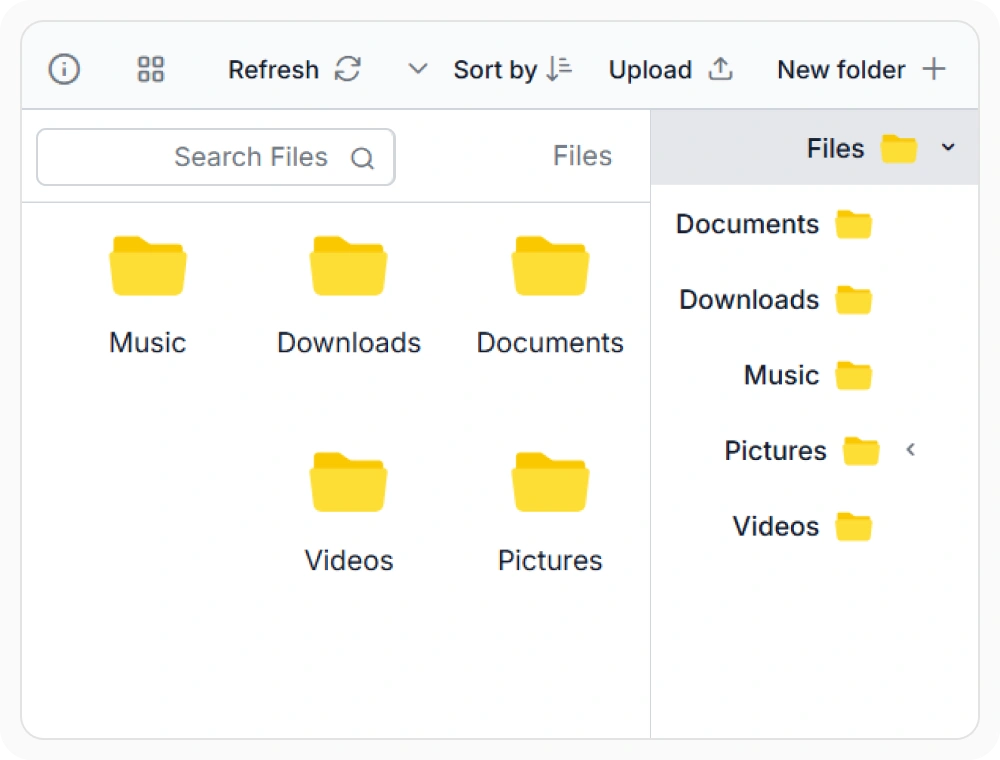
Render right-to-left layouts
RTL support mirrors the layout, navigation pane, toolbar, and menus for languages such as Arabic, Hebrew, Persian, and Urdu. Teams serving Middle Eastern or South Asian markets use this to deliver a natural, native-reading experience without custom layout code.
Frequently Asked Questions
Does the React File Manager support keyboard navigation?
Yes. The React File Manager supports keyboard navigation for browsing folders, selecting files, and performing common file operations without using a pointing device.
Can the React File Manager be localized for multiple languages?
Yes. The React File Manager supports localization for multiple languages, allowing interface labels, menus, and dialogs to be translated while applying culture-specific date, time, number, and file size formats.
Is the React File Manager fully accessible and compatible with screen readers?
Yes. The React File Manager uses ARIA attributes and accessible markup to help screen readers announce files, folders, and commands during navigation.
Does the React File Manager support right-to-left layouts?
Yes. The React File Manager supports right to left layouts. When enabled, the interface mirrors navigation, toolbars, dialogs, and other layout elements for right to left languages such as Arabic, Hebrew, Persian, and Urdu.
Resources
Learn more about our React File Manager
Explore demos, KB articles, and documentation to get the most out of the File Manager.
Explore guides, APIs, and quick-start tips
See live use cases in action
Ask, share, and connect with peers
Find solutions and best practices fast
Get expert help when needed
Feature requests and bug reports
Track issues and suggest improvements
See Real Success Stories
Developers around the world trust Syncfusion’s Essential Studio to simplify complex projects and speed up delivery. With a vast library of UI controls, powerful SDKs, and reliable support, Essential Studio helps teams build enterprise-ready applications with confidence.
Read Our Customer StoriesIndustry
Software development
75% Cost reduction
50% Faster development

Industry
Utilities (oil and gas)

450+ hours saved
Streamlined processes and hours of development effort saved.

Advanced, flexible features
Empowered users through robust and versatile functionality.
Industry
Software and technology
1000+ of hours saved
Accelerated development with enterprise-ready UI components.

Efficient file management
Streamlined workflows with document libraries without building them from scratch.
Industry
Software and technology

2 Years of delay avoided
Two years of delays prevented with proactive planning.

On-time delivery
Projects delivered on schedule using trusted controls.
Industry
IT services and IT consulting

Improved performance
Large datasets handled with easy customization and quick debugging.

Highly customizable
Plug-and-play controls with quick template integration.
Industry
Professional services
Instant access
Quick availability of features and resources.
Reduced dependencies
Fewer dependencies for faster development.
Awards
Greatness—it’s one thing to say you have it, but it means more when others recognize it. Syncfusion® is proud to hold the following industry awards.









