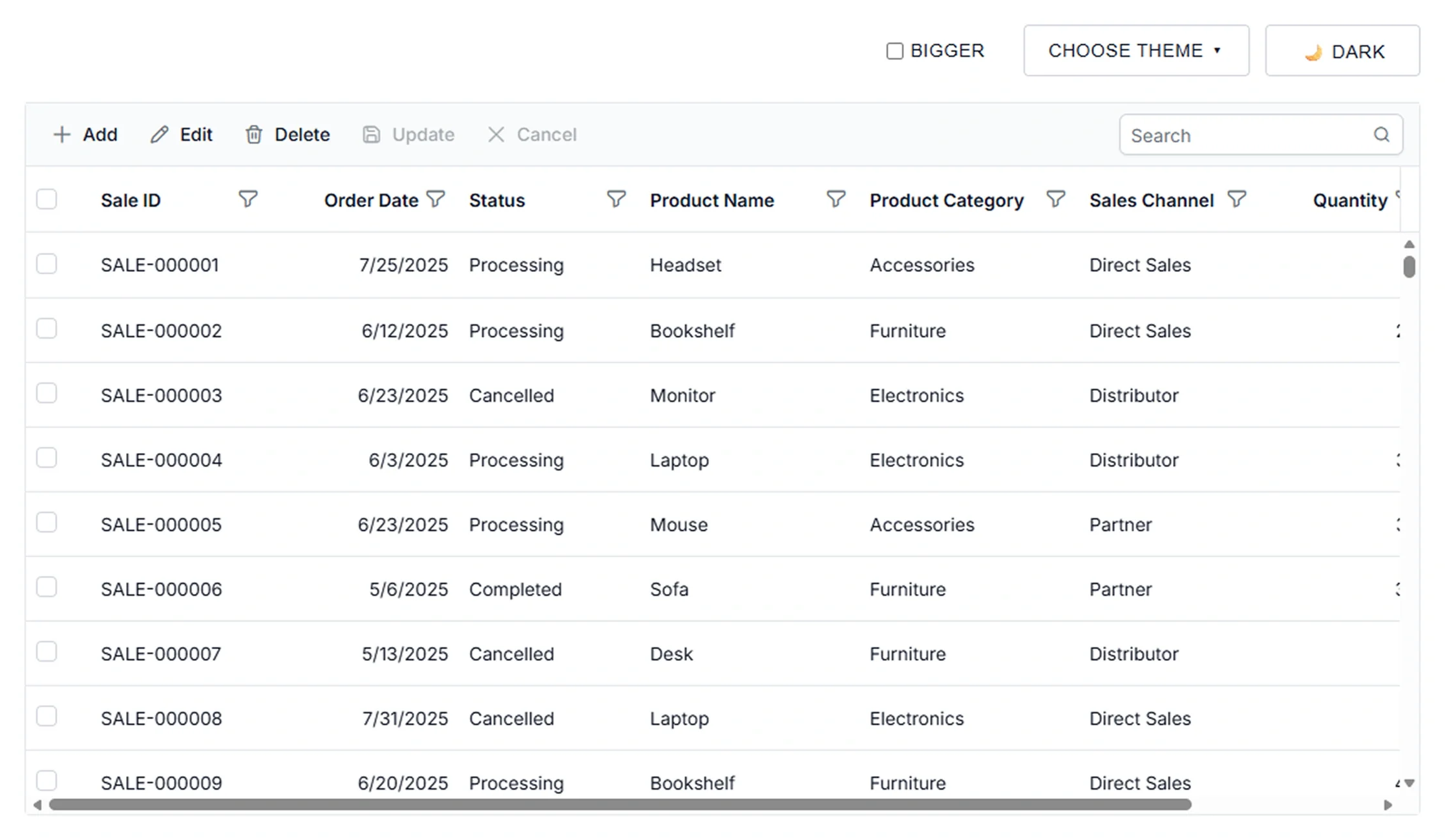



UI customization and theming
Control the visual presentation of the Data Grid through themes, colors, styling options, and size modes. Ensure design consistency, improve readability, and support diverse application branding requirements.
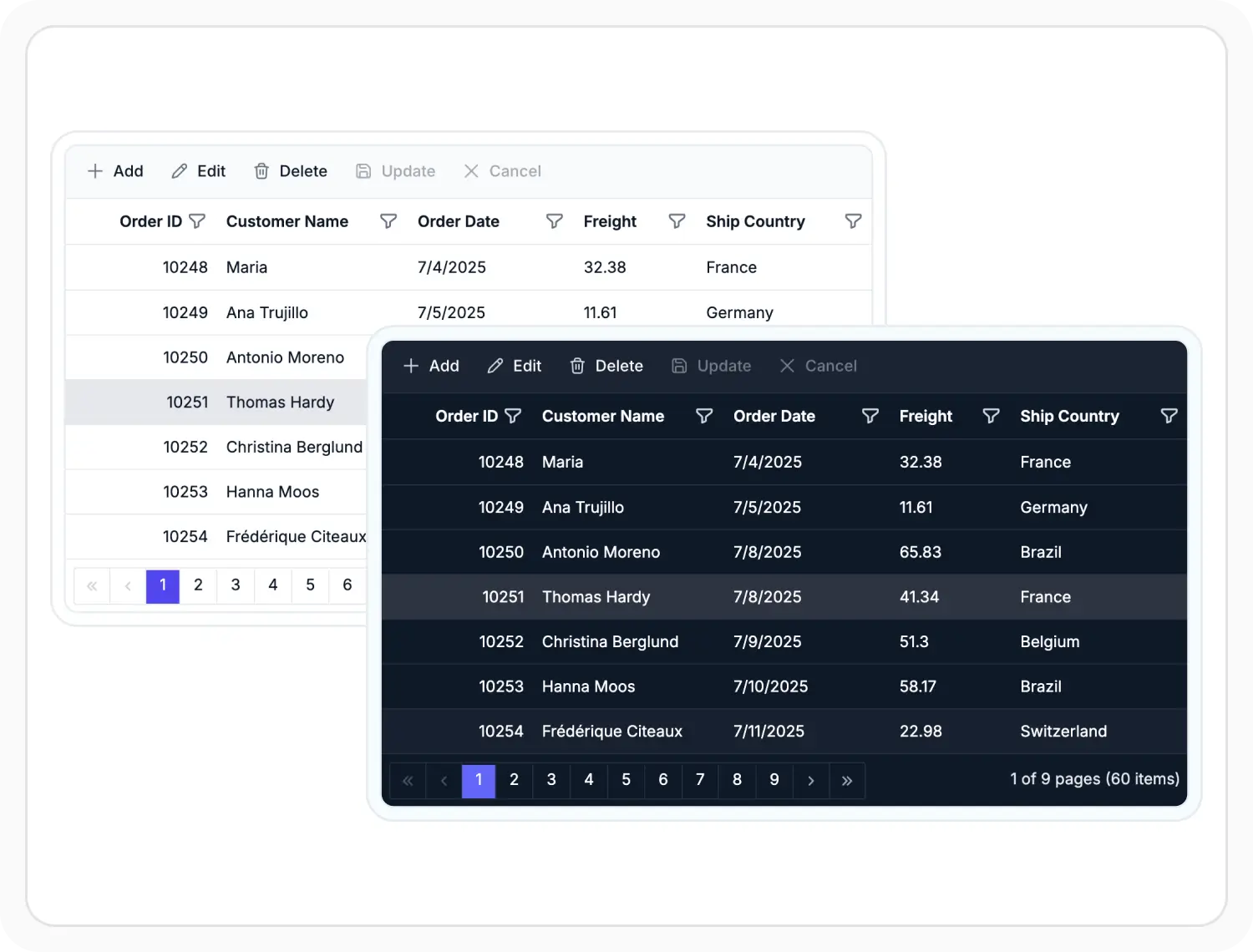
Apply built-in themes
Apply built-in Material, Bootstrap, Fluent, Tailwind, light, and dark themes to match application design requirements. Use it when an application needs a predefined visual style based on an existing design system.
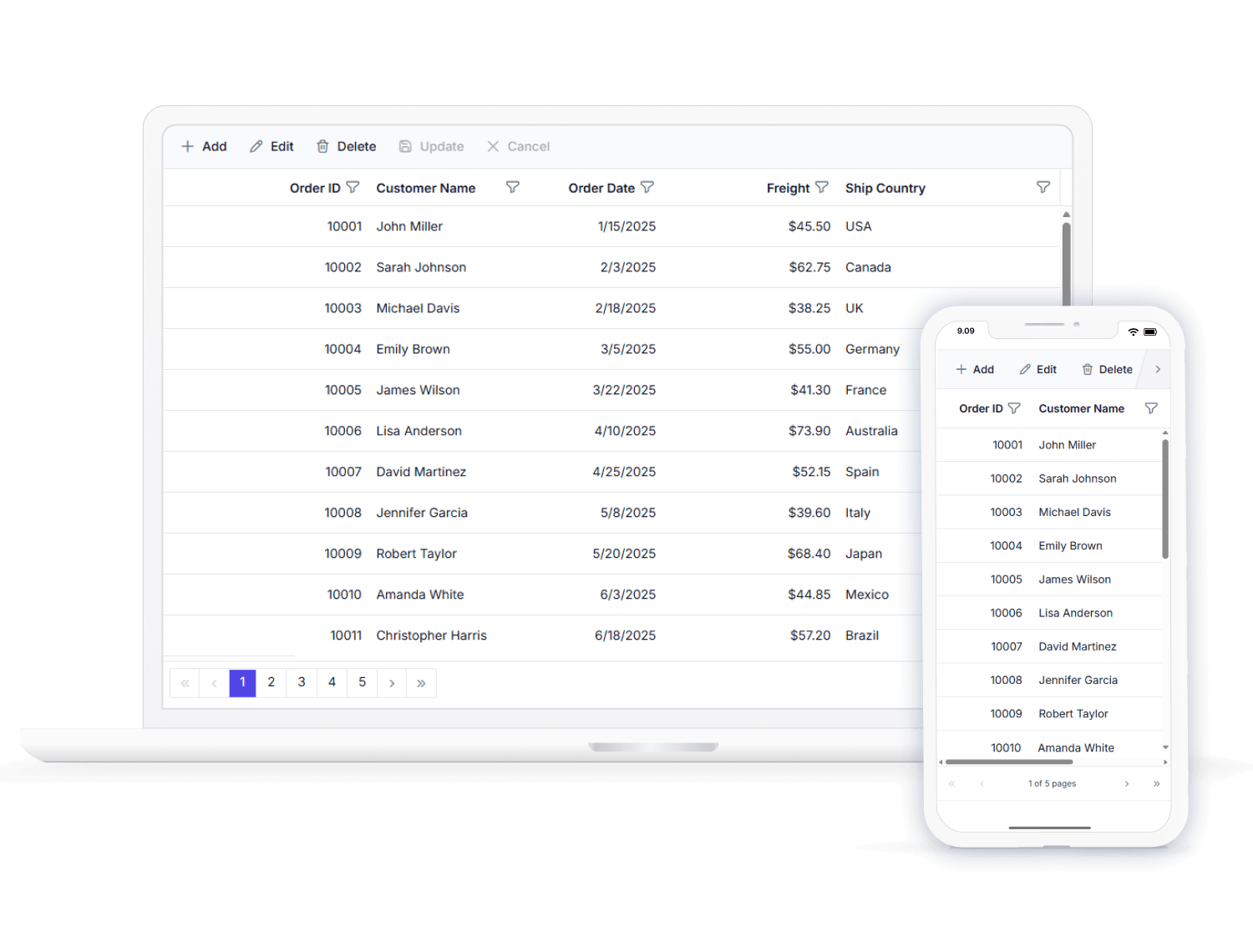
Flexible sizing for devices
Configure Data Grid sizing for different interaction methods using Normal and Touch modes. Use it when applications run across desktop and touch-enabled screens.
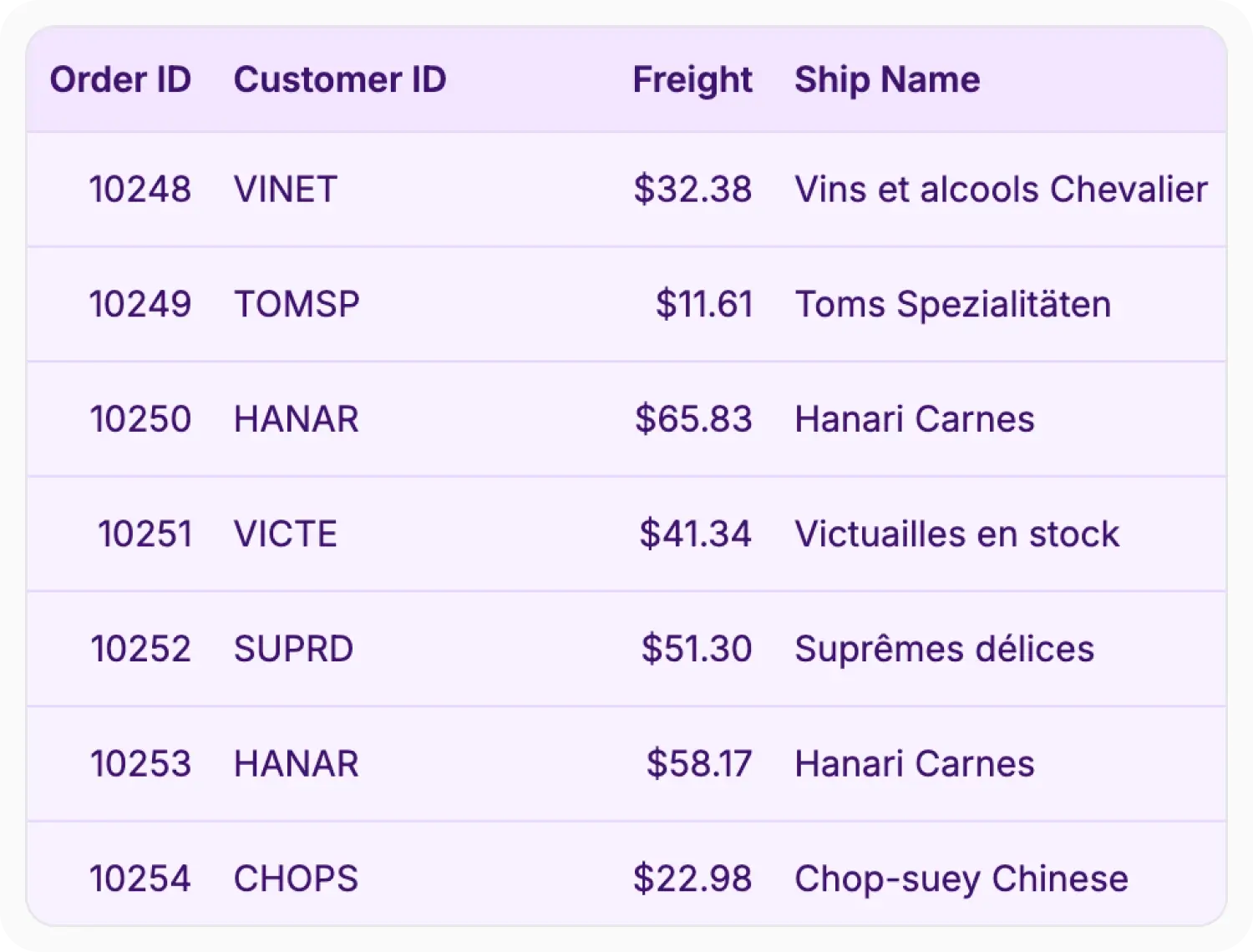
Create custom themes
Create custom themes using Syncfusion Theme Studio with brand colors, fonts, borders, and styling settings. Customize built-in themes or create theme variations that align with branding and design requirements. Use it when project designs require changes beyond predefined themes.
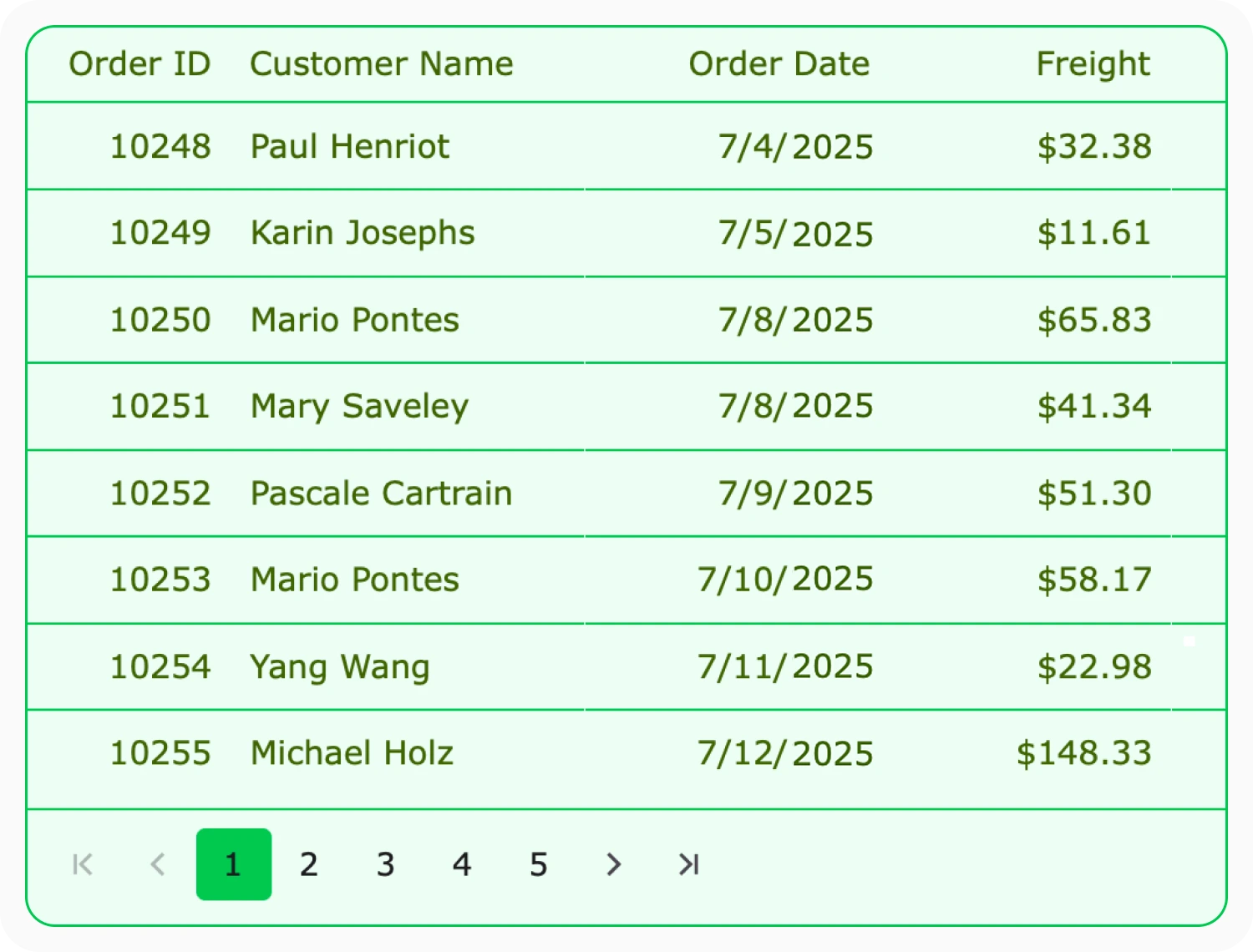
Customize appearance
Customize Data Grid colors, fonts, and borders across the entire grid using CSS variables. Apply styles to specific elements such as headers, rows, selected rows, and cells using CSS selectors. Use it when application styling must follow specific branding requirements.
See Why Developers Love Syncfusion
Our Customers Love Us
Having an excellent set of tools and a great support team, Syncfusion reduces customers’ development time. Here are some of their experiences.




Frequently Asked Questions
Can React Data Grid themes be switched dynamically at runtime efficiently?
Yes. Themes can be changed dynamically at runtime by switching the applied theme styles. This allows applications to provide different visual experiences without recreating the Grid.
Can React Data Grid custom themes be shared across applications?
Yes. Custom themes can be reused across applications to maintain consistent branding, styling, and visual presentation.
Does React Data Grid provide tools for custom theme creation?
Yes. Theme creation tools provide a streamlined way to apply brand colors and styling preferences, reducing the effort needed for custom CSS development.
Can React Data Grid styling be customized at the cell and row level?
Yes. Cell and row elements can be styled independently using CSS classes, conditional formatting, and event-based customization.
Resources
Learn more about React Data Grid theme customization
Explore demos, documentation, and guides to build fully branded grid themes efficiently.
Styling and appearance documentation
Reference for grid themes, header, row, and cell appearance through CSS and theme overrides.
See built-in themes and styling options in action.
Find solutions and best practices for grid theming.
Ask questions and share theming approaches with the community.
Get expert help when needed
Feature requests and bug reports
Track issues and suggest improvements
See Real Success Stories
Developers around the world trust Syncfusion’s Essential Studio to simplify complex projects and speed up delivery. With a vast library of UI controls, powerful SDKs, and reliable support, Essential Studio helps teams build enterprise-ready applications with confidence.
Read Our Customer StoriesIndustry
Software development
75% Cost reduction
50% Faster development

Industry
Utilities (oil and gas)

450+ hours saved
Streamlined processes and hours of development effort saved.

Advanced, flexible features
Empowered users through robust and versatile functionality.
Industry
Software and technology
1000+ of hours saved
Accelerated development with enterprise-ready UI components.

Efficient file management
Streamlined workflows with document libraries without building them from scratch.
Industry
Software and technology

2 Years of delay avoided
Two years of delays prevented with proactive planning.

On-time delivery
Projects delivered on schedule using trusted controls.
Industry
IT services and IT consulting

Improved performance
Large datasets handled with easy customization and quick debugging.

Highly customizable
Plug-and-play controls with quick template integration.
Industry
Professional services
Instant access
Quick availability of features and resources.
Reduced dependencies
Fewer dependencies for faster development.
Awards
Greatness—it’s one thing to say you have it, but it means more when others recognize it. Syncfusion® is proud to hold the following industry awards.









